
YT Player
YT Player is the fast, customizable YouTube video plugin for WordPress that makes embedding videos effortless. Skip complex iframe codes and broken embeds. Add YouTube videos anywhere with a simple shortcode, keep full control over playback and appearance, and deliver smooth, professional video experiences that work perfectly on any device.

Trusted by more than 2,000+
active users across the world
Customers


Why Choose YT Player?
WordPress users struggle with YouTube embeds that break, load slowly, or look unprofessional. YT Player gives you a clean, fast, and fully customizable video player that keeps visitors engaged without the technical headaches.
The Problem with Default YouTube Embeds
- YouTube iframe codes break or display inconsistently across themes
- No control over player appearance or branding
- Slow loading times hurt page speed and user experience
- Default player controls clash with your site design
- Videos don’t match your brand or content style
- Complex embed codes require technical knowledge
A Better Way to Add YouTube Videos to WordPress
YT Player helps you:
- Embed any YouTube video with a simple
[ytp]shortcode - Customize player colors, controls, and branding to match your site
- Load videos faster with optimized, lightweight code
- Keep visitors watching with seamless, responsive playback
- Add videos anywhere—posts, pages, sidebars, or custom templates
- Control every aspect of the viewing experience
Add YouTube Videos
in Seconds Without Coding
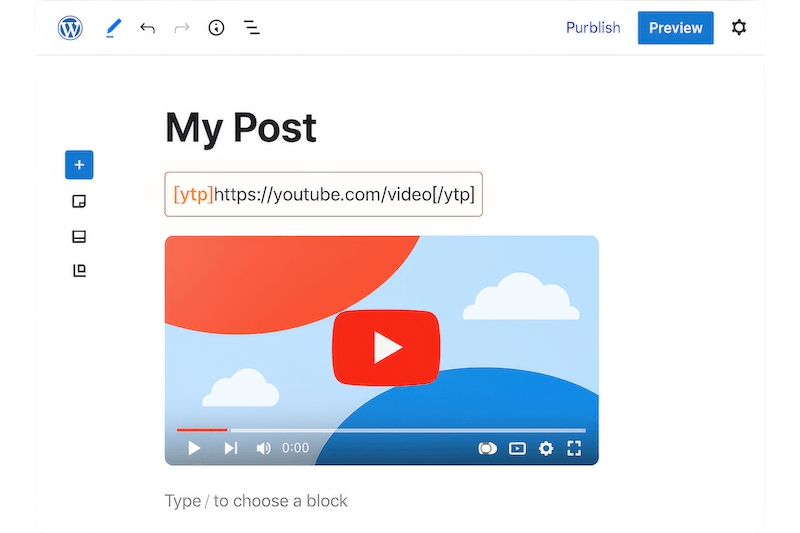
Embed YouTube videos instantly using simple shortcodes. Just paste your YouTube URL inside [ytp]...[/ytp] and place it anywhere on your site. No iframe codes, no technical setup, no complicated configurations. Your videos appear perfectly formatted and ready to play across all devices and themes.
Load Videos Faster Without
Slowing Down Your Site
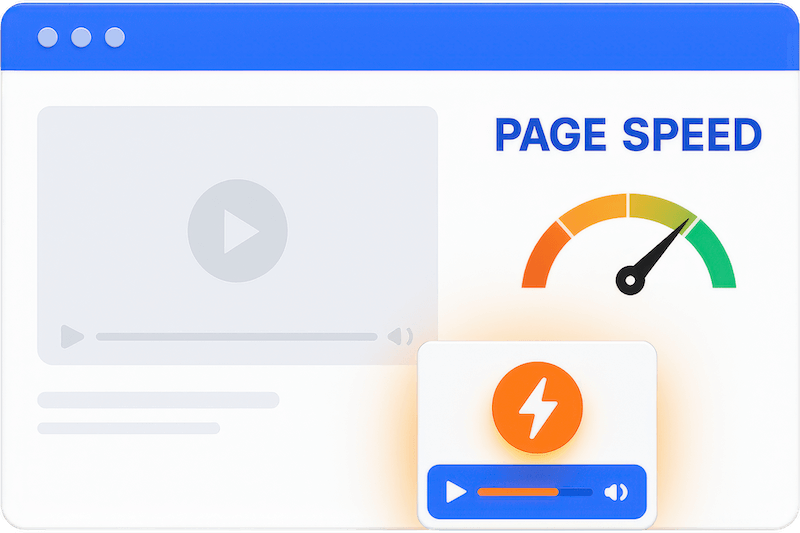
Built with HTML5 and the Plyr framework for lightning-fast performance. YT Player loads quickly without bloating your pages or hurting search rankings. Your visitors get smooth playback while your site stays fast and responsive, improving both user experience and SEO performance.
Complete Control Over
Player Appearance
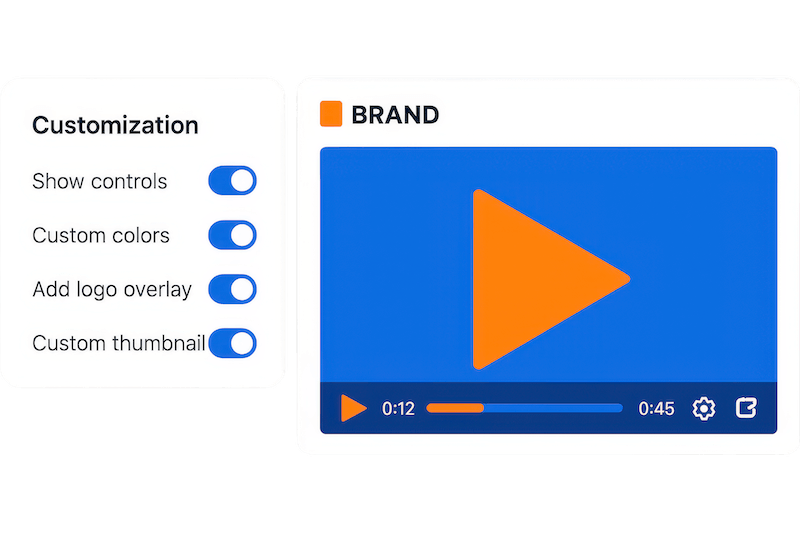
Customize every detail of your video player to match your brand. Choose which controls to show or hide, adjust colors and styling, add your logo overlay, and set custom thumbnails. Create a professional, cohesive look that keeps visitors focused on your content instead of generic YouTube branding.
Ensure Always Professional
Video Experience
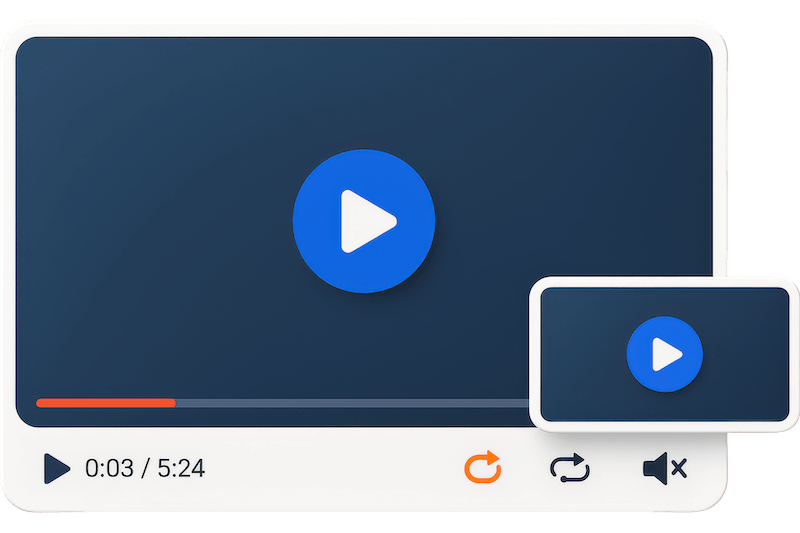
Deliver a polished viewing experience that reflects your brand quality. With features like auto-play, looping, muted start, and floating mini-player, you control exactly how visitors interact with your videos. Keep them engaged longer while building credibility through a professional presentation.
Advanced Features You Need in a WordPress YouTube Player
Simple Shortcode Embedding
Use the easy [ytp] shortcode to add YouTube videos anywhere—posts, pages, widgets, or custom templates. No embed codes or technical knowledge required.
Custom Logo Overlay
Display your brand logo on videos with adjustable position, size, and transparency. Perfect for maintaining brand presence and professional appearance.
Custom Thumbnail Images
Replace default YouTube thumbnails with your own images. Create consistent branding and better match your content style across all videos.
Auto-Repeat Playback
Set videos to loop automatically when they end. Ideal for promotional content, demonstrations, or background videos that need continuous play.
Floating Mini Player
Keep videos visible in a corner player as visitors scroll down the page. Maintain engagement without interrupting the browsing experience.
Auto-Play & Muted Start
Start video playback automatically when pages load, with optional muted audio. Perfect for hero videos and promotional content that needs immediate impact.
Hide YouTube Branding
Remove default YouTube player controls and branding for a clean, distraction-free viewing experience that matches your site design perfectly.
Fullscreen Support
Enable native fullscreen mode with fallback options. Give viewers the choice to watch in full-screen for better engagement and viewing experience.
Responsive Design
Videos automatically adjust to any screen size—desktop, tablet, or mobile. Your content looks perfect and functions smoothly on every device.
Keyboard & Accessibility Support
Built with accessibility in mind, making video navigation easier for all users. Includes keyboard shortcuts and screen reader compatibility.
Custom Player Controls
Choose exactly which controls to show—play, pause, volume, progress bar, or fullscreen. Simplify the interface or provide full control as needed.
Preset Design Templates
Save customized settings as presets for quick reuse across multiple videos. Maintain consistent styling and behavior throughout your site.
Fast HTML5 Framework
Built on modern HTML5 video standards and the reliable Plyr framework. Ensures consistent playback across all browsers and devices.
Seek Time Control
Set custom time intervals for forward and backward navigation during playback. Give viewers precise control over video navigation.
Pause Thumbnail Display
Show custom thumbnail images when videos are paused instead of blank screens. Keep visual interest even during playback breaks.
Testimonials
What Our Customers Say to Us


Explore the Interface,
Settings & Preview Screens


Learning Materials
Looking for some learning materials. You will better understand how to use YT Player.
FAQs

 Save 90%