
Super Video Player
Super Video Player is the lightweight, fully customizable WordPress video player plugin that supports MP4, OGG, live streams, and multiple subtitle tracks. Add videos with Gutenberg blocks or shortcodes, control playback behavior with autoplay and looping, and deliver smooth, responsive video experiences that work on every device and browser.

Trusted by more than 3,000+
active users across the world
Customers


Why Choose Super Video Player?
Your videos shouldn’t break on mobile or slow down your site. Super Video Player delivers fast, responsive video playback with complete control over how visitors experience your content on any device.
The Problem with Traditional Video Players
- Break on mobile devices or display poorly across browsers
- Lack customization options to match your site design
- No control over autoplay, looping, or muting behavior
- Heavy plugins that slow down page loading speeds
- Limited subtitle support for international audiences
- Complicated setup that requires coding knowledge
A Better Way to Embed Videos to WordPress
Super Video Player helps you:
- Embed MP4, OGG, and live stream formats without coding
- Use Gutenberg blocks or simple shortcodes anywhere on your site
- Keep videos fully responsive on phones, tablets, and desktops
- Control autoplay, loop, mute, and preload settings instantly
- Add multiple subtitle tracks for global accessibility
- Deliver fast, lightweight video experiences that never slow your site
Embed Videos Instantly
No Coding Required
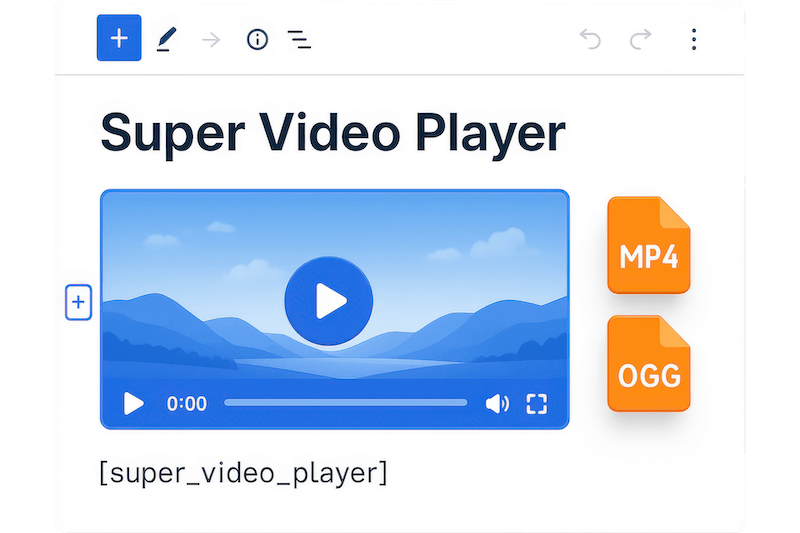
Add videos to WordPress using Gutenberg blocks or shortcodes. No setup or coding needed. Just upload your MP4 or OGG files, place them in posts or pages, and publish. The player works immediately with full mobile responsiveness and cross-browser compatibility.

Play Videos Smoothly on
Every Device
Deliver flawless video playback across phones, tablets, and desktops. The responsive player adapts automatically to any screen size with crisp quality and fast loading. Visitors can watch without buffering, pixelation, or compatibility issues on any major browser.
Control Video Behavior and
Enhance User Experience
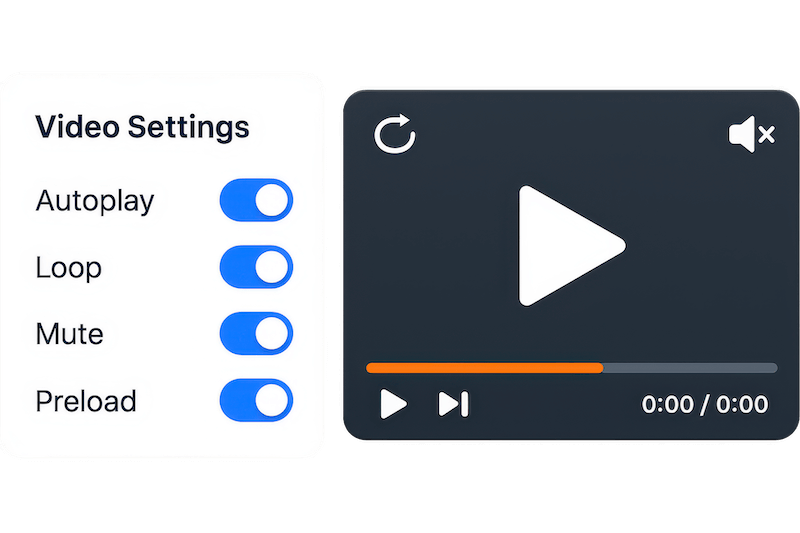
Take full control of playback with autoplay, loop, mute, and preload options. Set videos to play automatically when pages load, repeat continuously, or start muted to comply with browser policies. Perfect for background videos, tutorials, and engaging content.
Boost Engagement with
Advanced Video Features
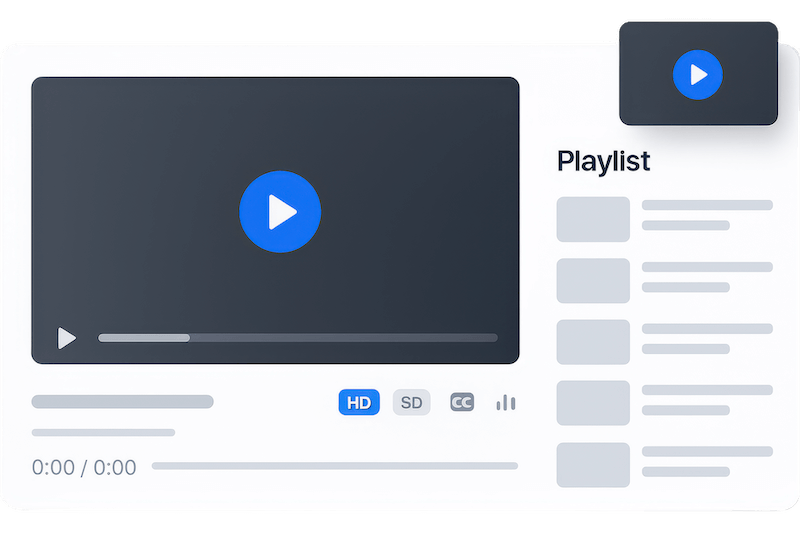
Keep visitors watching with playlists, quality switching, and picture-in-picture mode. Add multiple subtitle tracks for international audiences, enable keyboard navigation for accessibility, and track video views to understand which content performs best.
Powerful Features You Need in a WordPress Video Player
Multiple Video Formats
Support MP4, OGG, and live stream formats (.m3u8, .mpd) for maximum compatibility. Play any video type without conversion or additional plugins.
Live Stream Support
Stream live content directly on your WordPress site with .m3u8 and .mpd file support. Perfect for webinars, events, and real-time broadcasts.
Multiple Subtitle Tracks
Add subtitle files in multiple languages to reach global audiences. Support VTT captions and screen readers for full accessibility compliance.
Responsive Design
Automatically adapt to any screen size from mobile to desktop. Videos look perfect and play smoothly on every device without manual adjustments.
Autoplay Control
Enable autoplay that complies with modern browser policies. Set videos to play automatically when pages load while respecting user preferences.
Picture-in-Picture Mode
Let users watch videos while browsing other content. The floating player stays visible during scrolling for uninterrupted viewing experiences.
Video Playlists
Create sequential video playlists that play automatically. Perfect for course content, tutorials series, and multi-part presentations.
Quality Switching
Offer multiple video quality options so viewers can choose based on their connection speed. Improve loading times and user satisfaction.
Custom Player Controls
Show or hide individual player controls like volume, fullscreen, and progress bars. Customize the interface to match your brand and user needs.
Click-to-Play Functionality
Enable click anywhere on the video container to toggle play/pause. Improve user interaction with intuitive, touch-friendly controls.
Initial Volume Control
Set default volume levels for all videos. Prevent audio surprises and ensure consistent playback experiences across your site.
Custom Seek Time
Configure how far videos jump forward or backward when users skip. Set precise seek times in seconds for better navigation control.
Control Tooltips
Enable or disable helpful tooltips for video controls. Guide users with contextual help or keep the interface clean and minimal.
Multiple Layouts
Choose from various player themes and layouts to match your site design. Customize appearance with different styles and color schemes.
Video Titles & Descriptions
Display video titles and descriptions above or below the player. Add context and improve SEO with customizable text styling options.
Testimonials
What Our Customers Say to Us


Explore the Interface,
Settings & Preview Screens


Learning Materials
Looking for some learning materials. You will better understand how to use Super Video Player.

FAQs

 Save 90%