
StreamCast Radio Player
StreamCast is a simple WordPress radio player that works with Stream Shoutcast, Icecast, Radionomy, Radiojar, and RadioCo directly on your website. No complex setup, no coding required. Just add your stream URL with a shortcode and start broadcasting to your visitors instantly.

Trusted by more than 1,000+
active users across the world
Customers


Why Choose StreamCast?
Your visitors want to hear your audio content without leaving your site. StreamCast lets you embed live radio streams directly in WordPress, creating an engaging, professional listening experience that keeps audiences on your pages longer.
The Problem with Other Radio Solutions
- Complex plugins that break with updates or require technical knowledge
- Third-party players that redirect visitors away from your site
- Limited streaming platform support that doesn’t work with your setup
- Expensive solutions that charge monthly fees for basic functionality
- Poor mobile experience that frustrates smartphone listeners
A Better Way to Add Live Radio to WordPress
StreamCast helps you:
- Embed any Shoutcast, Icecast, or major streaming service in seconds
- Use simple shortcodes that work in posts, pages, and widgets
- Keep listeners engaged without redirecting to external players
- Customize player colors and design to match your brand
- Deliver smooth playback across phones, tablets, and desktops
Add Live Radio Streams Fast
No Technical Setup
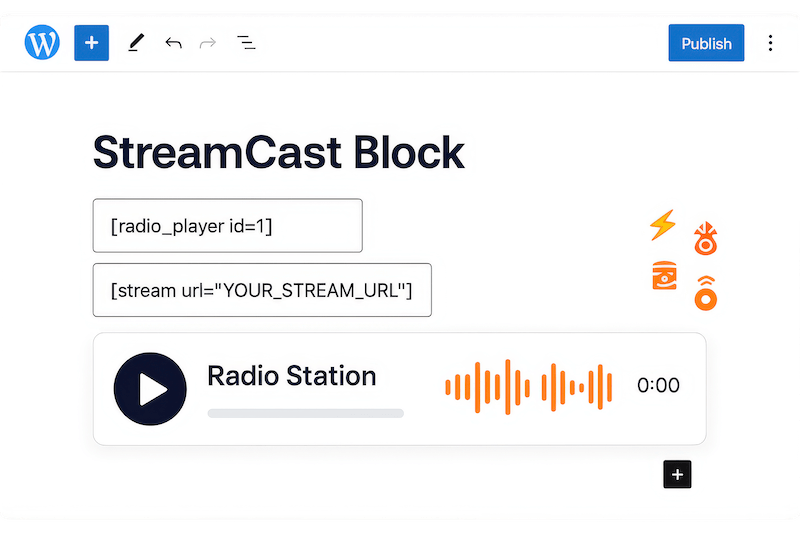
Embed live radio on your WordPress site using a simple shortcode. Just copy your stream URL, paste it in the shortcode, and publish. Works with Shoutcast, Icecast, Radionomy, Radiojar, and RadioCo. Start broadcasting to your visitors in under 60 seconds without coding or complex configurations.
Choose from 80+
Professional Player Skins
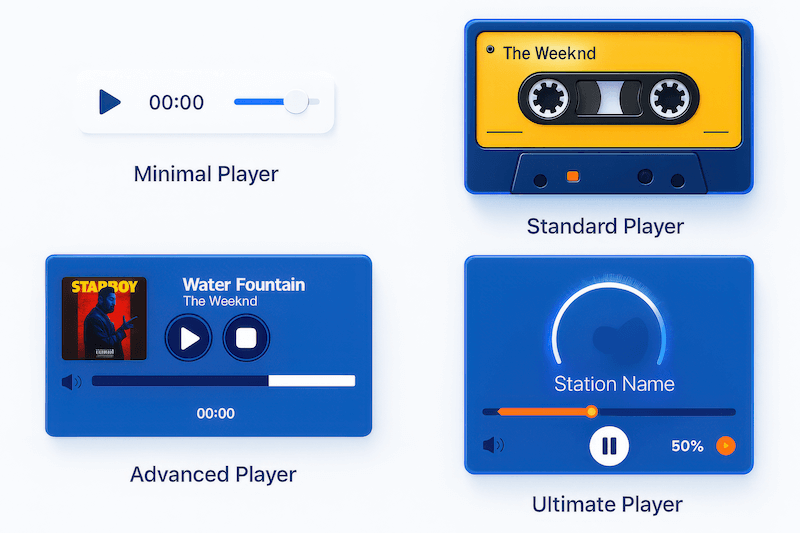
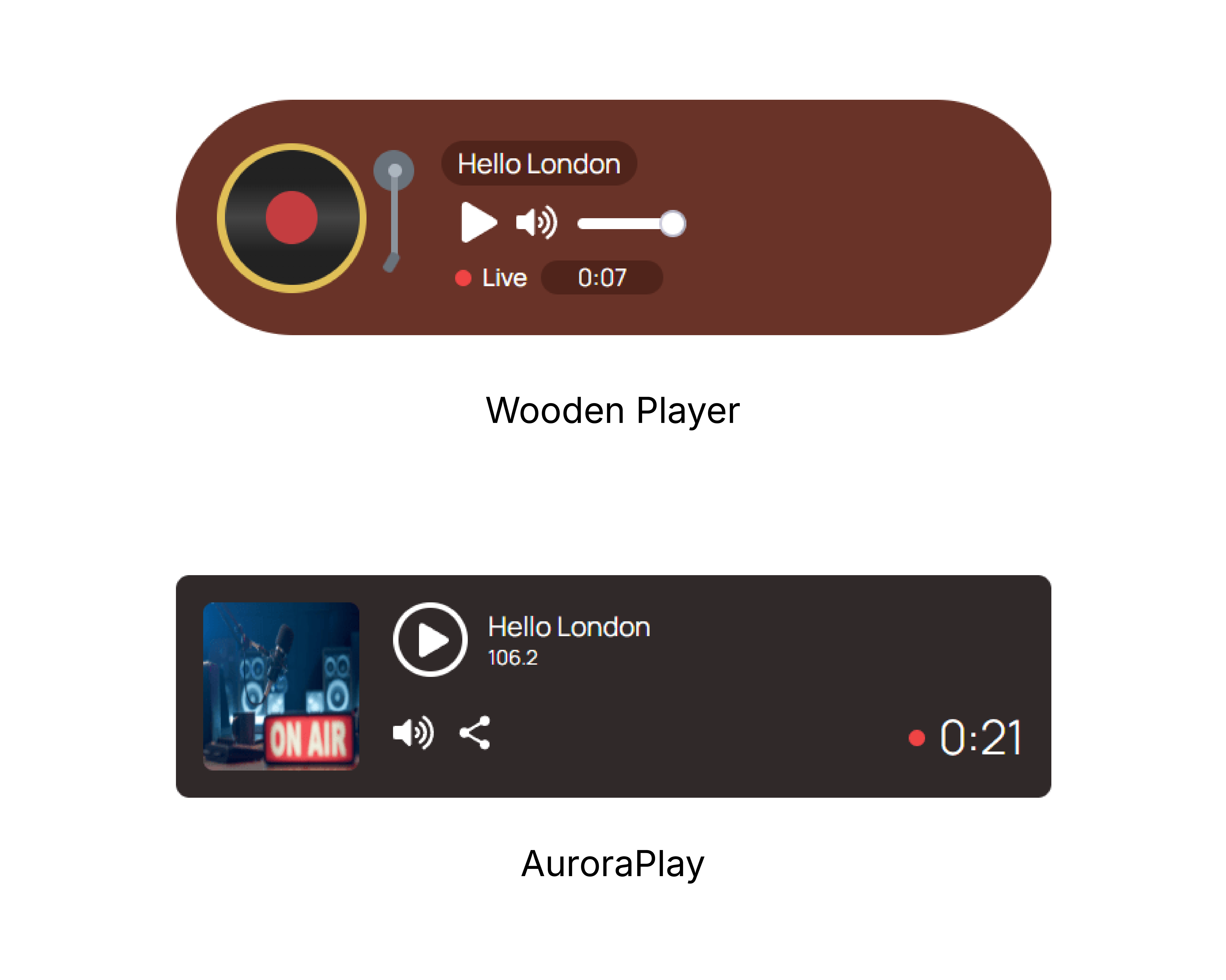
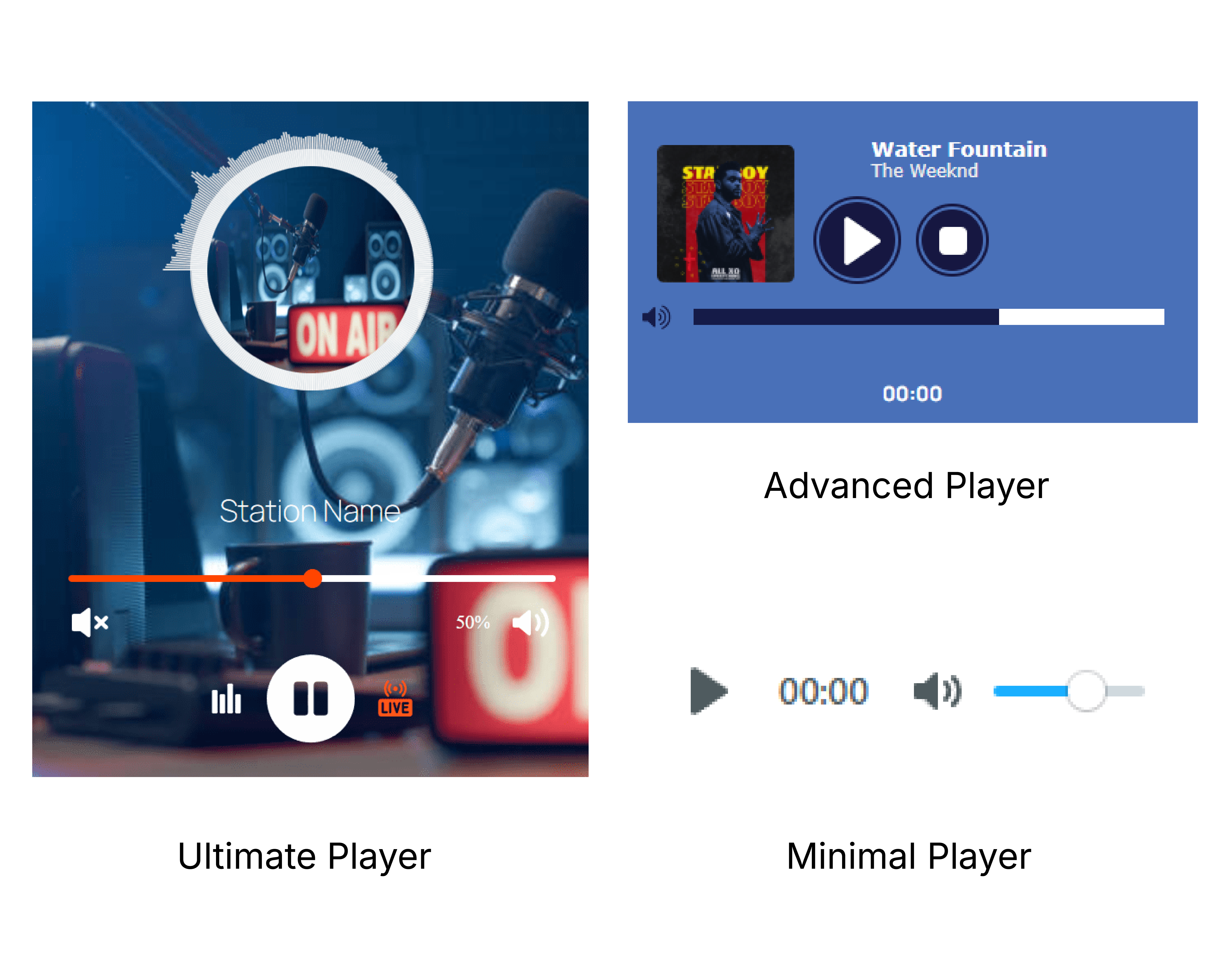
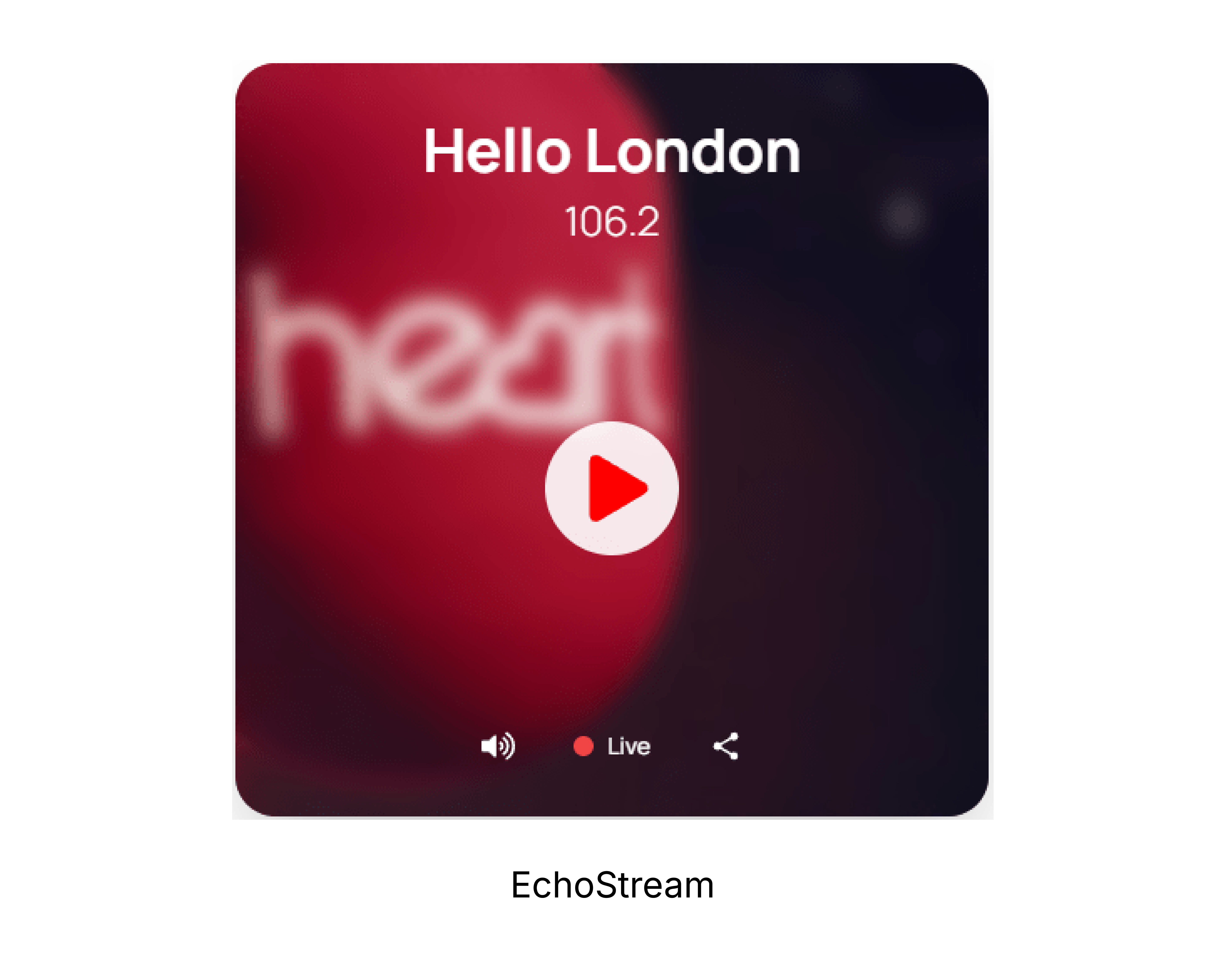
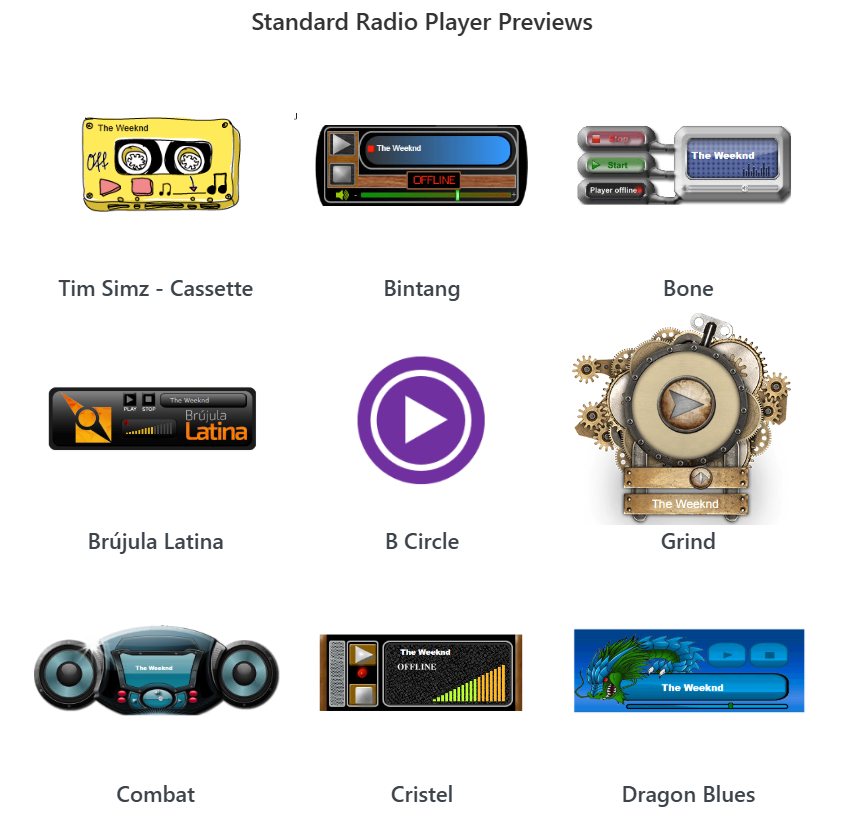
Skip the design work with 80+ built-in player skins ready to use. Switch between Minimal, Standard, Advanced, and Ultimate player types instantly. Each skin is unique and professionally designed, so your radio player looks polished without custom coding or hiring designers.
Compatible with All Major
Streaming Platforms
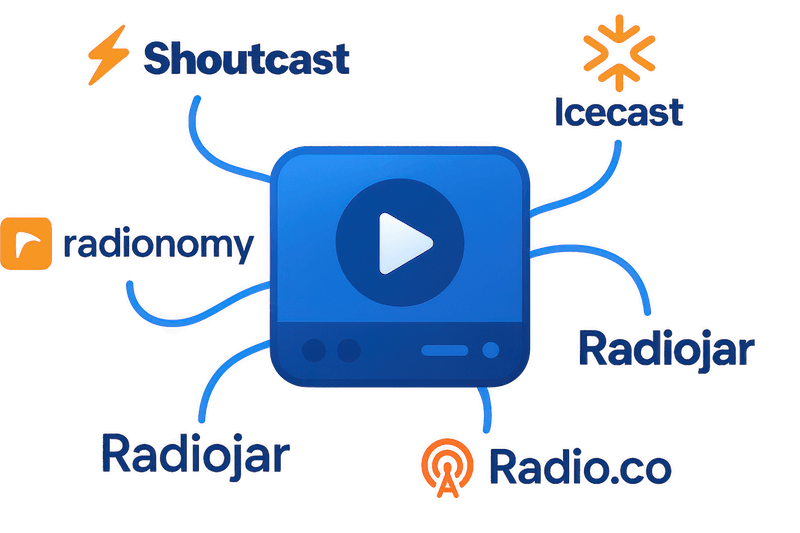
Stream from any major radio platform without limitations. Whether you broadcast through Shoutcast, Icecast, Radionomy, Radiojar, or RadioCo, StreamCast handles the connection seamlessly. Switch between platforms or run multiple streams without changing plugins or rebuilding your setup.
Position Your Radio Player
Anywhere with Full Control
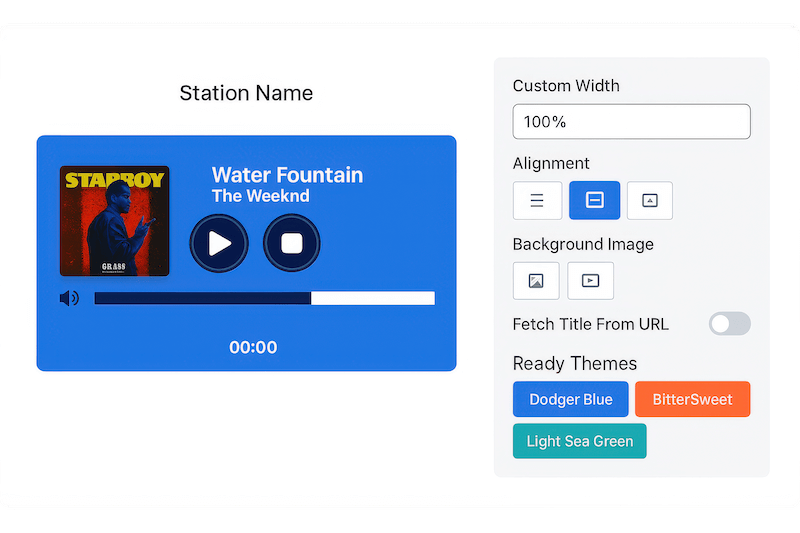
Place your radio player exactly where you want it—left, right, center, or in widget areas. Control autoplay, volume settings, and player behavior. Add custom radio images and background images in Ultimate mode. Create the perfect listening experience with complete positioning and control flexibility.
Everything You Need in a WordPress Radio Player
80+ Professional Player Skins
Choose from over 80 unique, professionally designed player skins. Switch between Minimal, Standard, Advanced, and Ultimate styles to match any website design without custom coding.
Multiple Player Types
Select the perfect player style for your needs. Choose Minimal for clean simplicity, Standard for classic controls, Advanced for extra features, or Ultimate for full customization with themes and images.
Flexible Positioning Control
Position your radio player left, right, or center on any page. Perfect alignment control ensures your player fits seamlessly into your website layout and design flow.
Custom Radio Images
Upload custom radio station images and background graphics in Ultimate player mode. Brand your radio player with logos, artwork, and visuals that represent your station’s identity.
Advanced Color Customization
Change player color schemes beyond basic background colors. Customize the entire color palette to perfectly match your brand identity and website theme.
Autoplay and Volume Controls
Set autoplay preferences and default volume levels for optimal user experience. Give visitors control while maintaining your preferred audio settings and playback behavior.
Keyboard Shortcuts Support
Make your radio player fully accessible with keyboard navigation support. Users can control playback, volume, and navigation without using a mouse, meeting accessibility standards.
Theme Switching
Switch between different visual themes in Ultimate player mode. Change the entire look and feel of your player instantly without rebuilding or reconfiguring settings.
Dedicated Sidebar Widget
Add a persistent radio player to your sidebar that stays available across all pages. Perfect for radio stations and podcasters who want continuous streaming throughout the site.
Universal Shortcode System
Create individual shortcodes for multiple radio stations. Manage different streams, player styles, and settings all from one plugin without conflicts or confusion.
Full Shoutcast & Icecast Support
Connect to any Shoutcast or Icecast server with complete compatibility. Works with all major streaming server configurations and network setups without technical limitations.
Responsive Cross-Device Design
Deliver consistent radio streaming across smartphones, tablets, and desktops. The player automatically adapts to any screen size while maintaining full functionality and visual appeal.
Testimonials
What Our Customers Say to Us


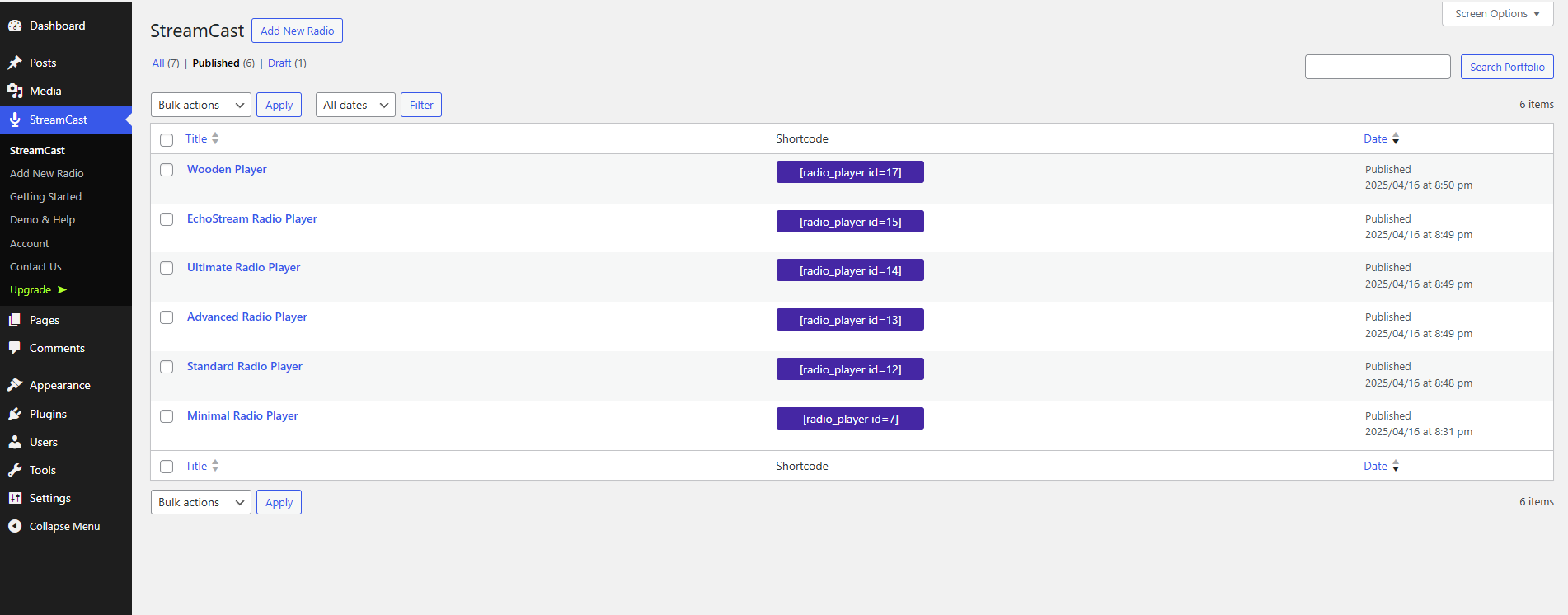
Explore the Interface,
Settings & Preview Screens
Learning Materials
Looking for some learning materials. You will better understand how to use StreamCast Radio Player.

FAQs

 Save 90%