
Panorama Viewer
Create immersive 360° photo and video experiences to visitors and boost engagement. Panorama Viewer lets you embed interactive panoramic content directly into WordPress posts, pages, and WooCommerce products without coding. Give users a virtual tour experience that keeps them on your site longer and drives more conversions.

Trusted by more than 3,000+
active users across the world
Customers


Why Choose Panorama Viewer?
Static photos can’t capture the real experience. Panorama Viewer transforms your content with interactive 360° views that immerse visitors, convey more detail, and inspire stronger engagement than traditional images.
The Problem with Regular Images and Videos
- Flat images can’t showcase spaces, products, or experiences fully
- Visitors scroll past static content without engaging
- Real estate, tourism, and product sites lose potential customers
- Complex gallery setups require technical skills or expensive developers
- Mobile users get frustrated with poor viewing experiences
- No way to create virtual tours without third-party platforms
A Better Way to Showcase Your Content
Panorama Viewer helps you:
- Embed 360° images and videos instantly with Gutenberg blocks
- Create virtual tours that keep visitors exploring longer
- Display Google Street View locations directly on your site
- Build interactive galleries without technical knowledge
- Deliver smooth experiences on phones, tablets, and desktops
- Boost engagement rates and reduce bounce rates immediately
Embed 360° Content in Seconds
Zero Coding Required
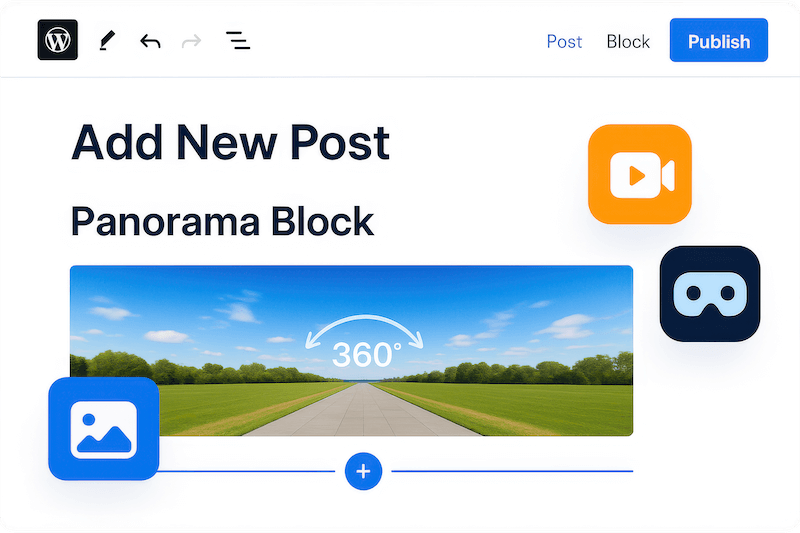
Add stunning panoramic experiences to any WordPress post or page instantly. Use the built-in Gutenberg block or simple shortcode to embed 360° photos, videos, and virtual tours. Upload your content, place the block, and publish. Your visitors get an immersive experience while you save hours of development time.
Create Virtual Tours That
Convert Visitors into Customers
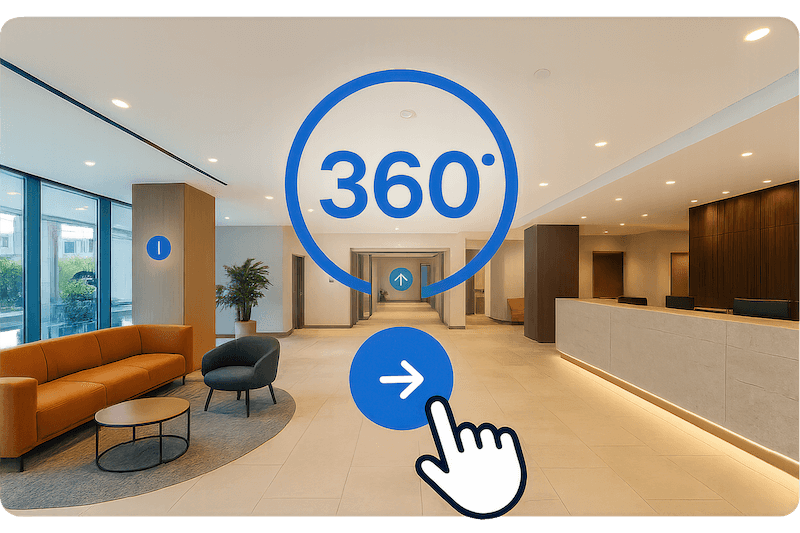
Transform static galleries into interactive experiences that engage visitors longer. Build 360° tours with hotspots, navigation controls, and seamless transitions. Perfect for real estate listings, hotel showcases, restaurant tours, or product demonstrations. Keep users exploring instead of bouncing to competitors.
Display Google Street View and
Custom 360° Galleries
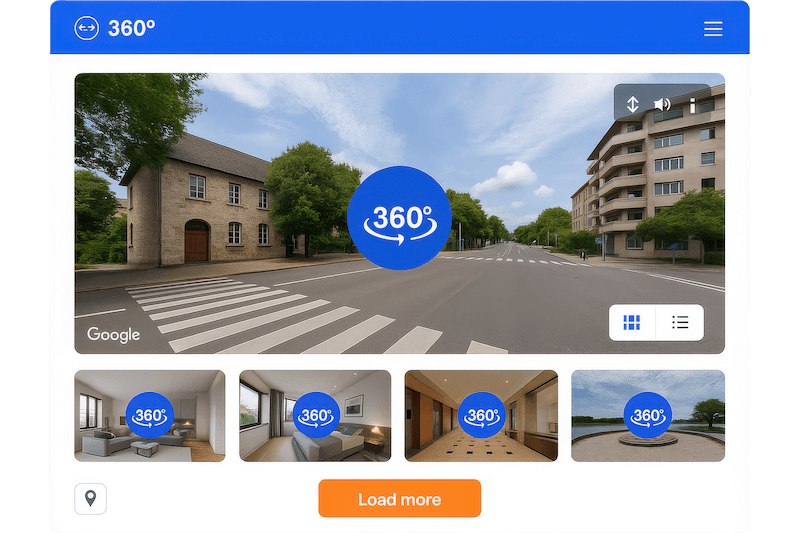
Embed any Google Street View location directly on your site with panorama ID integration. Create stunning 360° image galleries with customizable layouts, spacing controls, and load-more functionality. Show multiple angles, rooms, or locations in one cohesive, professional presentation that builds trust.
Optimize for Mobile and
Boost Site Performance
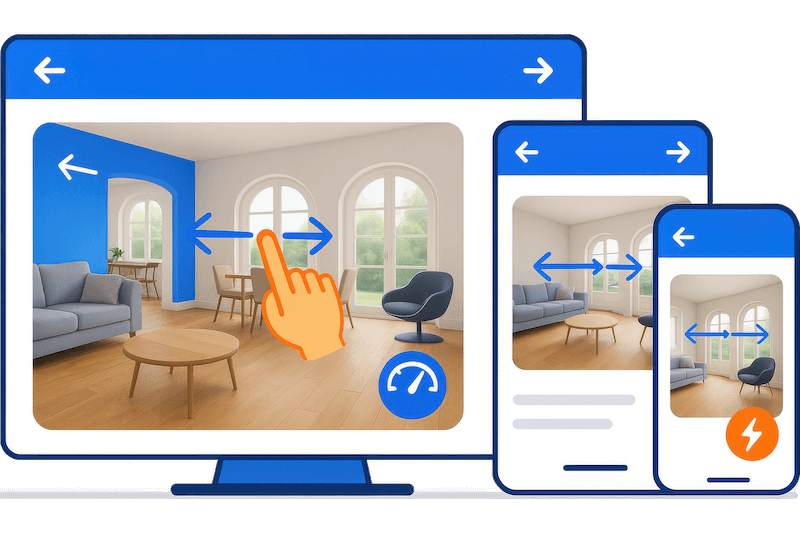
Deliver flawless 360° experiences across all devices with responsive design that adapts automatically. Lightweight code won’t slow your site down. Touch and mouse controls work perfectly on phones, tablets, and desktops. Better user experience means higher engagement, longer visits, and improved SEO rankings.
Essential Features for Professional 360° Viewer Experiences
Auto-Rotate Control
Set custom rotation speeds and inactivity delays for smooth, automatic panorama movement. Perfect for showcasing spaces hands-free while maintaining user control.
Initial View Angle
Define the perfect starting angle for every panorama. Highlight your best features first and guide visitors’ attention to what matters most.
Custom Navigation Controls
Add your own branded navigation buttons and controls. Match your site design while giving users intuitive ways to explore panoramic content.
Fullscreen Mode
Let visitors expand 360° content into immersive fullscreen viewing. Perfect for detailed property tours, product showcases, or virtual experiences.
Touch and Mouse Controls
Enable smooth dragging, zooming, and navigation on any device. Responsive touch controls work perfectly on mobile while mouse controls optimize desktop experience.
Compass Navigation
Add visual compass orientation for better user guidance. Help visitors understand their position and direction within virtual tours and 360° spaces.
Gallery Management
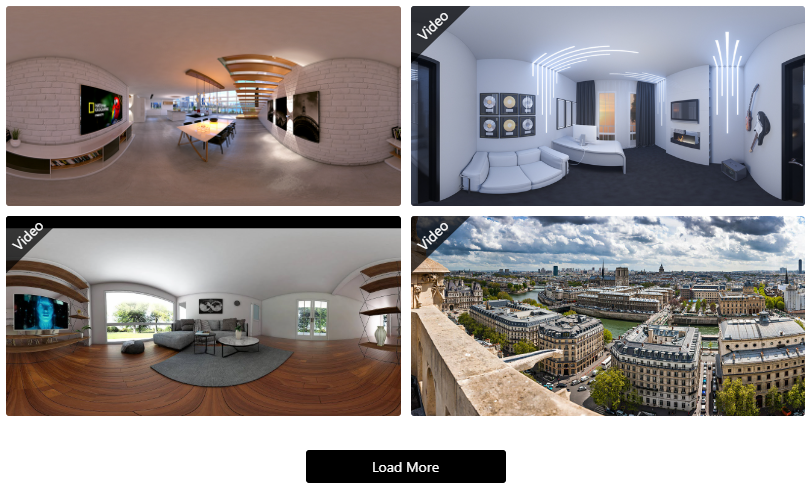
Organize and sort multiple 360° images and videos easily. Create professional galleries with customizable columns, spacing, and item limits for perfect presentation.
Google Street View Integration
Embed any Google Street View location using panorama IDs. Show business locations, nearby attractions, or neighborhood views without leaving your site.
Tour Hotspots
Add interactive hotspots to 360° tours for seamless navigation between locations. Create professional virtual experiences with clickable navigation points.
Video 360° Support
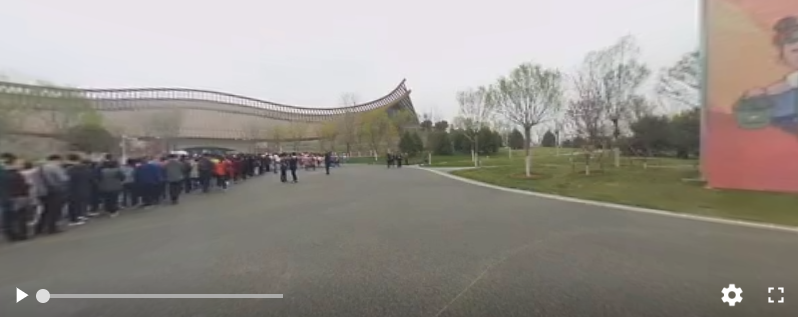
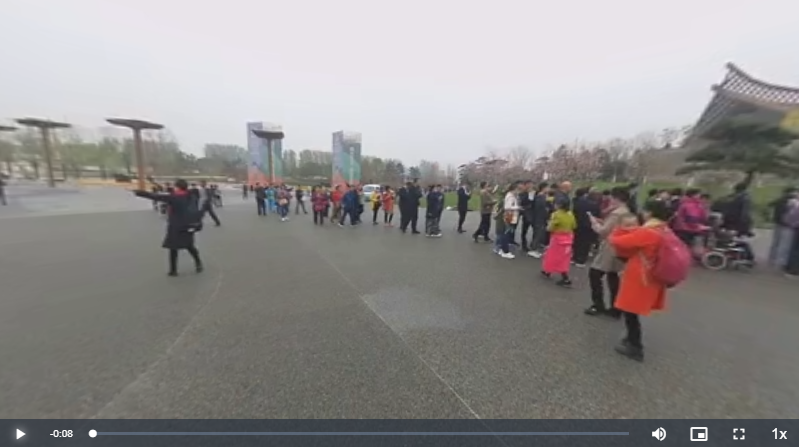
Display immersive 360° videos with picture-in-picture mode and playback speed controls. Perfect for virtual events, product demonstrations, or experiential content.
Title and Author Display
Show customizable titles and author information with each panorama. Add context and branding while maintaining professional presentation standards.
Keyboard and Zoom Control
Fine-tune user interactions by enabling or disabling keyboard controls and double-click zoom. Create the exact viewing experience your content needs.
External Link Support
Host panoramic files anywhere and embed them seamlessly. Use external links or WordPress media library for flexible file management and faster loading.
Elementor Integration
Works perfectly with Elementor page builder using simple shortcodes. Design stunning layouts while maintaining full panoramic functionality.
Load More Functionality
Customize gallery pagination with branded load-more buttons. Optimize page speed while giving visitors control over how much content they explore.
Testimonials
What Our Customers Say to Us


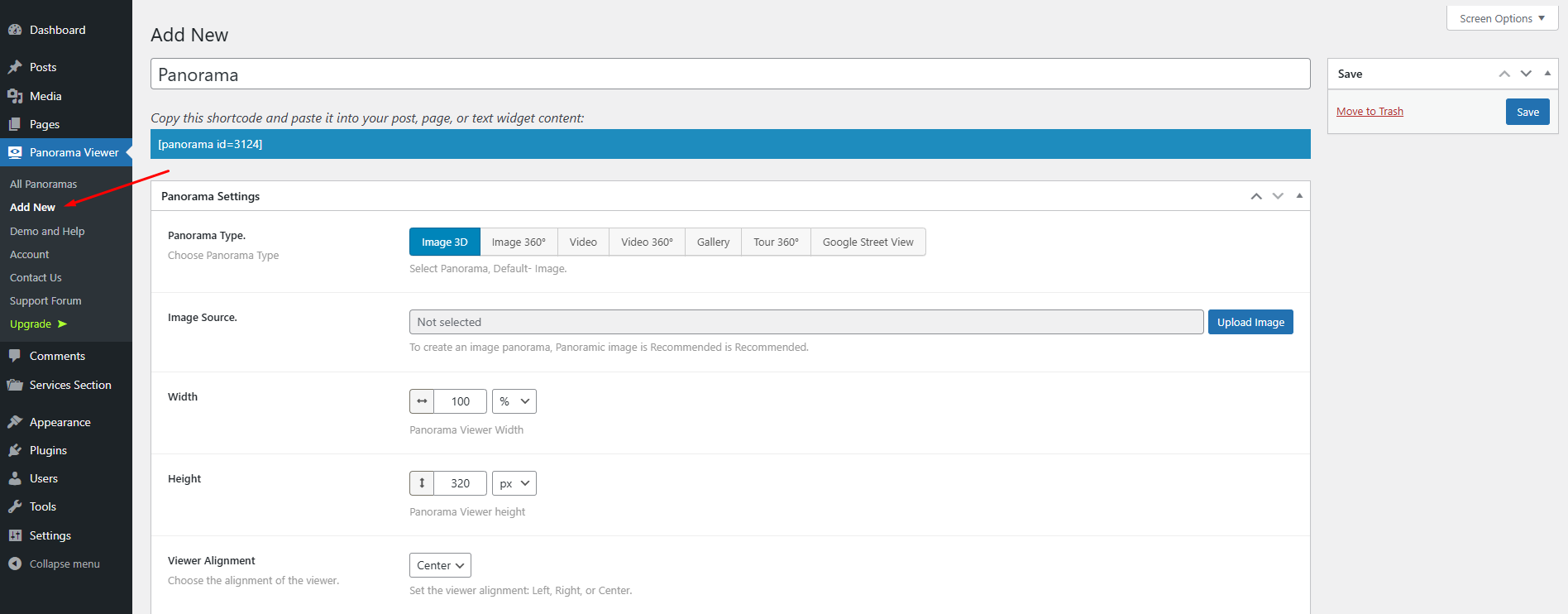
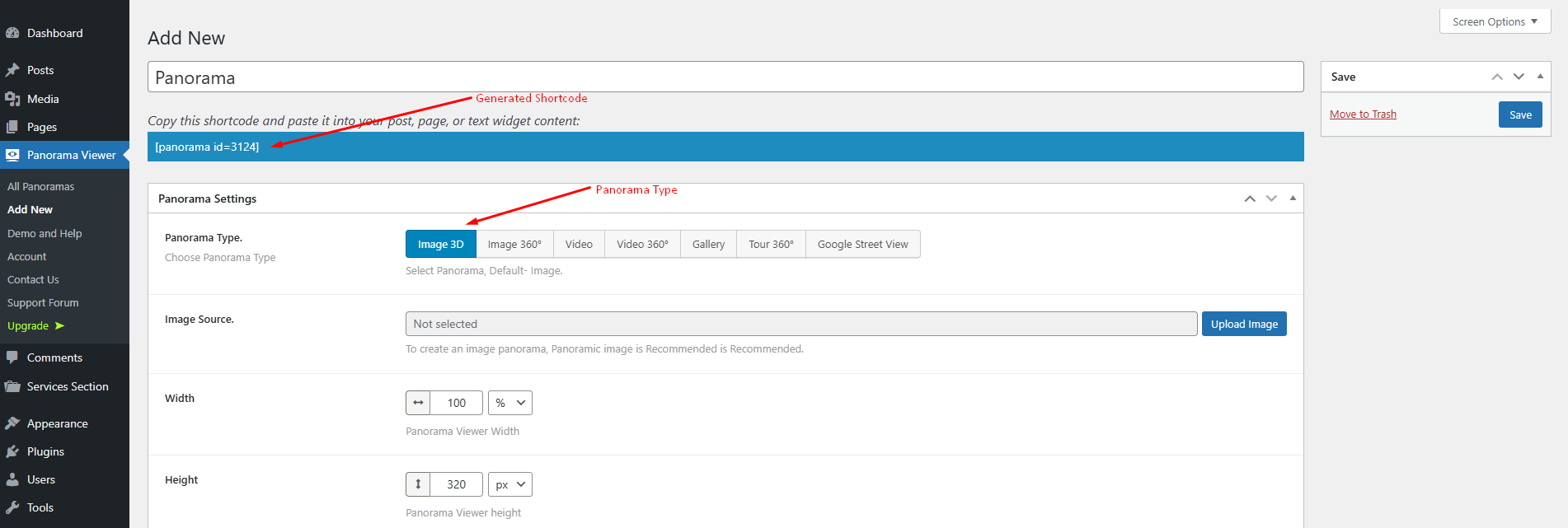
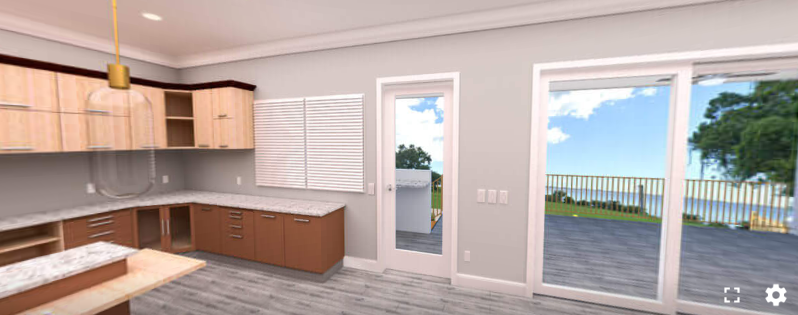
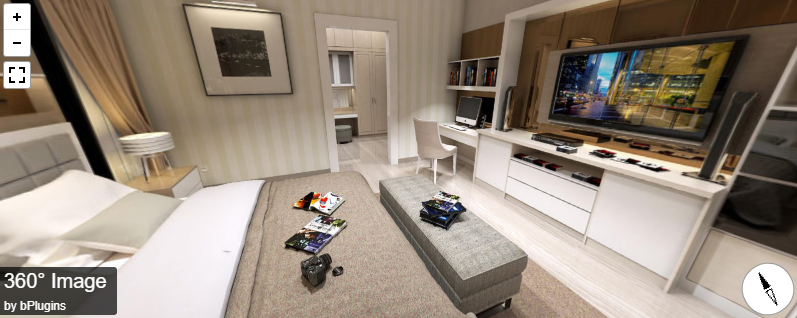
Explore the Interface,
Settings & Preview Screens

Learning Materials
Looking for some learning materials. You will better understand how to use Panorama Viewer.

FAQs

 Save 90%