
Media Player Addons for Elementor
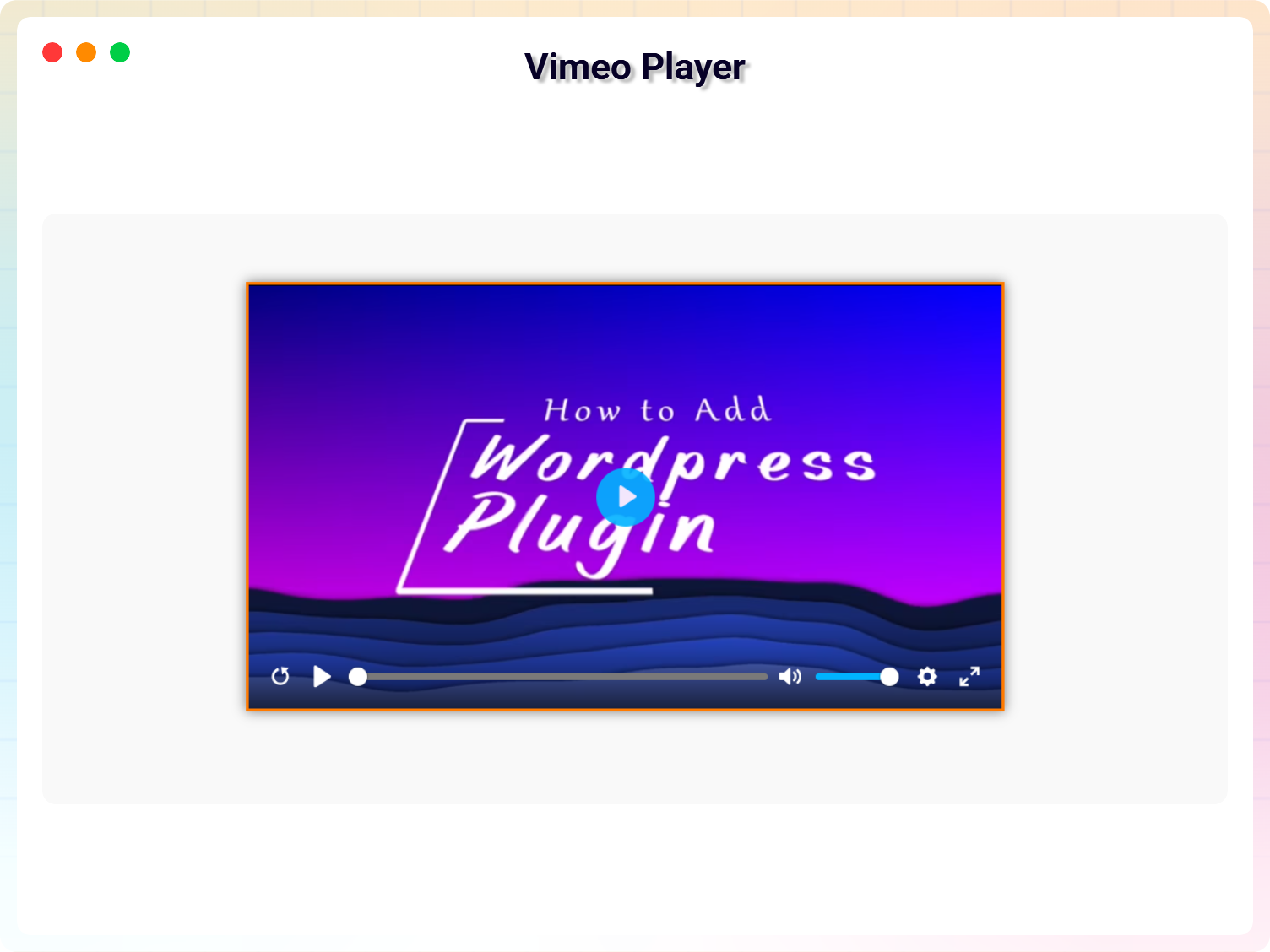
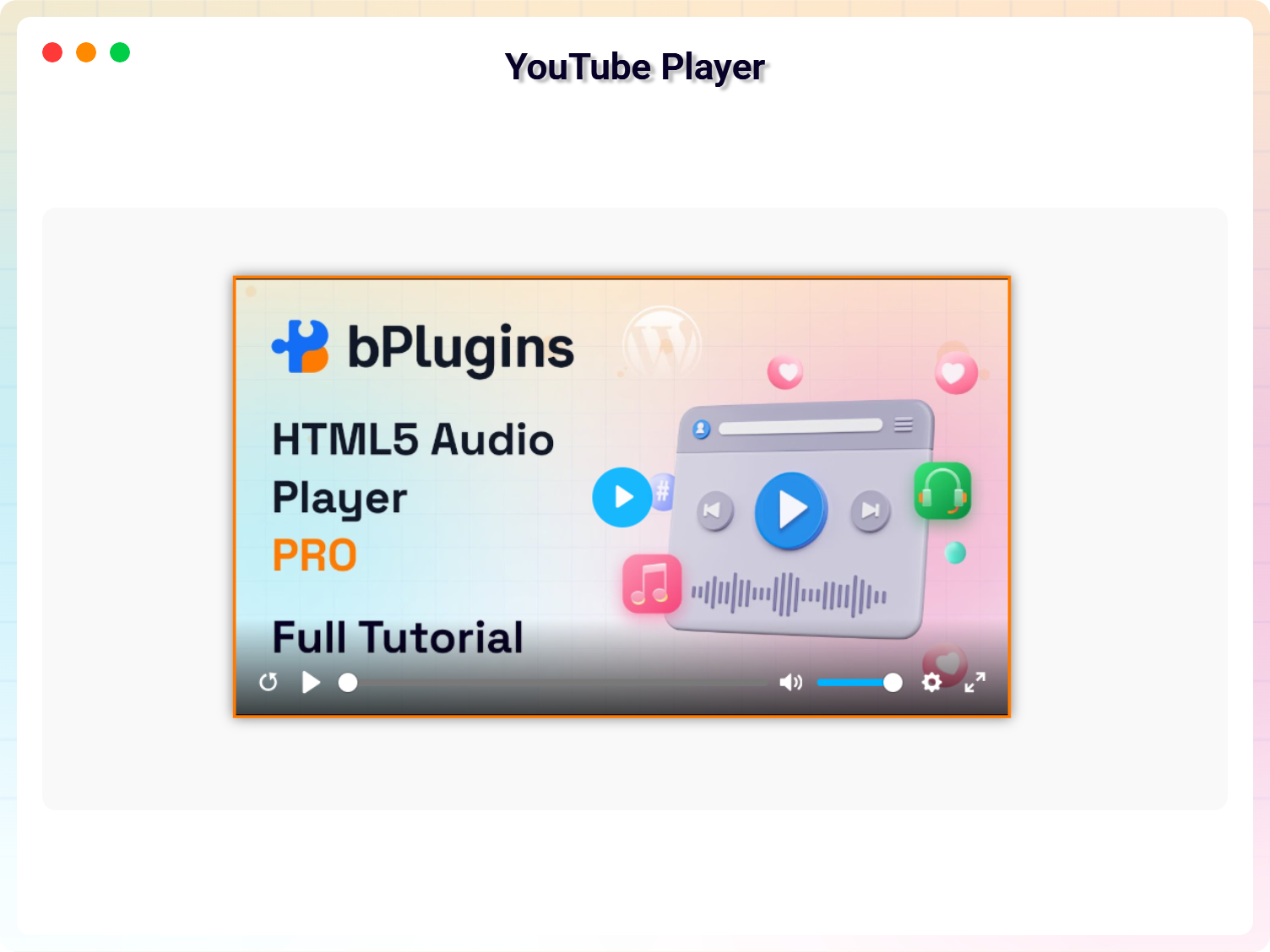
Unleash the power of media on your website with the Media Player Addons for Elementor. This plugin is a comprehensive solution for embedding various media files such as .mp3, .mp4, .flv, .m3u8, .ogg, and more, including popular platforms like YouTube and Vimeo.
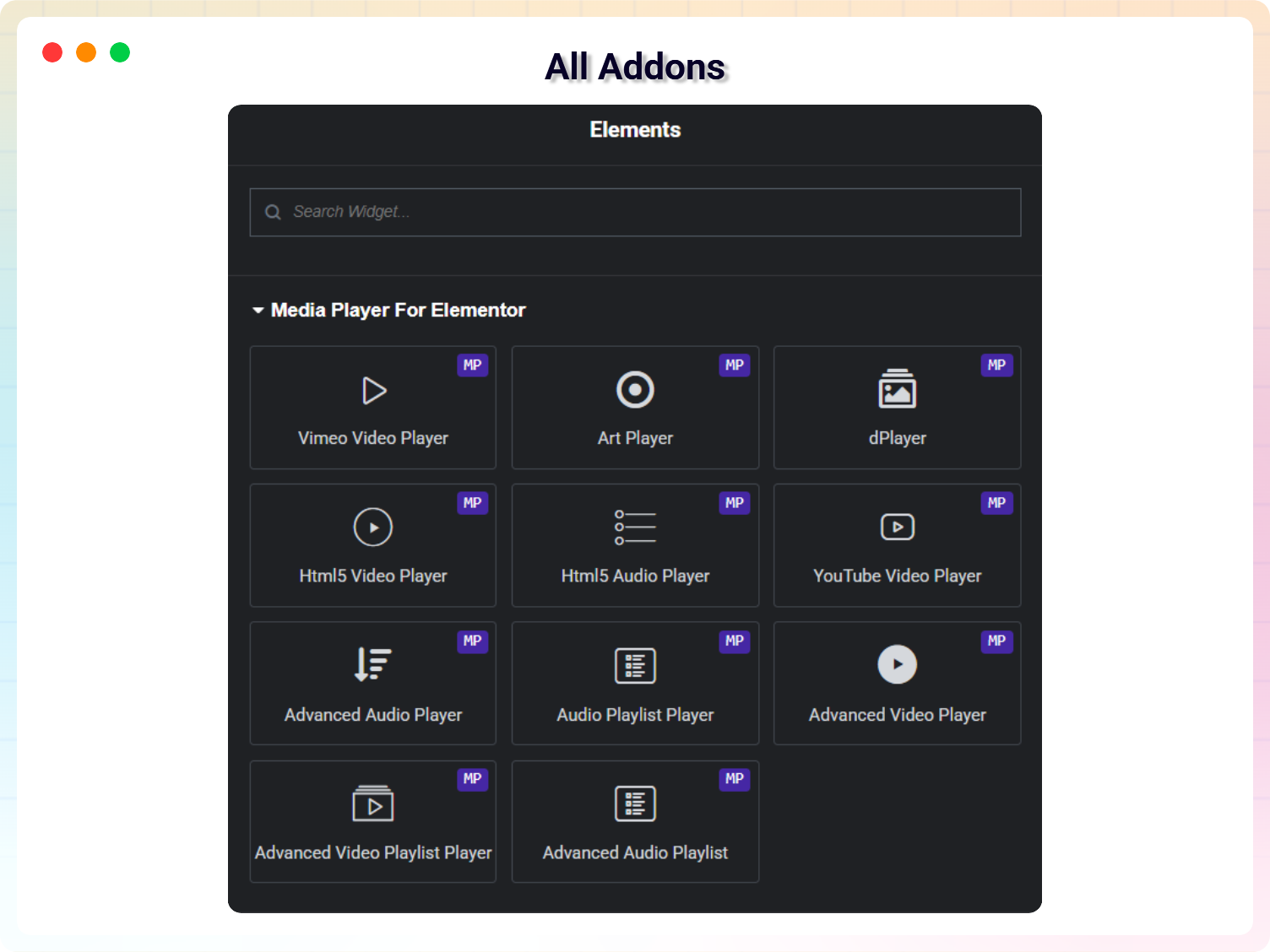
Media Player Addons come with 10 extra media player widgets that provide you with amazing features and additional media support.
Trusted by more than 2,000+
active users across the world
Customers


Why Choose Media Player Addons for Elementor?
The Problem with Traditional Embeds
- Users are redirected to third-party platforms like YouTube or Vimeo
- External players distract users with ads and suggested content
- Limited control over player design and branding
- Media players often break page layouts on different devices
- Poor mobile responsiveness affects user experience
- Hard to manage playlists and multiple media sources
- Inconsistent playback experience across browsers and devices
The Better Way to Embed Content in Elementor
These bullet points appear under the “Why Media Player Addons” header (effectively serving as the value / why-choose-us section):
- Fully customizable: Make each player look how you want with the markup you want.
- All-in-One: Includes popular media player libraries like Plyr.io, cPlayer, and VideoJS.
- Live Stream support: HLS, DASH, .m3u8, .mpd video playback.
- Easy to use: Quick to create and embed media players — just install and activate.
- Playlist creation: Build playlists of videos and audio to embed anywhere.
- Plays popular media formats (.mp3, .mp4, .AVI, .mov, .ogg, .webM, etc.).
- Picture-in-Picture support for videos.
- Multiple captions/subtitles support.
- Responsive: Players auto-resize for all devices.
- Translation ready with POT files.
- Optimized for mobile devices.
- Maximum options: Detailed and labeled controls for each player.
Display Any Media Type Without Coding
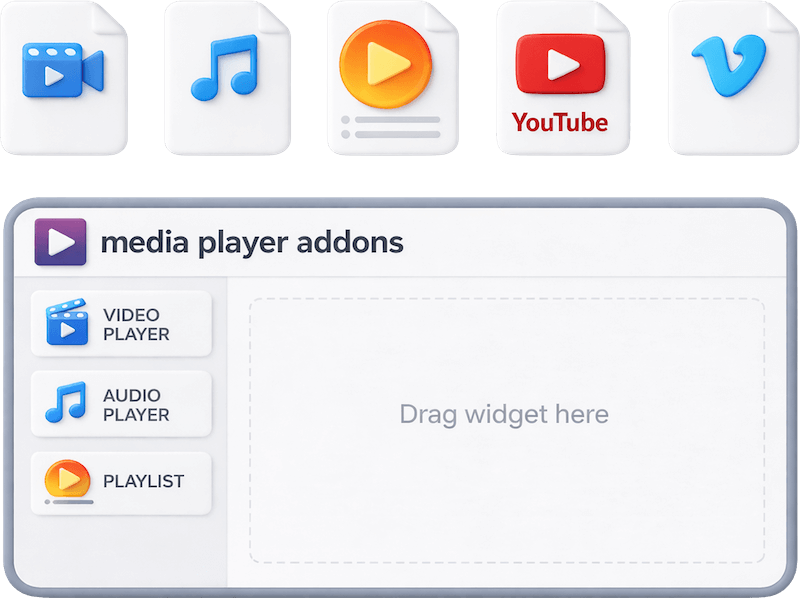
Embed videos, audio files, playlists, YouTube, Vimeo, and live streams instantly using drag-and-drop Elementor widgets. No shortcodes, no coding, and no complex setup. Simply choose your media source, add your file or URL, and customize the player controls, layout, and styling directly inside Elementor’s familiar interface.
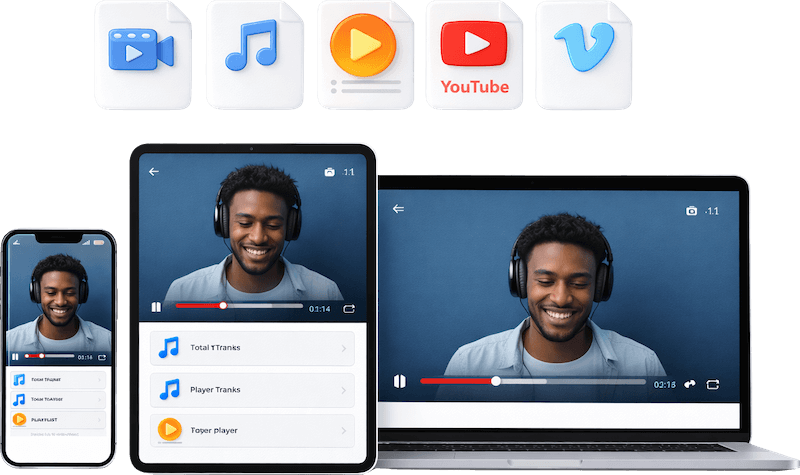
Keep Media Players Perfectly Responsive on Every Device
Your audio and video players automatically adapt to mobiles, tablets, and desktops without distortion or layout issues. Set custom player sizes for different screen breakpoints or let the responsive controls handle everything automatically. Visitors enjoy smooth, consistent playback on any device, anytime.
Take Full Control of Your Media Playback
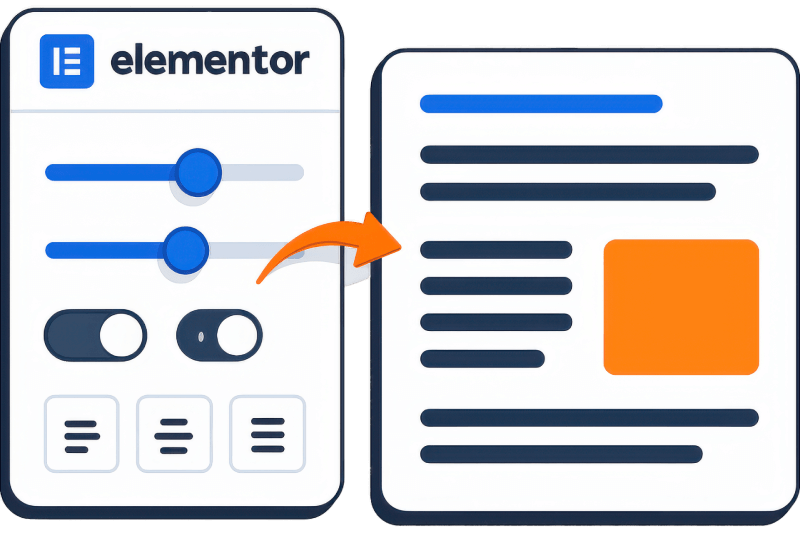
Easily customize how audio and video players appear on your site using Elementor’s intuitive visual settings. Adjust player size, layout, and alignment to fit your page design perfectly. Show or hide player controls, enable autoplay, loop, or playlist options, and make sure your media integrates seamlessly with your content.
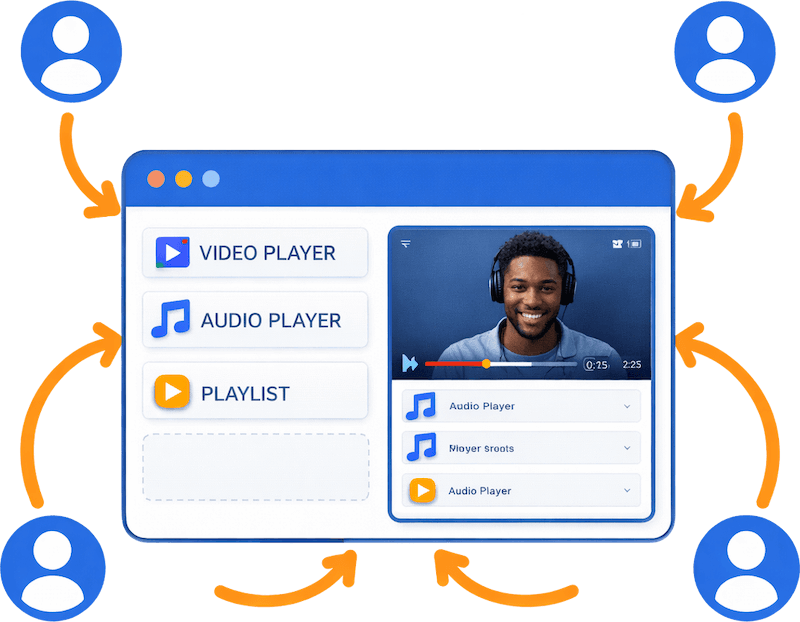
Keep Visitors Tuned In Without Leaving Your Site
Don’t send users away to external media platforms. Embedded audio and video players let visitors enjoy your content directly on your pages, boosting engagement and increasing time on site. Professional media displays build trust, enhance your brand experience, and keep your audience focused on what matters most.
Amazing Features of Media Player Addons
Easy to Use
Creating and embedding media players using Media Player addons is fast and easy. Just install the Elementor Plugin and activate the add-ons to get started.
Playlist
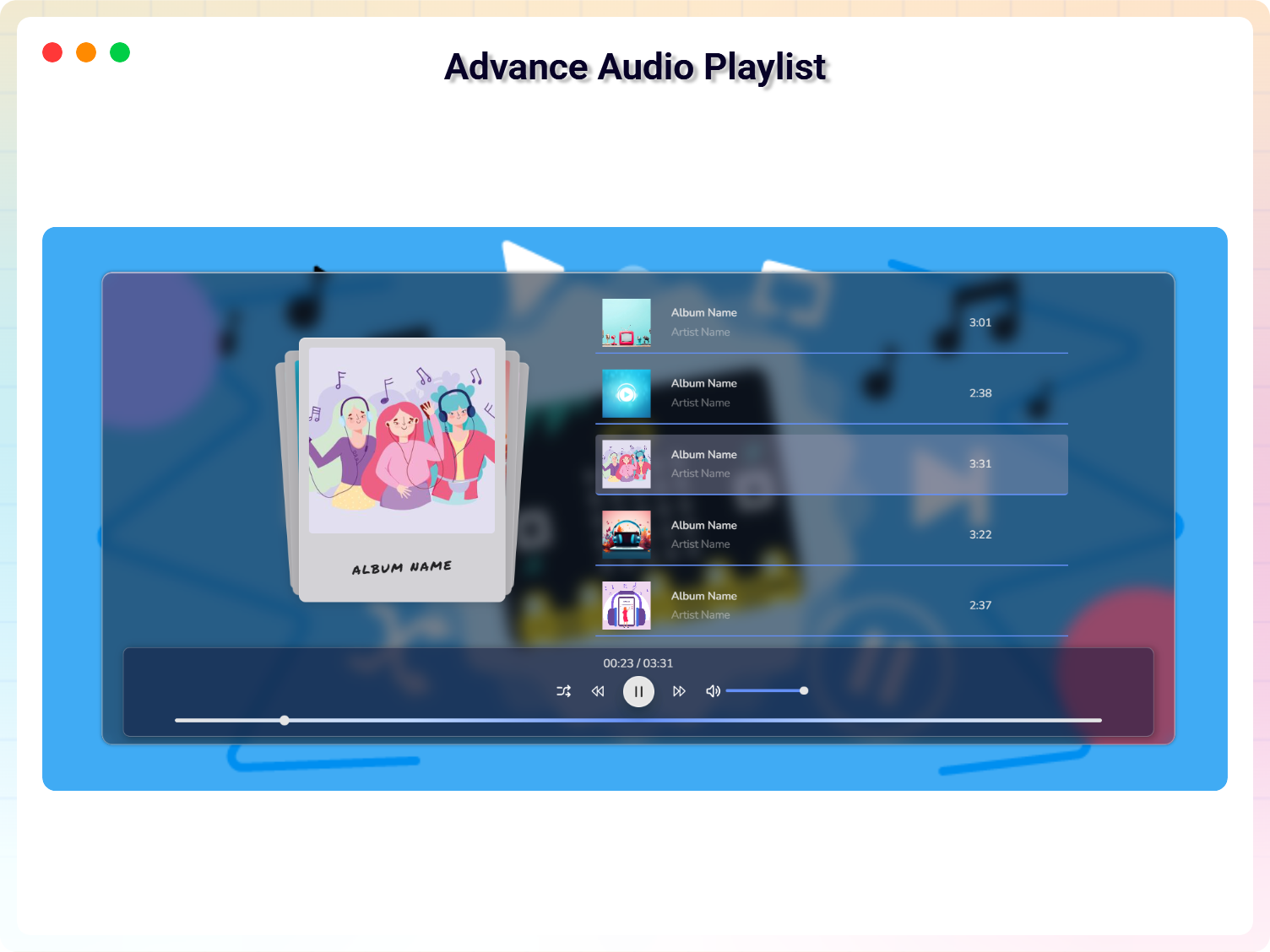
Create Playlists of videos and audio and embed them into your pages/posts. Also, you can put them in other areas of WordPress that are supported by Elementor.
Favorable
Play all the popular media files such as .mp3, .mp4, .AVI, .mov, .ogg, .webM, .m3u8, .m3u and more. The playlist supports a combined file format.
Picture-in-Picture
Supports picture-in-picture mode for Videos. It supports the plays inline attribute too.
Multiple Captions
Support for multiple caption tracks/subtitles. Which increases the accessibility of your content.
Responsive
Each Player can rescale itself to preserve the user experience and look and feel across all devices.
Translation Ready
POT files are available with the plugin to translate with your WordPress language setup.
Optimized for Mobile
Players added using this addon are friendly which means it will perfectly in any mobile device with different sizes.
Maximum Options
Each Player has a maximum collection of options to fit your needs. Each option is well documented and labeled so that you can manage them easily.
Testimonials
What Our Customers Say to Us


FAQs
Frequently Asked Questions
Explore the Interface,
Settings & Preview Screens



 Save 90%