
Icon List Block
Icon List Block transforms basic text lists into eye-catching, interactive showcases that grab attention and drive action. Create professional icon lists in WordPress with custom icons, themes, and layouts. No coding required. Just drag, drop, and watch your lists turn visitors into customers with visual appeal that works on any device.

Trusted by more than 4,000+
active users across the world
Customers


Why Choose Icon List Block?
Plain bullet points can reduce engagement. Visitors often overlook uninteresting lists and may miss your key content. Icon List Block transforms standard lists into visually appealing elements that draw attention, enhance readability, and ultimately increase conversions on your pages.
The Problem with the Default WordPress List Block
- Visitors ignore plain bullet points and numbered lists
- Text-heavy content creates high bounce rates
- No visual hierarchy makes important points blend in
- Basic lists look unprofessional and outdated
- Lost opportunities to guide users toward action
A Better Way to Display Lists in WordPress
Icon List Block helps you:
- Transform plain lists into visual showcases instantly
- Choose from hundreds of icons or upload custom images
- Pick professional themes that match your brand
- Create interactive lists with clickable items and badges
- Make every list mobile-responsive and fast-loading
- Build trust with polished, professional designs
Create Visual Lists in Seconds
Zero Code Needed
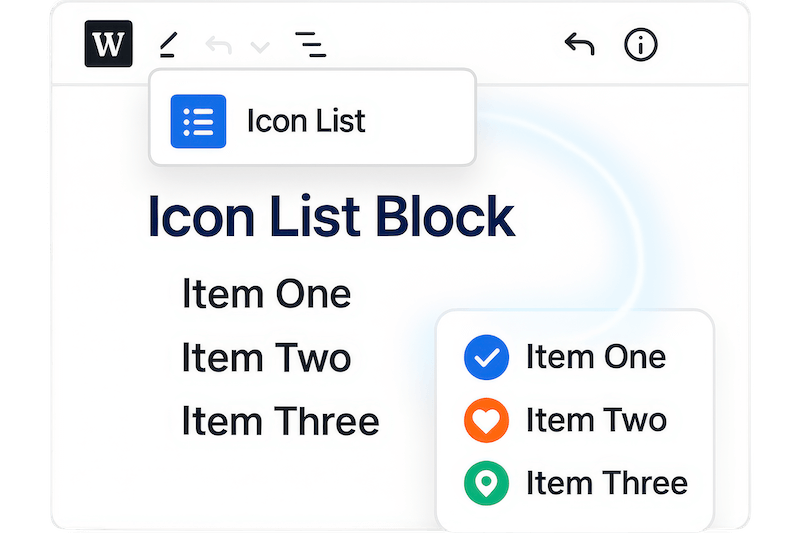
Build professional icon lists instantly with the Gutenberg block editor. Choose icons, add text, and publish. No technical skills required. Transform any boring list into an engaging visual element that captures attention and keeps visitors reading your most important content.
Pick Perfect Icons or
Upload Custom Images
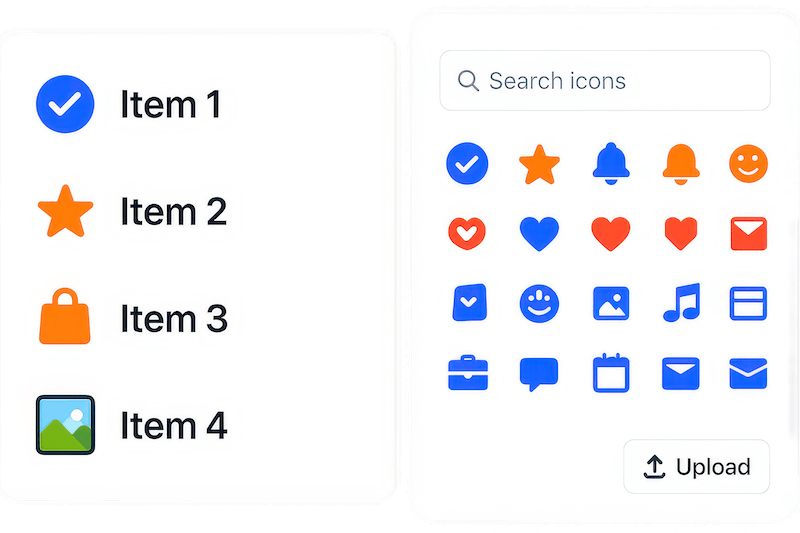
Choose from hundreds of built-in icons or upload your own custom images for complete brand control. Every list item gets a unique visual element that matches your style. Create consistent branding across your site while making each list item instantly recognizable and memorable.
Match Your Brand with
Professional Themes
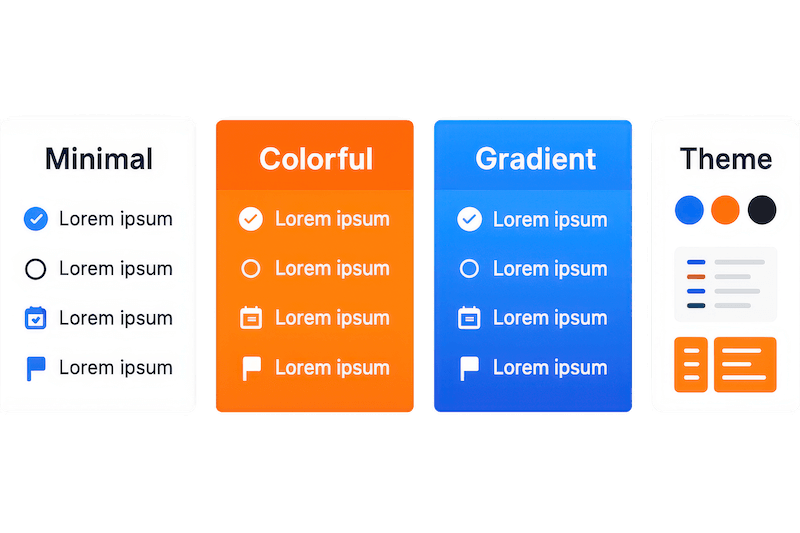
Select from multiple pre-designed themes that instantly transform your list’s appearance. Customize colors, backgrounds, and layouts to match your brand perfectly. Save time with professional designs that work right out of the box while maintaining full creative control.
Boost Engagement with
Interactive List Features
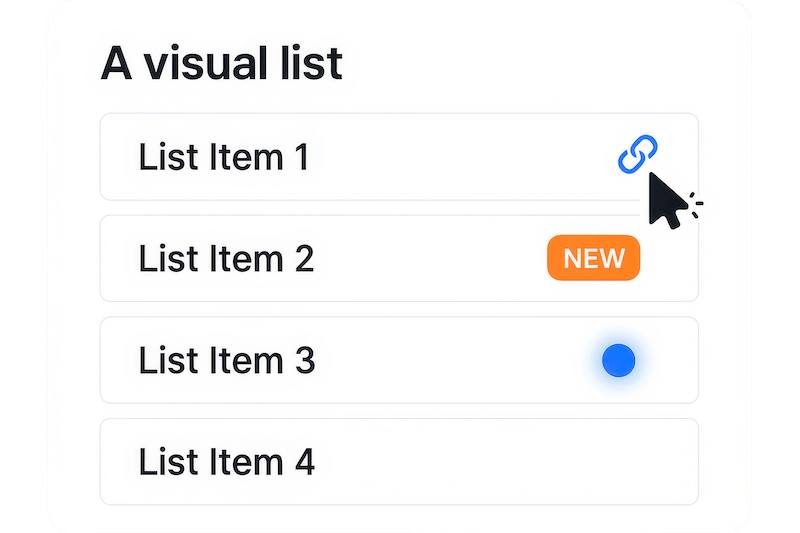
Turn static lists into interactive experiences that drive action. Add clickable URLs, custom badges, and animated effects that guide visitors toward your goals. Interactive lists keep users engaged longer and increase the chances they’ll take your desired action.
Advanced Features You Need to Design Catchy Icon Lists
Multiple Theme Options
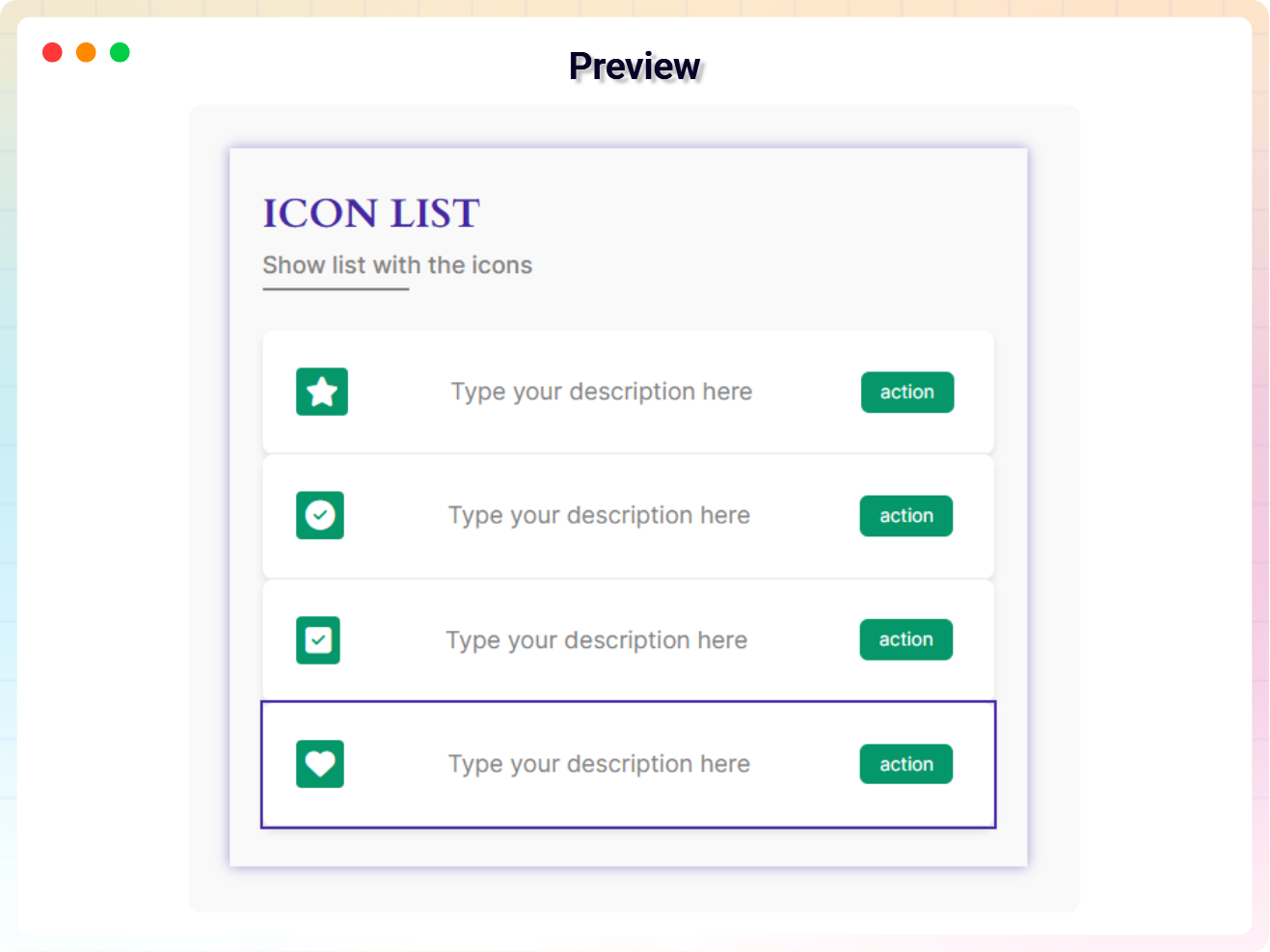
Choose from professionally designed themes that instantly transform your list appearance. Each theme offers unique styling and layout options to match your brand perfectly.
Custom Icon Selection
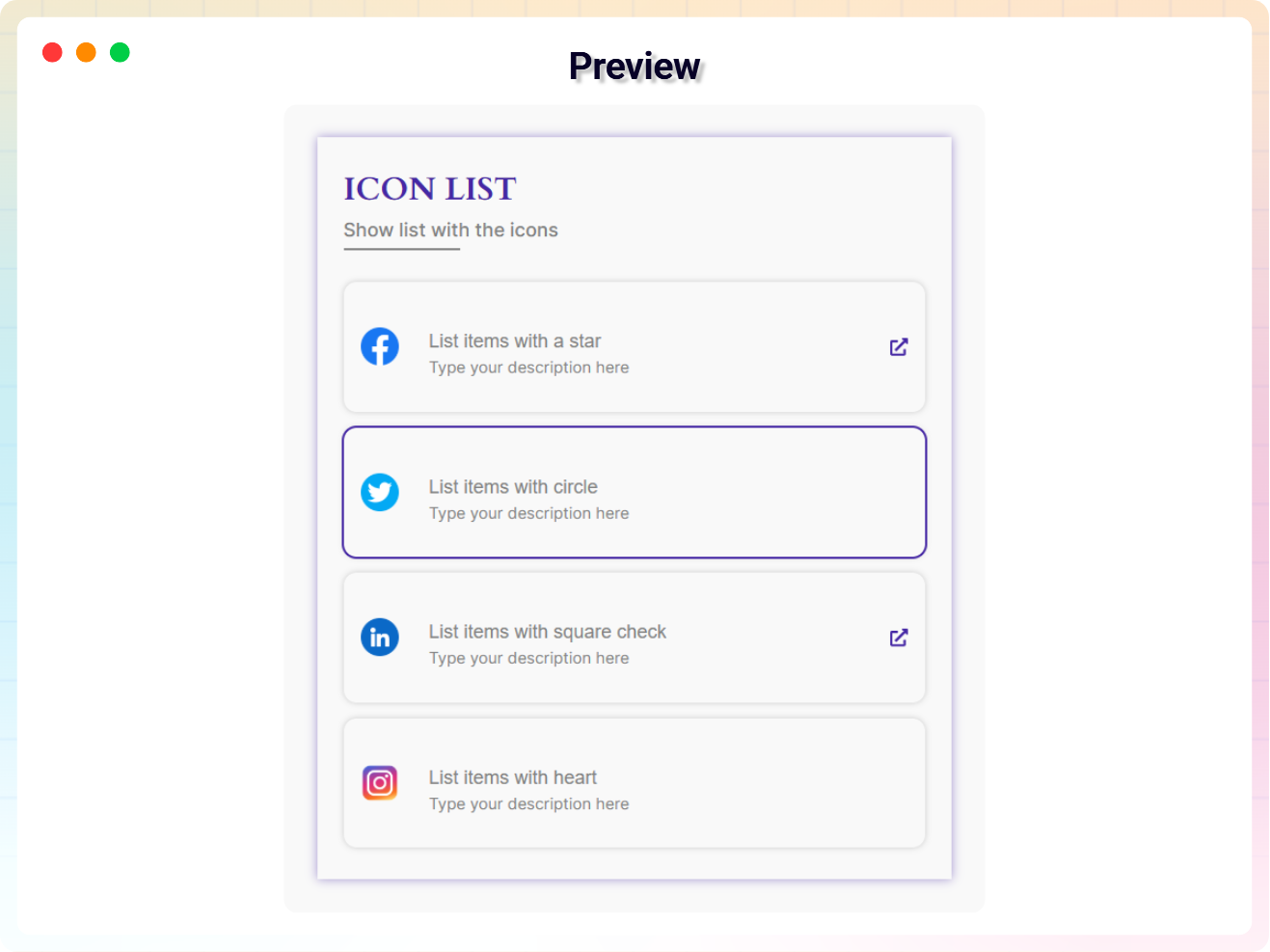
Pick from hundreds of built-in icons or upload your own custom images. Give each list item a unique visual element that enhances readability and brand recognition.
Interactive List Items
Make list items clickable with custom URLs. Turn your lists into navigation tools or call-to-action elements that drive visitors exactly where you want them to go.
Badge System
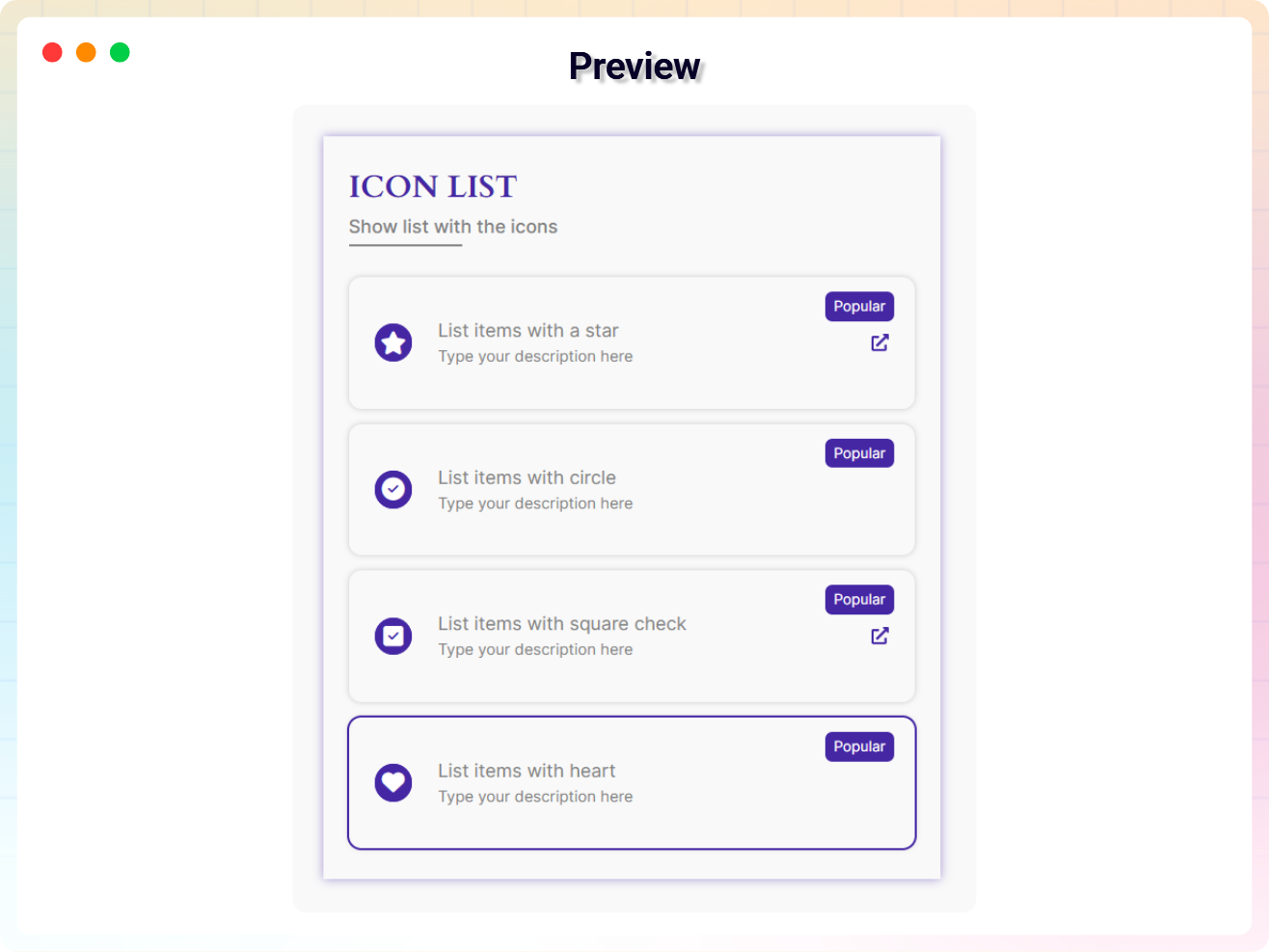
Add custom badges to highlight important list items. Include descriptive text, custom colors, and backgrounds to draw attention to key points or special offers.
Advanced Grid Layouts
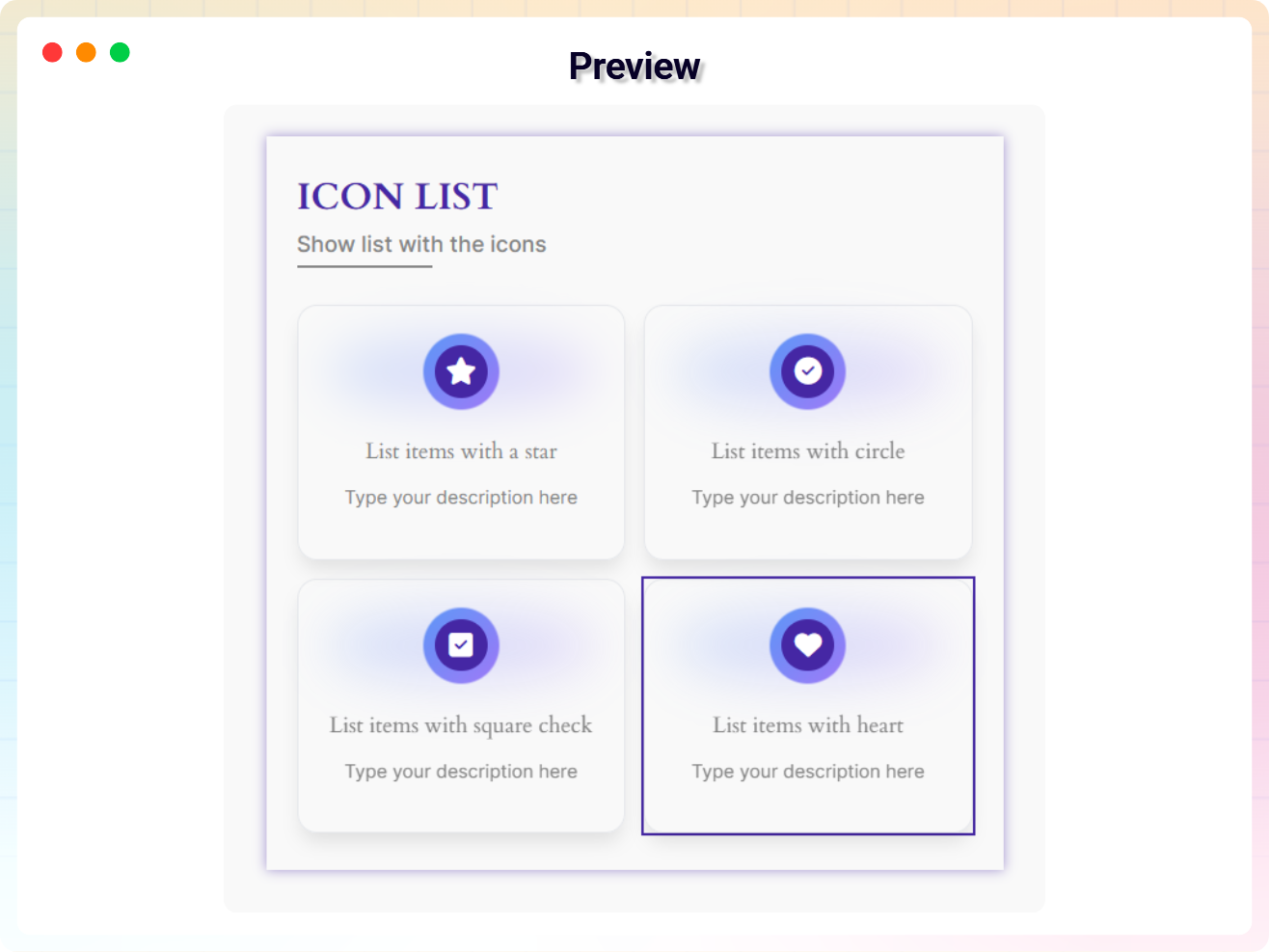
Organize your lists with customizable grid systems. Choose from multiple grid styles to create organized, visually appealing layouts that work perfectly on any screen size.
Background Customization
Customize list item backgrounds with colors, gradients, or images. Create visual hierarchy and brand consistency while making important items stand out from the crowd.
Animated Pulse Effects
Add eye-catching pulse animations to icons that grab attention without being distracting. Choose custom colors and blur effects to create subtle visual engagement.
Typography Control
Customize badge text styling with full typography controls. Adjust font size, weight, spacing, and colors to match your brand guidelines perfectly.
Mobile-Responsive Design
Every list looks perfect on phones, tablets, and desktops automatically. Responsive design ensures your visual lists maintain their impact across all devices.
Show/Hide Controls
Toggle visibility of URL icons and badges based on your needs. Keep designs clean and simple or add interactive elements where they’ll have the most impact.
Unlimited List Items
Add as many list items as needed without restrictions. Build comprehensive feature lists, service offerings, or step-by-step guides that scale with your content.
Full Site Editor Compatible
Works seamlessly with WordPress Full Site Editor and all major themes. No conflicts or compatibility issues—just smooth, professional list creation every time.
No External Dependencies
Operates independently without requiring additional plugins or libraries. Keep your site fast and secure while adding powerful visual list functionality.
Quick Setup Process
Install and start creating professional lists in minutes. No complex configuration or learning curve—just install, activate, and start building better lists immediately.
Custom Image Upload
Upload your own images to use as list icons. Perfect for product features, team members, or any content that benefits from custom visual elements.
Testimonials
What Our Customers Say to Us


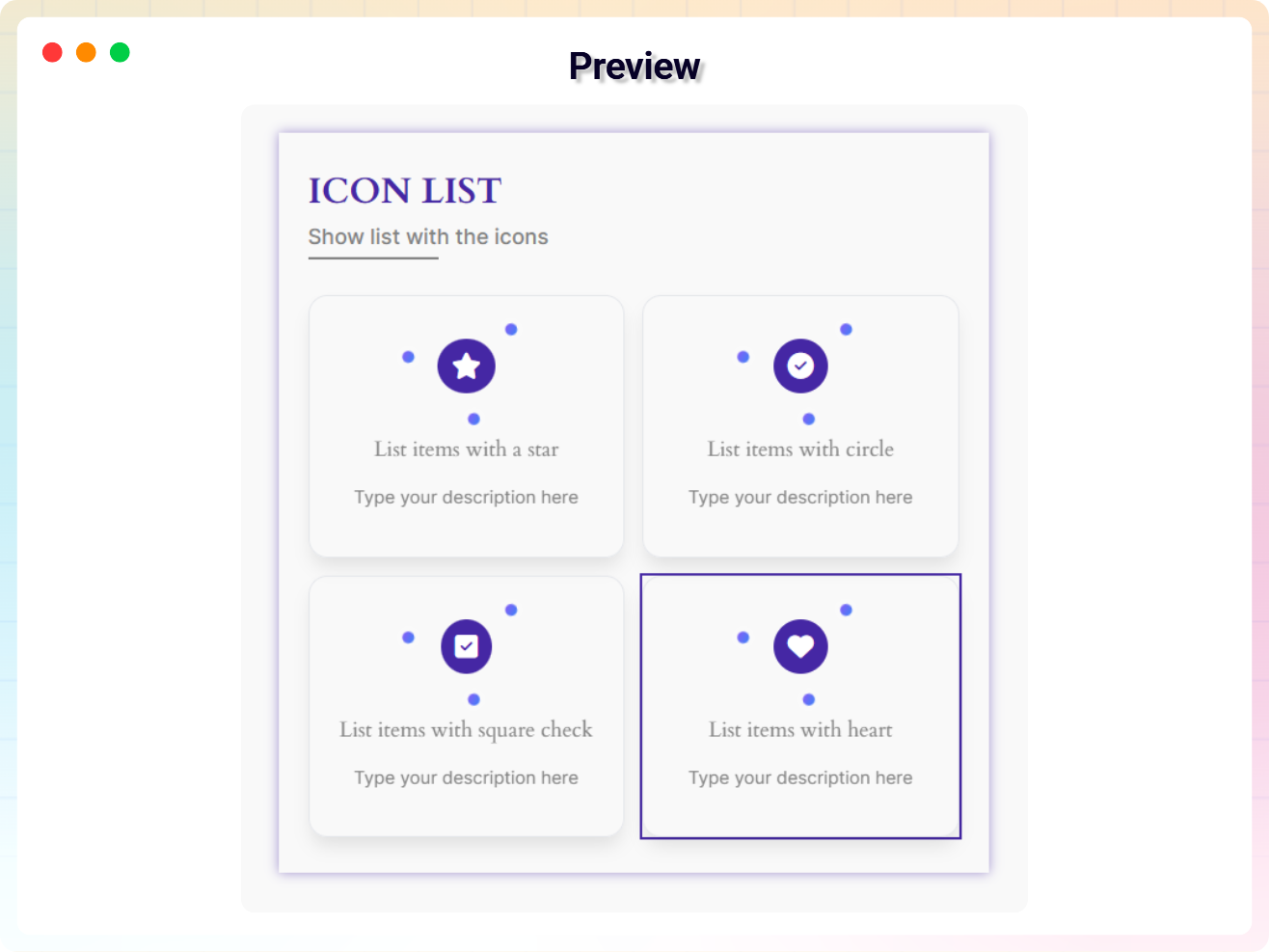
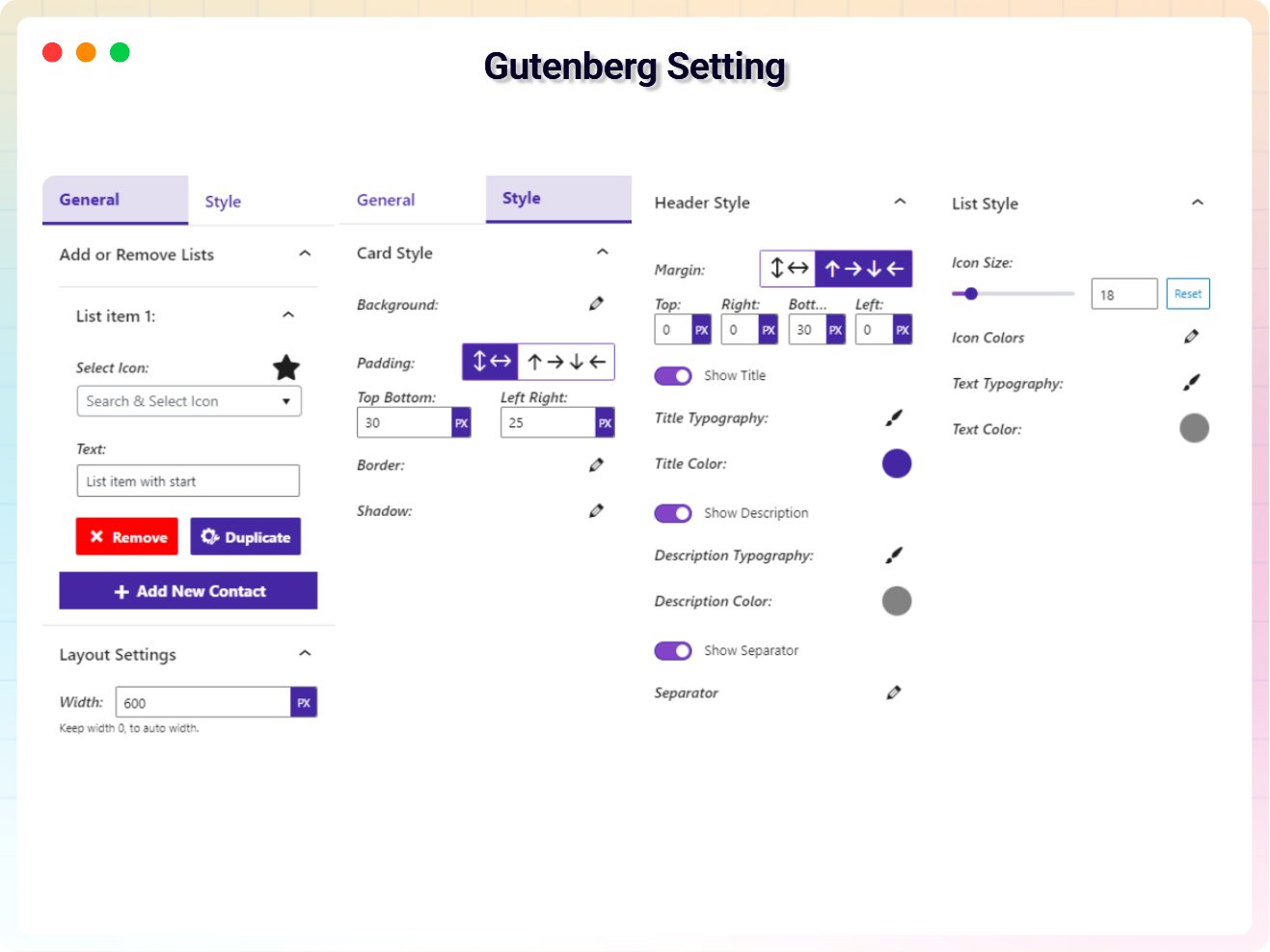
Explore the Interface,
Settings & Preview Screens


FAQs

 Save 90%