
All Embed Addons for Elementor
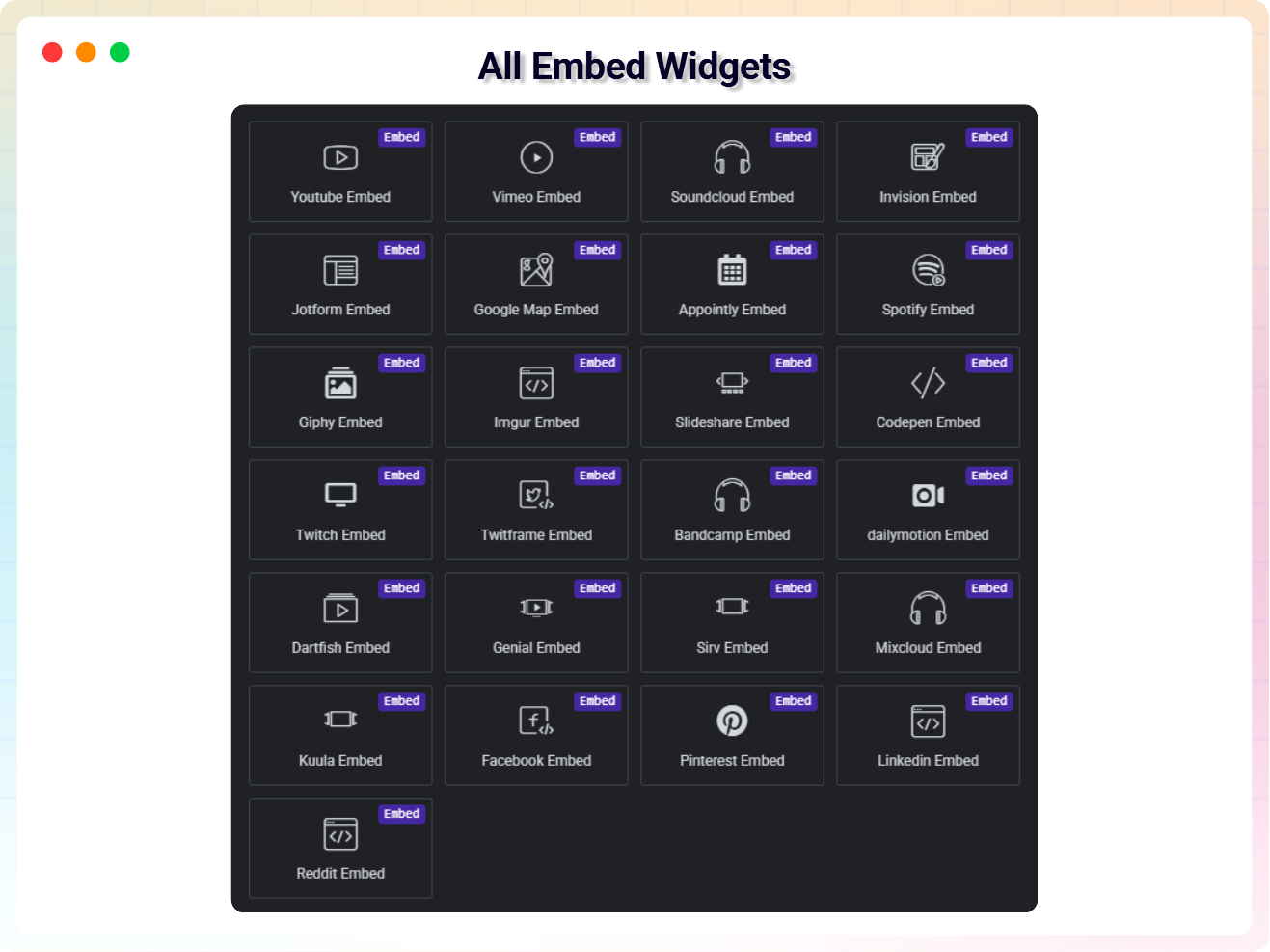
All Embed Addons for Elementor embed files such as audio, video, image, document, and also embed online media in WordPress using Elementor. With the All Embed Addons for Elementor plugin you will get 24+ addons.

Why Choose All Embed Addons for Elementor?
The Problem with Traditional Embeds
- Adding content from multiple services often requires messy iframe code
- Manual embeds aren’t always responsive or mobile‑friendly
- Keeping performance optimized with many embeds can be hard
- Developers often need custom code for advanced embeds
- Mixing different platforms leads to inconsistent user experiences
The Better Way to Embed Content in Elementor
All Embed Addons for Elementor gives you a flexible, lightweight solution with ready‑to‑use widgets for everything from video and audio to maps, social posts, and more:
- Embed content from 24+ popular platforms, including YouTube, Spotify, Google Maps, social posts, forms, slides, and interactive visual content
- No coding needed — just paste the embed link and go
- Fully responsive embeds that adapt to mobile and desktop
- Customizable controls — adjust height, width, alignment, autoplay, lazy loading, and more
- Seamless Elementor integration — works with both Elementor Free and Pro
- Fast & lightweight performance keeps your pages optimized even with multiple embeds
- Regular updates and expanding platform support keep your embed options growing
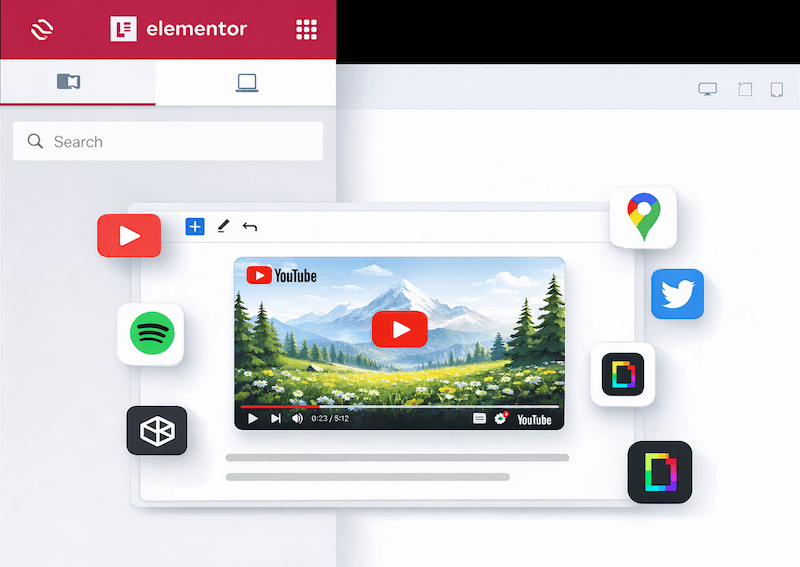
Embed Video and Social Post Anywhere on your website.
Easily embed videos, maps, audio, social feeds, and interactive content from multiple platforms using Elementor widgets. No coding required, just drag, drop, and paste your links.
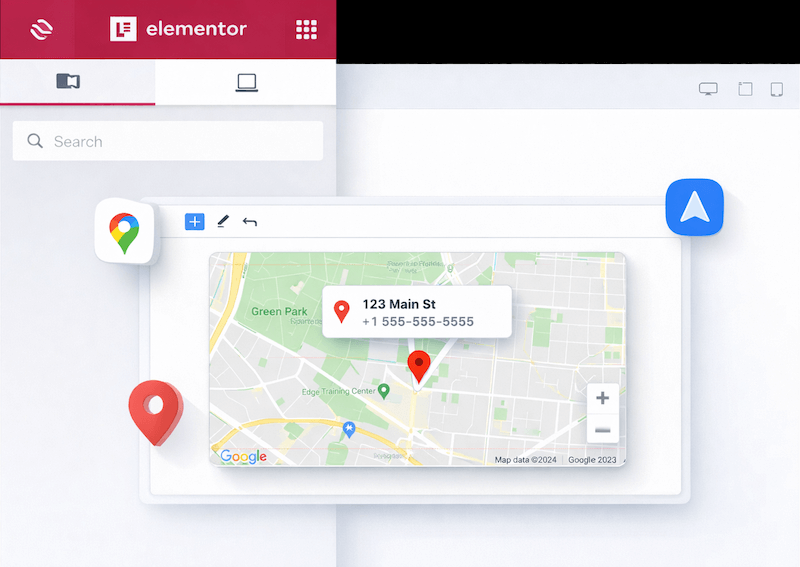
Embed Google Maps Location Anywhere
Easily embed Google Maps locations into your website using Elementor. Display your business address with interactive maps—no coding required.
Display Live Social Feeds Anywhere on Your Website
Boost engagement by integrating real-time updates from Facebook, Twitter, LinkedIn, Reddit, and Pinterest. With our dedicated Elementor widgets, you can showcase your social presence anywhere on your site—no complex API integrations or coding required. Just select your platform, link your profile, and go live instantly.
Seamlessly Embed Power Tools Like CodePen, Jotform, & More
Enhance your site’s functionality by embedding interactive utility tools with ease. Whether it’s sharing code snippets from CodePen, collecting data with Jotform, or showcasing presentations from SlideShare and Genially, our Elementor widgets make it simple. Drag, drop, and connect your favorite productivity tools to create a truly dynamic user experience.
Available Addons in All Embed Addons for Elementor
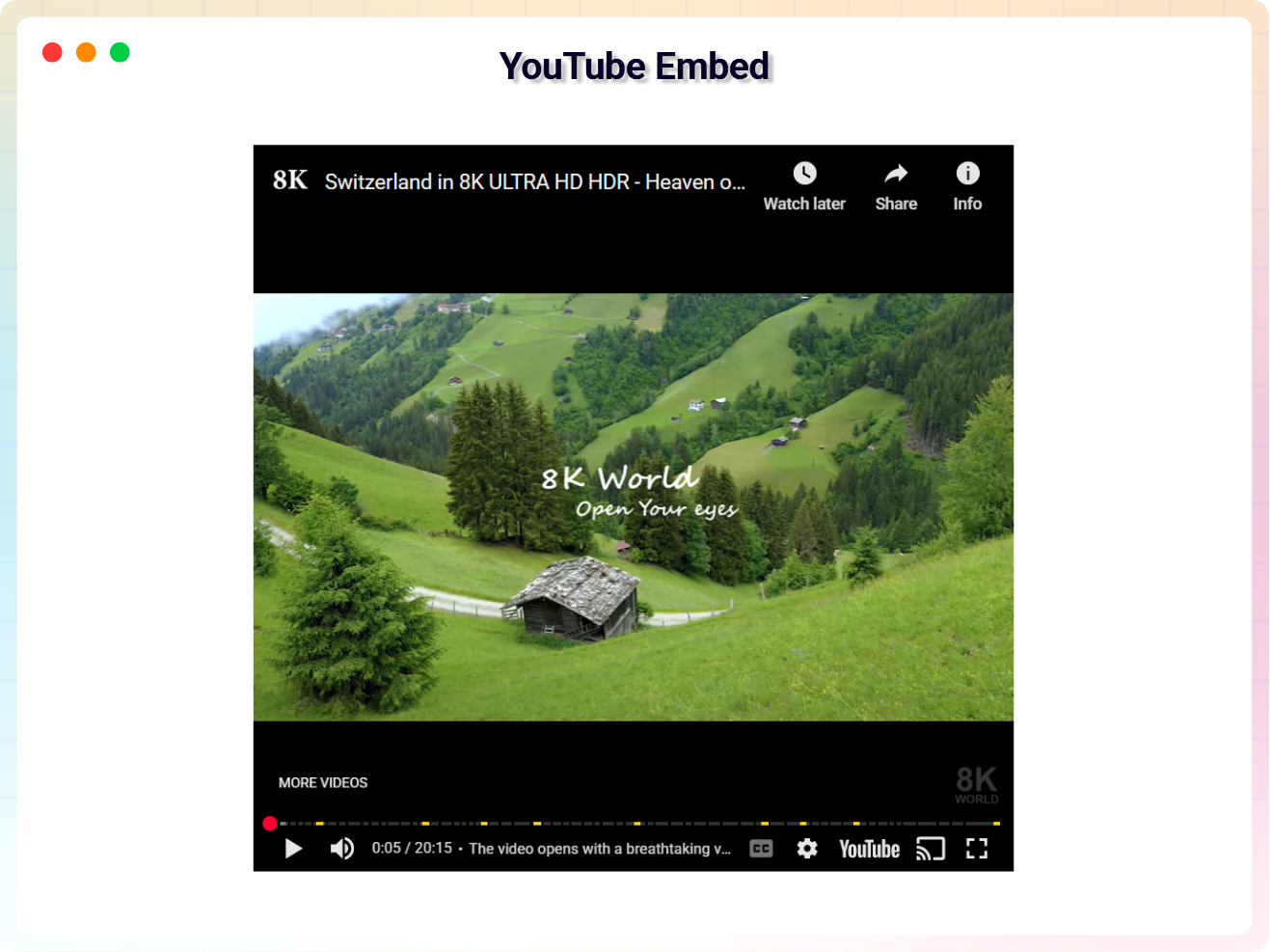
YouTube Embed
Add YouTube videos to your pages with ease.
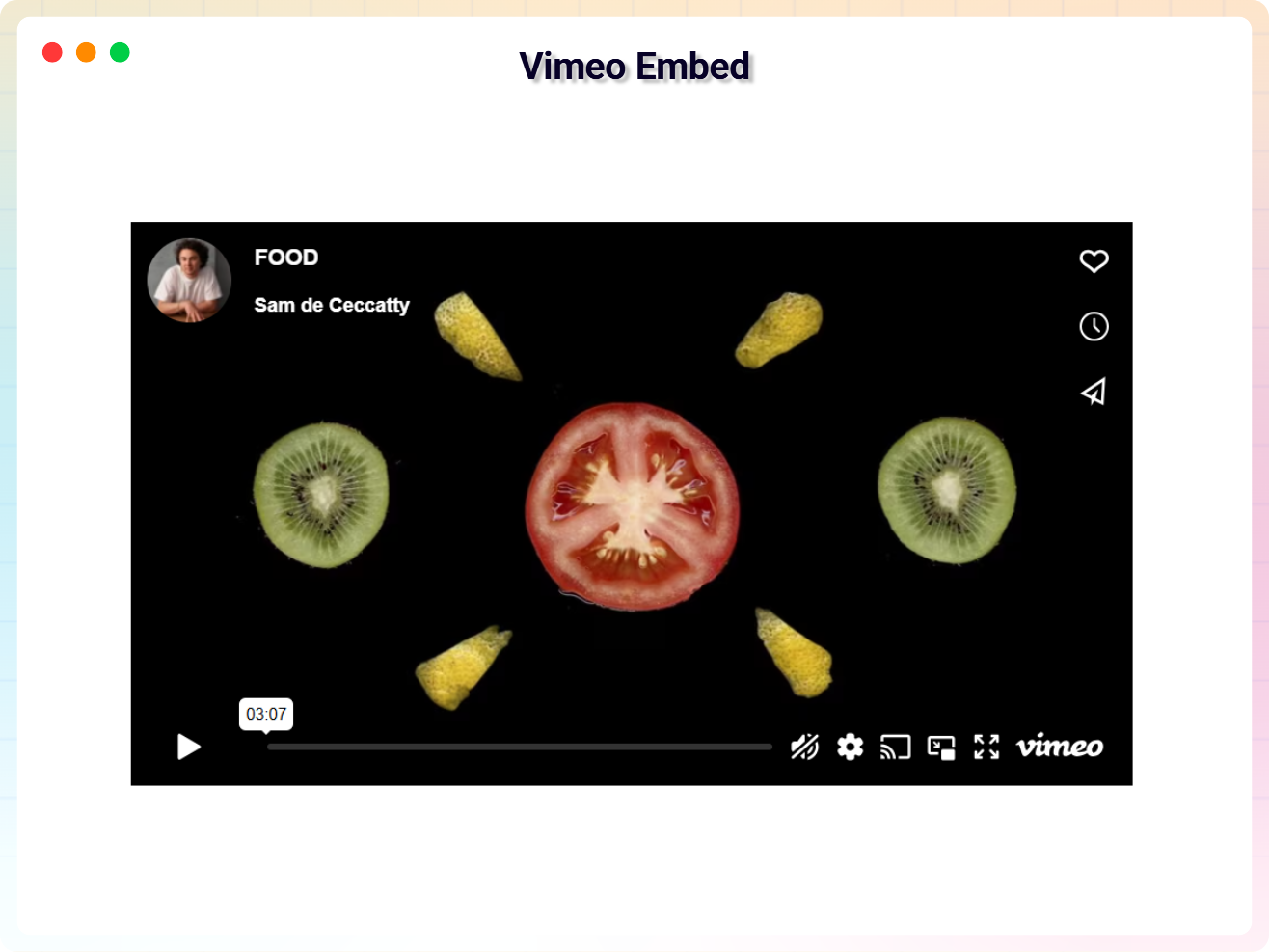
Vimeo Embed
Showcase high-quality Vimeo videos.
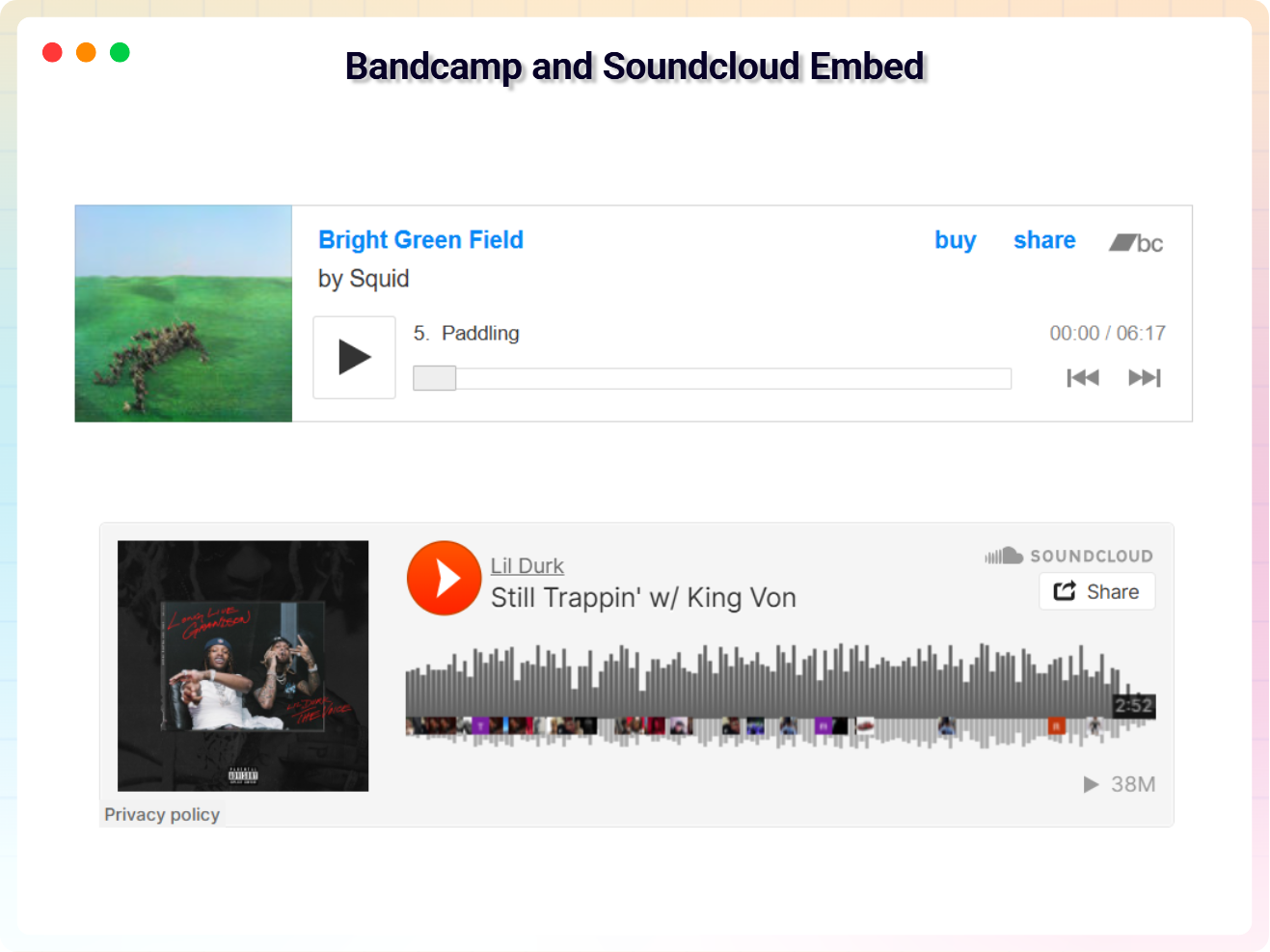
SoundCloud Embed
Embed audio tracks from SoundCloud.
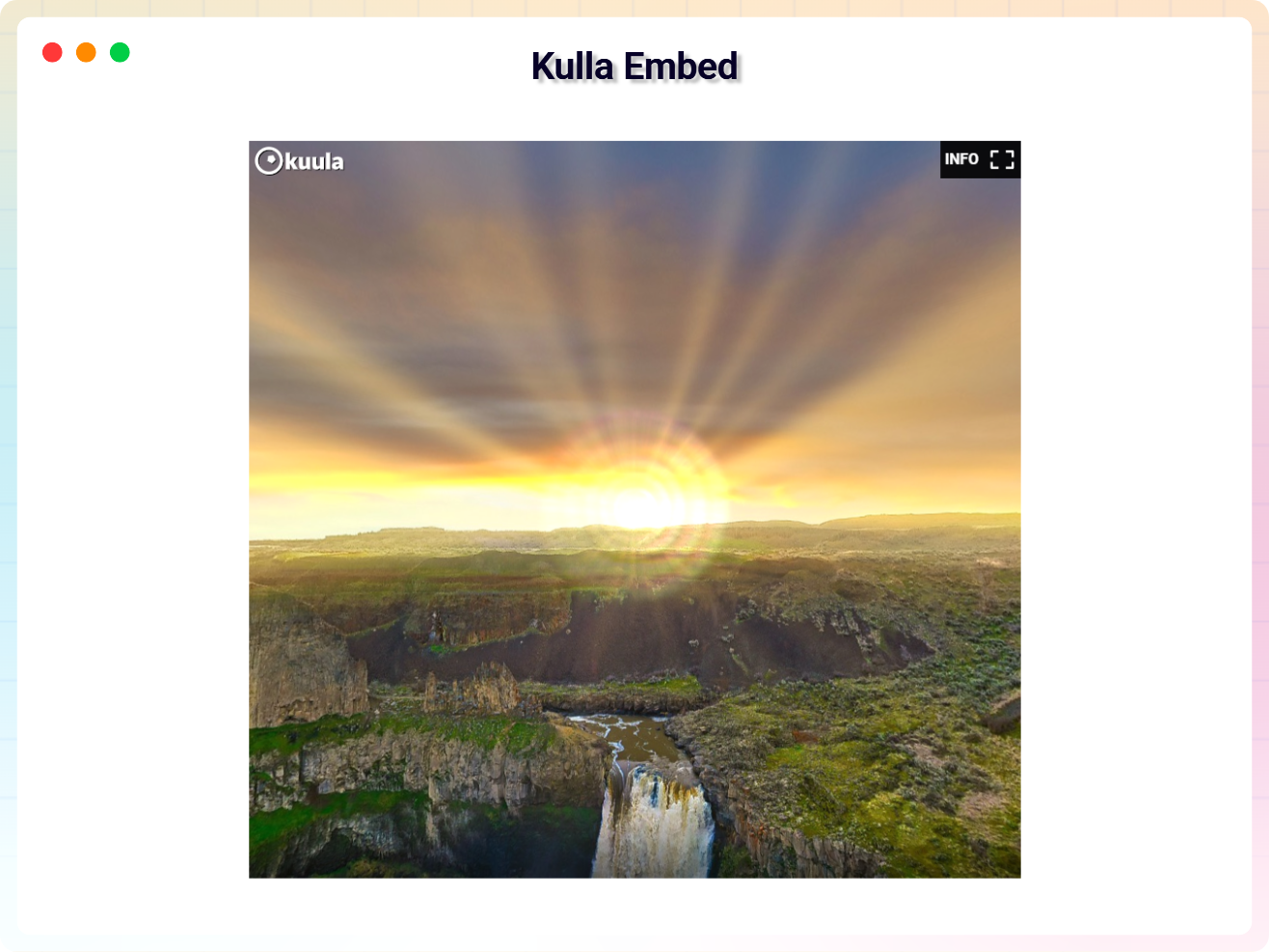
Kuula Embed
Share 360° images and VR content.
JotForm Embed
Add forms created with JotForm.
Google Maps Embed
Integrate interactive Google Maps.
Appointly Embed
Schedule and manage appointments.
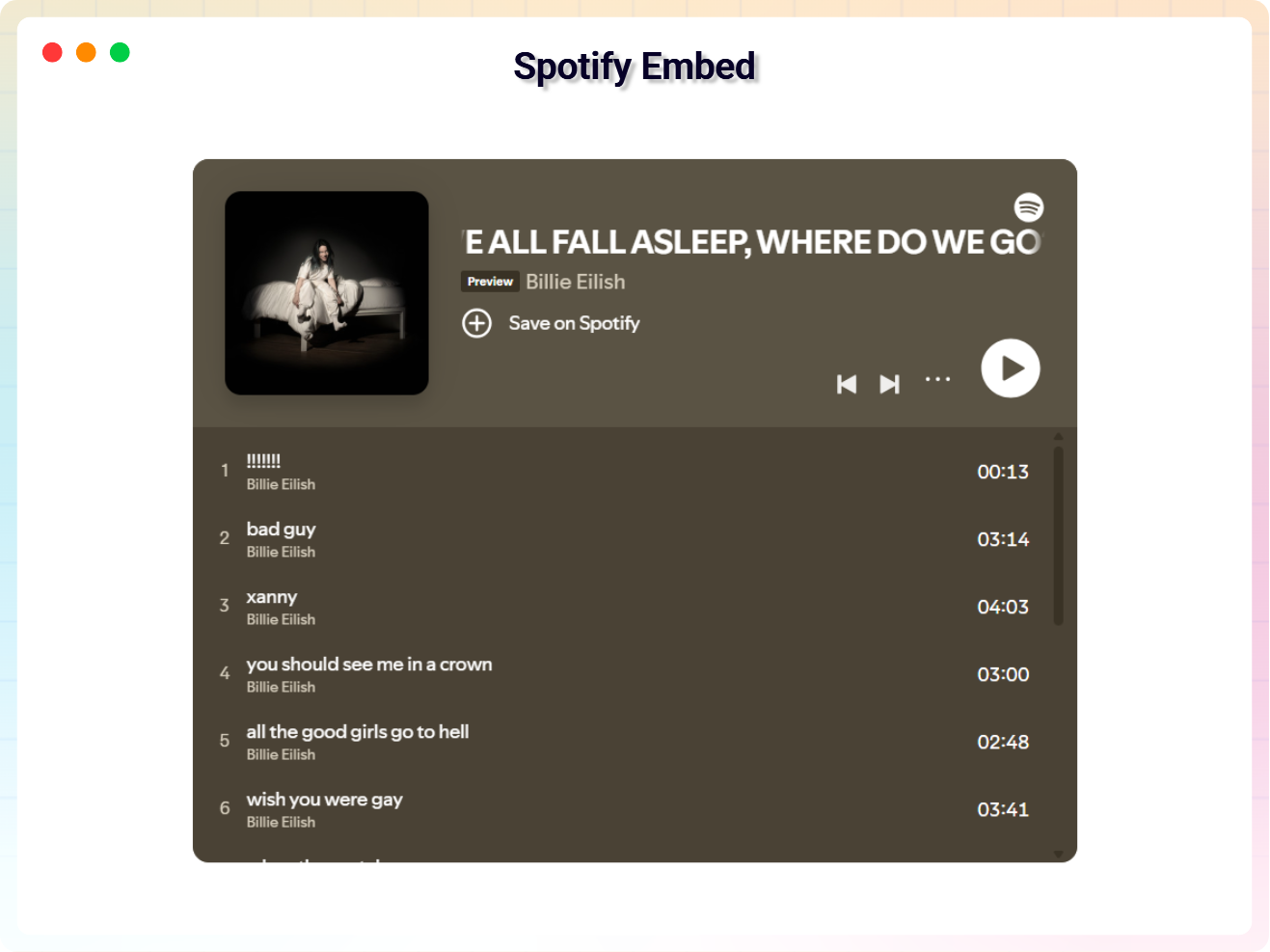
Spotify Embed
Showcase music, albums, or podcasts from Spotify.
Giphy Embed
Add fun and engaging GIFs from Giphy.
Imgur Embed
Share images from Imgur.
SlideShare Embed
Present slides from SlideShare.
CodePen Embed
Showcase interactive code snippets.
Twitch Embed
Stream live or recorded Twitch videos.
TwitFrame Embed
Embed Twitter content dynamically.
Bandcamp Embed
Share music from Bandcamp.
Dailymotion Embed
Embed Dailymotion videos.
Dartfish Embed
Share Dartfish sports videos.
Creddle Embed
Display resumes and other documents from Creddle.
Genially Embed
Add interactive visual content from Genially.
Sirv Embed
Showcase images with interactive zoom features.
Mixcloud Embed
Embed audio mixes from Mixcloud.
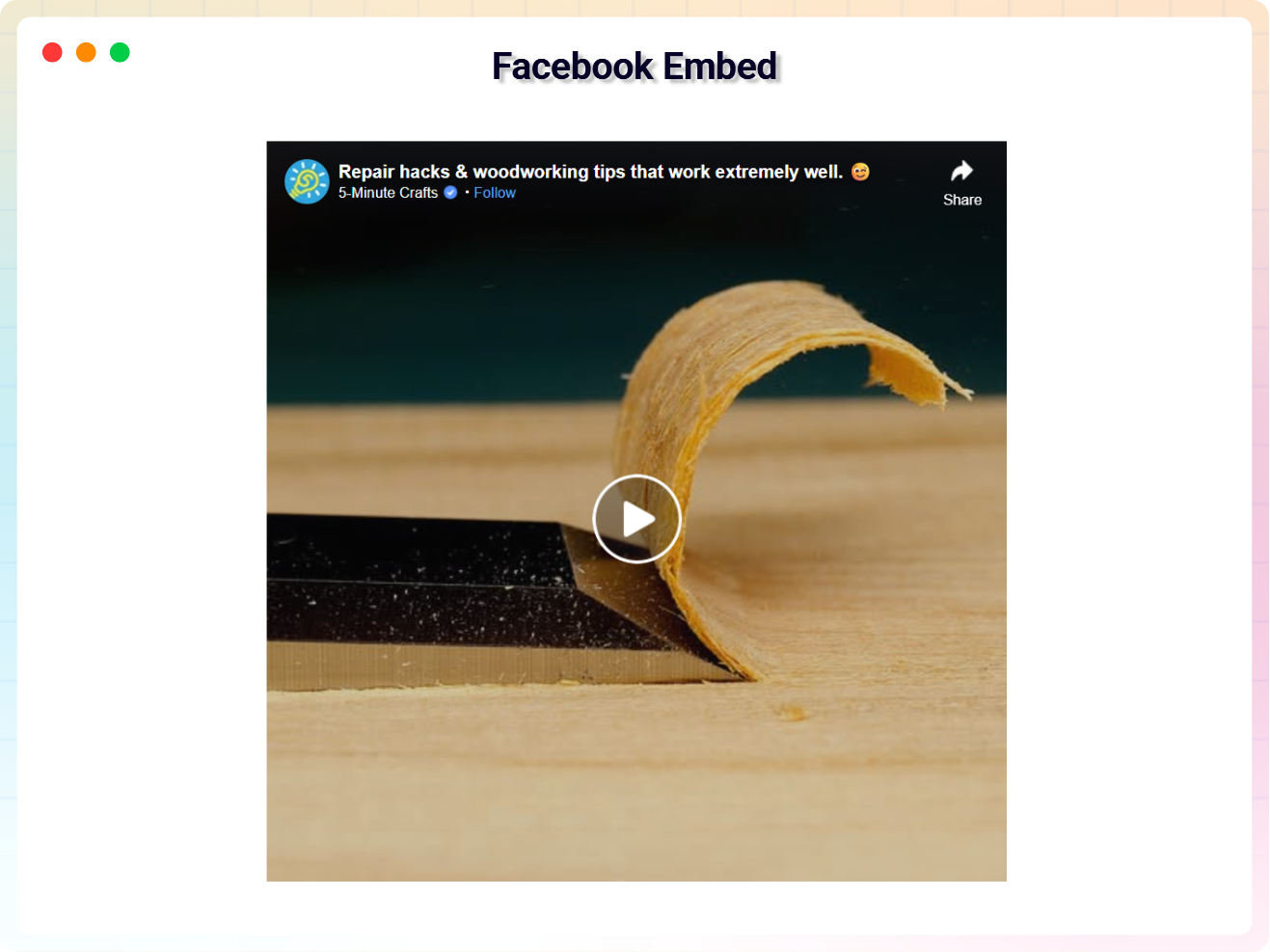
Facebook Embed
Add Facebook posts, pages, or videos.
Pinterest Embed
Share boards, pins, or profiles.
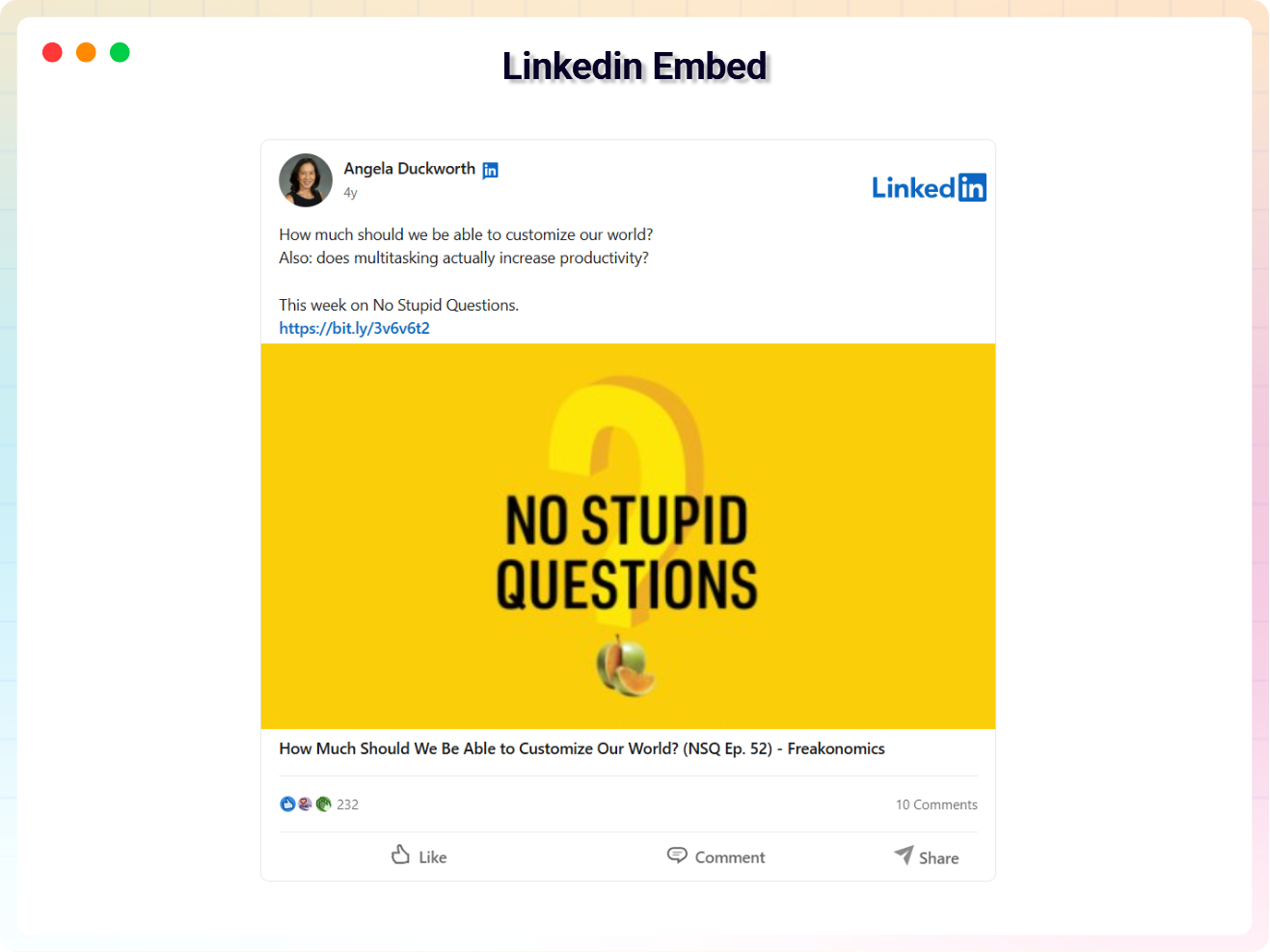
LinkedIn Embed
Showcase LinkedIn posts or profiles.
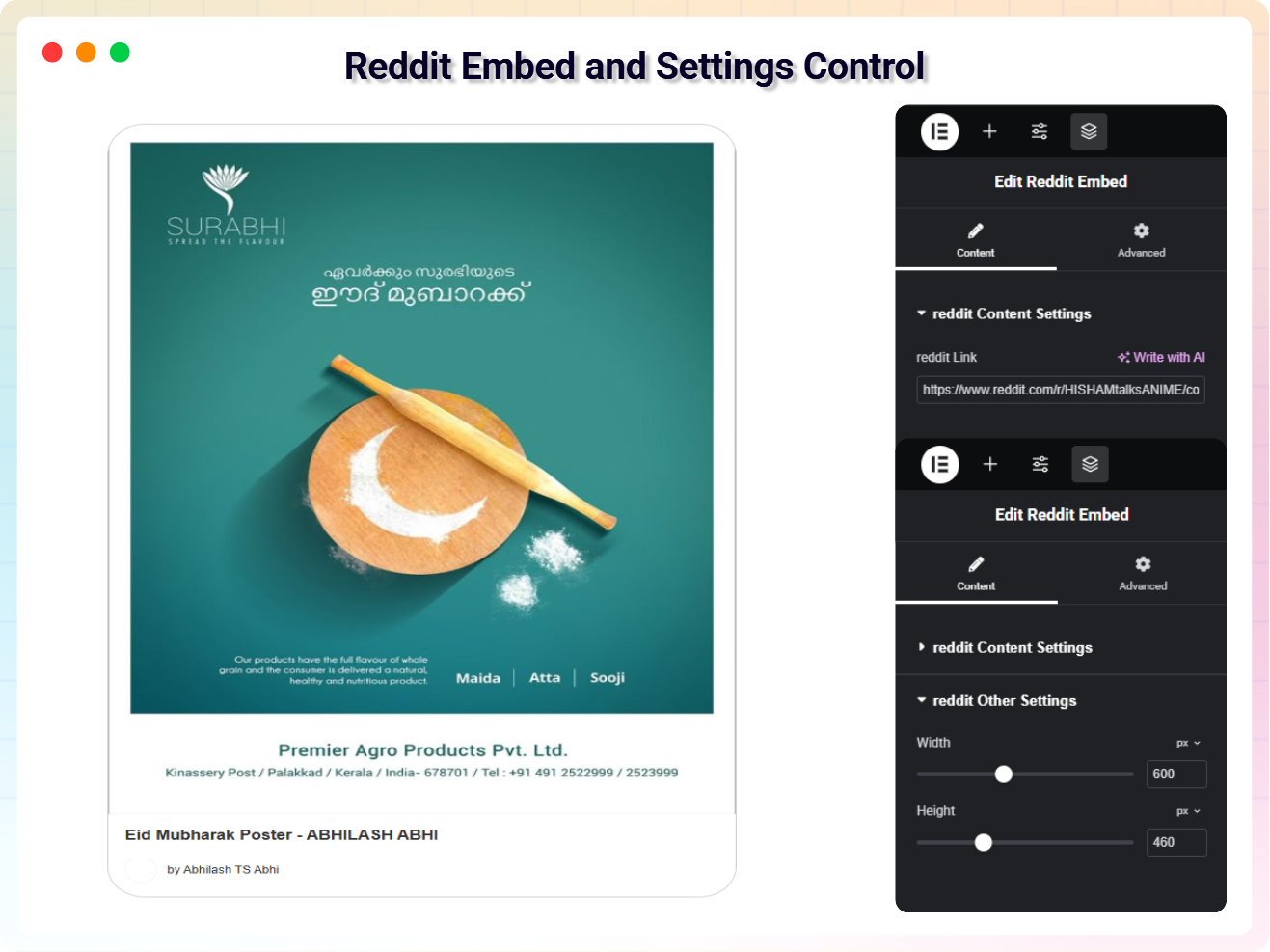
Reddit Embed
Embed posts and discussions from Reddit.
Testimonials
What Our Customers Say to Us


Explore the Interface,
Settings & Preview Screens
Learning Materials
Looking for some learning materials. You will better understand how to use All Embed Addons for Elementor.

FAQs

 Save 90%