
 Mailchimp Block
 Settings/Configure
Select the block, you will see the settings option in the right sidebar. You can see there are 3 tabs for configuration: General, Style, and Patterns.
General Tab
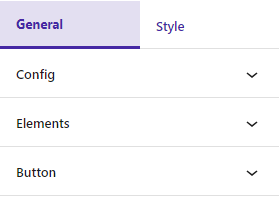
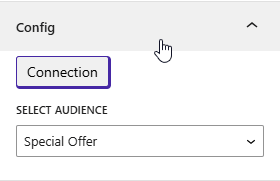
Config
You can input the API key and audience ID.
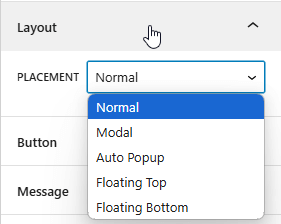
Layout
Four layout options: normal, modal, auto-popup, floating top, and floating bottom
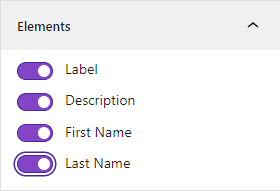
Elements
The options to show or hide the label, description, first name, and last name are available.
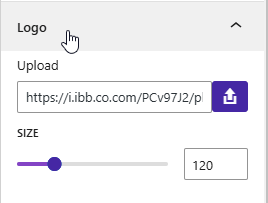
Brand Logo
You can change brand logo
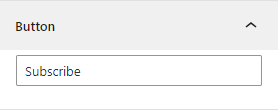
Button
This option allows you to change the button text.
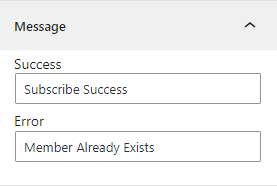
Message
You can customize the text for success messages and error messages.
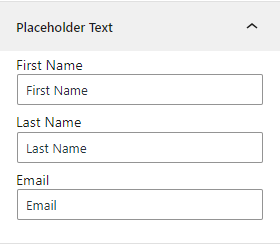
Placeholder Text
You can modify the placeholder text for the first name, last name, and email fields.
Forms
From here, you can select the desired form for customization.
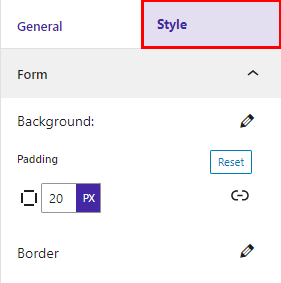
Style
Form
You can customize the form’s background color, border, and padding.
Info Area
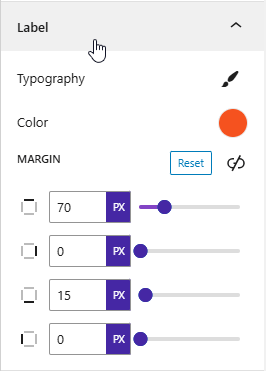
Label
You can change the typography, color, and margin of the labels.
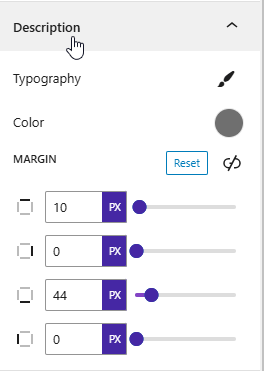
Description
You can change the typography, color, and margin of the description.
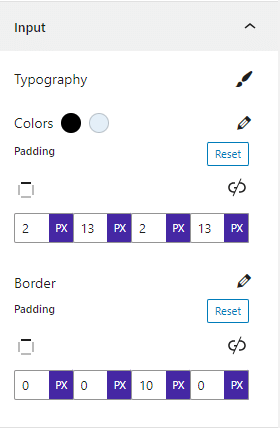
Input
You can change the typography, color, border, and padding of the inputs.
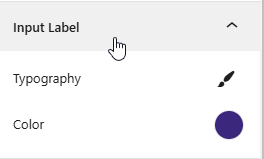
Input Label
This option allows input label typography and color settings.
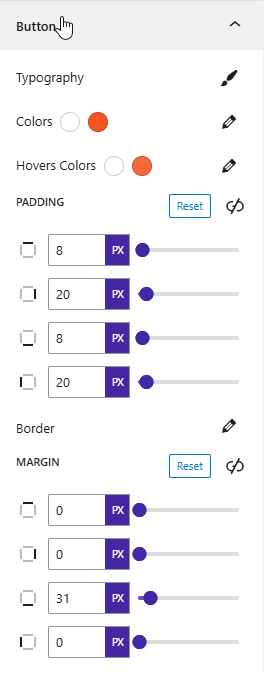
Button
You can change the typography, colors, hover colors, border, and padding of the button.
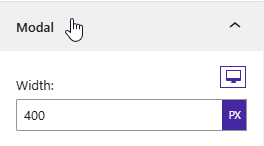
Modal
Depending on the width of the device, you can set width
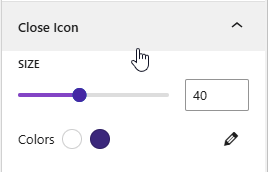
Close Icon
You can set icon size and colors.
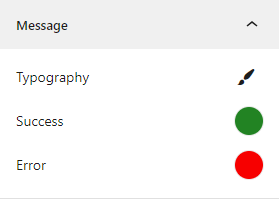
Messages
You can change the color and typography of the success and error messages.
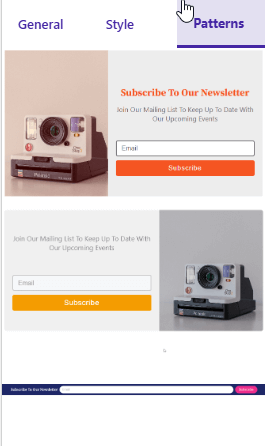
Patterns
Multiple pattern configurations for a tailored look
 Save 90%