
 All In One Image Viewer Block
 General
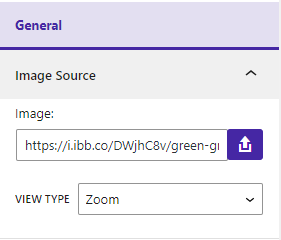
In your sidebar settings, you will see the General tab is selected. if not, select the General tab. Then you will see bellow options
Image Source
- You can set an image URL or upload an image.
- You can change the image view type.
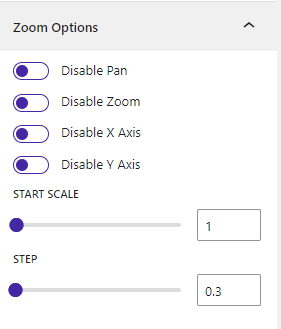
Zoom
- You can disable panning, zooming, the X-axis, and the Y-axis.
- You can set the start scale.
- You can adjust the step.
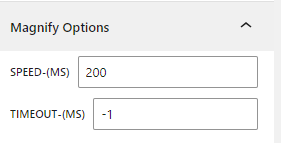
Magnify
- You can set the speed.
- You can set the timeout.
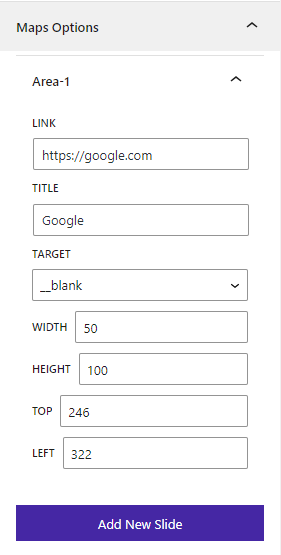
Maps
- You can set the link, title, width, height, top, left, and select the target.
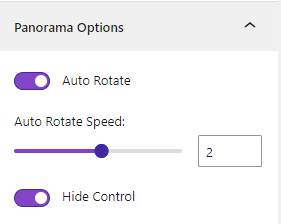
Panorama
- You can set auto rotate, speed, and hide control.
 Save 90%