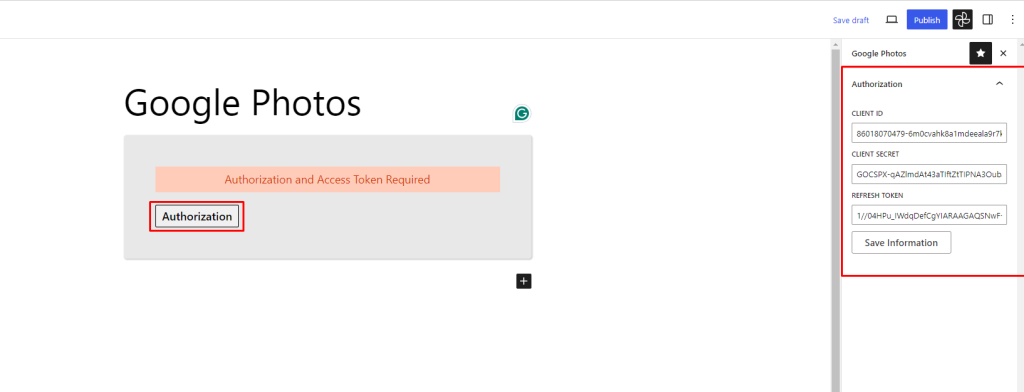
Add Client ID, Secret And Refresh Token Go to the page and add the Embed Google Photos block. Embed Google Photos Block- Add Block Click the authorization button and enter your Client ID, Client Secret, and Refresh Token in the sidebar, then click the Save Information button. Embed Google Photos- Added Credentials Doc navigation← Get Refresh Token How can we help?
 Gallery for Google Photos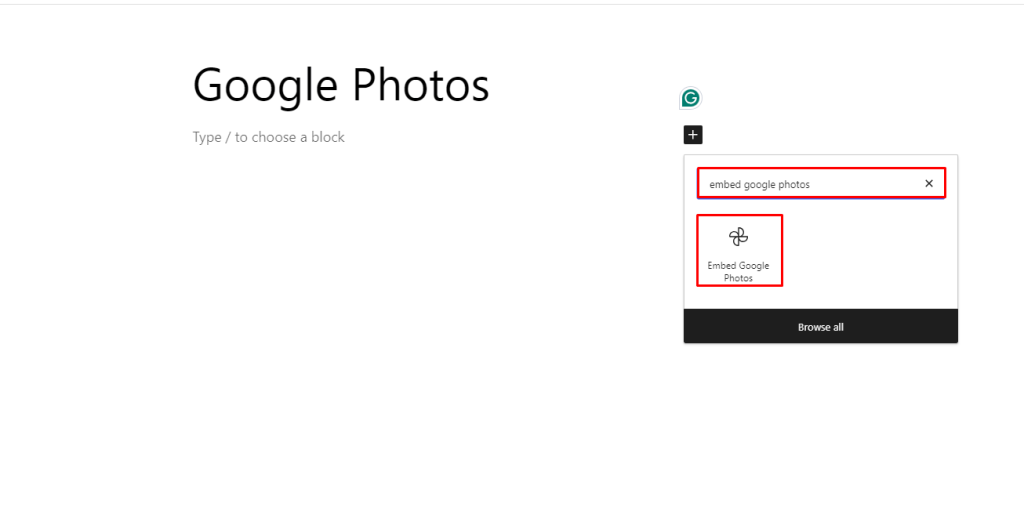

 Save 90%