
Getting visitors to share feedback on your website is harder than it should be. Most people ignore traditional feedback forms because typing takes time and effort. But what if they could simply speak instead?
That is exactly what voice feedback allows. Instead of asking visitors to type, you let them record short audio messages directly on your site. They tap a button, speak for 30 seconds, and hit send. No typing. No friction.
Voice feedback also delivers something written responses cannot capture: emotion and tone. You can hear frustration when someone hits a bug or genuine excitement when they like a feature. Text often loses that context, but voice keeps it intact.
Speaking is faster than typing. Visitors can share detailed thoughts in under a minute instead of drafting paragraphs. On mobile devices, where typing feels slow and inconvenient, speaking feels natural.
Different types of websites benefit in different ways:
- WooCommerce stores can collect authentic, personal audio reviews.
- Online course creators can hear student feedback after each lesson and understand where confusion happens.
- Support teams can receive clearer, more complete messages without long email threads.
The real challenge is choosing the right plugin. WordPress offers several voice feedback tools, but their features vary a lot. Some only provide basic recording, while others offer options like speech-to-text and customization tools.
We have tested the top WordPress voice recorder plugins to help you choose the best fit. In this guide, you will get detailed reviews of the three best options, a feature comparison, tips for implementation, and help deciding which solution matches your needs.
What to Look for in a Voice Feedback Plugin
Not all voice feedback WordPress plugins work the same way. Some offer basic recording, while others pack advanced features. Here’s what I looked at when comparing these tools:
Ease of installation and embedding: Can you add it with a shortcode, Gutenberg block, or floating drawer? Does it work with page builders?
Browser and mobile compatibility: Does it require microphone permissions? Works across Chrome, Firefox, and Safari? Function properly on mobile devices?
User experience: Can visitors easily record and replay their message before sending, and re-record if needed? Is the interface clean and intuitive?
Admin features: How do you access recorded feedback? Can you organize messages, delete spam, and get notifications when new feedback arrives?
Privacy and data storage: Where does audio data live (your server or cloud)? Does the plugin collect personal information? Is it GDPR-friendly?
Pricing structure: What’s included in the free version? Are premium features worth the cost?
Support and updates: Is the plugin actively maintained? Can you get help when things break?
Now let’s look at the plugins that scored highest across these criteria.
Top 3 Voice Feedback WordPress Plugins
| Feature | Voice Feedback | Voice Audio Widgets | Easy Voice Mail |
| Embedding Options | Block, shortcode, floating drawer | Form integrations | Widget, shortcode |
| Mobile Support | Full compatibility | Full compatibility | Basic compatibility |
| Privacy Controls | No personal data collected by default | Depends on form setup | Minimal data collection |
| Floating Drawer | Yes | No | No |
| Preview/Re-record | Yes | Yes | Limited |
| Email Notifications | Yes | Yes (via form) | Yes |
1: Voice Feedback
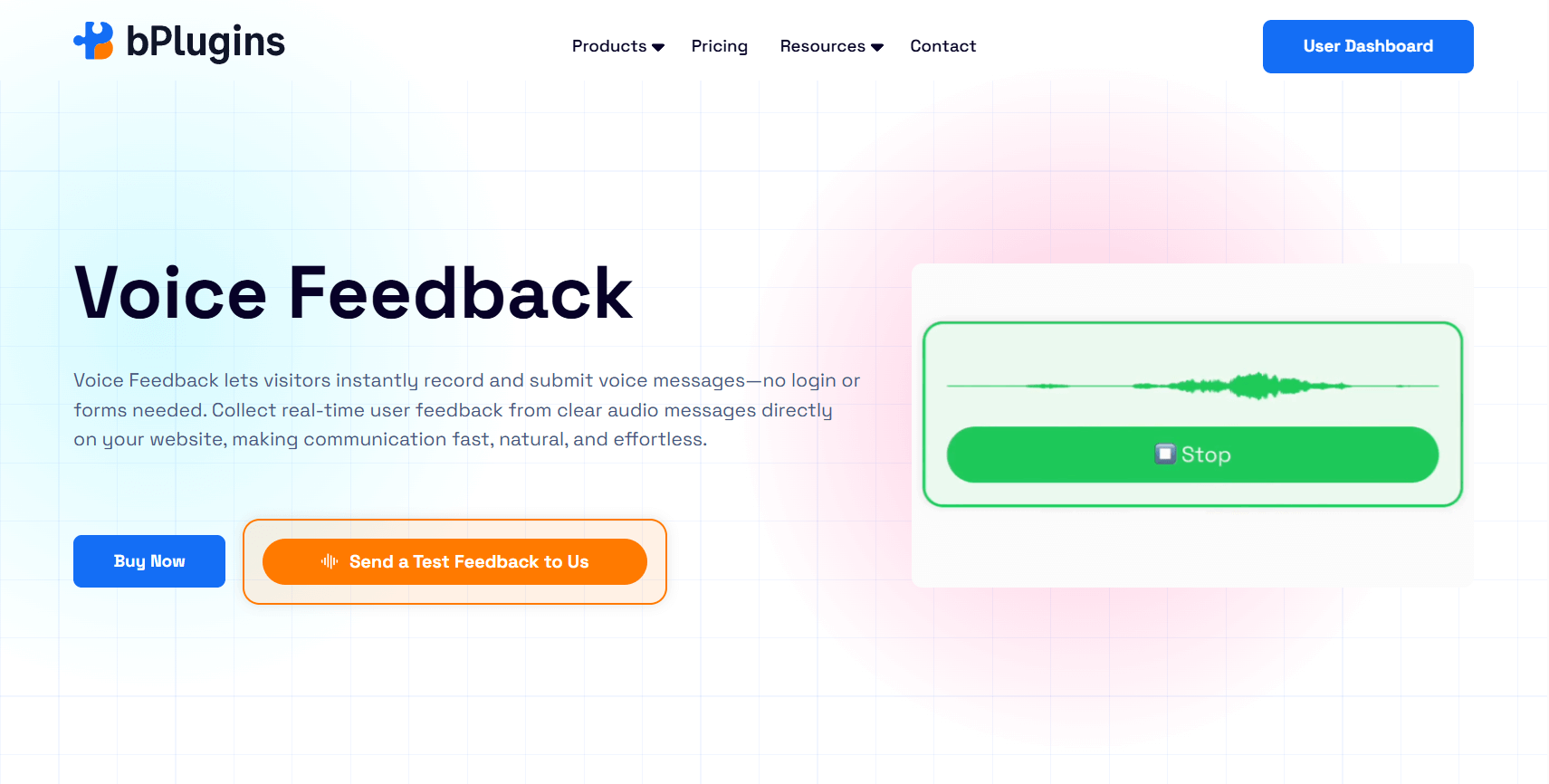
Voice Feedback stands out as the most complete solution for collecting audio feedback on WordPress sites. It balances powerful features with simplicity.
This WordPress voice recorder plugin lets you add a voice recorder anywhere on your site using Gutenberg blocks, shortcodes, or a floating drawer that follows users as they browse. The interface is clean and doesn’t overwhelm visitors with options. Users see a simple record button, and that’s it.
What sets this plugin apart is how much control you get without complexity. You can customize colors to match your brand, place recorders strategically, and manage all audio feedback from one dashboard.
Key Features
The voice recorder works smoothly across devices. Visitors click record, speak their message, and can replay it before submitting. If they don’t like what they said, they can re-record. This preview feature reduces awkward or incomplete submissions.
You get three ways to allow users to leave audio feedback on your site:
Gutenberg block: Drop it directly into any post or page
Shortcode: Embed it anywhere shortcodes work (widgets, custom post types, etc.)
Floating drawer: A persistent icon that stays visible as users scroll, perfect for collecting feedback site-wide
The voice library organizes all submissions in your WordPress dashboard. You can listen to messages, delete spam, and keep track of feedback without leaving WordPress.
The customizable UI lets you adjust button colors, recorder size, and positioning. Your voice feedback tool can blend seamlessly with your site design instead of looking like a generic plugin.
Privacy is built in. The plugin doesn’t collect personal data like names or emails unless you explicitly add form fields to capture that information. Audio files stay on your WordPress server by default, giving you complete control.
Pricing
Voice Feedback offers a generous free version that includes all core features. Most small to medium sites won’t need to upgrade.
The premium version adds advanced customization options, priority support, and additional styling controls. Pricing is reasonable and scales based on how many sites you run.
Best Suited For
This audio feedback WordPress plugin works well for almost any WordPress site, but it shines for:
Course creators and membership sites: Collect lesson feedback or member suggestions without requiring typed responses
Service businesses: Let potential clients leave quick messages about their needs
Product teams: Gather user suggestions with emotional context
Content creators: Enable readers to share thoughts on articles or videos
SaaS companies: Capture bug reports or feature requests with full context
The floating drawer option makes it ideal for sites where you want ongoing feedback without dedicating specific page space to a recorder.
2: Voice Audio Widgets
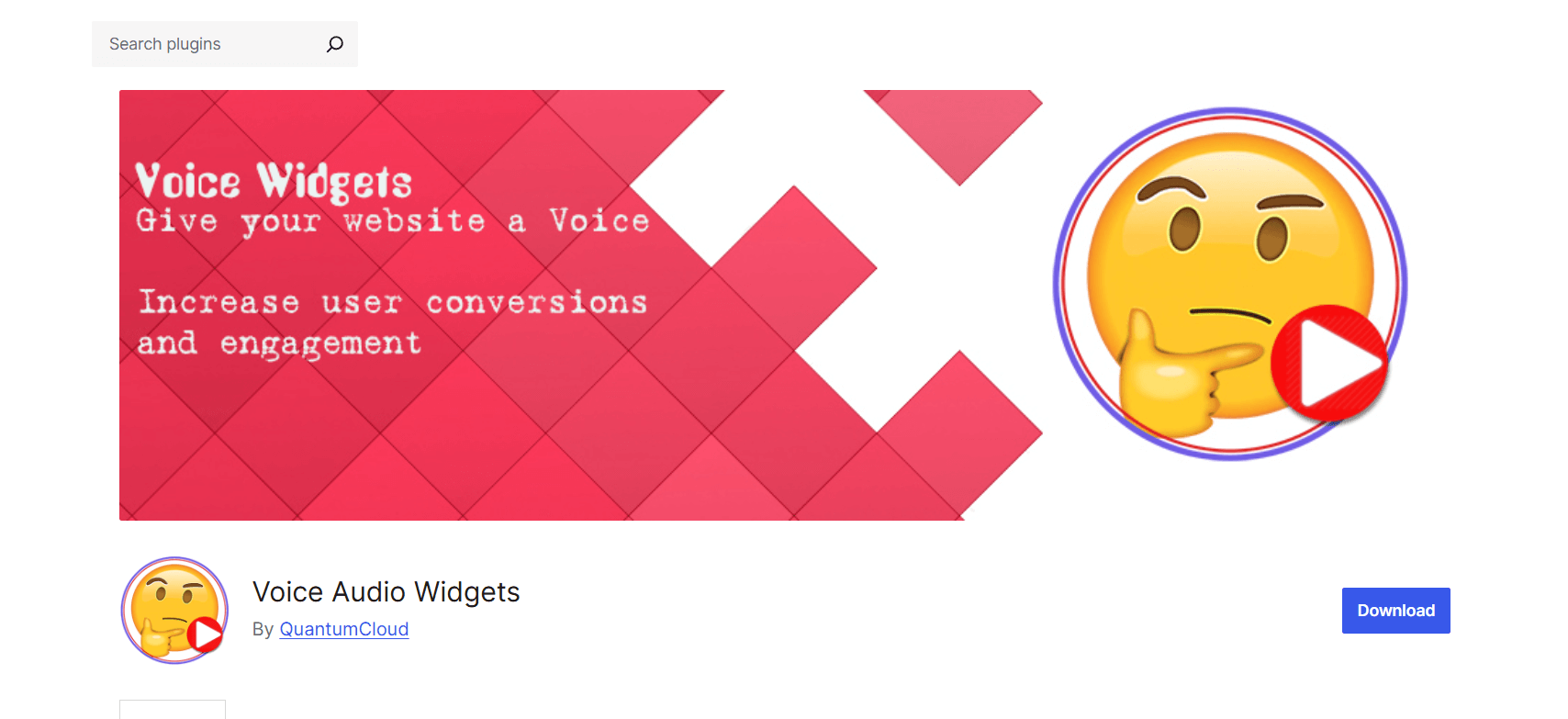
Voice Audio Widgets takes a different approach by focusing on form integration and speech technology.
This plugin extends popular form builders like Contact Form 7, WPForms, and others with voice recording capabilities. If you already use these forms, Voice Audio Widgets slots right in.
The standout feature is its speech-to-text functionality. Users can record a voice message, and the plugin automatically transcribes it. This gives you both audio and text versions of the same feedback.
Key Features
The voice message recorder integrates directly into form fields. You add a voice input field just like you’d add a text field or dropdown. This makes setup intuitive if you’re already familiar with form builders.
Speech-to-text conversion happens automatically. This is valuable when you need searchable text but still want the emotional context of voice. You can scan transcriptions quickly and dive into audio when needed.
Text-to-speech (TTS) support lets you create audio responses or instructions. This feature is more niche but useful for accessibility or creating audio-first experiences.
Multiple form builder integrations mean you don’t need to learn a new system. If you’re comfortable with Contact Form 7 or WPForms, you already know how to use this plugin.
The plugin handles voice messages as form submissions. They flow into your existing form management workflow, which simplifies organization if you process lots of feedback.
Pricing
Voice Audio Widgets offers a free version with basic recording features. Speech-to-text and advanced integrations require the premium version.
Premium pricing is subscription-based and varies depending on the features you need. The speech-to-text feature adds cost since it relies on external transcription services.
Best Suited For
This plugin works best for:
Sites heavily using form builders: If Contact Form 7 or WPForms powers your site, this integrates smoothly
Teams needing transcriptions: The speech-to-text feature helps when you need searchable, skimmable feedback
Multi-purpose forms: When voice feedback is one part of larger forms (registration, orders, etc.)
Support teams: Voice messages within support ticket forms provide richer context
If forms already handle your feedback collection and you want to add voice without changing your workflow, this plugin makes sense.
3: Easy Voice Mail
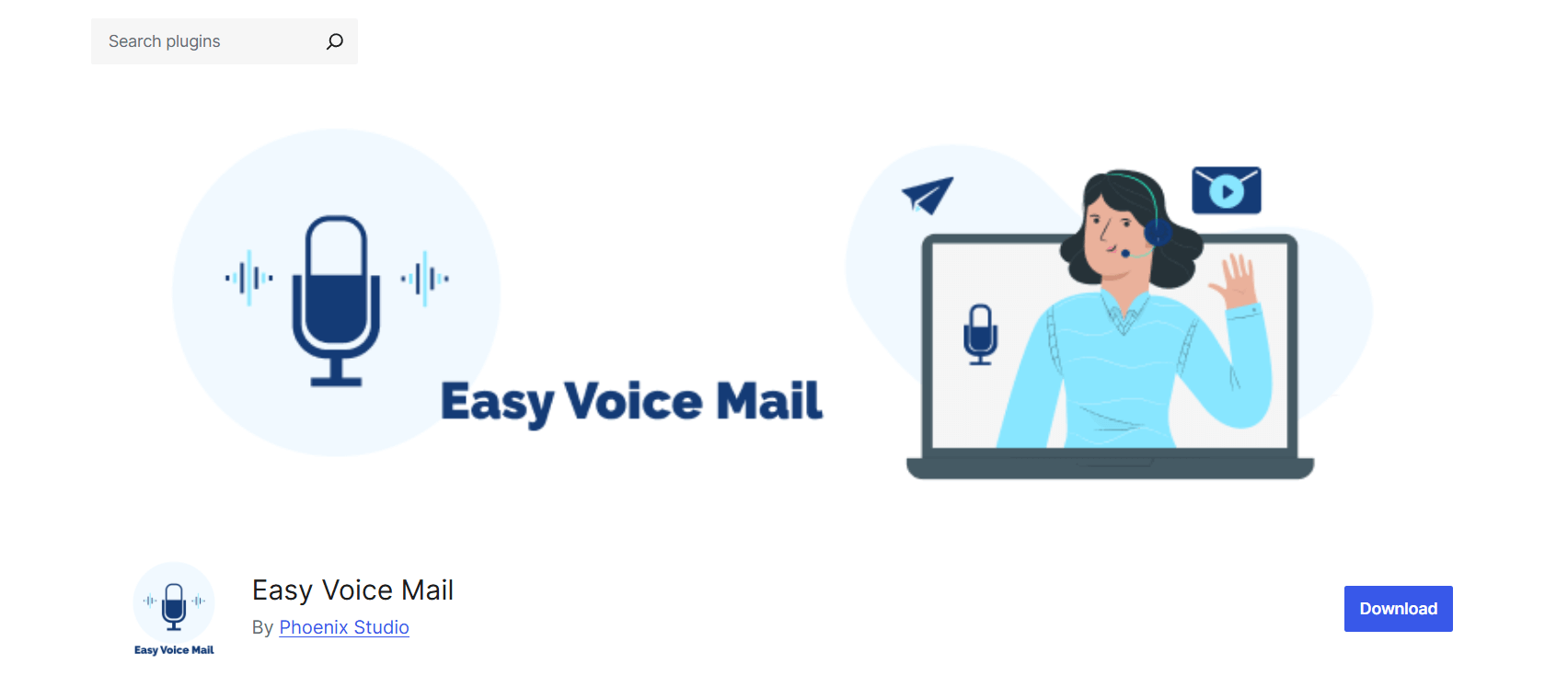
Easy Voice Mail keeps things simple. It’s a straightforward voice message recorder focused on basic functionality.
This plugin provides a no-frills way to collect voice messages. When a user records, you receive an email notification, and the audio file stored on your server. That’s the core workflow.
Easy Voice Mail doesn’t try to do everything. It focuses on making voice message collection reliable and simple. If you want advanced features or heavy customization, look elsewhere. But if you need basic voice feedback without complexity, it delivers.
Key Features
The voice mail recorder appears as a widget or shortcode. Users click record, leave their message, and submit. The interface is minimal, which can be good or bad depending on your audience.
Storage happens directly on your WordPress site. Audio files save to your server, keeping everything in-house. This gives you control but means you need adequate hosting space as messages accumulate.
Email notifications alert you when someone leaves a voice message. You get a notification with a link to listen in your dashboard.
The plugin includes basic limits to prevent abuse. You can cap message length and limit how many messages someone can submit in a timeframe.
There’s no fancy organization system. Voice messages appear as a list in your dashboard. For small volumes, this works fine. For hundreds of messages, you’ll want better organization tools.
Pricing
Easy Voice Mail operates as a freemium plugin. The free version covers basic recording and storage.
Premium features add longer recording limits, additional customization options, and priority support. Pricing is lower than competitors but matches the simpler feature set.
Best Suited For
Easy Voice Mail fits these scenarios:
Small businesses: If you expect low feedback volumes, the simplicity works well
Personal blogs: Collect reader thoughts without overwhelming features
Testing voice feedback: Try the concept before investing in more robust tools
Budget-conscious sites: The free version delivers core functionality at no cost
This plugin makes sense when simplicity and cost matter more than advanced features. It won’t scale well for high-volume feedback or complex organization needs.
Here’s how these three plugins stack up side by side:
Best Practices for Using Voice Feedback Plugins
Installing a plugin is just the start. Follow these practices to get the most value from voice feedback:
Ensure your site uses HTTPS. Browsers require secure connections to access microphone permissions. If your site runs on HTTP, voice recording won’t work. Most hosts offer free SSL certificates through Let’s Encrypt.
Minimize friction for users. Keep the recording process dead simple. Don’t require login or registration unless absolutely necessary. Anonymous feedback often yields more honest insights.
Always offer preview and re-record options. People feel self-conscious recording their voice. Letting them replay and re-record increases submission rates and quality. Users won’t send awkward or incomplete messages if they can fix them first.
Store and organize audio feedback efficiently. Voice files add up fast. Create a system to tag, categorize, or archive messages. Regular cleanup prevents your server from filling up with old recordings.
Optimize audio format and size. Most plugins compress audio automatically, but check the settings. Lower bitrate reduces file size without sacrificing clarity. This improves page load speed and saves storage space.
Handle privacy and consent properly. Be transparent about what you’re recording and how long you keep it. Add a consent checkbox if you operate under GDPR or similar privacy laws. Clearly state whether you collect identifying information along with voice data.
Consider accessibility concerns. Not everyone can or wants to record voice messages. Always provide an alternative text-based feedback option. This ensures you don’t exclude users with disabilities, device limitations, or privacy concerns.
Test on mobile and lower-end devices. Voice recording can be resource-intensive. Test your implementation on older phones and slower connections. Make sure the recorder loads quickly and doesn’t crash budget devices.
Set clear expectations. Tell users how long they can record and what kind of feedback you’re looking for. “Share your thoughts in 60 seconds or less” works better than leaving it open-ended.
Respond to feedback when possible. Even a quick “thanks for the feedback” email increases future engagement. When users know someone actually listens, they’re more likely to share again.
How to Choose the Right Plugin for Your Site
Picking between these three plugins depends on your specific situation. Here’s how to decide:
Consider your primary use case
Are you collecting testimonials, bug reports, support requests, or general feedback?
If you need versatile, site-wide feedback collection, Voice Feedback offers the most flexibility. The voice feedback drawer block works great for ongoing feedback that isn’t tied to specific pages.
If feedback flows through forms and you need transcriptions, Voice Audio Widgets integrates smoothly with your existing form workflow.
If you just want a simple voice mail box without bells and whistles, Easy Voice Mail does the job at minimum complexity.
Evaluate Your Budget Constraints
All three plugins offer free versions, but their limitations differ.
Voice Feedback gives you full core functionality for free. Most sites won’t need premium unless they want advanced styling.
Voice Audio Widgets requires a premium for speech-to-text, which is its main differentiator. The free version is quite limited.
Easy Voice Mail’s free version covers basics but caps recording length and features.
Think about the expected volume
How much feedback do you anticipate?
High volume needs good organization tools. Voice Feedback’s library system handles this better than Easy Voice Mail’s basic list.
If you process feedback through existing ticketing or form management systems, Voice Audio Widgets slots into that workflow naturally.
Assess Customization and Branding Needs
Does the recorder need to match your site design exactly?
Voice Feedback offers the most visual customization without coding. You can adjust colors, sizes, and positioning through settings.
Voice Audio Widgets’ appearance depends largely on your form builder’s styling.
Easy Voice Mail provides minimal customization options.
Check Integration Requirements
What tools does voice feedback need to work with?
Using Contact Form 7, WPForms, or similar? Voice Audio Widgets is built for this.
Need voice feedback in specific posts, pages, or floating site-wide? Voice Feedback’s three embedding methods cover all scenarios.
Want something standalone that doesn’t depend on other plugins? Easy Voice Mail or Voice Feedback works independently.
Consider Future Scalability
Will your needs grow?
Voice Feedback scales well from single-page feedback to site-wide implementation without changing plugins.
Voice Audio Widgets grow with your form complexity.
Easy Voice Mail is best for small, stable use cases. Scaling up might mean switching plugins later.
FAQs on Voice Feedback WordPress Plugins
Does voice feedback slow down my site?
Not significantly if implemented correctly. The recorder loads only when needed (when a user clicks the button). Audio files don’t load on page view, so they don’t impact speed. Choose a plugin that lazy-loads the recording interface to minimize any performance hit.
Can visitors leave voice feedback without signing up or logging in?
Yes, all three plugins support anonymous voice feedback. You don’t need to force registration. However, you can optionally require a login if you want to track who submits each message.
Will it work on mobile and different browsers?
Modern plugins work across iOS and Android devices, plus all major browsers (Chrome, Firefox, Safari, Edge). However, browser permissions for microphone access vary. Users must grant permission the first time they record. Make sure your site uses HTTPS, as browsers block microphone access on insecure sites.
How much space do audio files take?
A one-minute voice message typically uses 1-3 MB, depending on compression. Most plugins use efficient formats like MP3 or OGG. If you collect 100 messages per month, expect roughly 150-300 MB of storage. This is manageable for most hosting plans, but monitor it if volume spikes.
How secure is voice feedback data?
Security depends on where files store and how your site is configured. Files saved to your WordPress server inherit your site’s security measures. Use strong passwords, keep WordPress updated, and use security plugins. Avoid plugins that send audio to third-party servers unless they have clear privacy policies and encryption. Voice Feedback stores everything locally, giving you full control.
Can voice feedback be transcribed automatically?
Voice Audio Widgets includes speech-to-text functionality in its premium version. It converts voice recordings to text automatically, which helps with searchability and quick scanning. The accuracy varies based on audio quality, accents, and background noise. The other two plugins don’t offer built-in transcription, but you could use external services manually if needed.
Conclusion
Voice feedback changes how we collect insights from visitors. It captures tone, reduces friction, and encourages more people to share their thoughts. Whether you need testimonials, bug reports, or general suggestions, audio messages provide richer context than text.
Each plugin we covered serves a different purpose. Voice Feedback is the most flexible with multiple embedding options and a clean interface. Voice Audio Widgets works well if you rely on form builders and need transcription. Easy Voice Mail is ideal for simple voice message collection.
For most sites, we recommend starting with Voice Feedback. The free version lets you test the feature without commitment. The floating drawer makes it easy to collect ongoing responses without changing your layout. Local storage and privacy-focused recording give full control over user data.
Voice feedback is not a trend. It is a practical way to understand users and make them feel heard. Emotion in someone’s voice reveals what text often hides.
Ready to try it on your site? Install the Voice Feedback plugin, add a recorder to a page, and see how visitors respond. You may be surprised how much more feedback you receive when people can speak instead of type.
The best feedback tool is the one people actually use, and voice feedback removes barriers.

 Save 90%