
Sharing documents on your website is more than just uploading files. It’s about how visitors experience them. Portfolios, reports, eBooks, and learning materials are much easier to read when displayed directly on the page instead of hidden behind a download link.
A WordPress document viewer makes this possible by letting people view PDFs, Word docs, spreadsheets, or presentations without leaving your site.
Traditional file downloads create problems: poor user experience, higher bounce rates, security risks, and frustration for mobile users. A WordPress document embed plugin solves these issues with a smooth, responsive viewer that works across devices and browsers.
Many plugins also support Gutenberg and Elementor, offer download restrictions, and handle multiple file formats, making your documents both accessible and secure.
In this guide, we’ll cover why document viewing matters, the benefits it brings, and the best WordPress document viewer plugins to improve engagement, professionalism, and SEO on your site.
What Is a WordPress Document Viewer?
A WordPress document viewer plugin lets you embed files—such as PDFs, Word docs, Excel sheets, or PowerPoint slides—directly into your site. Instead of showing a plain download link, the file appears in an interactive viewer that works across all major browsers and devices.
Key Features to Look For
When choosing the best WordPress document viewer plugin, most site owners need:
- PDF Embedding – Inline PDF display without forcing downloads.
- Responsive Layout – Documents adapt to mobile, tablet, and desktop screens.
- Gutenberg Compatibility – Built-in blocks for easy drag-and-drop embedding.
- Security Controls – Disable downloads, add watermarks, or require a password.
- Cross-Browser Support – Smooth performance in Chrome, Safari, Firefox, and Edge.
Benefits of Using a WordPress Document Viewer Plugin
Improved User Experience
When visitors can open documents directly on your site, they don’t have to break their flow by downloading files or switching apps. Whether it’s a PDF report, a course handout, or a client proposal, inline viewing keeps content accessible in one place.
This seamless experience encourages visitors to stay longer, interact more, and reduces bounce rates.
Mobile-Friendly Access
A large share of web traffic now comes from smartphones and tablets. A responsive PDF viewer for WordPress ensures documents resize properly, keeping text and visuals readable without awkward zooming or endless scrolling.
This is especially helpful for students, professionals, or casual readers who check content on the go.
Content Protection Options
If your documents include sensitive information, paid resources, or proprietary content, simple downloads aren’t always secure.
Many WordPress file viewer plugins include features like disabling downloads, blocking printing, or adding watermarks. Some also allow password protection or role-based restrictions, giving you greater control over how your files are accessed and shared.
SEO and Engagement Benefits
Embedding documents directly on your site doesn’t just improve usability. It can also help your SEO. When users spend more time engaging with on-page content, it signals quality to search engines.
Inline document viewing also reduces pogo-sticking, where visitors leave quickly after clicking. By presenting documents as part of your page, you enrich your content and position your site as a more valuable and trustworthy resource.
Professional Presentation
A built-in WordPress PDF viewer makes your site look polished and reliable. Instead of plain download links, visitors see documents displayed in a branded, professional format that matches your site’s design.
This builds credibility and gives businesses, educators, and publishers a modern way to showcase their content.
Learn about 10 Unique Content Types You Can Embed in WordPress Besides Videos.
Top WordPress Document Viewer Plugins
Check out the best WordPress document viewer plugins for embedding PDFs, Word files, Excel sheets, and presentations directly on your site. These plugins offer responsive display, easy embedding, and options for content protection to give your visitors a smooth and professional reading experience.
| Plugin | Supported Formats | Gutenberg Support | Customization | Performance / Speed | Security / Content Protection |
| PDF Poster | Yes | Layout dimensions, full-screen, buttons, zoom, sidebar, thumbnails | High – lightweight viewer | Right-click & copy protection, watermarking | |
| Document Embedder | PDF, DOC, DOCX, XLS, XLSX, PPT, PPTX, images, code files | Yes | Viewer size, lightbox, popout, Google Drive & Dropbox integration | Medium – depends on file size | Disable popout, password protection |
| PDF Embedder | Yes | Width, toolbar, navigation, full-screen, download, continuous scroll | High – local scripts, fast loading | Download/print restriction, watermarking | |
| EmbedPress | PDF, DOC, PPT, XLS, video, audio, social feeds, maps, charts, images | Yes | 3D flipbook, branding, toolbar, media player customization, lazy loading | Medium – depends on media type | Content visibility control, branding & watermark |
| Embed Any Document | PDF, DOC, DOCX, XLS, XLSX, PPT, PPTX, cloud-hosted documents | Yes | Viewer choice (Google/Microsoft), download link, privacy options | High – relies on cloud viewer | Cloud-based privacy controls, remove download, passwords |
1. PDF Poster
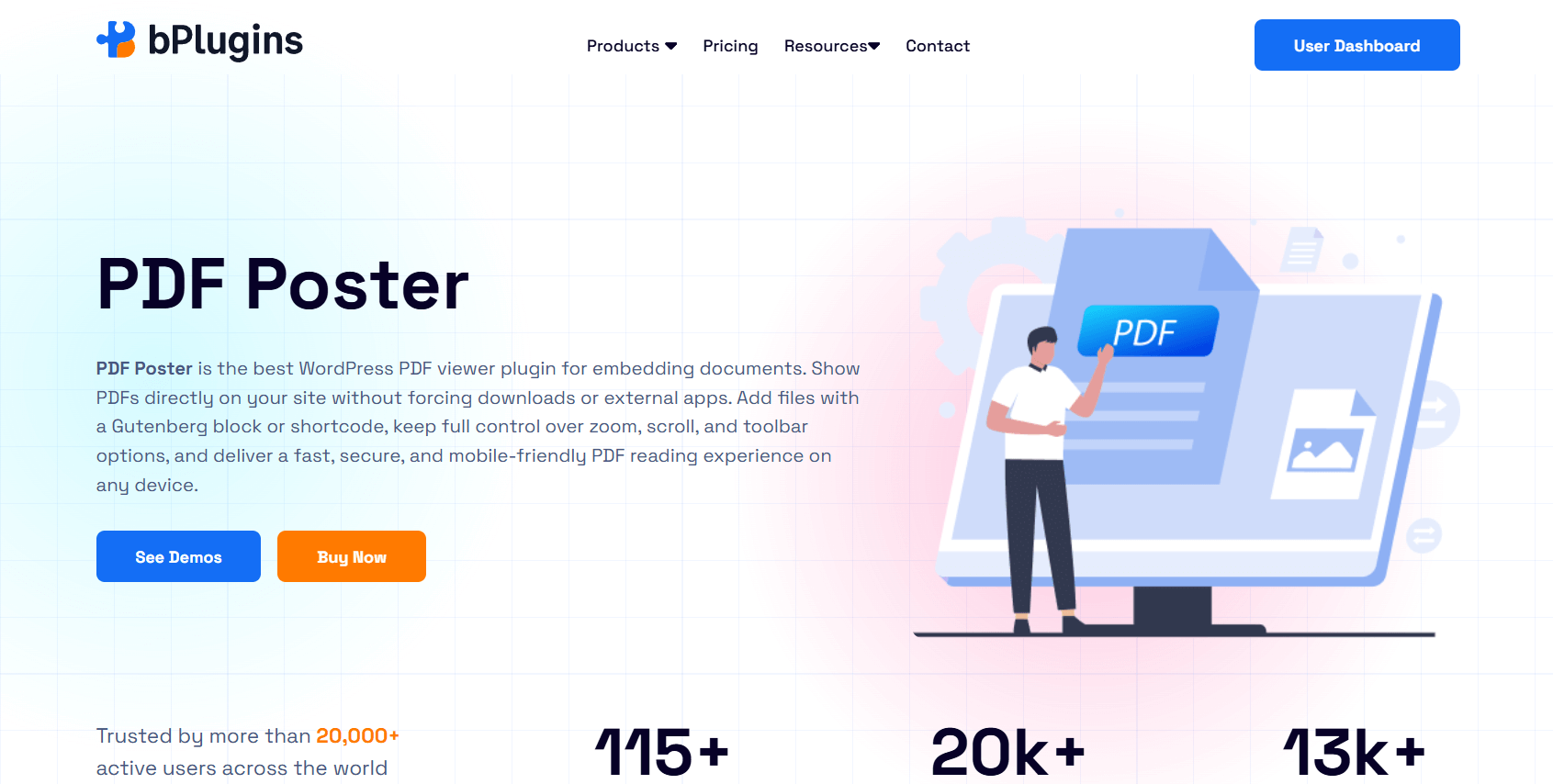
PDF Poster is a flexible plugin built specifically for embedding PDFs in WordPress. It’s great for showcasing eBooks, reports, brochures, or portfolios directly inside posts, pages, widgets, or templates. The viewer is responsive, mobile-friendly, and integrates smoothly with Gutenberg.
What makes PDF Poster stand out is the balance between ease of use and control. You get a clean viewer with strong customization and security options, making it useful for both casual publishers and businesses handling sensitive files.
Key Features
- Responsive PDF viewer for desktop, tablet, and mobile.
- Custom layout controls: adjust width, height, zoom, and default page settings.
- Fullscreen and popup modes for distraction-free viewing.
- Navigation tools like sidebar menus, thumbnails, and page jumps.
- Content protection: disable right-click, copying, or downloads.
- Flexible buttons: show, hide, or rename download/print/fullscreen options.
- Multiple embedding methods: Gutenberg block, shortcode, or classic editor.
- Advanced options: raw PDF mode, Google Docs viewer, or horizontal scrolling.
- File management to always load the latest PDF version.
- Translation-ready for multilingual sites.
Best For
PDF Poster works best for sites focused on publishing and displaying PDFs. It’s a strong choice for eBook publishers, educators, portfolios, and businesses that need content protection and design flexibility.
2. Document Embedder
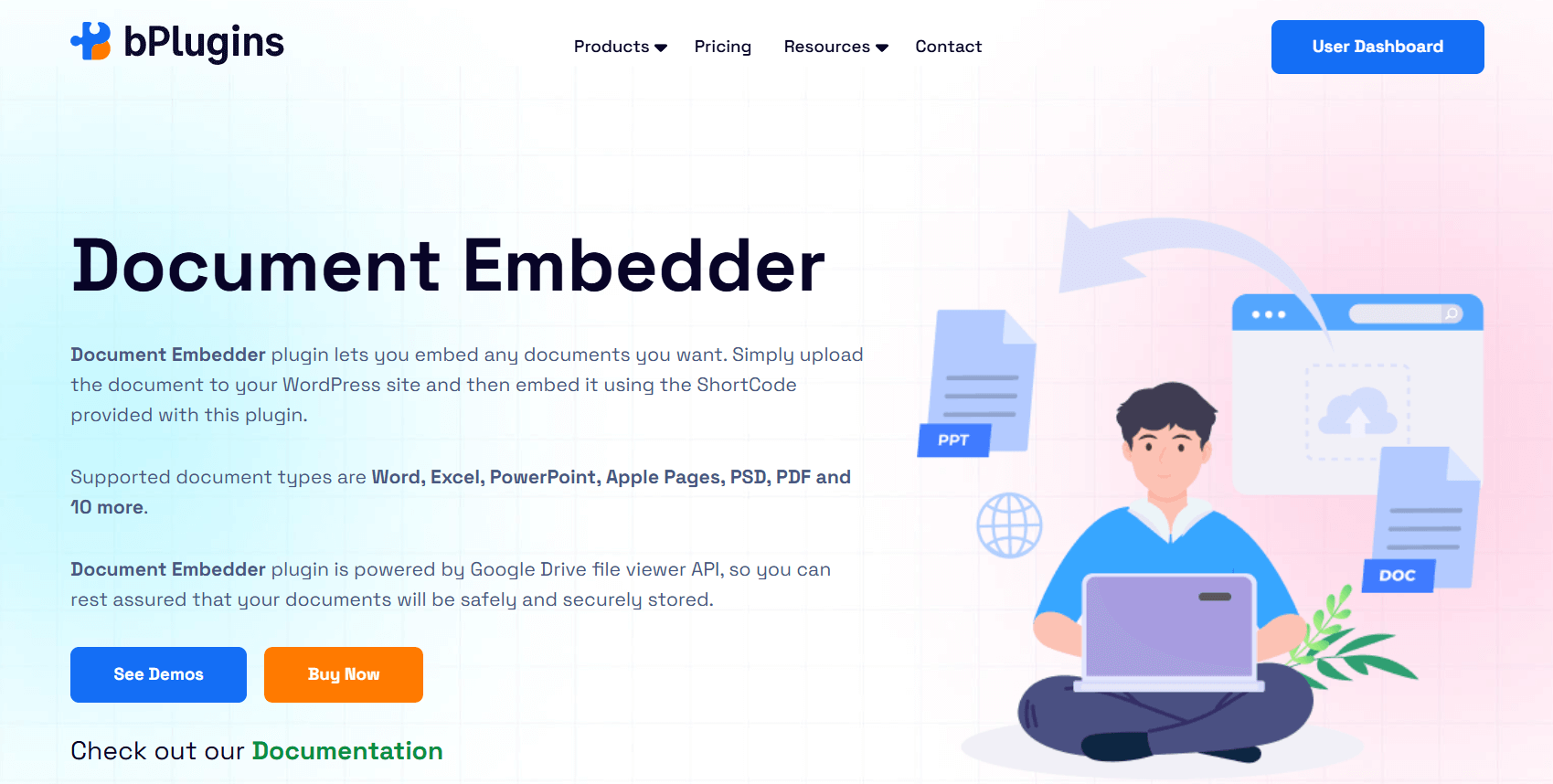
Document Embedder is a versatile WordPress document viewer that supports many file types, not just PDFs. It works with Word, Excel, PowerPoint, images, code files, and even archives. You can embed documents stored locally or from external sources like Google Drive and Dropbox.
The plugin uses Google’s reliable document viewer, ensuring fast loading and consistent performance across devices. Whether you’re embedding reports, presentations, or user guides, this plugin makes documents easy to view without downloads.
Key Features
- Multi-format support: PDF, DOCX, PPTX, XLSX, TXT, images, code, archives, and more.
- Responsive viewer with customizable width and height.
- Gutenberg block for simple drag-and-drop embedding.
- Google Drive viewer for quick, cross-browser performance.
- Download button for user access.
- Lightbox display mode (Pro).
- External storage integrations with Google Drive and Dropbox (Pro).
- User controls to hide or adjust features (Pro).
- Shortcode support for embedding in posts, pages, or widgets.
Best For
Document Embedder is ideal for websites that share different types of documents, not just PDFs. It’s well-suited for educational sites, corporate portals, and businesses that use multiple file formats.
3. PDF Embedder
PDF Embedder is a popular WordPress PDF viewer. It makes embedding as simple as adding an image. Upload a PDF, insert it into a post, and the plugin automatically adjusts the display for a clean, responsive layout.
Unlike many plugins that use iframes, PDF Embedder has its own embedding method for smoother performance. The built-in viewer includes navigation and zoom controls, and documents load directly from your own site, which helps with speed and security.
Key Features
- Simple PDF embedding with drag-and-drop.
- Responsive viewer that resizes automatically.
- Flexible sizing with adjustable width.
- Navigation tools: next/previous page and zoom controls.
- No iframes for smoother performance.
- Toolbar customization options.
- Premium features: download/print buttons, clickable links, watermarks, and analytics.
- PDF thumbnails for posts or clickable previews (addon).
Best For
PDF Embedder is best for users who want a straightforward way to embed PDFs. It’s great for bloggers, educators, and small businesses. The premium version adds features like content protection and analytics for more advanced needs.
4. EmbedPress
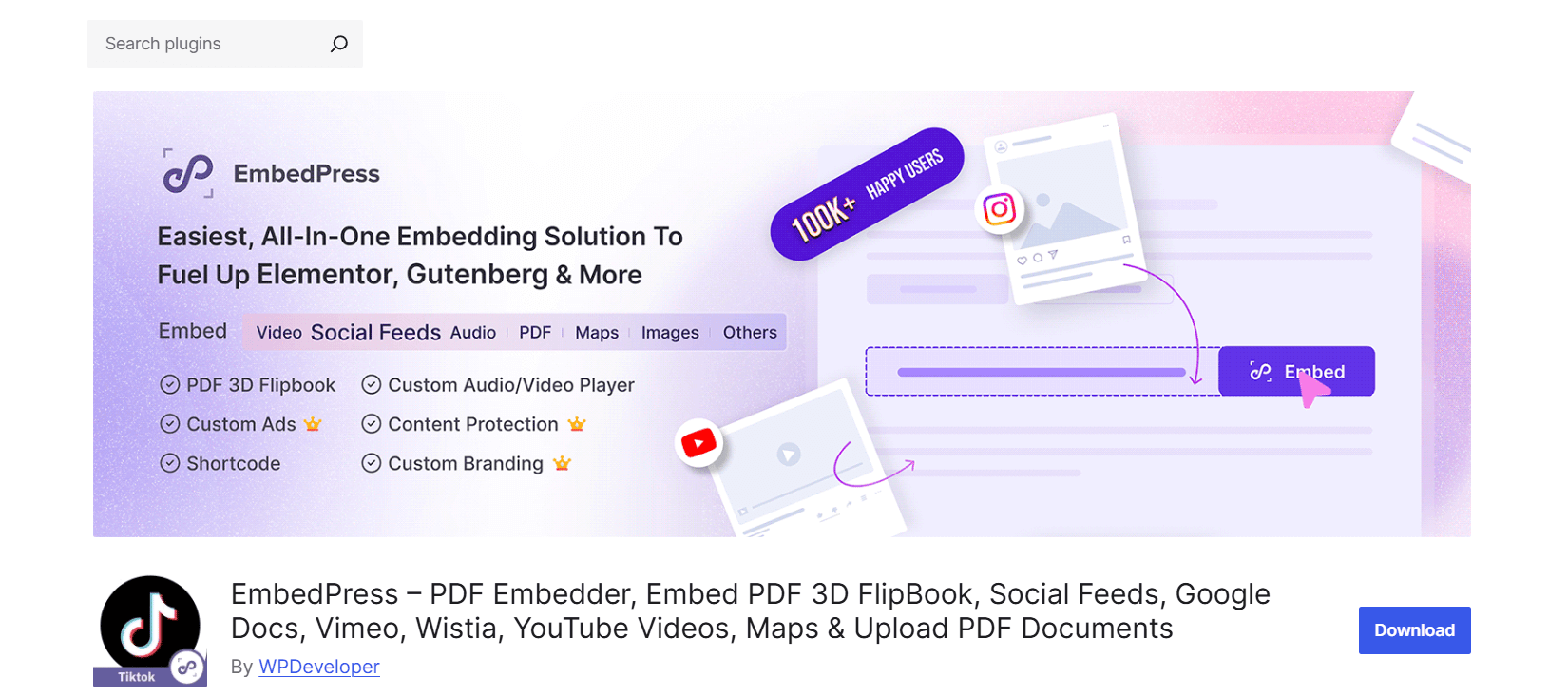
EmbedPress is an all-in-one WordPress embedding plugin. It handles PDFs, Word docs, PowerPoint slides, Excel files, images, videos, maps, charts, and even social media posts—all with a single URL or upload. It works with Gutenberg, Elementor, Classic Editor, and other page builders.
This makes it more than just a document viewer. You can add interactive content, multimedia, and even live streams. Pro features include 3D flipbook PDFs, custom branding, and advanced content protection.
Key Features
- Supports many file types: PDF, DOC, PPT, XLS, images, audio, and video.
- 3D flipbook PDF viewer with interactive effects.
- Works with Gutenberg, Elementor, Beaver Builder, Divi, and Classic Editor.
- Embed content from countless sources with a simple URL.
- Responsive across all devices.
- Social media embeds: Facebook, Instagram, TikTok, and X (Twitter).
- Audio/video embeds from YouTube, Vimeo, Spotify, SoundCloud, and more.
- Pro features: branding, autoplay, advanced controls, and analytics.
- Embed Google Docs, Sheets, Slides, Forms, and Maps.
- Translation-ready with WPML support.
Best For
EmbedPress is perfect for websites that need more than document embedding. It’s ideal for content creators, educators, and publishers who want to combine documents with multimedia for richer storytelling.
5. Embed Any Document
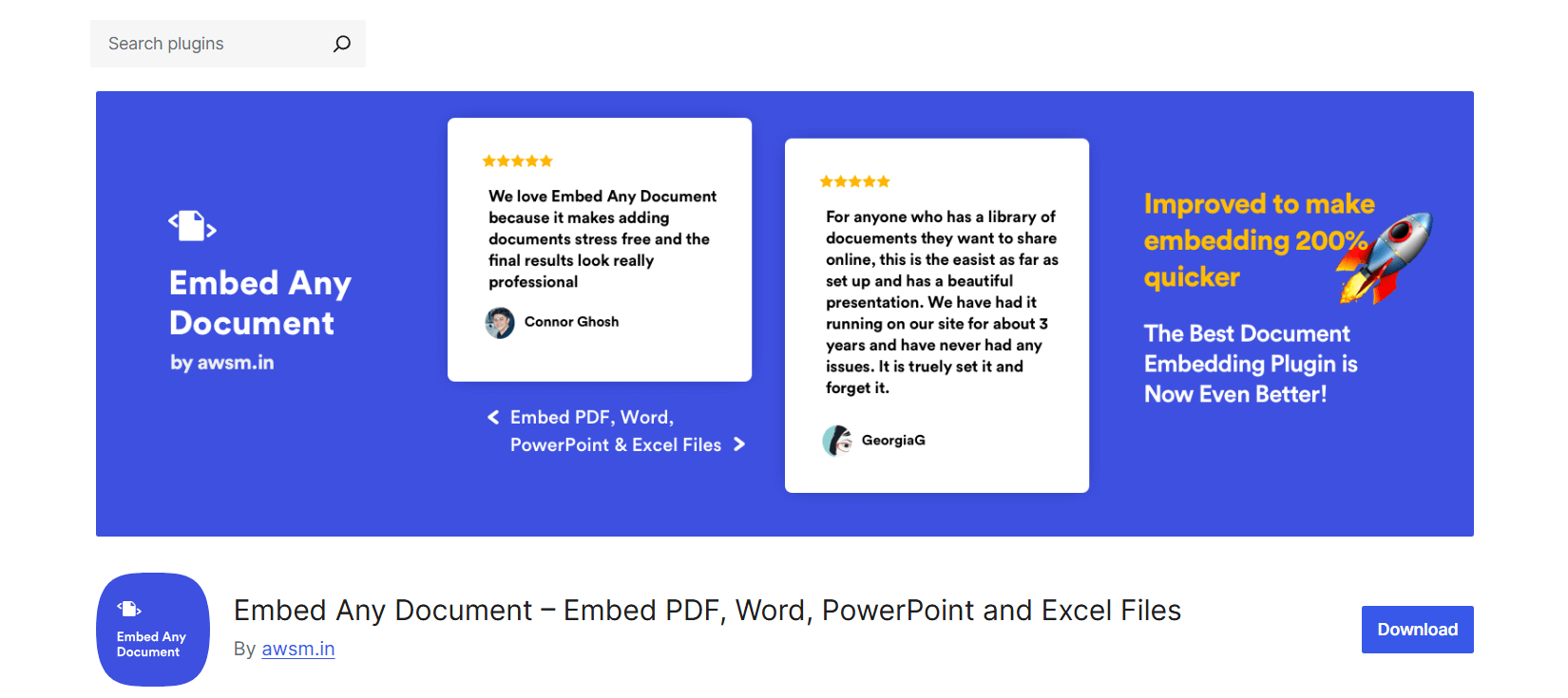
Embed Any Document is a lightweight plugin for embedding PDFs, Word docs, PowerPoint presentations, and Excel files. It uses Google Docs Viewer or Microsoft Office Online to render files, so visitors don’t need extra software.
It supports Gutenberg and Classic Editor, and the PLUS version adds integrations with cloud storage services like Google Drive, OneDrive, and Dropbox. This makes it easy to embed documents securely and privately when needed.
Key Features
- Multi-format support: PDF, DOC/DOCX, XLS/XLSX, PPT/PPTX.
- Responsive and cross-browser compatible.
- Works with Gutenberg and Classic Editor.
- Choose between Google Docs Viewer, Office Online, or native PDF viewer
- Clean and minimal design.
- Optional download button.
- PLUS features: Google Drive, Dropbox, OneDrive, and Box.com support.
- Privacy features: remove download button, restrict access, or password-protect files.
- Pre-loader for faster performance.
Best For
Embed Any Document is great for sites that need quick and reliable document embedding without complex setup. It’s especially useful for educators, publishers, and businesses that want to display documents directly in WordPress while keeping cloud storage options available.
Read about PDF Security in WordPress: Protecting Documents from Download.
How to Choose the Right Document Viewer Plugin
The best WordPress document viewer plugin for your site depends on what you need most. Here are some key factors to consider:
- File Type Support – Do you only need to embed PDFs, or do you also want Word, Excel, PowerPoint, and cloud-hosted documents? Plugins like PDF Poster or PDF Embedder focus on PDFs, while Document Embedder, EmbedPress, and Embed Any Document support multiple formats.
- Ease of Use and Compatibility – Choose a plugin that works well with your editor. Most modern plugins integrate with Gutenberg, Elementor, and Classic Editor, and many provide simple blocks or shortcodes for quick embedding.
- Design Flexibility – Some plugins offer advanced features like full-screen viewing, 3D flipbooks, toolbars, and sidebar navigation. Others keep it simple. Pick one that matches your design goals and user experience.
- Pro Features – If you need document protection, analytics, watermarking, or cloud storage integration, look at the Pro or PLUS versions. These features are essential for sensitive or premium content.
- Performance and Responsiveness – Make sure the plugin is lightweight, mobile-friendly, and loads quickly. A responsive PDF viewer in WordPress should adjust to any screen size without slowing down your site.
By focusing on your priorities—file type needs, user experience, design control, and security—you’ll be able to choose the plugin that fits your site best.
Learn also PDF vs Document Viewer: Which Works Best for SEO and UX.
FAQs on WordPress Document Viewer
1. Can I embed Word documents in WordPress?
Yes. Plugins like Document Embedder, Embed Any Document, and EmbedPress allow you to embed Word files (DOC, DOCX) directly into posts and pages without requiring downloads.
2. Do these plugins work with Gutenberg and Elementor?
Most leading WordPress document embed plugins support Gutenberg out of the box. Many also work with Elementor and other page builders, making it easy to insert and customize documents.
3. Will embedded PDFs be mobile-friendly?
Yes. Plugins such as PDF Poster, PDF Embedder, and EmbedPress are fully responsive. Documents display correctly on desktops, tablets, and smartphones. Premium features like fullscreen mode and continuous scroll make mobile viewing even smoother.
4. Can I prevent users from downloading my documents?
Yes. Plugins like PDF Poster Pro, PDF Embedder Premium, EmbedPress Pro, and Embed Any Document PLUS include content protection options. You can disable downloads, add watermarks, block printing, or password-protect your files.
5. Which plugin is best for multi-format document viewing?
If you need support for more than PDFs, Document Embedder, Embed Any Document, and EmbedPress are your best options. They handle Word, Excel, PowerPoint, PDFs, and even cloud-hosted files.
6. Are free plugins enough, or do I need Pro versions?
Free plugins usually cover basic embedding and responsive display. However, if you need advanced features like document security, analytics, cloud integration, or interactive 3D flipbooks, upgrading to Pro or PLUS is worth it.
Check also 5 Best PDF Plugins Compared: Features & Performance.
Conclusion
Adding a document viewer to your WordPress site is more than a convenience. It makes your content easier to access, more engaging, and more professional. Instead of sending visitors away with plain download links, a WordPress document viewer plugin lets them read files directly on the page in a clean, distraction-free experience. This improves usability, encourages longer engagement, and builds trust in your site.
If you only need to display PDFs, PDF Poster is a simple and reliable option that delivers a responsive display and strong protection features. If you want to support multiple file types, Document Embedder is a flexible solution that works with Word, Excel, PowerPoint, and more.
Both plugins are designed to work smoothly with Gutenberg, Elementor, and the Classic Editor, so embedding documents is quick and easy.
By selecting a plugin that matches your file types, design goals, and security needs, you can create a better reading experience for your visitors. A well-chosen WordPress document viewer improves site performance, keeps users engaged, and presents your content in a polished and professional way.

 Save 90%