
The days of pasting a static social media embed into a WordPress page are long gone. Visitors now expect interactive social feeds that feel dynamic, engaging, and fully connected to your site.
For WordPress users, this shift goes beyond design. An interactive social feed can boost engagement, reduce bounce rates, and encourage users to browse for longer. It also supports SEO by adding a steady flow of user-generated content, fresh updates, and social proof—all signals that build credibility with both search engines and your audience.
In this post, we’ll explore strategies to move beyond basic embedding. You’ll see how WordPress social feed plugins can help you customize feeds, integrate them across your site, enable real-time interaction, and optimize them for speed and search visibility.
Whether you run a blog, portfolio, or online store, mastering WordPress interactive social feeds can turn your site into a lively hub of social activity.
Let’s dive in.
Understanding Interactive Social Feeds
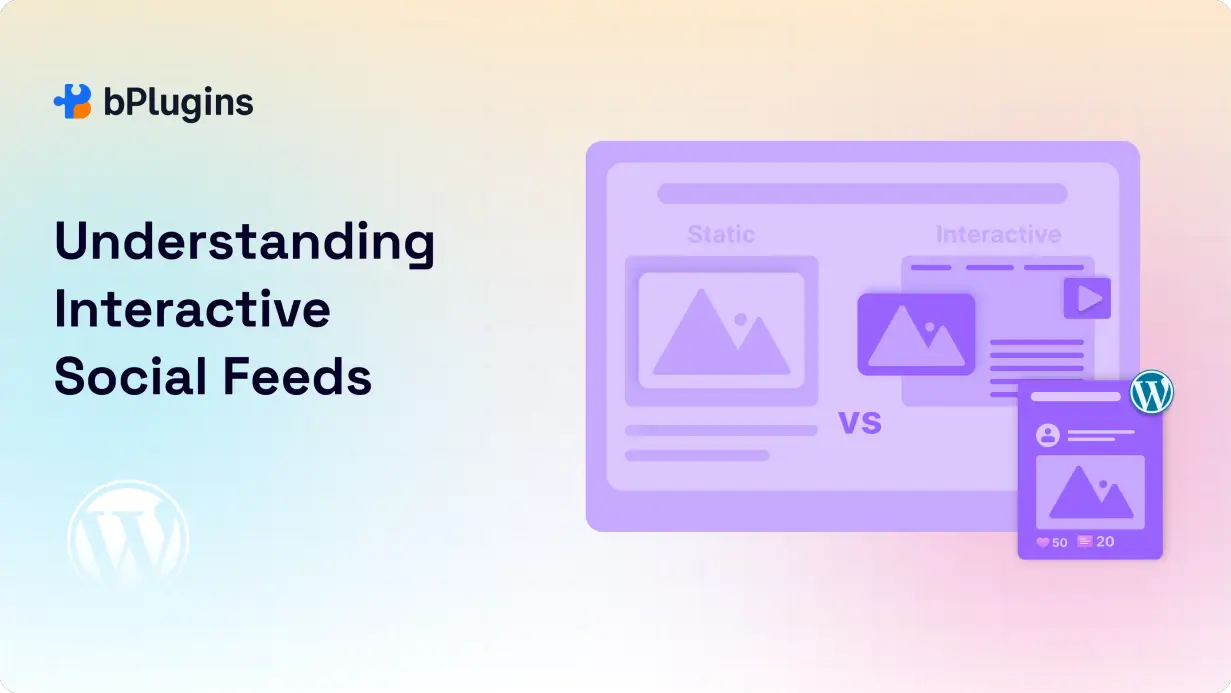
An interactive social feed in WordPress is more than a simple embed. It’s a live stream of your social media content—Instagram photos, X (Twitter) posts, or YouTube videos—that lets visitors engage directly from your site. Instead of just viewing updates, they can like, comment, or share without leaving your page.
Key Benefits of Interactive Social Feeds in WordPress
- Higher engagement and longer sessions – Visitors can scroll, react, and interact with your feed, which keeps them on your site longer and reduces bounce rates.
- SEO improvements – Fresh, user-generated content from your social accounts is constantly added, which search engines recognize as relevant updates.
- Brand credibility – Real likes, comments, and shares act as authentic social proof, helping build trust with your audience.
Static Embeds vs. Interactive Feeds
Traditional embeds in WordPress only show a fixed post or timeline. They don’t refresh unless you update the code. Interactive feeds, on the other hand, update automatically in real time, can be styled to match your site, and let visitors take action on the spot. The result is a website that feels more like a community than a static page.
Beyond Basic Embedding: Advanced WordPress Strategies
Copying and pasting a single post into a page may work for simple use cases, but today’s WordPress social feed plugins offer much more. Here are four strategies that take your feeds to the next level:
1. Customization
- Style feeds with page builders like Elementor or Gutenberg so they blend with your theme.
- Filter by hashtags, keywords, or user tags to keep content relevant.
- Choose layouts such as grid, carousel, or masonry to fit different sections of your site.
2. Integration
- Place feeds strategically on blog posts, product pages, landing pages, or sidebars.
- Use advanced plugins or APIs like Smash Balloon, Taggbox, or Juicer to connect multiple platforms.
3. Interactivity
- Let visitors like, comment, or share directly from the feed.
- Enable real-time updates so new posts appear automatically.
4. Moderation
- Protect your brand with built-in moderation tools.
- Set up auto-approval for trusted accounts or review user-generated content manually.
These strategies turn your feeds into more than just visuals. They become interactive tools that keep visitors engaged while reinforcing your brand presence across both your website and social media channels.
Read also Designing Interactive Gutenberg Layouts Without a Page Builder.
SEO Implications for WordPress Sites
Adding interactive social feeds to WordPress isn’t just about looks—it comes with clear SEO benefits. When set up correctly, these feeds can improve visibility, boost rankings, and drive more traffic to your site.
User Engagement Metrics
Search engines watch signals like bounce rate and time on page. Because interactive feeds keep visitors scrolling, reacting, and engaging without leaving your site, they naturally increase session duration. More engagement also makes visitors more likely to return, which is another positive ranking factor.
Fresh Content
Search engines favor sites that stay active. A dynamic WordPress social feed brings in real-time updates automatically, keeping your site fresh without constant manual effort. This steady refresh signals to search engines that your site is relevant and alive.
Social Signals
Likes, shares, and comments aren’t direct ranking factors, but they boost visibility. A well-placed WordPress social feed widget can encourage visitors to engage with your content socially, which increases reach and drives more traffic back to your site.
Best Practices
- Use lazy load plugins or built-in optimization to keep feeds from slowing down your pages.
- Make sure feeds are mobile-responsive, either through your WordPress theme or plugin settings.
- Limit the number of feeds on each page to avoid performance issues.
Check also the 5 Best Post Grid Plugins for WordPress to Showcase Your Content Smartly.
Case Studies & Examples on WordPress
Many site owners already use WordPress interactive social feeds to drive engagement and conversions. Here are a few examples:
- E-commerce stores – Shops often embed Instagram product feeds that update in real time. These showcase authentic customer photos and boost sales with social proof.
- Content publishers – Blogs that add Twitter (X) feeds to sidebars see longer session durations as readers browse related updates.
- Event websites – Live event pages with hashtag-driven feeds create instant interaction, letting visitors follow along without leaving the site.
Lessons Learned
- Performance matters – Without optimization, feeds can slow down pages. Caching and lazy loading solve this.
- Moderation is essential – Automated feeds may pull in off-brand or irrelevant posts. WordPress feed moderation tools help maintain quality.
- Placement is key – Feeds work best when used naturally, like adding an Instagram product feed to a shop page instead of a generic homepage block.
Best WordPress Social Feeds Plugins
The easiest way to add interactive social feeds in WordPress is by using a dedicated plugin. Here are some of the most popular options and what they do best:
Easy Twitter Feed

Easy Twitter Feed is designed for sites that want to display live Twitter (X) content in WordPress. You can showcase timelines, hashtags, or user feeds in real time. Since Twitter updates move fast, this plugin keeps your site looking fresh and constantly updated.
Key Features
- Embed real-time Twitter updates into WordPress pages or sidebars.
- Customize layout, colors, and fonts to match your theme.
- Display timelines, hashtag feeds, or specific user accounts.
- Fully mobile-responsive.
- Lightweight and optimized for speed.
- Ideal for news sites, blogs, and event websites that rely on Twitter activity.
Smash Balloon
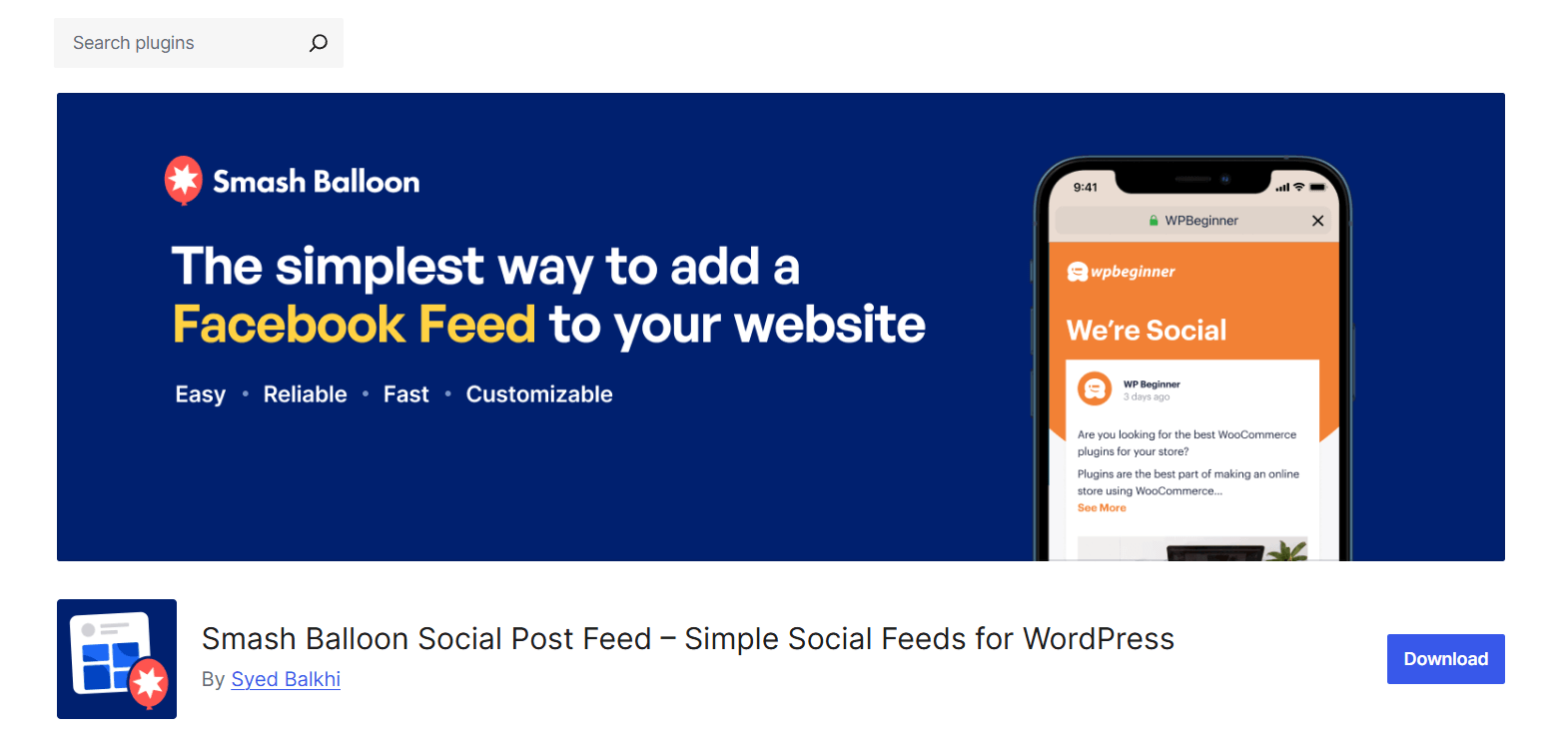
Smash Balloon is one of the most popular WordPress social feed plugins. It supports multiple platforms—Facebook, Instagram, Twitter, and YouTube—and offers deep customization. With SEO-friendly feed rendering, caching, and performance tools, it’s a go-to choice for bloggers, portfolios, and eCommerce sites.
Key Features
- Integrates with Facebook, Instagram, Twitter, and YouTube.
- Multiple layouts: grid, carousel, masonry, or single feed.
- Pulls content via hashtags, keywords, or specific accounts.
- Allows likes, comments, and shares directly from the feed.
- SEO-friendly rendering so search engines can crawl content.
- Built-in caching and lazy loading for speed.
- Premium upgrade adds advanced filters, moderation, and priority support.
B Social Share Block
B Social Share Block is a lightweight Gutenberg block that adds social sharing buttons directly inside the WordPress editor. Instead of relying on bulky third-party tools, you can drop native blocks into posts, pages, or custom layouts. It’s a simple, fast solution for WordPress users who want a clean design without extra bloat.
Key Features
- Add social share buttons directly within Gutenberg.
- Lightweight code with minimal impact on site performance.
- Supports major platforms like Facebook, Twitter, LinkedIn, and more.
- Customizable button styles and placement.
- Best for bloggers, publishers, and content creators focused on engagement.
Comparison Factors
- Features – Smash Balloon leads in multi-platform integration. Easy Twitter Feed is Twitter-specific but lightweight.
- Pricing – Smash Balloon offers free and Pro versions. B Social Share Block and Easy Twitter Feed are free.
- Ease of Use – B Social Share Block is the most beginner-friendly. Smash Balloon offers more depth but has a slight learning curve.
- Customization – Smash Balloon and Easy Twitter Feed allow styling, hashtag, and keyword filters. B Social Share focuses on share buttons.
- SEO Friendliness – Plugins with fast loading and real-time updates, like Smash Balloon, provide the most SEO value.
Recommendations
- Bloggers – Use Easy Twitter Feed or B Social Share Block for lightweight options.
- E-commerce stores – Smash Balloon Instagram Feed Pro works best for showcasing customer content and boosting conversions.
- Portfolios and creative sites – Use multi-platform feeds (Smash Balloon or Juicer) to highlight Instagram, YouTube, and Twitter at once.
Read also How to Embed Twitter Feed in WordPress Without Heavy Scripts.
Future Trends for WordPress Social Feeds
The way we display and interact with social content on WordPress is changing quickly. Here are three trends to watch:
- AI-driven content curation – Expect plugins that use AI to filter and recommend posts based on engagement, brand relevance, or user intent. This saves time and keeps feeds more relevant.
- Immersive and AR-powered feeds – With AR and VR growing, WordPress sites may soon feature immersive social feeds. Visitors could interact with event posts or product showcases in 3D right on your site.
- Personalized feeds – Future WordPress social feed plugins will likely adapt feeds based on user history, location, or past interactions. This creates a tailored, more engaging experience for every visitor.
Check out Top Radio Player Plugins for WordPress in 2025.
FAQs on Interactive Social Feeds Plugins for WordPress
Can I embed multiple social feeds on one WordPress page?
Yes. Most modern WordPress social feed plugins let you display multiple feeds on a single page. You can pull content from different accounts, hashtags, or even multiple platforms at once.
Which WordPress plugin is best for real-time updates?
Plugins like Smash Balloon and Easy Twitter Feed are reliable for real-time updates. They refresh content automatically without needing a page reload.
How do interactive feeds affect site speed?
Unoptimized feeds can slow down your site. To prevent this, use caching, lazy loading, and lightweight plugins. Many tools, including Smash Balloon, have built-in performance settings.
Can I moderate user-generated content in WordPress feeds?
Yes. Premium plugins include moderation features that let you approve, block, or filter posts by keyword, hashtag, or account. This helps protect your brand.
Do interactive feeds improve SEO on WordPress?
Indirectly, yes. By adding fresh, user-generated content, interactive feeds help reduce bounce rates and increase time on site. These are positive SEO signals.
Are these feeds mobile-responsive by default?
Most modern WordPress social feed widgets are mobile-friendly out of the box. Still, it’s smart to test on different devices to make sure everything looks right.
Learn Embedding Podcasts in WordPress Using HTML5 Audio Player.
Conclusion
Static embeds might have worked in the past, but today’s audiences expect more. Adding interactive social feeds to WordPress turns your site into a dynamic hub that keeps visitors engaged, builds trust, and improves SEO.
We’ve seen how interactive feeds can lower bounce rates, add fresh content automatically, and showcase authentic social proof. With plugins like B Social Share Block, Easy Twitter Feed, and Smash Balloon, you can go beyond basic embedding and unlock advanced options for customization, moderation, and integration.
Looking ahead, the future of WordPress social feed plugins is heading toward AI-powered curation, personalization, and even immersive experiences. Now is the time to start experimenting with these tools so your site feels more engaging, interactive, and search-friendly.

 Save 90%