
3D models are everywhere on modern WordPress websites. Whether you’re showcasing a product from every angle, building interactive learning tools, or bringing architectural concepts to life, 3D content makes everything feel more real, more immersive, and far more engaging.
The only problem? Creating those 3D models used to be hard. It often meant learning complex software, spending hours tweaking designs, or hiring a professional. For many, it just wasn’t worth the effort.
But now there’s a better way. Thanks to AI, anyone can create 3d models online in minutes—just by typing a description or uploading an image. No special skills required. No expensive tools.
In this guide, you’ll discover how to combine AI 3D model generators with WordPress plugins that make it easy to display those models on your website.
Let’s dive in.
Why Use AI 3D Model Generators?
Thinking about using AI to create 3D models? You should. These tools are changing the game—making 3D design faster, easier, and more accessible for everyone.
Faster Design, Less Waiting
AI tools dramatically speed up the 3D modeling process. What used to take days (or even weeks) can now be done in minutes. That means you can test ideas quickly, make changes on the fly, and get results without long delays.
No Special Skills Needed
You don’t need to know how to use complex tools like Blender or Maya. Most AI generators do the heavy lifting for you—handling geometry, textures, and rendering. All you need is a description or an image, and the AI takes care of the rest.
Great for Any Industry
Whether you’re in eCommerce, education, architecture, game development, or product design, these tools have a use case.
- Show off products in 3D to increase engagement
- Create prototypes and visual concepts on the fly
- Design immersive learning tools
- Build game-ready assets in minutes
- Present the architecture in a more interactive way
No matter your field, AI 3D generators can help bring your ideas to life—fast.
From Text or Image to 3D
The best part? Many tools support text-to-3D and image-to-3D generation. Just type a few words describing your idea or upload a 2D image, and you’ll get a 3D model ready to use. It feels like magic—but it’s just smart, accessible technology making 3D creation easier for everyone.
Learn more about WordPress 3D Plugin Use Cases That Drive Engagement.
5 AI Tools and Plugins to Create and Embed 3D Models on WordPress
Now that you’ve seen how AI is changing the game in 3D modeling, let’s explore the tools that make it all possible. This section covers both AI-powered 3D model generators and WordPress plugins that help you display those models directly on your site.
We’ve carefully selected five tools that offer a range of features—from fast, automatic 3D generation to flexible design control and seamless WordPress integration. Whether you’re a designer, educator, developer, or store owner, there’s something here for every use case.
Here’s a quick overview of the tools we’ll cover:
| Tool Name | Type | Overview | Key Features | Pricing |
|---|---|---|---|---|
| 3D Viewer Plugin | WordPress Plugin | Simple, lightweight plugin for displaying 3D models on WordPress. | Gutenberg block, shortcode, .glb/.gltf/.obj support, fast loading. | Free / Premium |
| Meshy AI | AI Generator | AI-powered platform for text-to-3D and image-to-3D model generation. | Text-to-3D, image-to-3D, clean UI, fast rendering, .glb/.obj export. | Free tier / Paid plans |
| Spline AI | AI + Design Editor | AI-driven 3D design tool with full creative control and web export. | Text prompts for 3D scenes, full design/animation control, .glb export, interactive iframes. | Free tier / Paid plans |
| Kaedim | Image-to-3D Generator | Converts 2D concept art or images into detailed 3D models. | Image-to-3D conversion, ideal for games/AR/VR, detailed models. | Paid plans (often enterprise-focused) |
| Sketchfab + Embed Plugin | Hosting + Embed Option | Platform for hosting and embedding interactive 3D models on websites. | Interactive viewer, lighting, animation, zoom, annotations, WordPress embed. | Free (basic) / Paid plans |
Let’s explore each of these tools in more detail:
1. 3D Viewer
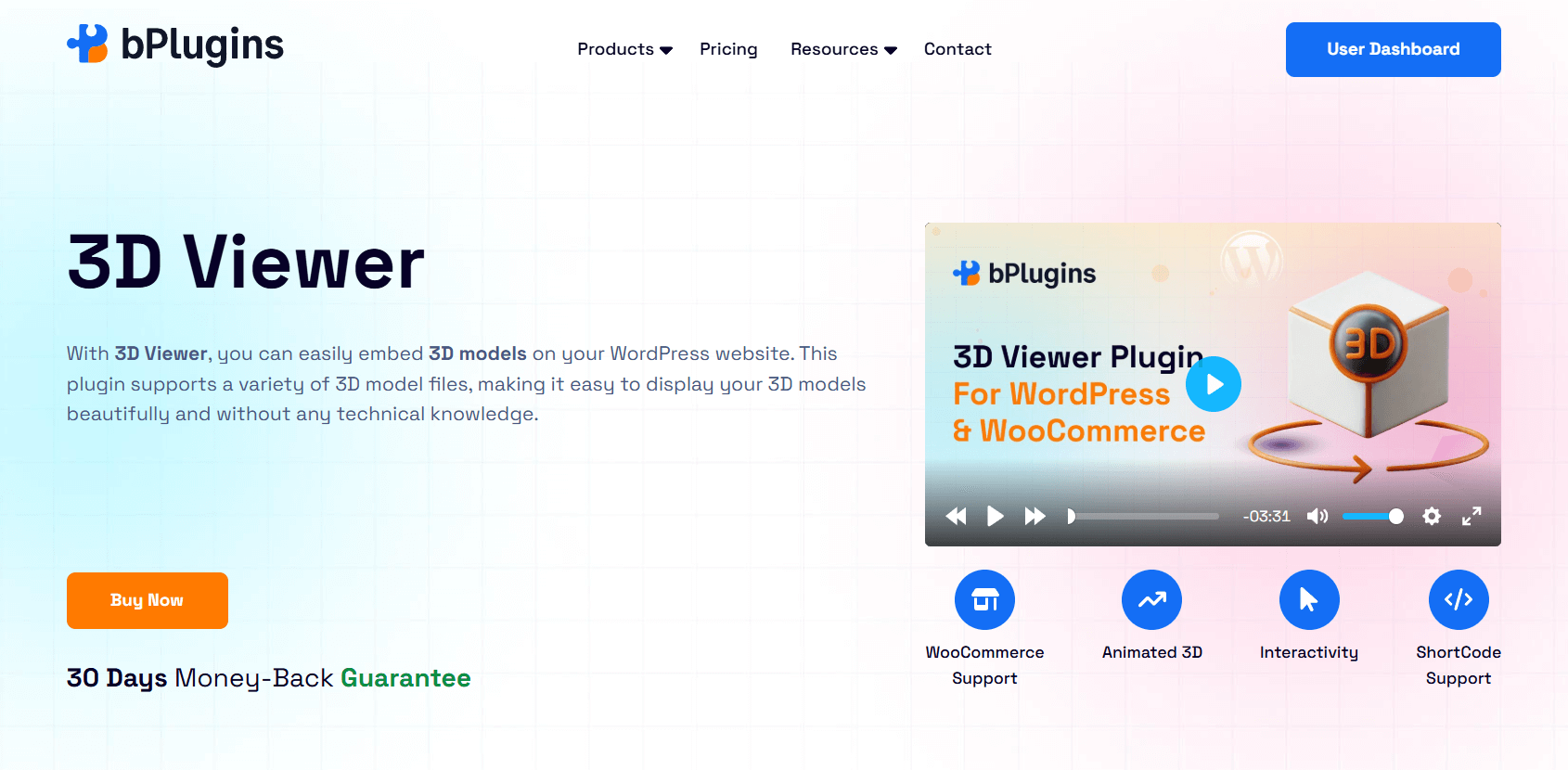
3D Viewer is a straightforward and efficient WordPress plugin designed specifically for embedding 3D models. It’s built to be lightweight, ensuring that your website remains fast and responsive even with interactive 3D content.
If your primary goal is to simply display existing 3D models on your WordPress site without complex editing features, this plugin is an excellent choice.
Key Features
- Gutenberg Block & Shortcode Support: Add 3D models using a dedicated block or a simple shortcode—perfect for beginners and pros alike.
- WooCommerce Integration: Let customers view products from every angle right on your product pages, helping boost engagement and buyer confidence.
- Optimized for Speed: The plugin is lightweight and supports lazy loading, ensuring that 3D models don’t slow down your page load time.
- Broad File Format Support: Supports popular 3D formats like .glb, .gltf, and .obj, so you’re free to use models from any tool or generator.
- Elementor Compatibility: Works seamlessly with Elementor, allowing you to drag and drop 3D models into any layout.
- Mobile-Friendly & Responsive: Your models will look great on any device—desktop, tablet, or smartphone.
Pricing
The 3D Viewer is available in both free and premium versions. The free version covers core features like file uploads and basic display, while the premium upgrade unlocks advanced options and dedicated support.
2. Meshy AI
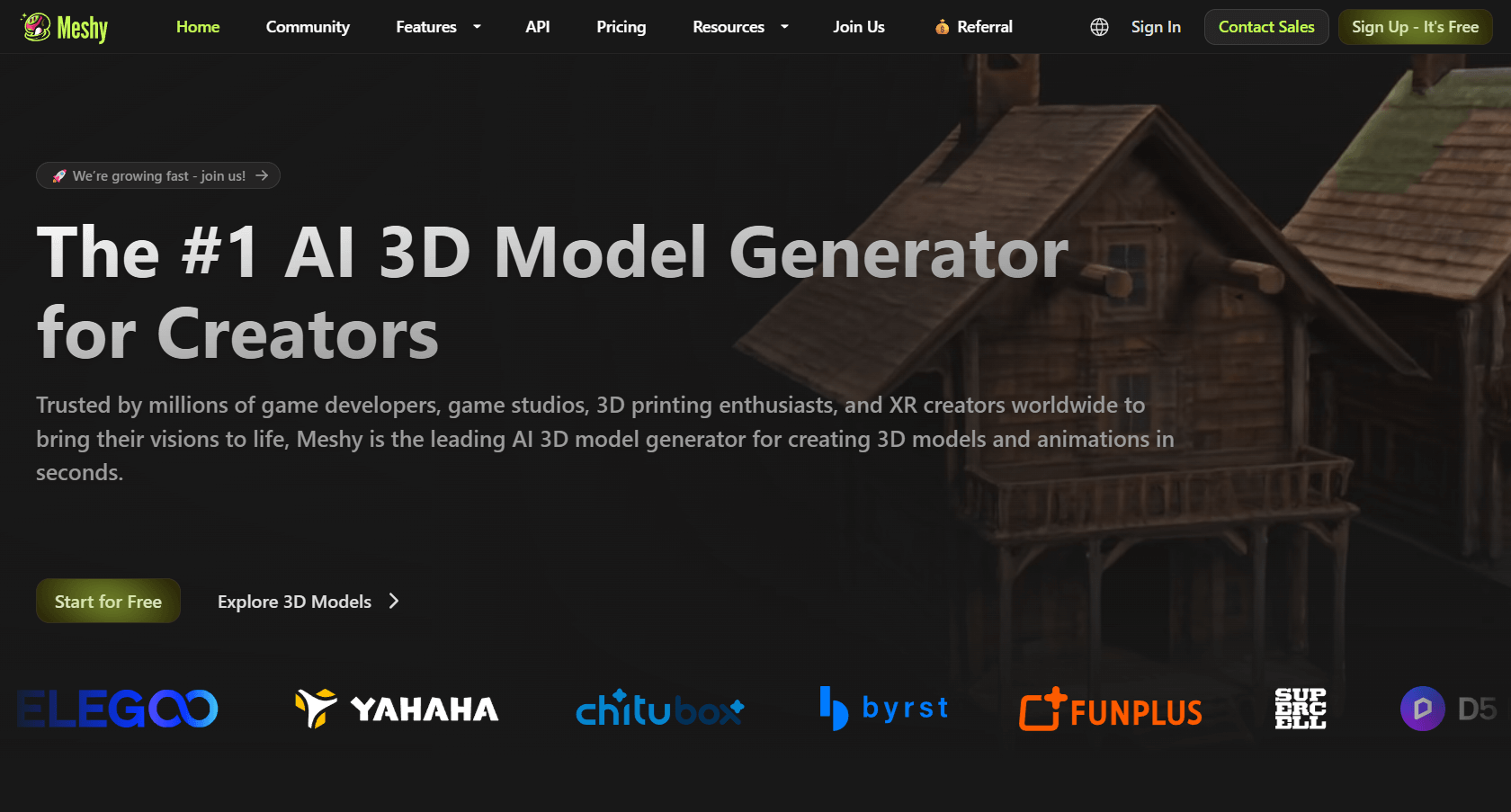
Meshy AI is a powerful AI-based tool that makes creating 3D models fast and beginner-friendly. Whether you’re a game developer, product designer, or just experimenting with 3D for the first time, Meshy helps you go from idea to model in minutes—no complex software required.
You can generate models from text prompts or 2D images, and export them in formats that work seamlessly with WordPress.
Key Features
- Text-to-3D Generation: Just describe the object you want, and Meshy will create a 3D model based on your input.
- Image-to-3D Generation: Upload a 2D image, and Meshy’s AI converts it into a 3D model with realistic depth and shape.
- Simple, Clean Interface: Designed to be user-friendly, even for beginners.
- Fast Results: Generate models quickly—ideal for rapid testing, iteration, and prototyping.
- Export as .glb or .obj: Easily export your models in formats compatible with WordPress 3D plugins like 3D Viewer.
- Great for Games & Prototypes: Perfect for generating game-ready assets or product concepts without the usual design workload.
Pricing
Meshy AI typically offers a free tier with limited model generations or lower-resolution exports. For high-quality output and commercial usage rights, paid plans are available. Visit the Meshy AI website for the most up-to-date pricing.
3. Spline AI
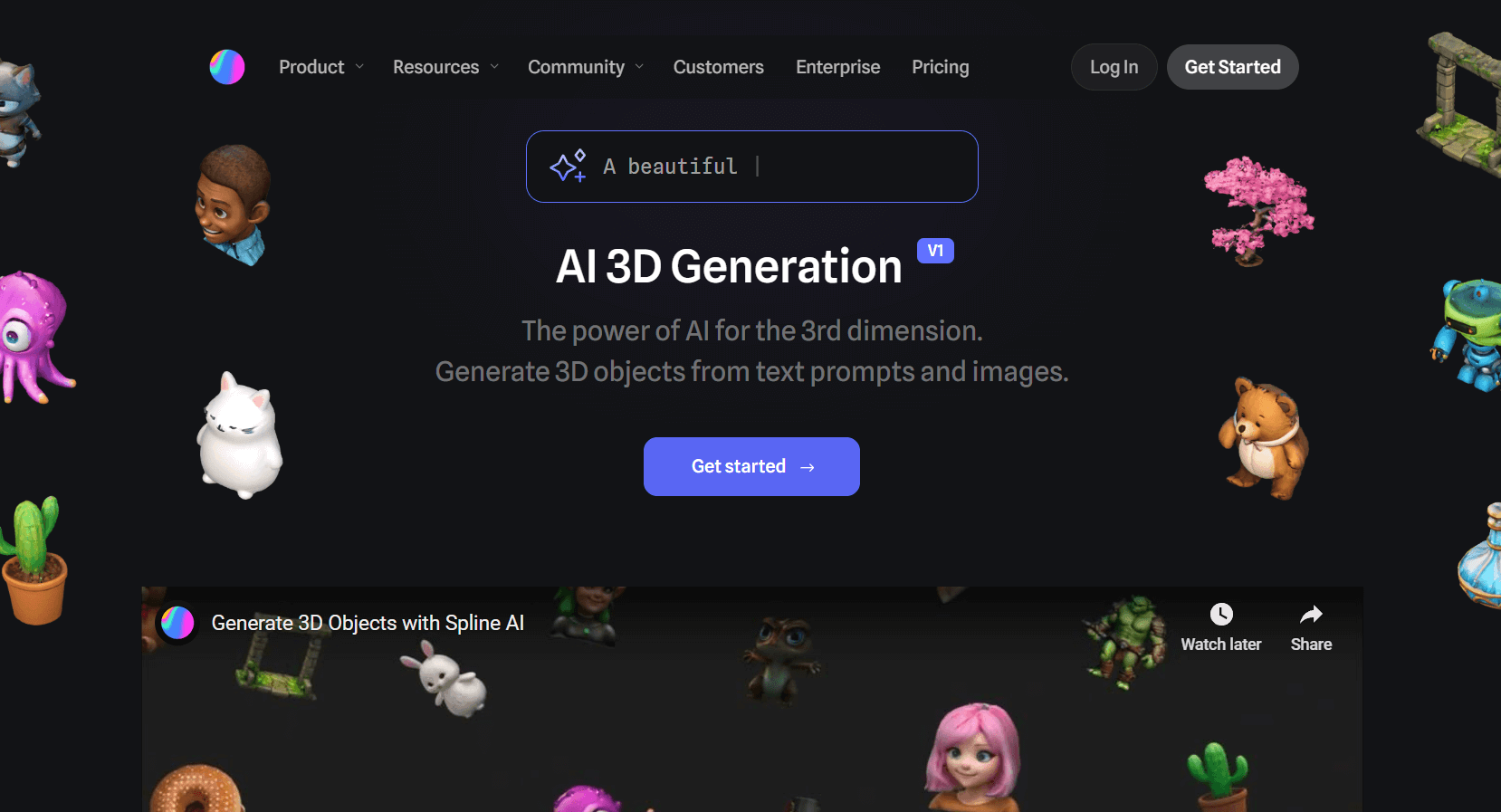
Spline AI blends the power of AI generation with a full-featured 3D design editor—all in your browser. You can create detailed 3D scenes from text prompts and then refine them with textures, animations, and interactions.
It’s ideal for designers and developers who want more creative control over their 3D content.
Key Features
- Text-to-3D Scene Generation: Type a prompt, and Spline generates a complete 3D scene or object to get you started.
- Advanced Design & Animation Tools: Tweak lighting, materials, and geometry, or create animations—all within a web-based editor.
- Interactive Embeds: Export as .glb files for WordPress or embed interactive 3D scenes via iframe.
- Real-time Collaboration: Work on 3D projects with teammates live, just like in Figma or Google Docs.
- Learning Resources & Community: Access helpful tutorials and join an active user community to speed up your learning curve.
Pricing
Spline AI offers a free plan that’s great for learning or small personal projects. Paid plans unlock advanced export options, animation tools, and commercial rights. For current pricing, check the Spline website.
4. Kaedim
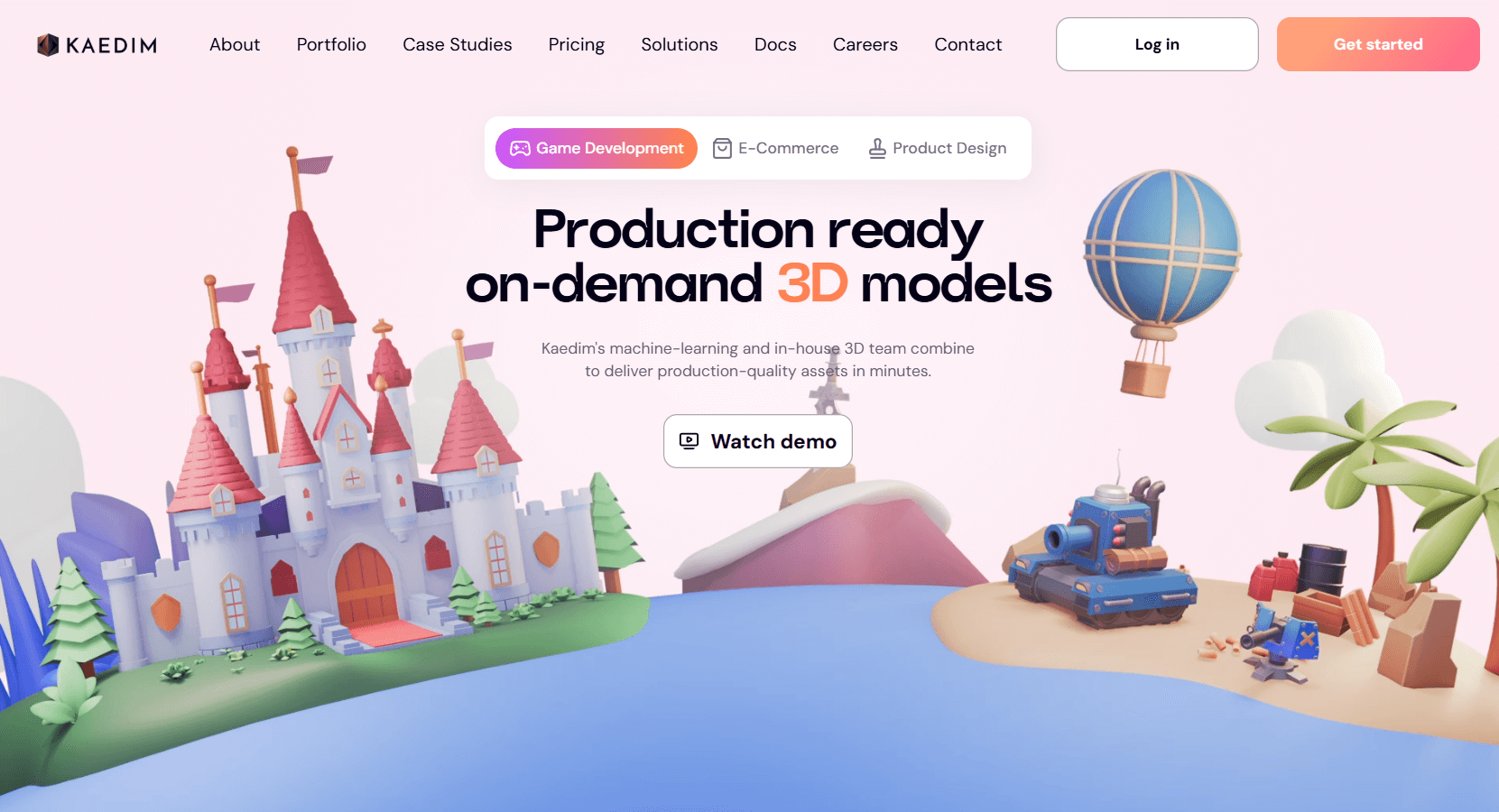
Kaedim is a specialized AI tool built for transforming 2D concept art into high-quality 3D models. It’s widely used in industries like gaming, AR/VR, and animation, where converting sketches or designs into detailed assets is part of the daily workflow.
If you already have concept art or stylized images, Kaedim helps bring them to life in 3D—fast.
Key Features
- Turns 2D Art into 3D Models: Upload sketches, illustrations, or rendered images, and Kaedim generates fully formed 3D assets.
- High-Detail Output: Known for producing intricate, stylized models suited for professional projects.
- Best for Games, AR/VR, and Animation: Ideal for studios and developers working with immersive or highly visual content.
- Requires Some Cleanup: While powerful, the output may need manual adjustment for polish—especially if you’re preparing models for production.
Pricing
Kaedim is geared toward professionals and studios, so pricing is typically custom based on your usage or project size. You’ll likely need to contact their team for exact rates. Visit the Kaedim website to learn more or request a demo.
5. Sketchfab
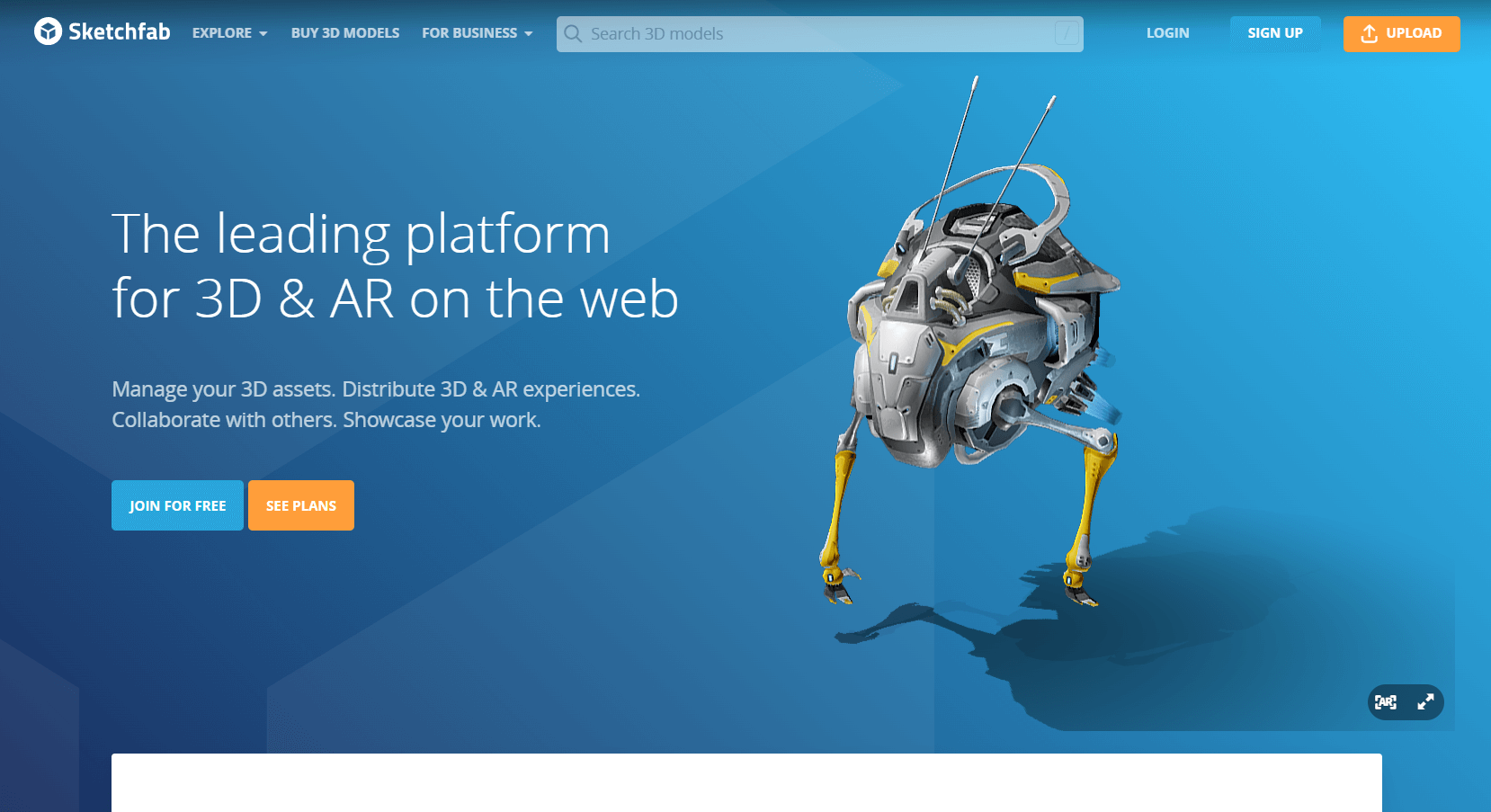
While Sketchfab isn’t an AI model generator, it’s one of the best platforms for hosting, sharing, and embedding 3D models on the web. After creating your 3D assets with AI tools like Meshy or Kaedim, you can upload them to Sketchfab and embed them into your WordPress site with ease.
It also acts as a high-performance 3D viewer, offering interactive features that make your models more engaging.
Key Features
- Upload and Host 3D Models: Supports popular formats like .glb, .obj, .fbx, and more.
- Interactive 3D Viewer: Offers features like zoom, pan, lighting controls, animation playback, and annotations to create a fully interactive experience.
- Easy WordPress Embeds: Use the dedicated Sketchfab plugin or simply copy and paste an iframe embed into your WordPress post or page.
- Community & Marketplace: Discover models from other creators, or sell your own through their 3D asset marketplace.
Pricing
Sketchfab has a free plan with basic hosting and embed options. Paid tiers unlock more uploads, private models, higher-quality embeds, and commercial licensing. Check the Sketchfab pricing page for the most up-to-date details.
Tips for Better 3D Model Display in WordPress
Want your 3D models to load quickly and look sharp on your site? A few smart tweaks can make a big difference. Here are some tips to help your 3D content shine:
Keep File Sizes Small
Try to keep your 3D files under 5MB whenever possible. Large models can slow down your site, especially on mobile. You can reduce file size by lowering the polygon count, compressing textures, or removing extra data. Many AI tools have optimization settings—use them before exporting.
Use the .glb Format
The .glb format is your best bet for WordPress. It bundles your model, textures, and animations into one compact file, which means faster loading and fewer compatibility issues. Most modern browsers and 3D plugins support .glb out of the box.
Add Fallback Content
Not every visitor will be able to load 3D content. That’s why it’s a good idea to add fallback options—like a screenshot of the model or a short description. This ensures your site stays accessible and user-friendly, even on slower connections or unsupported browsers.
Enhance with Animations
Want to make your models pop? Try adding subtle animations or hover effects using CSS or JavaScript. A slow rotation, zoom effect, or glow on hover can make your 3D content feel more interactive. Some WordPress plugins include built-in animations, or you can customize it with a few lines of code.
Read: 360° Product View Plugins for WordPress: Features, Comparisons, and Guide.
FAQs on AI Tools and WordPress 3D Models
Here are some common questions people ask about AI 3D model generators and using 3D models on WordPress:
1. What’s the best free AI 3D model generator?
Many tools offer free plans, but they usually come with limitations. Meshy AI and Spline AI are great starting points, especially for personal or non-commercial projects. For full access or commercial rights, you’ll likely need a paid plan—so always check the licensing terms before using models on a live site.
2. Can I use 3D models in WordPress without coding?
Yes! Plugins like the 3D Viewer plugin by bPlugins make it super easy. You can upload a model and display it using a Gutenberg block or shortcode—no coding needed. It’s perfect for beginners and works with popular formats like .glb, .gltf, and .obj.
3. What’s the best file format for WordPress 3D models?
Go with .glb. It’s optimized for the web, loads fast, and works across most devices and plugins. While formats like .gltf and .obj are also supported, .glb offers a smoother experience since everything is bundled into one file.
4. Will adding 3D models slow down my WordPress site?
It can, but only if the models aren’t optimized. To keep your site fast, use compressed .glb files under 5MB, lazy-load content when possible, and avoid embedding too many models on a single page. A well-optimized 3D model loads quickly and won’t hurt your site’s performance.
5. Are 3D models mobile-friendly?
Yes, as long as your plugin and model format support responsive design. Most 3D viewer plugins—including the 3D Viewer Plugin—scale well on mobile devices. Still, always test your model on different screen sizes to make sure it displays correctly.
6. Do 3D models affect SEO?
Not directly, since search engines can’t “see” inside 3D models. But interactive 3D content can increase user engagement and time on site—both of which are positive SEO signals. Just be sure to include alt text or fallback images so your content remains accessible and crawlable.
7. Can I use AI-generated 3D models commercially?
It depends on the tool and plan you’re using. Some AI tools allow commercial use under their free tier, while others require a paid license. Always read the terms of service and usage rights carefully before publishing AI-generated models on a commercial website.
Conclusion
AI has made 3D modeling more accessible than ever. What used to be a complex, time-consuming process is now something anyone can do—with just a few clicks.
With the right tools, you can create high-quality 3D models and display them on your WordPress site in minutes. Whether you’re using Meshy AI, Spline AI, or Kaedim to generate your models, pairing them with a plugin like the 3D Viewer makes it easy to bring those creations to life on your site.
Try it out for yourself—pick an AI tool, create your first model, and embed it with a WordPress plugin. You’ll be surprised how quickly you can create a richer, more interactive experience for your visitors.

 Save 90%