
If you want to share brochures, manuals, research papers, or portfolios online, PDFs are a great choice. They keep your layout consistent, handle complex formatting, and work on any device.
However, WordPress doesn’t make it easy to display PDFs inside your posts or pages. By default, you can only link to the file or let visitors download it. This limits how users interact with your content and can hurt their experience.
That’s why many site owners turn to PDF embedder plugins.
In this article, we’ll compare five of the best PDF plugins for WordPress. We’ll look at how easy they are to use, what features they offer, how well their viewers perform, and how they impact your site’s speed.
Whether you want a simple plugin or one with advanced tools and page builder support, you’ll find good options here.
Let’s get in.
Top 5 WordPress PDF Plugins
There are many WordPress plugins that let you embed and display PDFs, but not all offer the same level of control, compatibility, or performance. Below, we’ve picked five of the best options—each with its own strengths.
1. PDF Poster
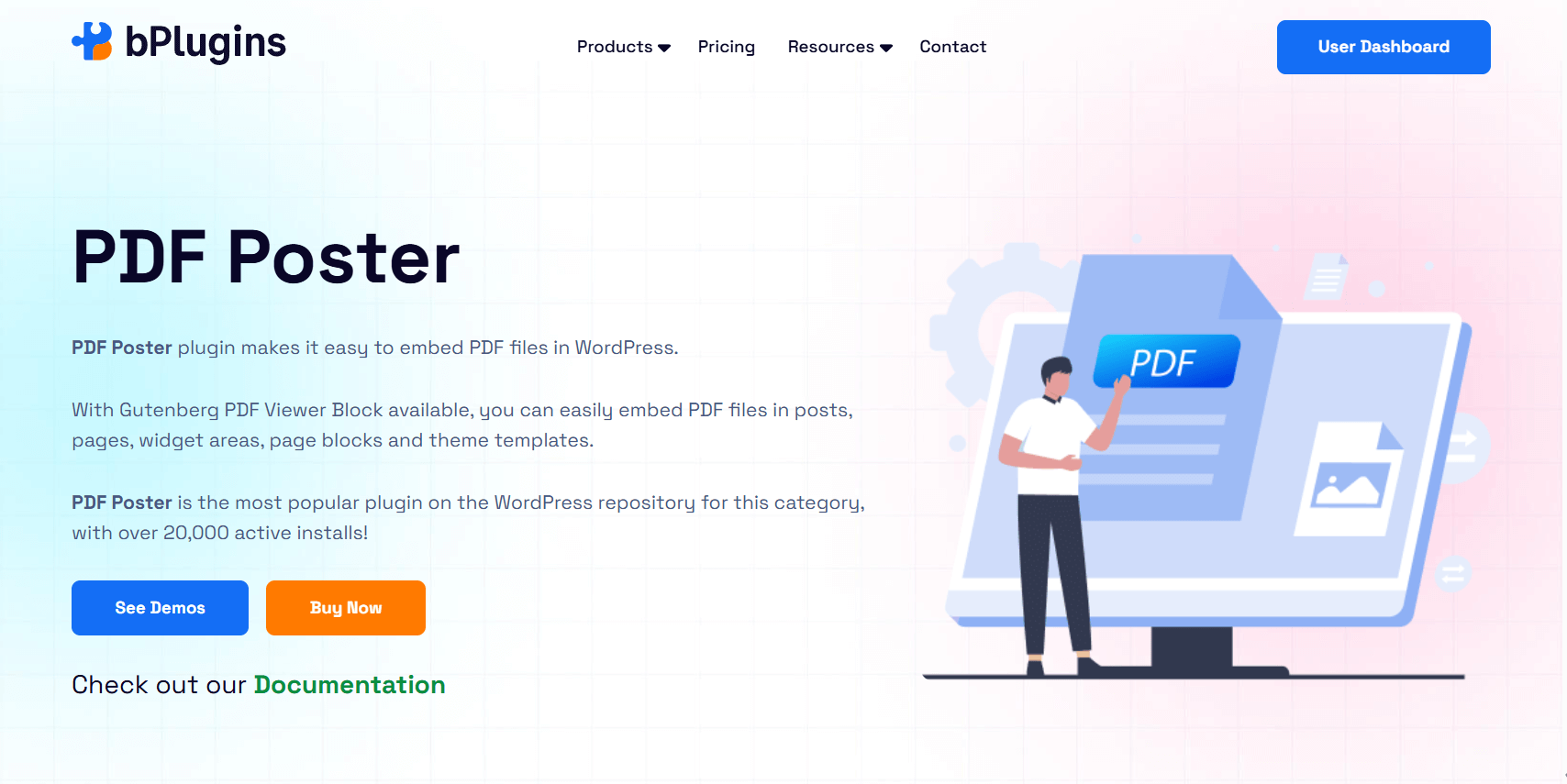
PDF Poster is a user-friendly and flexible plugin designed to embed PDF documents directly into your posts, pages, widgets, or template files. It provides a seamless reading experience across devices and integrates smoothly with the Gutenberg block editor.
From sharing eBooks and portfolios to embedding training manuals or company brochures, PDF Poster helps present your documents professionally and interactively.
The plugin is performance-optimized with features like lazy loading, and it gives you granular control over layout, toolbar elements, and content protection, making it suitable for both basic and advanced use cases.
Key Features
- Gutenberg Block & Shortcode Support: Easily embed PDFs using a block in the editor or with a [pdf_embed] shortcode in classic editor, widgets, or templates.
- Custom Viewer Size: Adjust the width and height of the viewer to fit your page layout.
- Download & Print Options: Let users download or print directly from the viewer, or turn these options off.
- Full-Screen Mode: Allow users to expand the viewer to full screen for better readability.
- Responsive Display: Viewers adapt smoothly to mobile, tablet, and desktop screens.
- Content Protection: Disable right-click, text copying, and other actions to protect your files.
- Popup Viewer & Thumbnails: Open documents in a popup window or add a sidebar with page thumbnails for easier navigation.
Ideal Users & Use Cases
Perfect for bloggers, educators, marketers, and small businesses who want a reliable, customizable PDF viewer. It works well for:
- Portfolios and eBooks – Share content in a clean, interactive format.
- Manuals and Brochures – Enable easy reading and optional downloads.
- Educational Content – Protect and display course materials clearly.
- Product Docs – Use popups and thumbnails for smoother navigation.
Whether you need a simple viewer or a feature-rich tool with content protection and customizable layouts, PDF Poster adjusts to fit your requirements.
2. PDF Embedder
PDF Embedder is a simple yet powerful WordPress plugin that lets you upload and embed PDF files just like images, directly into your posts or pages. The plugin renders PDFs using the open-source pdf.js library, providing a clean, reliable viewing experience that works across modern devices and browsers.
Unlike many other PDF plugins, PDF Embedder doesn’t rely on external services or iframes. Instead, all resources are hosted on your own server, giving you more control over appearance, performance, and privacy.
The plugin ensures responsive display and automatic resizing, making it ideal for websites that prioritize usability and mobile access.
Key Features
- Drag-and-Drop Embedding: Upload a PDF to the Media Library and embed it with a shortcode—no extra configuration.
- Responsive Viewer: The viewer adjusts automatically to browser size and device type.
- Built-In Navigation: Includes scroll, zoom, and next/previous buttons for a smooth reading experience.
- Download & Full-Screen Buttons: Let users save or expand PDFs for better readability.
- Clickable Links: Activate in-document hyperlinks for better navigation.
- Content Protection & Watermarks: Limit downloads or printing and add user-specific watermarks to deter sharing.
Ideal Users & Use Cases
Great for anyone who needs a simple, no-fuss viewer with optional upgrades. Best suited for:
- Bloggers & Educators – Share eBooks, whitepapers, and lesson plans.
- Small Businesses – Display brochures, price lists, or product info.
- Privacy-Focused Sites – Host all files locally for full control.
- Mobile-First Sites – Deliver clean, responsive viewing across devices.
Combining ease of use with key features—and offering premium upgrades for added interactivity and security—PDF Embedder is a popular choice among WordPress users.
3. EmbedPress
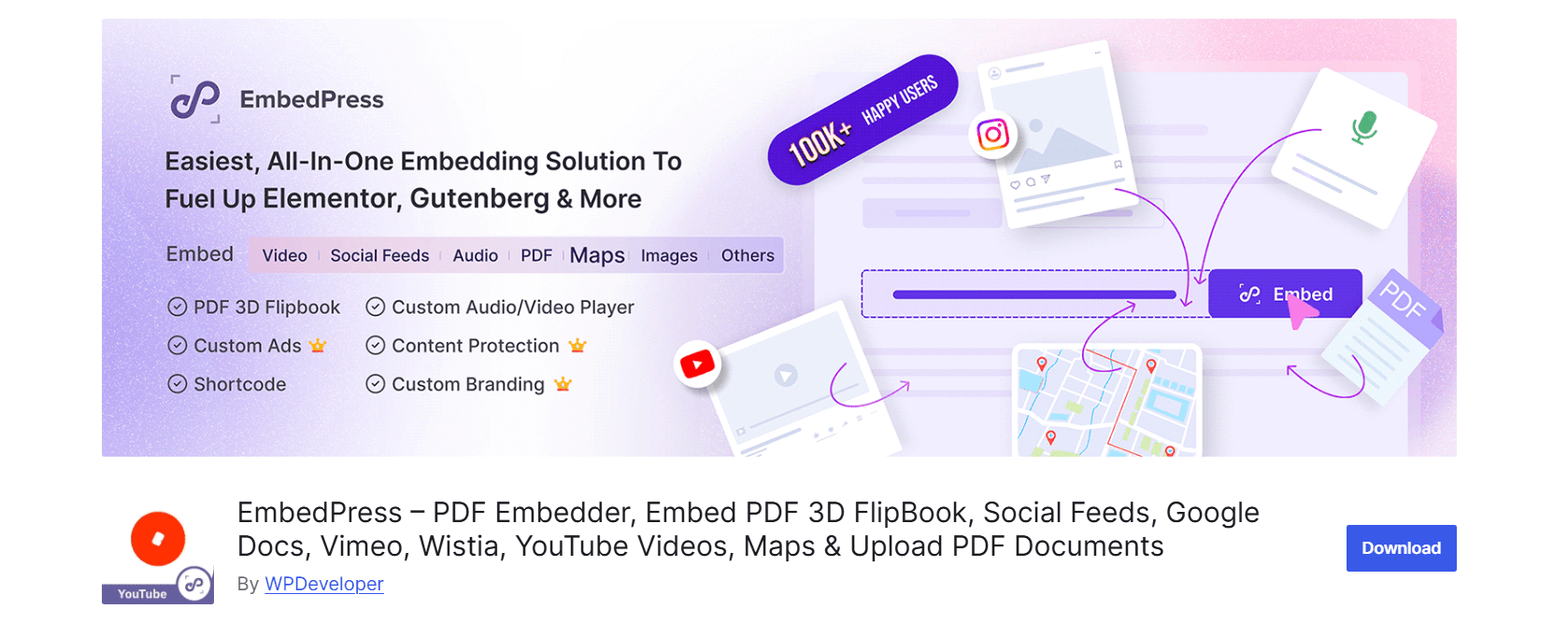
EmbedPress is an all-in-one embedding plugin for WordPress. It lets you easily embed media and documents from hundreds of sources—including PDFs, Google Docs, videos, charts, maps, and even full web pages.
It works with Gutenberg, Classic Editor, Elementor, and other major page builders, giving you full flexibility in any workflow. For PDFs, EmbedPress adds more than just a basic viewer. You can turn PDFs into interactive flipbooks with page-turn effects, toolbars, sound effects, and custom branding.
Whether you’re embedding a brochure or streaming a SoundCloud track, EmbedPress turns a simple URL into fully responsive content in seconds.
Key Features
- Embed PDFs Instantly: Upload a PDF and display it directly in your post or page using a document block or shortcode—no iframe needed.
- Interactive 3D Flipbook Viewer: Turn your PDFs into flipbooks with animated page turns, sound effects, and toolbars—ideal for brochures, catalogs, and magazines.
- Support for DOC, PPT, XLS, and More: Embed Word documents, PowerPoint slides, Excel sheets, and other formats directly into your content.
- Works with All Major Page Builders: Use it with Gutenberg, Elementor, Classic Editor, Divi, or Beaver Builder. All embeds are responsive and mobile-friendly.
- Custom Branding Options: Add your logo, CTA buttons, or custom toolbar elements—perfect for agencies and brand publishers.
- File Protection and Lazy Loading: Control file visibility and boost page speed with lazy loading and access protection features.
Ideal Users and Use Cases
EmbedPress is great for content creators, marketers, educators, and businesses that want to embed multimedia content in a clean, customizable way.
- Agencies & Publishers – Add branded PDF previews with logos and CTAs.
- Educators & Trainers – Share lessons, worksheets, and presentations with flipbook navigation.
- Bloggers & News Sites – Combine PDFs, videos, and charts in one post.
- E-commerce Stores – Show product manuals or catalogs interactively.
If you want more than just a viewer—something that turns static PDFs into immersive, branded content—EmbedPress is one of the most feature-rich options available.
4. Document Embedder
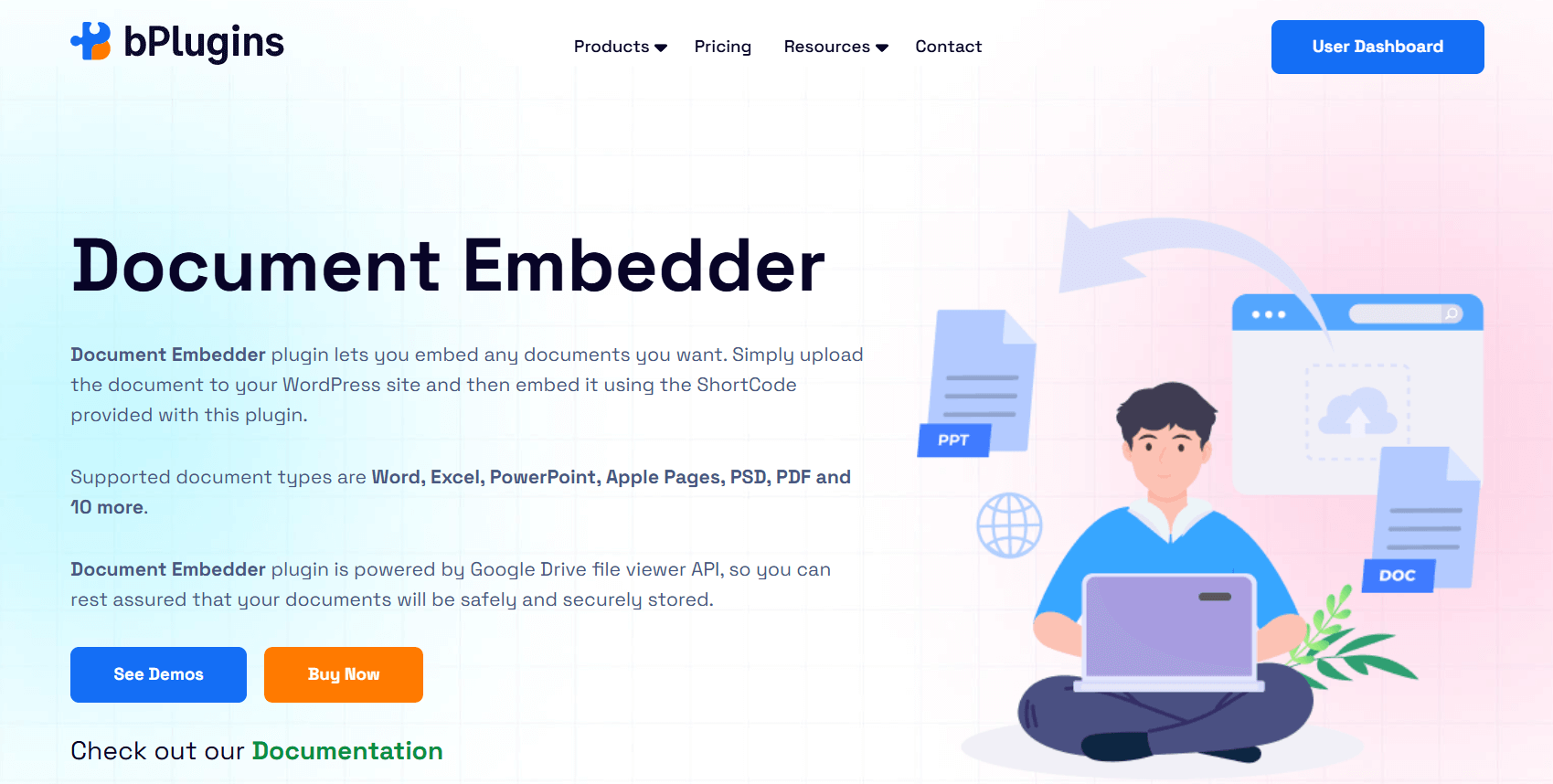
Document Embedder is a lightweight plugin that lets you embed a wide range of document formats—including PDF, Word, Excel, PowerPoint, and more—directly into WordPress pages and posts.
Files display inline using the Google Drive Viewer, so visitors don’t need to download them or open them in a new tab.
You can embed documents from your local uploads or from cloud platforms like Google Drive and Dropbox. It offers a clean, responsive viewer with controls for layout, download options, and Pro-level integrations.
Key Features
- Supports 16+ File Formats: Embed DOC, PDFs, PPT, XLS, TXT, HTML, SVG, code files, fonts, and more—ideal for sharing diverse document types.
- Responsive Viewer with Layout Controls: Customize the viewer’s width and height to match your site design. It works well on all screen sizes.
- Built-In Google Drive Viewer: Uses Google’s reliable viewer for accurate formatting and fast loading—no iframe setup required.
- Download Button and File Name Display: Let users download the file and see its title while viewing.
- Gutenberg Block Integration: Insert documents directly into posts using the Block Editor—no shortcode needed.
- Lightbox & Popout Display: Open documents in modals or control how files pop out—great for keeping users on the same page.
- Cloud Integration via API: Connect Dropbox and Google Drive for secure document access and remote embedding.
Ideal Users and Use Cases
This plugin works well for anyone sharing various document types in a mobile-friendly way.
- Educators – Share handouts, lesson plans, and worksheets.
- Corporate Teams – Display internal docs, reports, and manuals.
- Nonprofits – Publish flyers, guides, and meeting notes.
- Developers & Tech Teams – Embed code files or system documentation.
With wide file support and a reliable viewer, Document Embedder is a practical choice for document-heavy websites.
5. Embed PDF Viewer
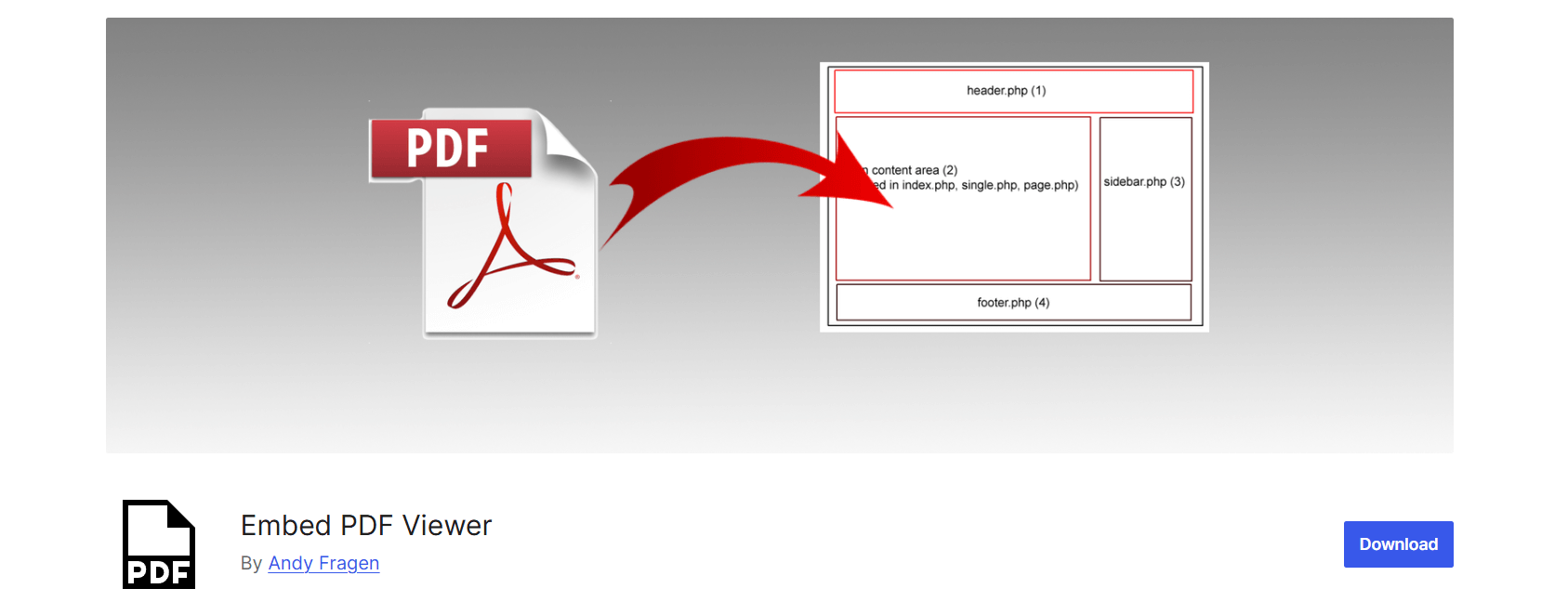
Embed PDF Viewer is a simple, open-source plugin that lets you display PDF files in WordPress using oEmbed, the Block Editor, or iframes.
You can use files from your Media Library or paste a public URL—no extra setup needed.
It uses the Google Docs Viewer for fast, mobile-friendly rendering. While it lacks advanced features, it’s a solid choice for users who want quick PDF embeds with minimal effort.
Key Features
- Quick Embedding with oEmbed or Block: Paste a link or use the dedicated block to embed PDFs. Works with both uploaded and external files.
- Iframe-Based Display: Shows PDFs inside an iframe for better compatibility and layout control.
- Google Docs Viewer Integration: Ensures smooth display, especially on mobile and Chromium-based browsers.
- Gutenberg Support: Fully compatible with the Block Editor—no shortcodes or custom HTML required.
- Responsive on All Devices: Embedded PDFs adjust automatically for mobile and tablet screens.
- Open-Source and Developer-Friendly: Available on GitHub for custom development or contributions.
Ideal Users and Use Cases
Best for users who want a no-fuss, reliable PDF viewer.
- Bloggers & Writers – Share whitepapers, eBooks, and references.
- Teachers – Post reading materials or assignments.
- Developers – Customize and extend the plugin via GitHub.
- Simple Websites – Add PDFs without adding plugin bloat.
It may be basic, but for straightforward PDF display, Embed PDF Viewer gets the job done efficiently.
Read: 10 Unique Content Types You Can Embed in WordPress Besides Videos
What to Look for in a PDF Embedder Plugin
Choosing the right PDF plugin for WordPress depends on your specific needs. Whether you’re sharing brochures, manuals, presentations, or downloadable forms, these key features will help you decide:
Editor Compatibility
Make sure the plugin integrates well with your preferred content editor, such as Gutenberg or Elementor.
Native block support allows you to embed PDFs directly with drag-and-drop ease, see live previews as you build your pages, and avoid relying on shortcodes or complicated setups. This makes managing your content faster and less error-prone.
Mobile Responsiveness
PDFs must look good and work well on all devices. A strong plugin ensures your embedded documents automatically resize and adapt to fit smartphones and tablets.
It prevents layout issues like broken formatting or horizontal scrolling that frustrate users on small screens, helping deliver a smooth reading experience everywhere.
Inline Viewer vs. Download Link
Some plugins display PDFs directly within the page (inline), letting visitors read without leaving your site. Others only offer download links or open PDFs in separate pop-up windows.
A flexible plugin supports both options, so you can let users choose whether to view the document immediately or download it for offline access.
Zoom and Navigation Controls
Good zoom, scroll, and navigation features improve usability, especially for lengthy documents like ebooks, product manuals, or reports.
Controls such as page jumping and full-screen mode make it easier for users to find specific sections and read comfortably, reducing frustration and improving engagement.
Lazy Loading and File Size Handling
PDF files can be large and slow down your site. Plugins with lazy loading wait to load the PDF until it appears in the visitor’s viewport.
This reduces initial page load times and improves overall site performance, which is especially important on pages with many embedded PDFs or other media.
Privacy and Access Control
If you’re sharing sensitive or proprietary documents, look for plugins that offer security features. These might include disabling downloads, blocking right-click options to prevent copying, or embedding password-protected files.
These controls help protect your content from unauthorized access or misuse.
Customization Options
To maintain your site’s design and branding, choose a plugin with flexible customization settings. This includes adjusting the viewer’s width and height, showing or hiding toolbars and buttons, changing background colors, and more.
A customized viewer ensures your embedded PDFs blend seamlessly with your site’s look and feel.
| Feature | PDF Poster | PDF Embedder | EmbedPress | Document Embedder | Embed PDF Viewer |
| Editor Compatibility | Gutenberg, Classic | Gutenberg, Classic | Gutenberg, Elementor, Classic | Gutenberg, Classic | Gutenberg |
| Mobile Responsive | Yes | Yes | Yes | Yes | Yes |
| Inline PDF Viewing | Yes | Yes | Yes | Yes | Yes |
| Download Option | Yes | Yes (Pro) | Yes (Pro) | Yes | No |
| Content Protection | Yes (Pro) | Yes (Pro) | Yes (Pro) | Limited (Pro) | No |
| Lazy Loading | Yes | No | Yes (Pro) | No | No |
| Customization | Yes | Medium | High (Pro) | Medium | Low |
For the best PDF plugin, PDF Poster is highly recommended. It offers easy embedding, good mobile support, and advanced features like content protection and customization. Other plugins work well too, but PDF Poster provides the most balanced features for most users.
FAQs on PDF Embedder Plugins
1. Can I protect my PDFs from download?
Yes, PDF Poster lets you disable downloads, right-click, and print to protect your content. However, users can still take screenshots or use browser developer tools. For sensitive documents, consider adding watermarks or restricting access by hosting PDFs behind a login or membership wall.
2. How do I embed a PDF in WordPress without a plugin?
You can upload your PDF to the Media Library and insert its URL using the File block in Gutenberg or embed it using an HTML iframe. This provides a simple download link or inline view but lacks advanced features like zoom, navigation controls, or mobile optimization.
3. What is the best free PDF viewer plugin for WordPress?
Popular free plugins like PDF Poster and PDF Embedder offer responsive inline PDF viewing with easy embedding via blocks or shortcodes. They include essential features such as zoom, page navigation, and download buttons. Choose based on which editor you use and the specific features you need.
4. Which PDF plugins work best with Elementor?
Many PDF plugins support Elementor with dedicated widgets or shortcode compatibility. EmbedPress is an excellent option, offering smooth integration and customizable settings directly within Elementor’s interface.
5. How can I make PDFs mobile-friendly in WordPress?
Use plugins that automatically resize PDF viewers and offer responsive designs or mobile-specific features like full-screen mode. Avoid plugins that rely solely on iframes without responsiveness, as they often cause layout issues or force horizontal scrolling on smaller screens.
6. Can I track how many times a PDF has been viewed or downloaded?
Some premium plugins include built-in analytics to track PDF views and downloads. Alternatively, you can set up Google Analytics event tracking or use third-party download manager plugins to monitor user interactions with your PDFs.
7. Does embedding a PDF affect website performance?
Large or multiple PDFs can slow down page load times, especially on slow connections. Plugins that support lazy loading—loading PDFs only when they come into the user’s view—help reduce the impact on performance and improve overall user experience.
8. Can I embed password-protected PDFs in WordPress?
Most PDF viewers don’t support inline viewing of password-protected PDFs. Users typically need to enter the password in a separate PDF viewer app or download the file first. Some advanced plugins might offer password prompts or overlays, but these are uncommon.
9. Is it possible to disable the print option for embedded PDFs?
Some plugins allow you to disable or hide the print button in the viewer toolbar. However, users can still print using browser menus or take screenshots. For stronger control, combine this with content protection plugins or digital rights management (DRM) solutions.
Conclusion
Embedding PDFs effectively on your WordPress site improves how you share portfolios, manuals, presentations, and other resources. In this guide, we reviewed five top PDF embedder plugins, each with its own strengths:
- PDF Poster offers a strong mix of speed, customization, and advanced content protection features.
- Document Embedder shines with broad file type support and reliable Google Drive integration.
- PDF Embedder is perfect for simple, responsive inline PDF viewing with essential features.
- EmbedPress stands out as a versatile multimedia embedder that works smoothly with popular page builders.
- Embed PDF Viewer provides a lightweight, open-source solution for basic PDF embedding needs.
Your best choice depends on your specific needs. We recommend trying one or two plugins that align with your workflow and features to find the right fit.
Remember, plugin performance and compatibility can vary depending on your hosting setup and WordPress theme. Always test how embedded PDFs appear on different devices and browsers to ensure a smooth experience for your visitors.
With the right plugin, your WordPress site can display PDFs beautifully, helping you engage your audience and deliver valuable content with ease.

 Save 90%