
The WordPress block editor (Gutenberg) has changed how websites are built. It gives users the ability to design flexible, visually rich layouts without coding.
But to get the most out of it, especially when using a plugin like B Blocks, choosing the right theme is just as important as the blocks you use.
B Blocks is a powerful plugin that extends the block editor with advanced layout options and interactive design elements. It lets you build custom sections, dynamic content, and engaging pages using a clean, user-friendly interface. To make these features work well and look polished, you need a theme that supports the block editor and follows modern WordPress standards.
In this post, we’ll cover the best WordPress themes for B Blocks both Full Site Editing (FSE) and classic.
Let’s get started.
Top 10 WordPress Themes That Work Seamlessly With B Blocks
Here are our top recommended themes that pair perfectly with the B Blocks plugin:
1. Twenty Twenty-Five
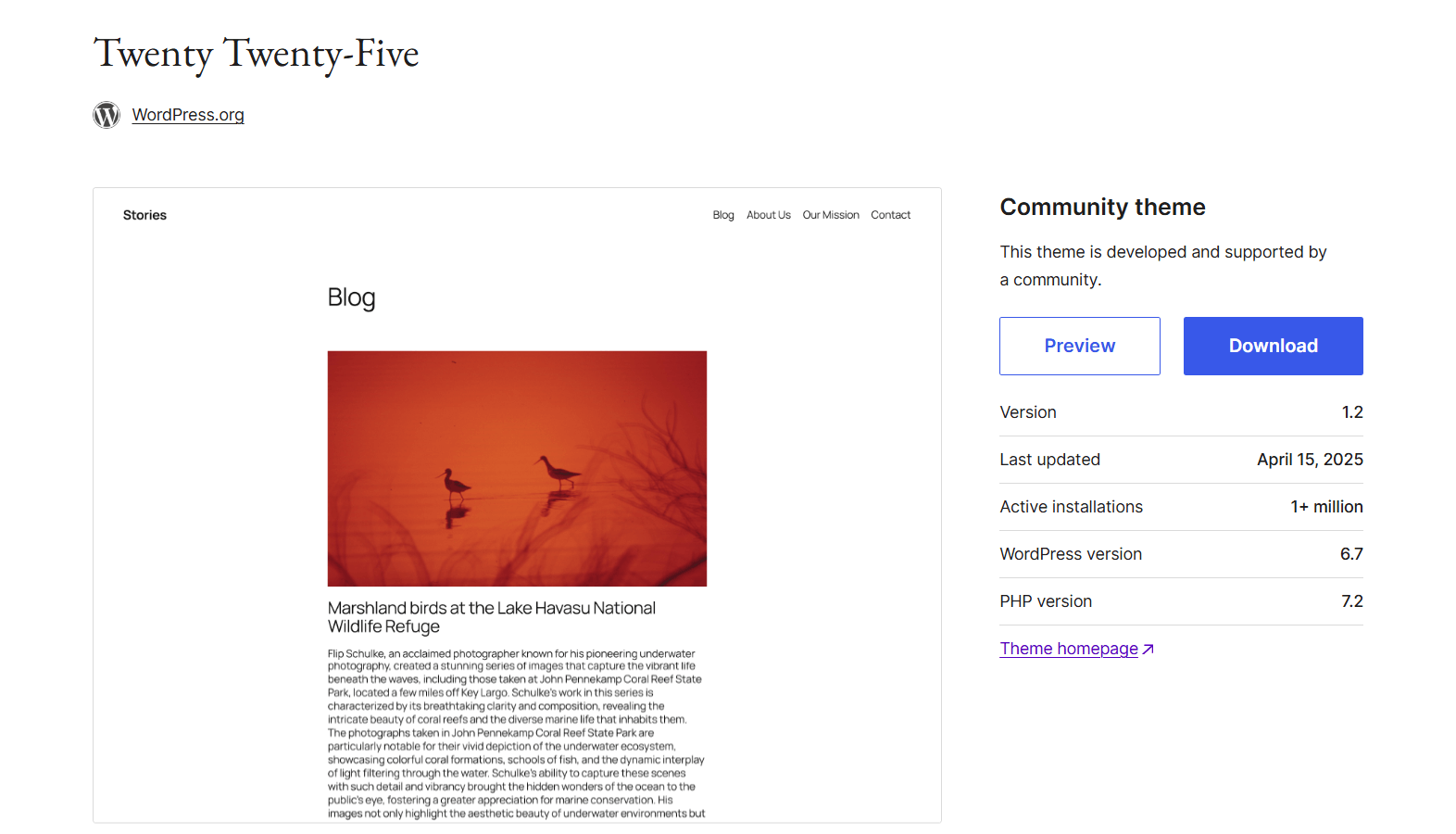
Twenty Twenty-Five is the official default WordPress theme for 2025. Built entirely with blocks, it supports Full Site Editing (FSE) from the start and provides one of the cleanest, most reliable foundations for B Blocks users.
Its minimalist design and flexible layout make it easy to customize with B Blocks, without worrying about styling conflicts or rigid templates. Since it’s developed by the WordPress.org team, it follows best practices for performance, accessibility, and future compatibility.
Key Features
- 100% Full Site Editing support (headers, footers, templates)
- Lightweight and clean HTML/CSS
- Built-in style variations
- No extra bloat—fast and performance-friendly
- Fully compatible with Gutenberg block plugins like B Blocks
Ideal For
This theme is perfect for bloggers and content creators who want a distraction-free layout. It’s also a solid choice for developers looking for full design control with B Blocks. If you’re starting fresh with the WordPress block editor in 2025, Twenty Twenty-Five is a future-ready, flexible option.
2. Neve FSE
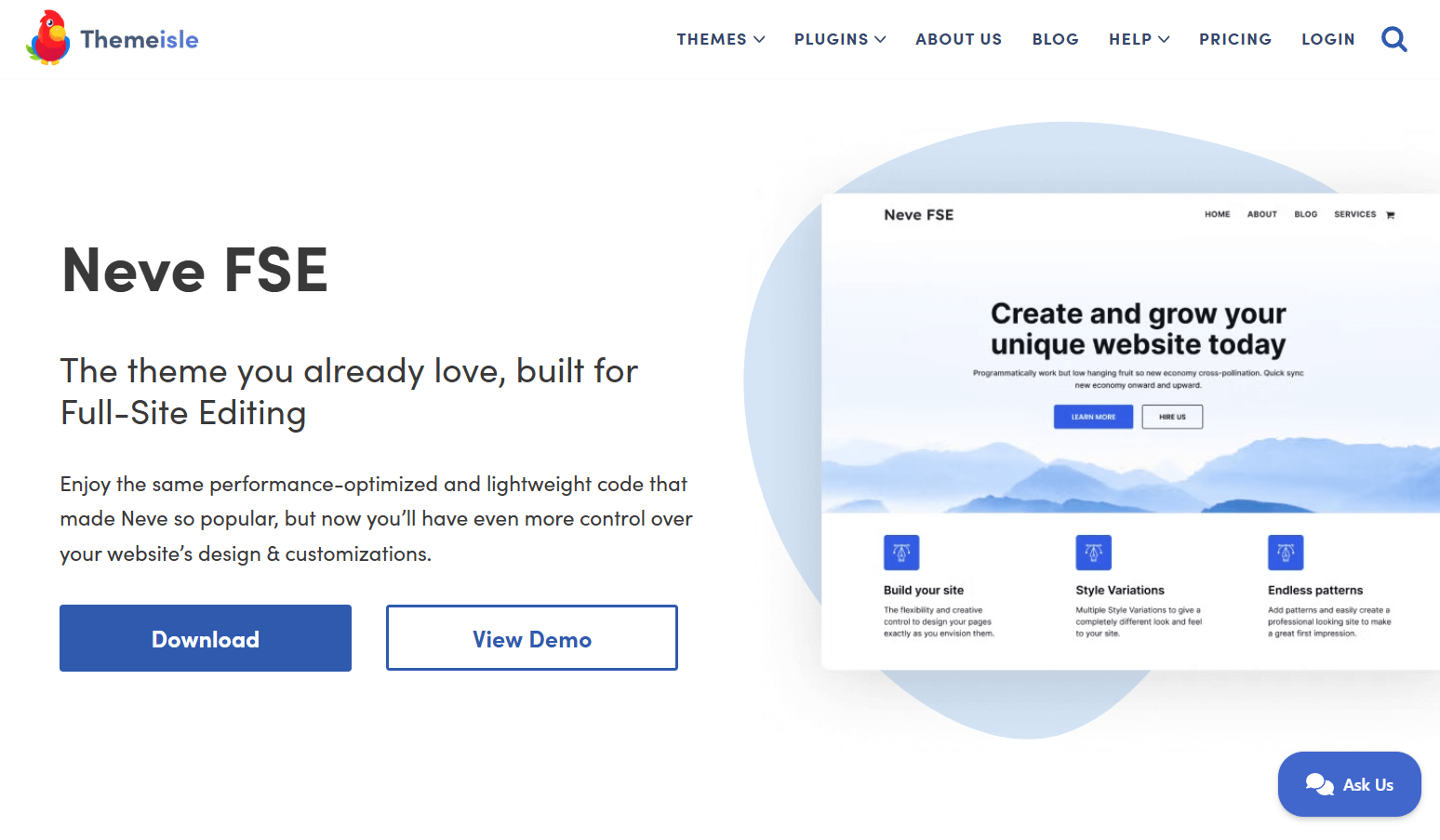
Neve FSE is a modern, speed-optimized block-based theme from Themeisle. It’s a reimagined version of the popular Neve theme, built specifically for Full Site Editing. Lightweight and easy to customize, it works especially well with B Blocks for creating responsive, professional layouts.
With clean design, global styling options, and a solid set of starter templates, Neve FSE makes it easy to design blogs, landing pages, or business sites—without writing any code.
Key Features
- Full support for the block editor and FSE
- Lightweight code for fast performance
- Pre-designed templates and block patterns
- Mobile-first and fully responsive
- Works smoothly with B Blocks
- Global styling controls via the Site Editor
Ideal For
Neve FSE is great for users who want a fast, flexible theme that looks professional out of the box. It’s a smart pick for freelancers, agencies, or small businesses using B Blocks to create custom layouts. Its beginner-friendly setup also makes it ideal for anyone switching from classic themes to block-based design.
3. YITH Wonder
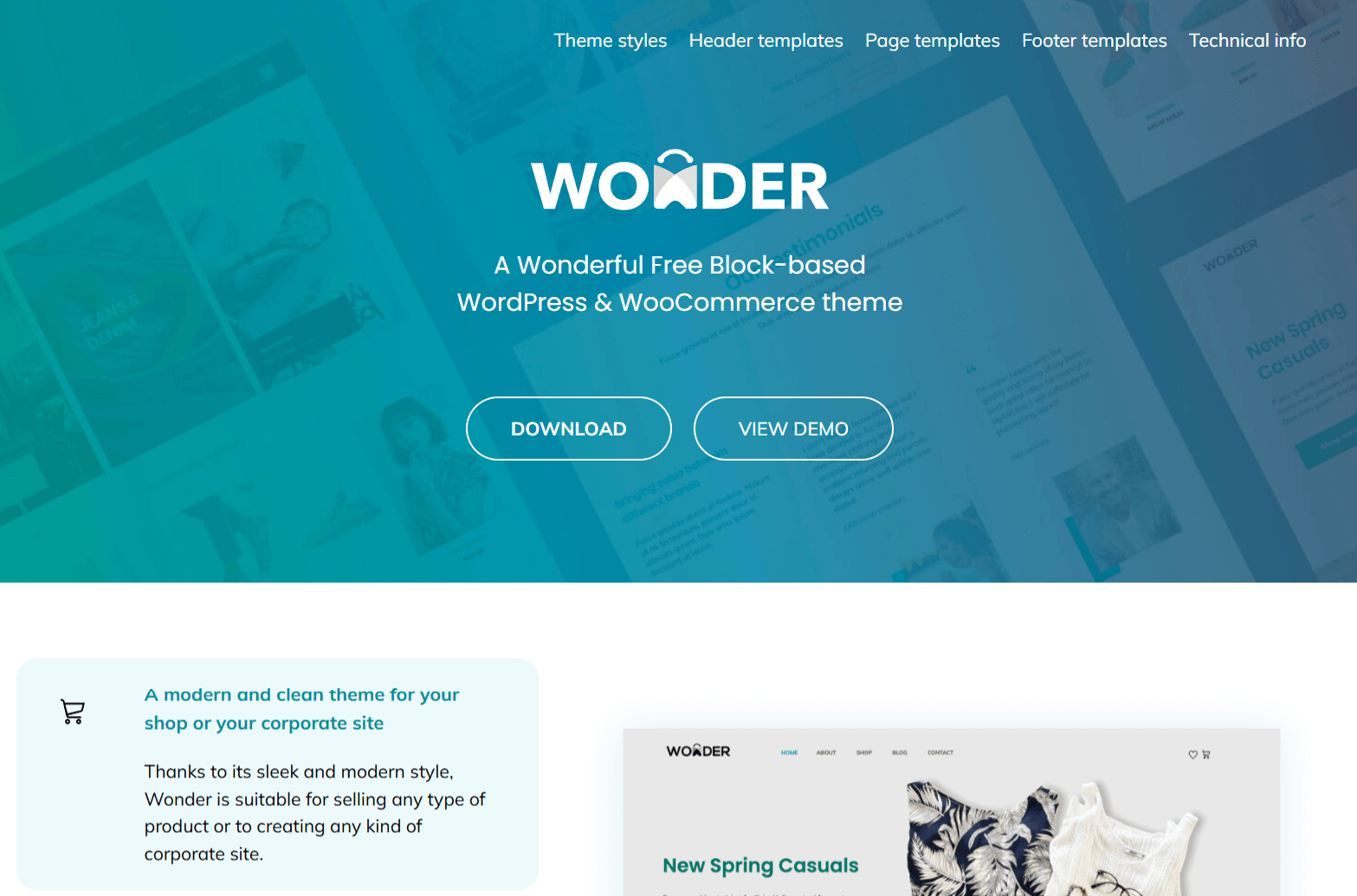
YITH Wonder is a modern, block-based theme designed with WooCommerce in mind. Built by the trusted team at YITH, it fully supports Full Site Editing (FSE) and works smoothly with B Blocks, making it easy to create custom product layouts, landing pages, and promotional sections.
With a sleek visual style and well-structured layout, YITH Wonder gives you the flexibility to design an online store or content-rich website without compromising speed or usability.
Key Features
- Full Site Editing support
- Built-in WooCommerce styling and layout control
- Optimized for B Blocks and block-based layouts
- Clean typography and multiple style variations
- Responsive, accessible, and lightweight
- Developed with performance in mind
Ideal For
YITH Wonder is a great choice for online store owners who want full visual control over their product pages using B Blocks. It’s also a strong fit for bloggers, agencies, and content creators who need a modern theme that balances design flexibility with fast performance.
4. Greenshift
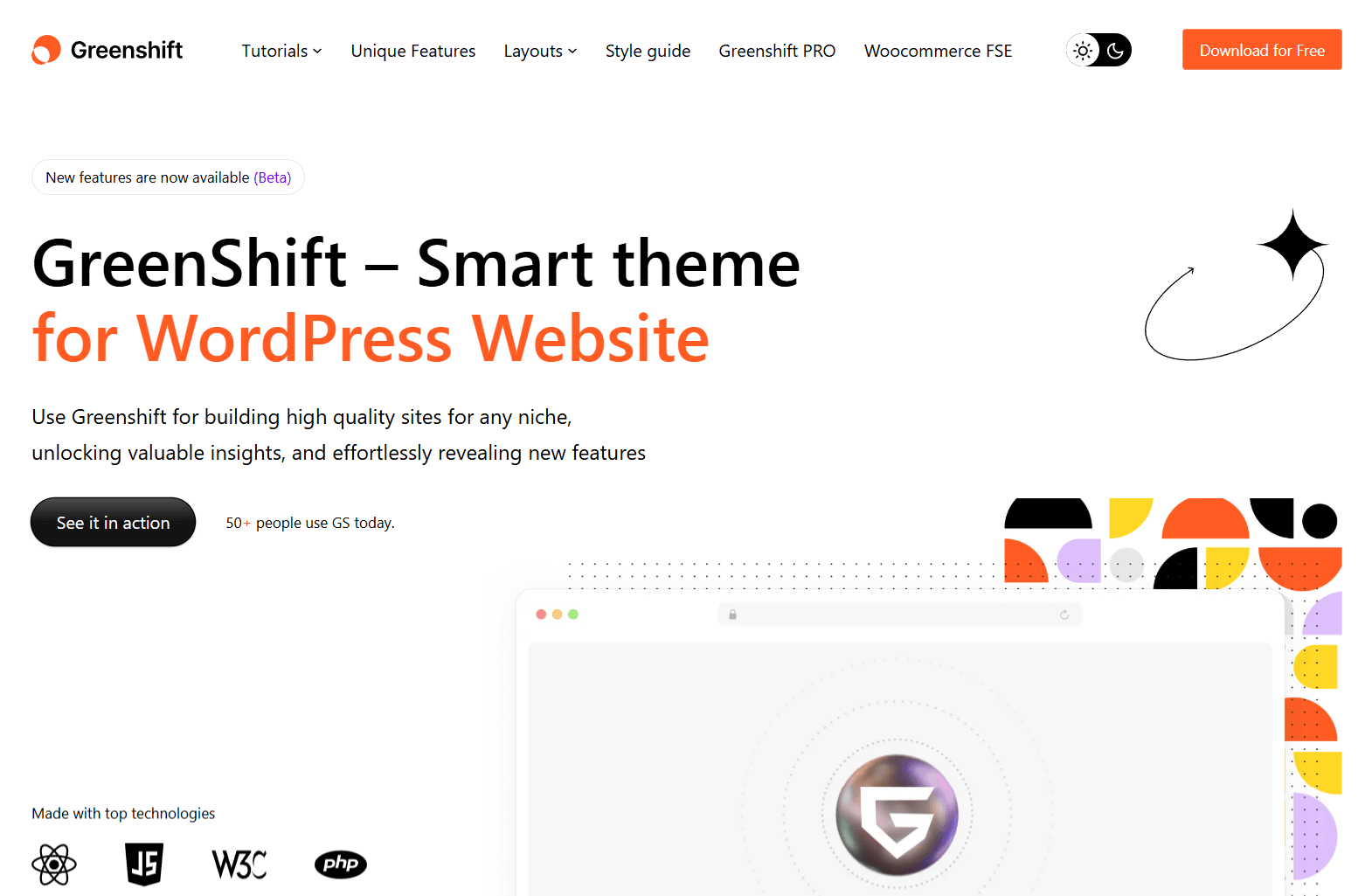
Greenshift is a creative and performance-optimized block theme made for building interactive, animated websites. It’s designed with motion, visual effects, and layout flexibility at its core, making it an excellent companion to B Blocks, especially when you’re building sliders, tabs, accordions, or advanced CTAs.
Part of the Greenshift ecosystem, this theme works best when combined with its animation-focused block plugin, but it stands strong on its own too. If you’re after a highly visual site that moves and engages, Greenshift has the tools you need.
Key Features
- Full Site Editing support
- Advanced animations and motion effects
- Dynamic content and grid layout support
- Optimized for speed and Core Web Vitals
- Works seamlessly with B Blocks
- Clean design that adapts to custom layouts
Ideal For
Greenshift is ideal for marketers, designers, and developers who want to create bold, interactive websites. Whether you’re crafting product showcases, portfolios, or animated landing pages with B Blocks, Greenshift gives you the tools to build visually striking, responsive layouts without code.
5. Ollie
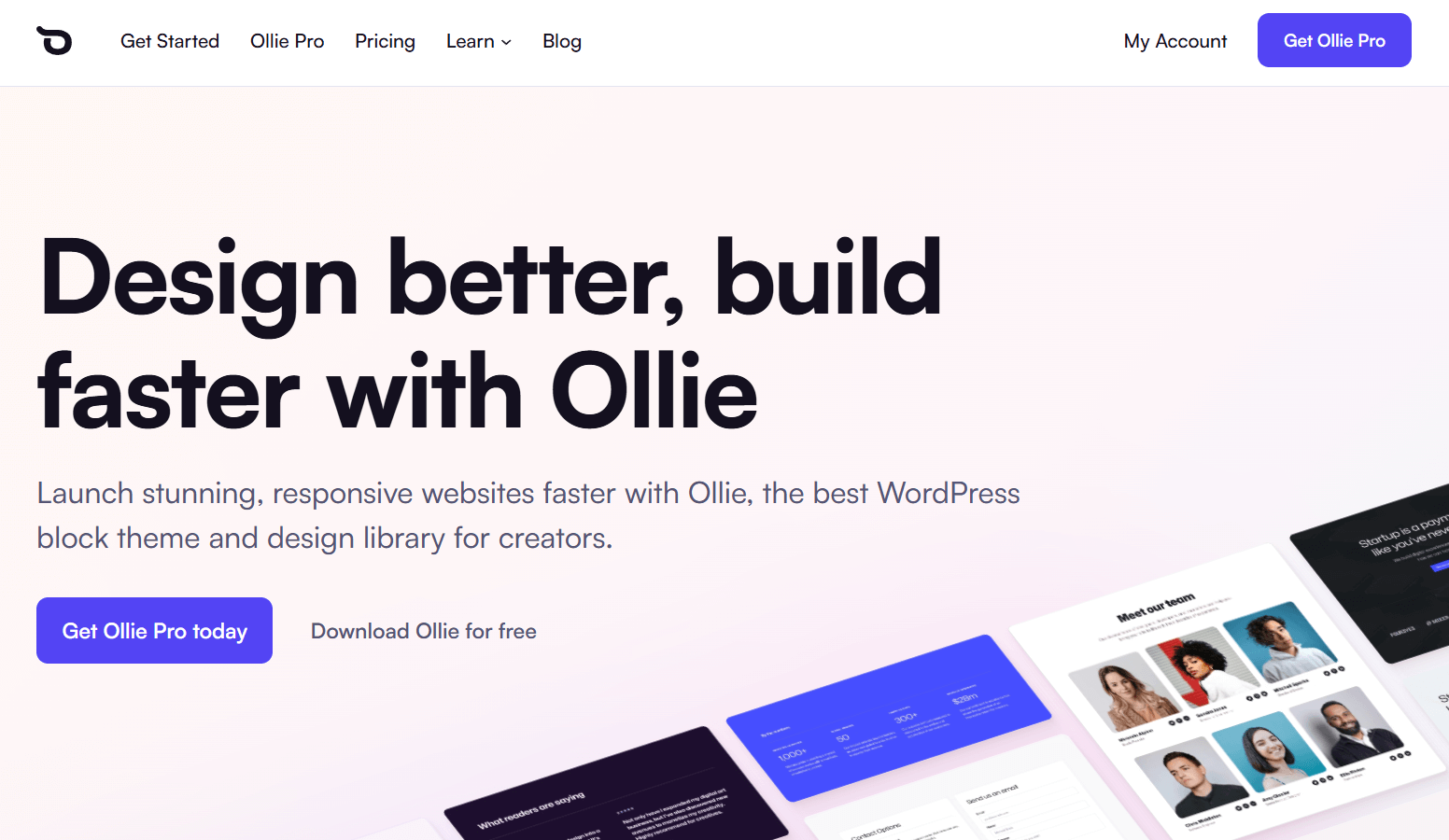
Ollie is one of the most beginner-friendly Full Site Editing (FSE) themes available today. It’s designed to make block-based site building easier, with a smooth onboarding experience, clean starter templates, and thoughtfully designed block patterns. It works seamlessly with B Blocks, allowing you to enhance layouts with custom sections, interactive content, and advanced grids.
Created by Mike McAlister and the Ollie team, this theme focuses on usability while still giving you full design flexibility through the Site Editor.
Key Features
- Native Full Site Editing support
- Onboarding wizard for quick setup
- Professionally designed templates and patterns
- Global styles and layout controls
- Fully compatible with block plugins like B Blocks
- Clean code and optimized for speed
Ideal For
Ollie is a great choice for freelancers, agencies, and DIY website builders. Its easy setup makes it perfect for beginners learning the block editor, while its flexible layout options and B Blocks support make it powerful enough for experienced users too.
6. Astra
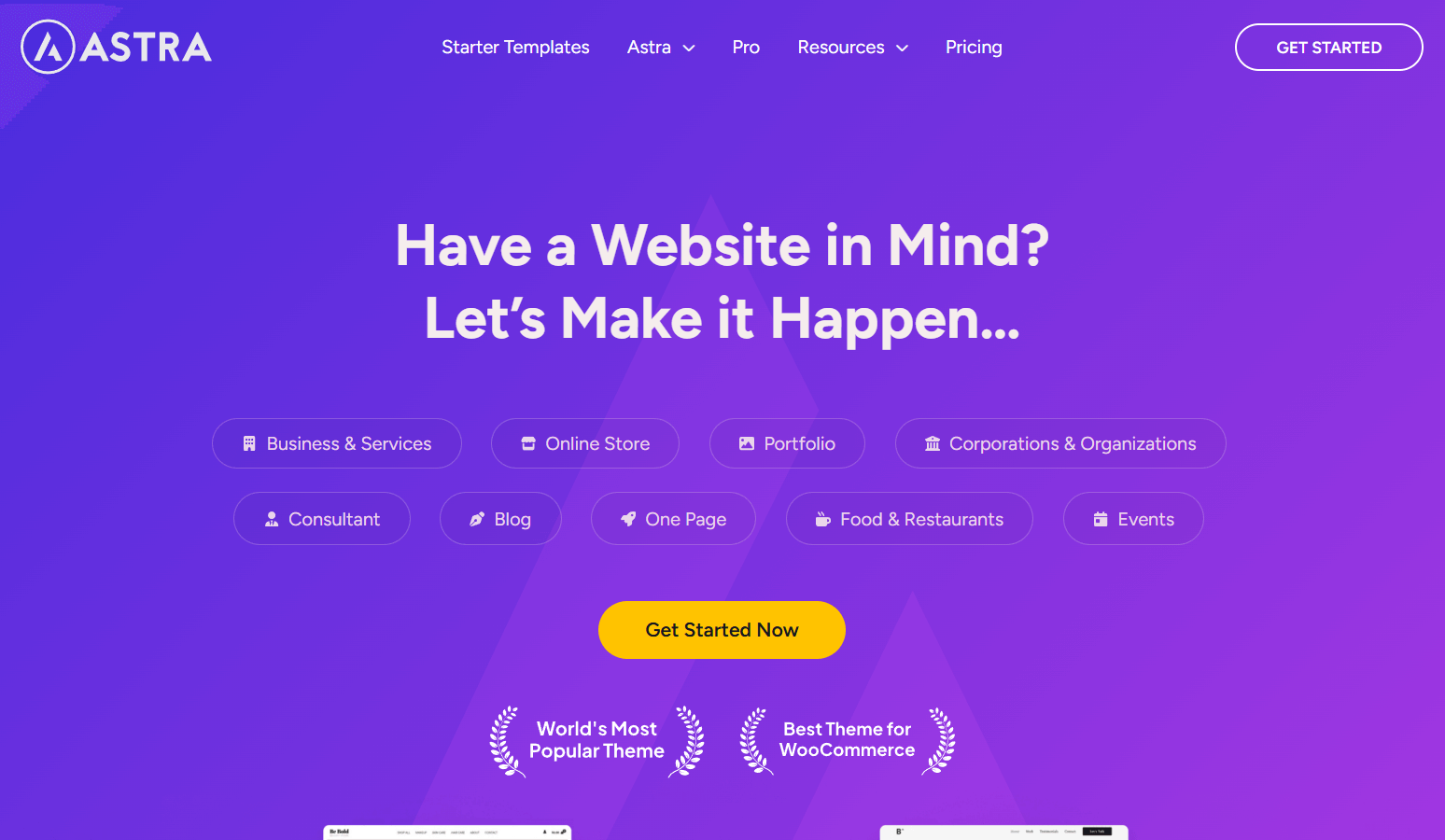
Astra is one of the most popular classic WordPress themes, known for its speed, simplicity, and wide compatibility. Although it’s not a Full Site Editing theme, Astra works flawlessly with the Gutenberg block editor and pairs well with B Blocks to create custom layouts and flexible page designs.
Its lightweight codebase ensures fast load times, and it offers deep customization through the WordPress Customizer—no coding needed.
Key Features
- Lightweight and performance-optimized
- Fully supports Gutenberg and B Blocks
- Layout and style controls via the Customizer
- Pre-built templates and starter sites
- WooCommerce-ready and mobile responsive
- Beginner-friendly, with solid documentation
Ideal For
Astra is ideal for users who want a fast, customizable theme without switching to FSE. It’s perfect for bloggers, business owners, and developers who want full control over layouts with B Blocks, while keeping their workflow in the familiar Customizer.
7. OceanWP
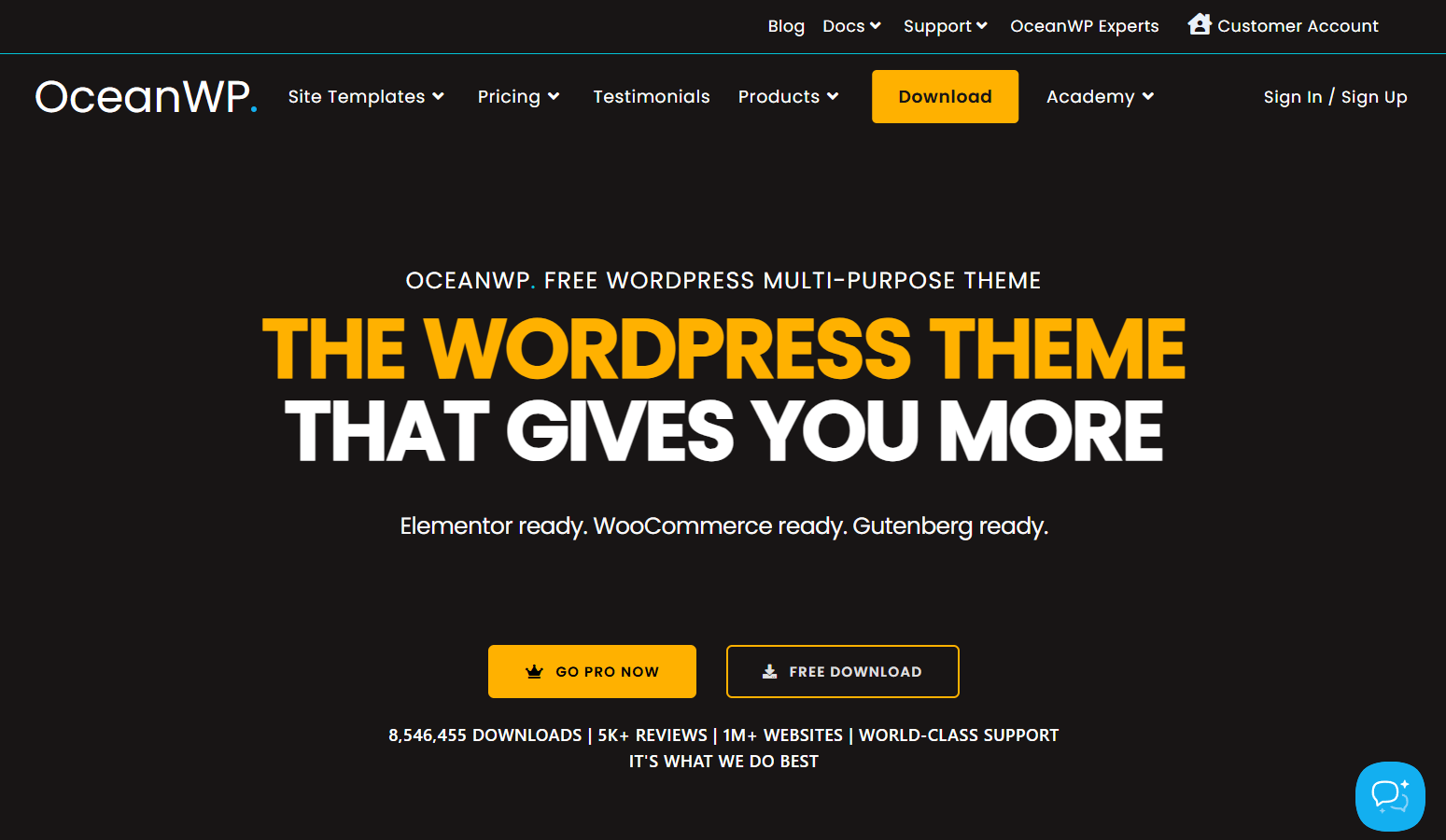
OceanWP is a flexible multipurpose theme that balances customization with ease of use. While it’s a classic theme using the WordPress Customizer, it works well with the block editor and is fully compatible with B Blocks. You can design advanced layouts without relying on a page builder.
OceanWP includes detailed settings for layouts, headers, menus, and styling, giving you control over nearly every part of your site.
Key Features
- Fully responsive and mobile-friendly
- Deep layout controls via the Customizer
- Supports Gutenberg and B Blocks
- Built-in WooCommerce features
- Pre-designed demo sites for quick setup
- Strong documentation and developer support
Ideal For
OceanWP is a great option for anyone building a business site, store, or personal blog who wants the flexibility of custom layouts using B Blocks. It’s especially useful for users who prefer the traditional WordPress theme structure but still want to take full advantage of the block editor.
8. GeneratePress
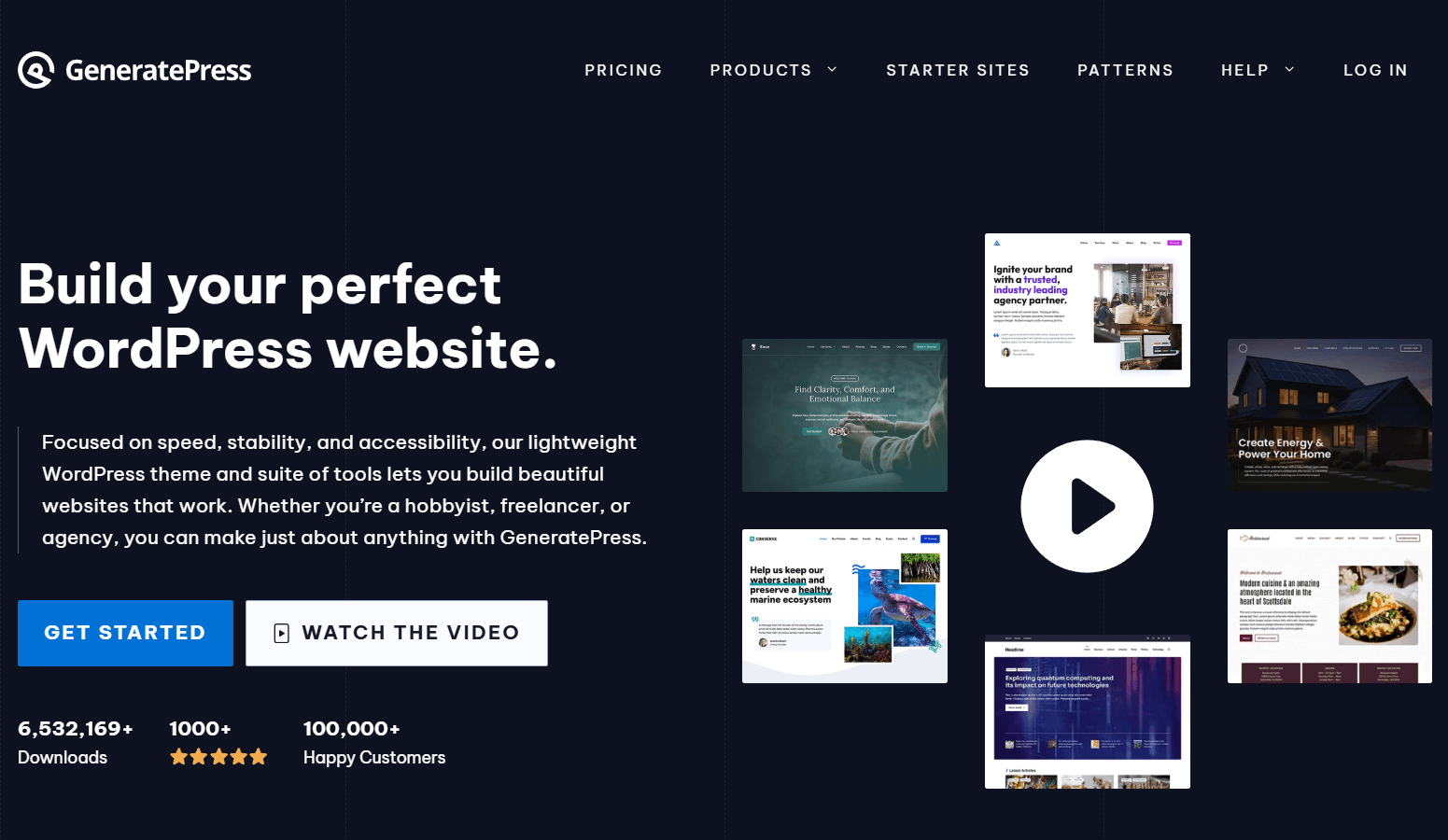
GeneratePress is a fast, developer-friendly theme built for performance. While it’s not a Full Site Editing theme, it integrates tightly with the Gutenberg editor and works perfectly with B Blocks. Its clean code and modular design make it a favorite among developers and performance-focused users.
With deep customization via the WordPress Customizer and a premium plugin for extended features, GeneratePress lets you build lightweight, responsive sites with precision.
Key Features
- Minimal, fast-loading structure
- Extensive customization in the Customizer
- Gutenberg and B Blocks compatible
- Mobile-first and accessibility-ready
- Developer hooks and filters
- Supports WooCommerce and RTL
Ideal For
GeneratePress is ideal for developers and advanced users who need a lightweight theme that plays well with B Blocks. Whether you’re building a personal blog, portfolio, or business site, it gives you speed and control, without the extras you don’t need.
9. Kadence
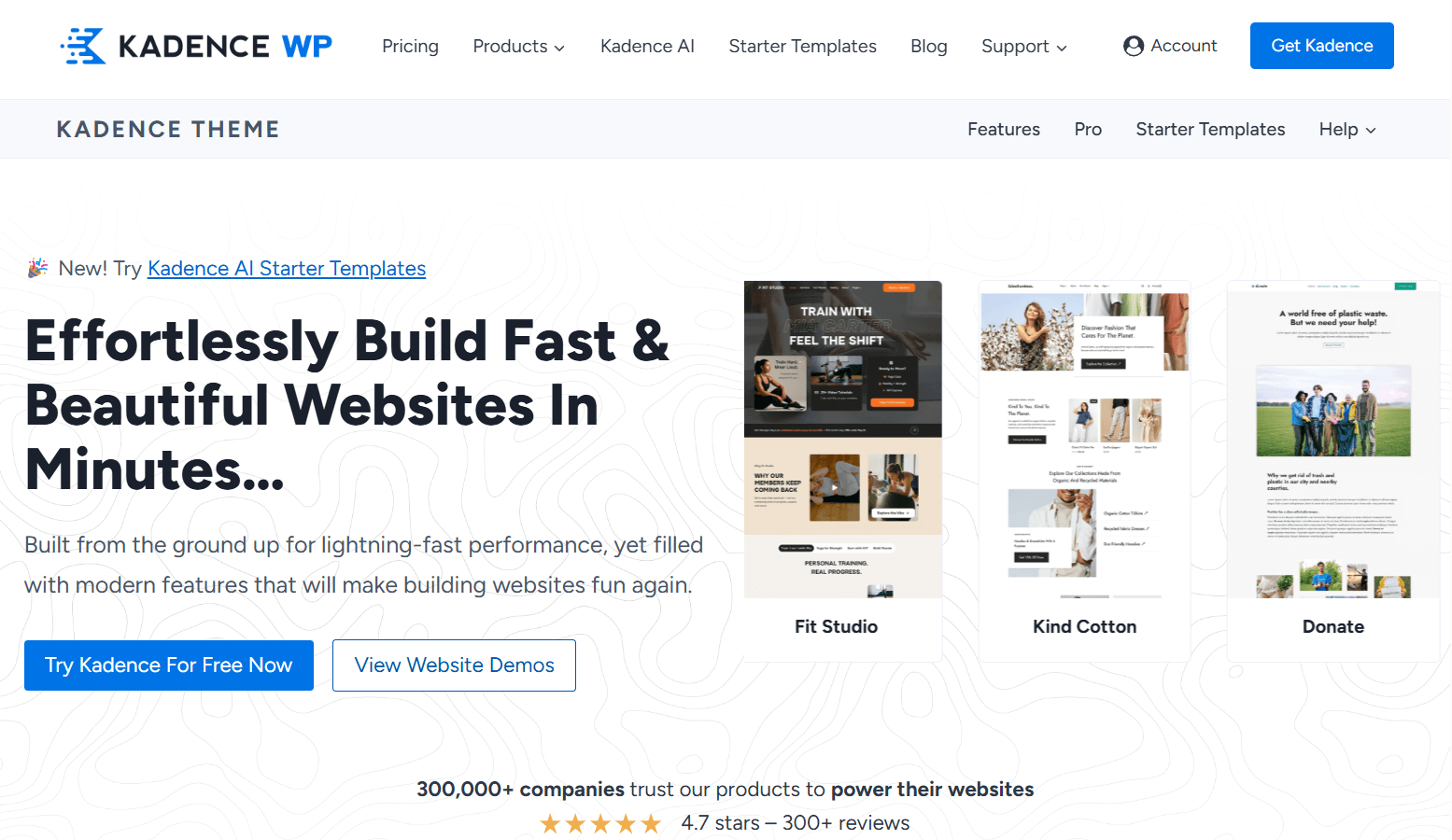
Kadence is a powerful classic theme that offers many of the features you’d expect from a page builder, without the bulk. It works seamlessly with the WordPress block editor and B Blocks, letting you build custom layouts, headers, and sections with ease.
It includes a drag-and-drop header and footer builder, global design settings, and performance-focused tools that help you create polished, responsive websites.
Key Features
- Advanced layout, color, and typography controls
- Drag-and-drop header and footer builder
- Global design presets for consistent styling
- Works perfectly with B Blocks and Gutenberg
- Lightweight yet highly customizable
- WooCommerce support and mobile optimization
Ideal For
Kadence is ideal for business owners, marketers, and creators who want flexibility without switching to an FSE theme. If you’re using B Blocks to design custom homepages, service sections, or landing pages, Kadence gives you the tools to make it all look professional, without touching code.
10. Blocksy
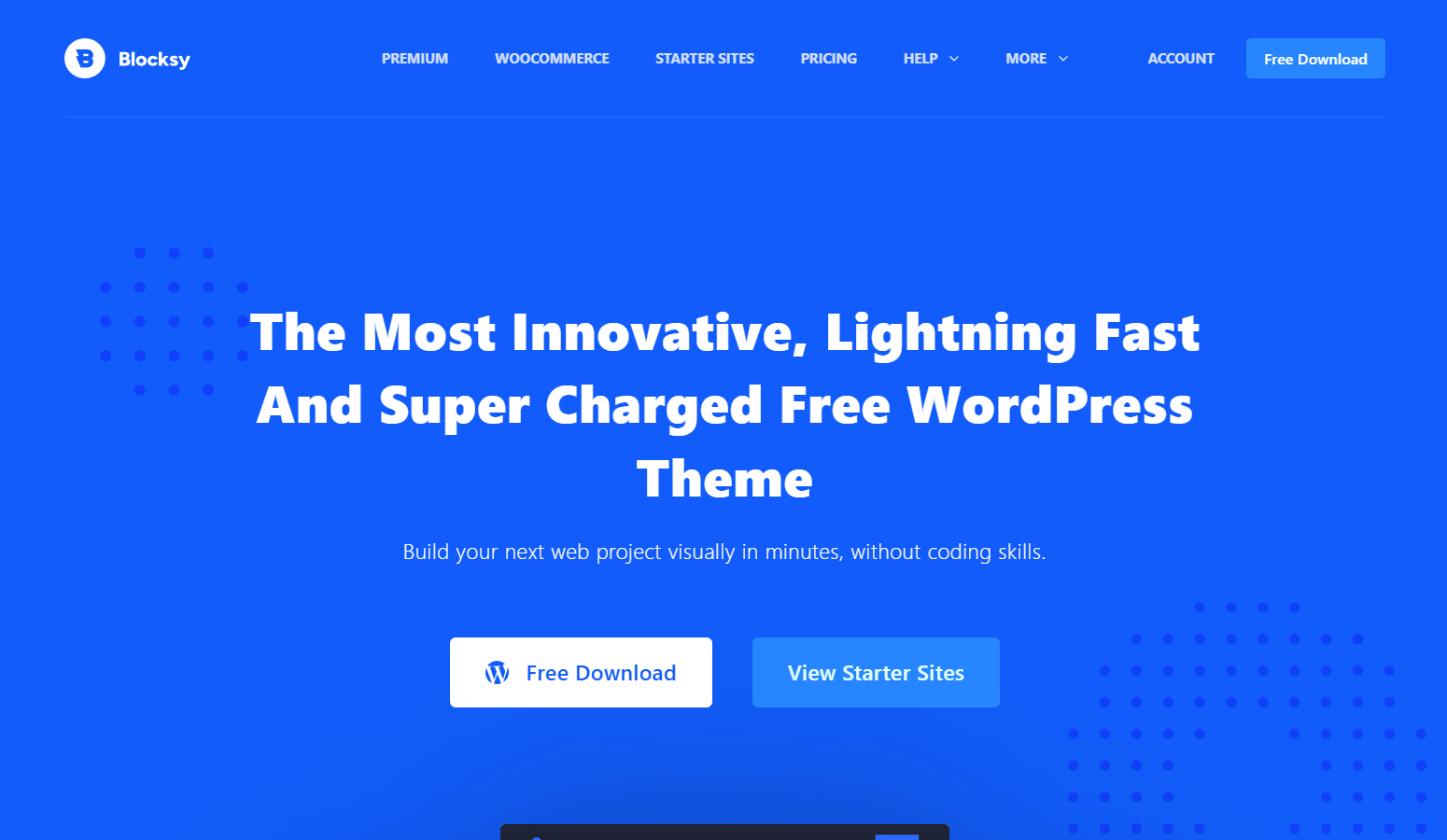
Blocksy is a modern, visually rich WordPress theme that combines the flexibility of the Customizer with early Full Site Editing (FSE) support. Built for speed and style, it works seamlessly with the Gutenberg editor and integrates well with advanced block plugins like B Blocks.
Its visual interface, global style controls, and dynamic content features make it easy to create custom layouts without needing a separate page builder.
Key Features
- Fast-loading with clean, modern code
- Visual header and footer builder
- Early FSE support (currently in beta)
- Extensive Customizer settings
- Fully compatible with B Blocks
- Dynamic content features and WooCommerce-ready
Ideal For
Blocksy is a great choice for users who want strong design flexibility with future-ready tools. Whether you’re building an online store, portfolio, or content-rich site, Blocksy works beautifully with B Blocks and gives you room to grow into Full Site Editing as it evolves.
How to Choose the Right Theme for Your Site
With so many great WordPress themes available, it can be hard to pick the right one, especially when using a powerful block plugin like B Blocks. To get the most out of its layout and design features, your theme should match your workflow, design goals, and performance needs.
Here’s what to consider when choosing a theme that works best with B Blocks:
FSE vs Classic: Which Workflow Suits You?
- FSE themes (like Twenty Twenty-Five, Neve FSE, and Ollie) give you full visual control over your site’s structure. You can edit headers, footers, templates, and more directly in the block editor.
- Classic themes (like Astra, GeneratePress, and Kadence) use the WordPress Customizer for styling but still support block-based layouts and work well with B Blocks.
Choose FSE if: You want full design flexibility and are comfortable using the Site Editor.
Choose Classic if: You prefer a familiar Customizer interface or prioritize fast performance and stability.
Key Features to Look For
To make the most of B Blocks, your theme should support:
- Flexible layout controls: Full-width vs. boxed options, adjustable container widths, and margin/padding settings.
- Global styling options: Typography, spacing, and color controls via the Customizer or Site Editor.
- Performance optimization: Clean code, minimal bloat, and good Core Web Vitals scores.
- Accessibility and mobile responsiveness: WCAG-compliant and fully responsive across devices.
- Plugin compatibility: Themes should work well with block plugins like B Blocks without limiting design freedom.
Match Your Theme to Your Project Goals
Different themes serve different use cases. Here are a few suggestions based on common site types:
| Use Case | Recommended Themes |
| Blogs & Portfolios | Twenty Twenty-Five, Ollie, GeneratePress, Blocksy |
| Business Sites | Astra, Kadence, Neve FSE |
| eCommerce | YITH Wonder, OceanWP, Kadence (WooCommerce optimized) |
| Landing Pages | Greenshift, Blocksy, Neve FSE |
| Agencies & Freelancers | Ollie, Blocksy, Kadence |
Additional Considerations
- Starter Templates: Astra, Kadence, and Blocksy offer pre-designed templates to help you get started quickly.
- Header & Footer Builders: Some classic themes (like Kadence and Blocksy) provide drag-and-drop builders for more layout flexibility.
- Ongoing Support & Updates: Choose themes backed by reliable developers with frequent updates and strong documentation.
- Multilingual & RTL Support: If you’re building a multilingual site, check for compatibility with WPML, Polylang, and RTL text support.
In short: Look for a theme that’s lightweight, Gutenberg-friendly, and flexible enough to let B Blocks shine. When your theme aligns with your project needs and workflow, you’ll have everything you need to build a powerful and custom WordPress site.
FAQs About Using B Blocks with WordPress Themes
1. Can I use B Blocks with any theme?
Yes. B Blocks is designed to work with most modern WordPress themes that support the block editor. For the best experience, choose a theme that’s block-friendly and offers flexible layout control. Themes that follow WordPress coding standards—like Astra, GeneratePress, or Twenty Twenty-Five—tend to work especially well.
2. What’s the benefit of using an FSE theme with B Blocks?
FSE (Full Site Editing) themes let you build and edit your entire site—headers, footers, templates, and more—using blocks. When paired with B Blocks, this gives you full visual control without needing custom code or template files.
3. Which theme is best for beginners using B Blocks?
Themes like Ollie, Neve FSE, and Astra are beginner-friendly. They come with guided setup tools, starter templates, and clear documentation, making it easier to create professional-looking layouts with B Blocks as you learn.
4. Do I need a premium theme to use B Blocks effectively?
Not at all. Many free themes—such as Twenty Twenty-Five, Blocksy, or OceanWP—work perfectly with B Blocks. Premium themes may offer more design options, templates, and support, but they’re not required to take full advantage of B Blocks.
5. Are classic themes still a good choice for B Blocks?
Yes. Classic themes like Astra, Kadence, and GeneratePress remain excellent options. While they don’t support Full Site Editing, they’re fast, flexible, and pair well with B Blocks for building modern layouts using the block editor.
6. Does using a theme with B Blocks slow down my website?
No. B Blocks is built for performance. As long as you choose a lightweight, well-coded theme—like Neve, GeneratePress, or Blocksy—your site should stay fast. Avoid themes packed with unnecessary scripts or design features that might interfere with block styling.
7. Can I build a WooCommerce store using B Blocks and these themes?
Absolutely. Themes like YITH Wonder, Kadence, and OceanWP are WooCommerce-ready and compatible with B Blocks. You can create custom product sections, banners, and checkout flows using B Blocks’ design tools.
8. How do I know if my theme supports Full Site Editing?
If you can edit templates (like headers, footers, and archives) directly in the Site Editor via Appearance > Editor, your theme supports Full Site Editing. You’ll also see a fully block-based layout structure in the editor.
9. What if my theme conflicts with B Blocks’ styling?
Most modern themes work well with B Blocks out of the box. If you notice layout or style issues, try adjusting global styles, disabling the theme’s block styling, or using B Blocks’ built-in layout controls to override those conflicts.
Final Thoughts
Choosing the right WordPress theme is key to getting the most out of B Blocks. Themes like Twenty Twenty-Five, Neve FSE, Astra, and Blocksy give you a solid foundation for building flexible, visually polished layouts. Whether you prefer a classic theme or want to dive into Full Site Editing (FSE), there’s a great option to match your style and goals.
Before settling on a theme, take time to test your layouts. Try different templates, check how your site looks on mobile devices, and explore customization options in the Site Editor or Customizer. This hands-on process helps you fine-tune your design and avoid layout issues later.
If you’re ready to take full control of your design, FSE themes paired with B Blocks are a powerful combo. You can build every part of your site visually, without touching code.
Pick a theme, start experimenting, and create a fast, modern WordPress site that looks and works exactly the way you want.

 Save 90%