
The Gutenberg block editor changed the way we build WordPress sites. Instead of relying on shortcodes or bulky page builders, you now create complete websites using blocks, making the process more visual, flexible, and user-friendly.
Still, the default blocks can feel limited when you need more design control, layout options, or interactive features.
That’s where Gutenberg blocks plugins come in.
These plugins extend the core block editor with powerful new blocks, advanced styling controls, and enhanced functionality.
In this post, we’ll explore the best Gutenberg blocks plugins to help you build faster and design better.
Let’s get started.
10 Best Gutenberg Blocks Plugins for WordPress
Here are 10 Gutenberg blocks plugins to help you build beautiful, functional WordPress websites quickly and easily.
| Plugin Name | Number of Blocks | Ease of Use | Unique Strengths | Design Flexibility | Theme Compatibility | Speed & Performance | Regular Updates & Support | Best For |
| B Blocks | 30+ | ⭐⭐⭐⭐⭐ | 3D Viewer Block, Countdown, Lightweight Builder | Very High | ✅ All Themes | 🚀 Excellent | ✅ Active support team | Agencies, Bloggers, Landing Pages |
| Spectra | 30+ | ⭐⭐⭐⭐☆ | Full-site builder, Global Styles, Popup Builder | Very High | ✅ All Themes | 🚀 Excellent | ✅ Frequent updates | Full websites, Blog, Business Sites |
| Kadence Blocks | 25+ | ⭐⭐⭐⭐☆ | Kadence AI, Smart Loading, WooCommerce-ready | High | ✅ All Themes | 🚀 Excellent | ✅ Dedicated support | Designers, eCommerce, Bloggers |
| CoBlocks | 50+ | ⭐⭐⭐⭐☆ | Developer-friendly, Resizable Grid Layouts | Medium-High | ✅ All Themes | ⚡ Fast | ✅ Open-source friendly | Agencies, Developers, Lightweight Sites |
| Otter Blocks | 25+ | ⭐⭐⭐⭐☆ | Popup Builder, Stripe Checkout, Lottie Animations | High | ✅ All Themes | 🚀 Excellent | ✅ Regular Updates | WooCommerce, Marketing Sites, Bloggers |
| GenerateBlocks | 6 (Core) | ⭐⭐⭐⭐⭐ | Minimal, Custom Layouts, Dynamic Data | Very High | ✅ All Themes | ⚡ Very Fast | ✅ Stable & Reliable | Developers, Performance-Centric Users |
| Stackable | 40+ | ⭐⭐⭐⭐☆ | Motion Effects, UI Kits, Conditional Display | Very High | ✅ All Themes | 🚀 Excellent | ✅ Enterprise support | Agencies, Business Sites, eCommerce |
| Essential Blocks | 60+ | ⭐⭐⭐⭐☆ | AI Writer, GSAP Animations, SVG/JSON Uploads | High | ✅ All Themes | 🚀 Excellent | ✅ Weekly updates | Bloggers, Designers, Marketing Pages |
| Ultimate Blocks | 20+ | ⭐⭐⭐⭐☆ | Schema Blocks, Review & HowTo Blocks, CTA Focus | Medium-High | ✅ All Themes | ⚡ Very Fast | ✅ Active Community | Bloggers, Affiliate Marketers, Educators |
| Getwid | 40+ | ⭐⭐⭐⭐☆ | Dynamic Content Filters, Pre-designed Templates, Maps Block | High | ✅ All Themes | ⚡ Fast | ✅ MotoPress team | WooCommerce, Business Sites, Developers |
1. B Blocks
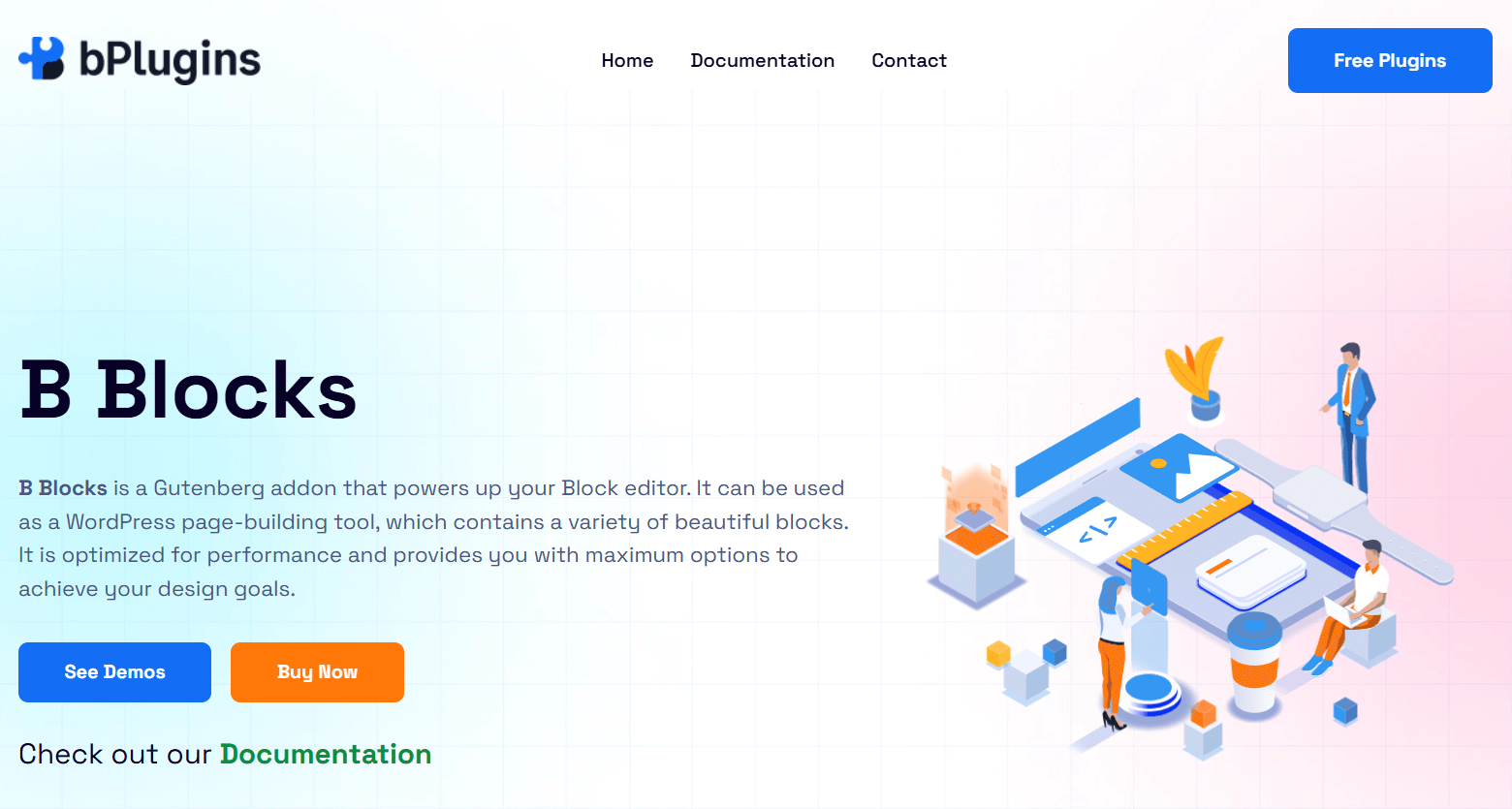
B Blocks is a powerful Gutenberg plugin that turns the default block editor into a full-page builder. It gives you more than 30 flexible blocks that help you create fast and professional websites right inside WordPress. No need for extra page builders.
You get everything from layout tools like rows and containers to advanced blocks like sliders, post grids, and even a 3D model viewer. B Blocks is made for all types of users.
Whether you build client sites, write blog posts, or create landing pages with countdowns and pricing tables, B Blocks gives you the tools you need. Every block is made for speed and smooth editing, even with complex layouts.
Key Features
- Wide Block Variety: Includes layout blocks (Row, Container), content blocks (Posts, Services, Flip Boxes), media blocks (Video, Image Gallery, 3D Viewer), and conversion tools (Countdown, Pricing Table, Social Share).
- Full Customization: Adjust typography, colors, spacing, and behavior of each block to match your exact design needs.
- Pre-Designed Layouts: Certain blocks include pre-styled templates, letting you build beautiful sections in minutes.
- Icon Library & Google Fonts: Easily add custom icons and stylish fonts to enhance branding.
- Performance-Optimized: Lightweight and fast—no unnecessary bloat or lag in the editor.
- Pro Version Enhancements: Unlock advanced features in premium blocks like Slider, Posts, Countdown, and more for next-level flexibility.
Verdict
B Blocks strikes the perfect balance between ease of use, design flexibility, and performance. Its intuitive UI makes it beginner-friendly, while its depth of customization and advanced block options cater to professionals and developers alike.
With B Blocks, you’re not just adding blocks, you’re unlocking a full design system built for modern WordPress websites.
2. Spectra
Spectra is a powerful Gutenberg-based page builder plugin designed to elevate your WordPress block editor experience. With over 30 flexible blocks and full-site design capabilities, Spectra is ideal for users looking to move away from heavy page builders like Elementor and Beaver Builder.
Whether you’re a beginner or a seasoned web designer, Spectra simplifies the process of creating beautiful and fast-loading websites.
One of its biggest draws is the seamless blend of beginner-friendly UI with pro-level features like layout flexibility, global styles, advanced presets, and dynamic content handling. Spectra gives you a complete web-building toolkit inside the native block editor.
Key Features
- Starter Templates & Wireframes: Quickly build from ready-to-use website templates or wireframes to save design time.
- Popup Builder & Coming Soon Mode: Create engaging popups and limit access while your site is under development.
- Global Styles & Block Presets: Maintain consistency and speed up workflow with site-wide styling and ready-made presets.
- Animations & Effects: Add life to your pages with fade, zoom, slide, and flip animations—even in the free version.
- Schema Blocks for SEO: FAQ, How-To, Review, and TOC blocks help improve your search visibility.
- Form Builder: Create stylish contact, newsletter, and login forms with reCAPTCHA protection.
Verdict
Spectra stands out as one of the best Gutenberg blocks plugins for users who want page-builder-level control without relying on third-party editors.
It’s particularly appealing for web designers, bloggers, marketers, and small businesses who need power and polish within the default WordPress environment.
3. Kadence Blocks
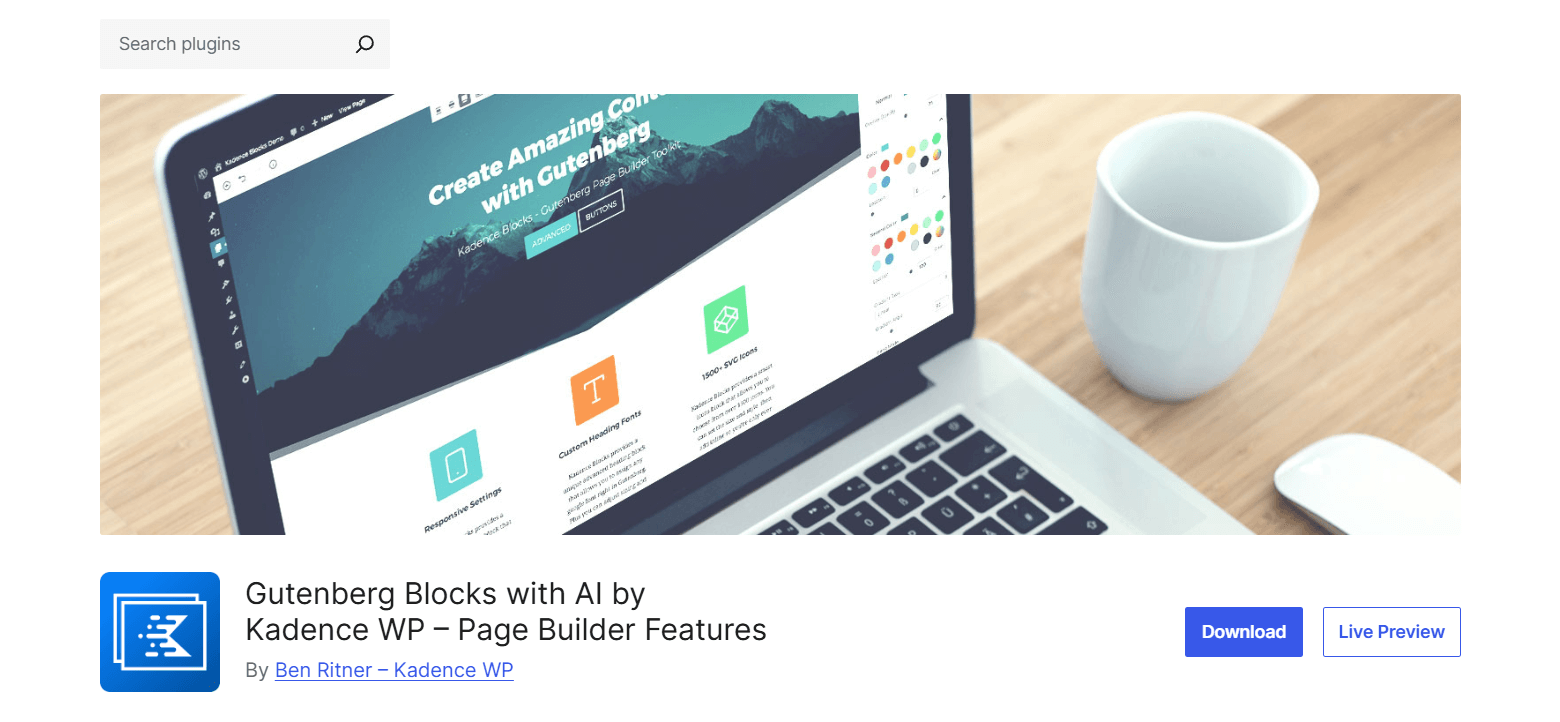
Kadence Blocks is a performance-focused Gutenberg blocks plugin that adds powerful design tools and intuitive AI features to the native WordPress editor. With a rich set of customizable blocks and smart layout controls, Kadence makes it easy to build fast, responsive, and professionally designed websites.
Its built-in Kadence AI takes content creation to the next level. Kadence AI helps you craft beautiful, polished pages faster than ever, from generating copy and editing tone to inserting optimized design patterns.
Whether you’re designing landing pages, customizing headers, or building interactive sections, Kadence offers the flexibility and precision you need, right inside the block editor.
Key Features
- 25+ Purpose-Built Blocks: Includes Accordion, Tabs, Gallery, Testimonials, TOC, Show More, Countdown, Icon Lists, Forms, Video Popups, and more.
- AI-Powered Design Library: Access 400+ pre-designed layouts and starter templates with intelligent content suggestions.
- Smart Loading: Loads only the CSS and JS needed per page—keeping your site lightweight and fast.
- Design Precision: Tweak typography (900+ Google Fonts), spacing, colors, gradients, borders, overlays, and more.
- Advanced Defaults: Set custom block defaults and hide settings from certain user roles for a cleaner, more controlled editing experience.
- Developer-Friendly: Built with extensibility in mind—great for advanced users building dynamic or WooCommerce-integrated sites.
Verdict
Kadence Blocks delivers an ideal blend of AI tools, high-performance design, and seamless workflow integration.
Its focus on accessibility, modular performance, and AI-driven productivity makes it a top-tier solution for creators who want the power of a page builder, without leaving the block editor.
4. CoBlocks
CoBlocks is a lightweight yet powerful Gutenberg blocks plugin that brings true page builder functionality to the native WordPress editor, without the bloat of traditional drag-and-drop builders.
It combines an expansive collection of custom blocks with intuitive layout tools like resizable rows and columns, giving users the flexibility to build fully responsive, professional web pages inside Gutenberg.
Ideal for designers, agencies, and DIY creators, CoBlocks is packed with practical content and layout elements, including Accordion, Carousel, Form, Gallery, and Pricing Table. It’s also developer-friendly, extensible, and fully open source.
Key Features
- 50+ Unique Blocks: Includes Accordions, Carousels, Masonry and Collage Galleries, Forms, Counters, Features, Services, Maps, Pricing Tables, and more.
- True Row/Column Layouts: Create advanced responsive layouts using adjustable rows and columns with padding, margin, and stacking options.
- Shape Divider Block: Add stylish separators to create smooth transitions between page sections.
- OpenTable, GitHub, Click-to-Tweet & More: Unique utility blocks add embedded functionality for food, dev, and social-oriented sites.
- Custom Block Patterns: Easily register and reuse your own block layouts using the built-in Block Pattern system.
- Companion Theme (Go): Pairs perfectly with the free Go theme for a seamless Gutenberg-first site-building experience.
Verdict
CoBlocks delivers a well-balanced blend of design control and editorial simplicity for anyone building with Gutenberg. Its layout flexibility, expansive block library, and performance-first approach make it a standout choice for users who want advanced design capabilities inside the native WordPress editor.
While it doesn’t include AI or dynamic data tools like Kadence or Spectra, CoBlocks shines in usability, creativity, and extendability.
5. Otter Blocks
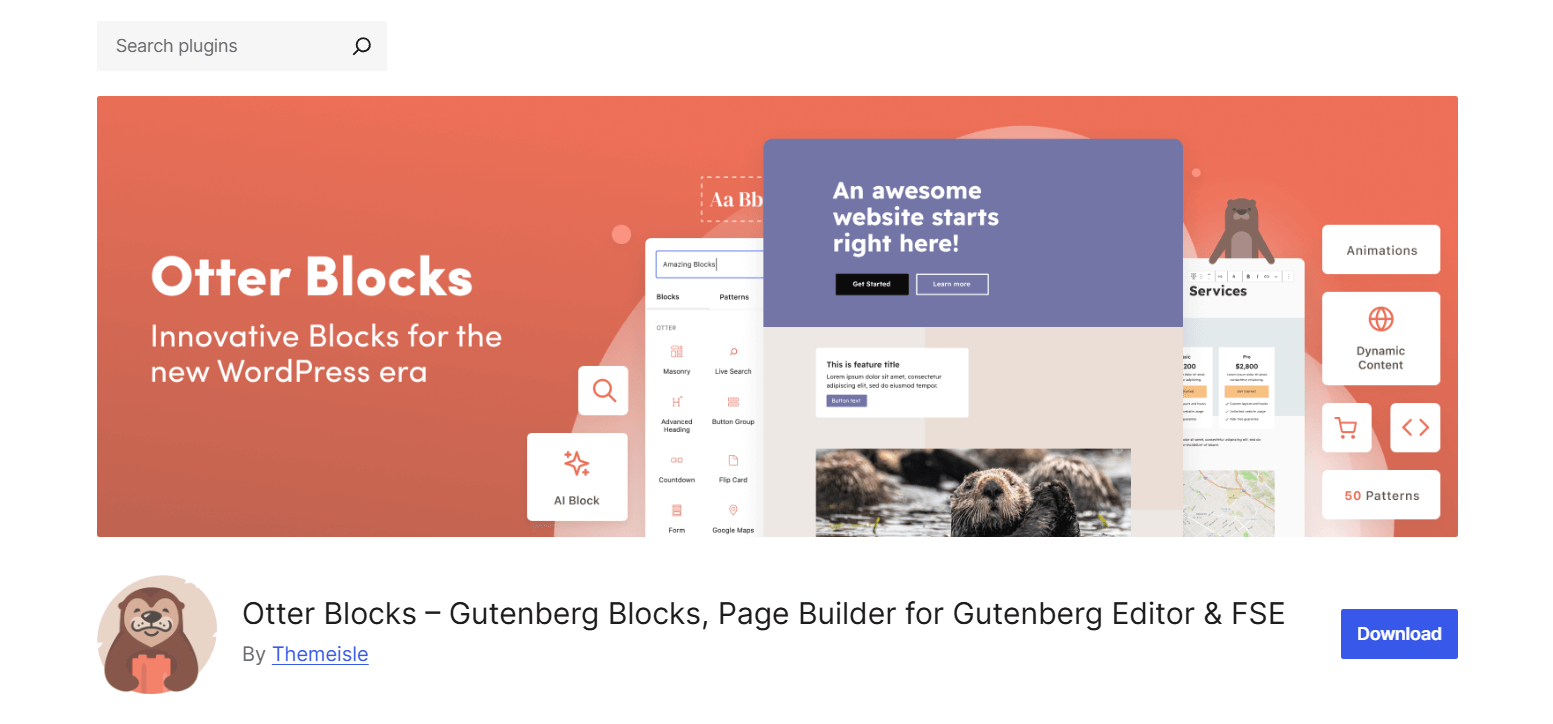
Otter Blocks supercharges the WordPress Block Editor with a powerful suite of customizable blocks, templates, animations, and advanced features. It gives you a page-building experience that rivals traditional tools like Elementor and Divi, all without leaving Gutenberg.
Whether you’re crafting a simple blog or a dynamic WooCommerce store, Otter provides the flexibility and power to build fast, responsive, and visually engaging pages.
With over 25 custom blocks, layout patterns, visibility conditions, and responsive design controls, Otter makes it easy to create pages that look great and perform even better — no coding required.
Key Features
- WooCommerce Integration – Build custom product pages and add features like Add to Cart buttons, Product Review Comparison tables, and Live Search.
- Popup & Modal Blocks – Create popups or modals using any Gutenberg content with customizable triggers (on load, scroll, click, exit intent).
- Block Animations – Add over 50+ smooth animations (bounce, fade, slide, flip, etc.) to any block for eye-catching transitions.
- Visibility Conditions – Dynamically show or hide blocks based on user roles, device type, time of day, WooCommerce cart status, cookies, query strings, and more.
- AI-Powered Content Generation – Generate text and forms on the fly using the AI Block, a handy tool for quick content creation.
- Custom CSS Support – Apply direct styling to any block without needing external CSS files.
- Stripe Checkout Block – Sell digital products like ebooks or licenses without needing a full eCommerce setup.
Verdict
Otter Blocks is a suitable plugin for users who want to unlock the full potential of Gutenberg without compromising on flexibility or design quality. It offers a wide range of blocks and advanced tools that allow creators to build faster, more interactive, and conversion-ready websites.
Otter gives you everything you need: patterns, animations, popups, dynamic content, and responsive control, all in a lightweight package that keeps your site running fast.
6. GenerateBlocks
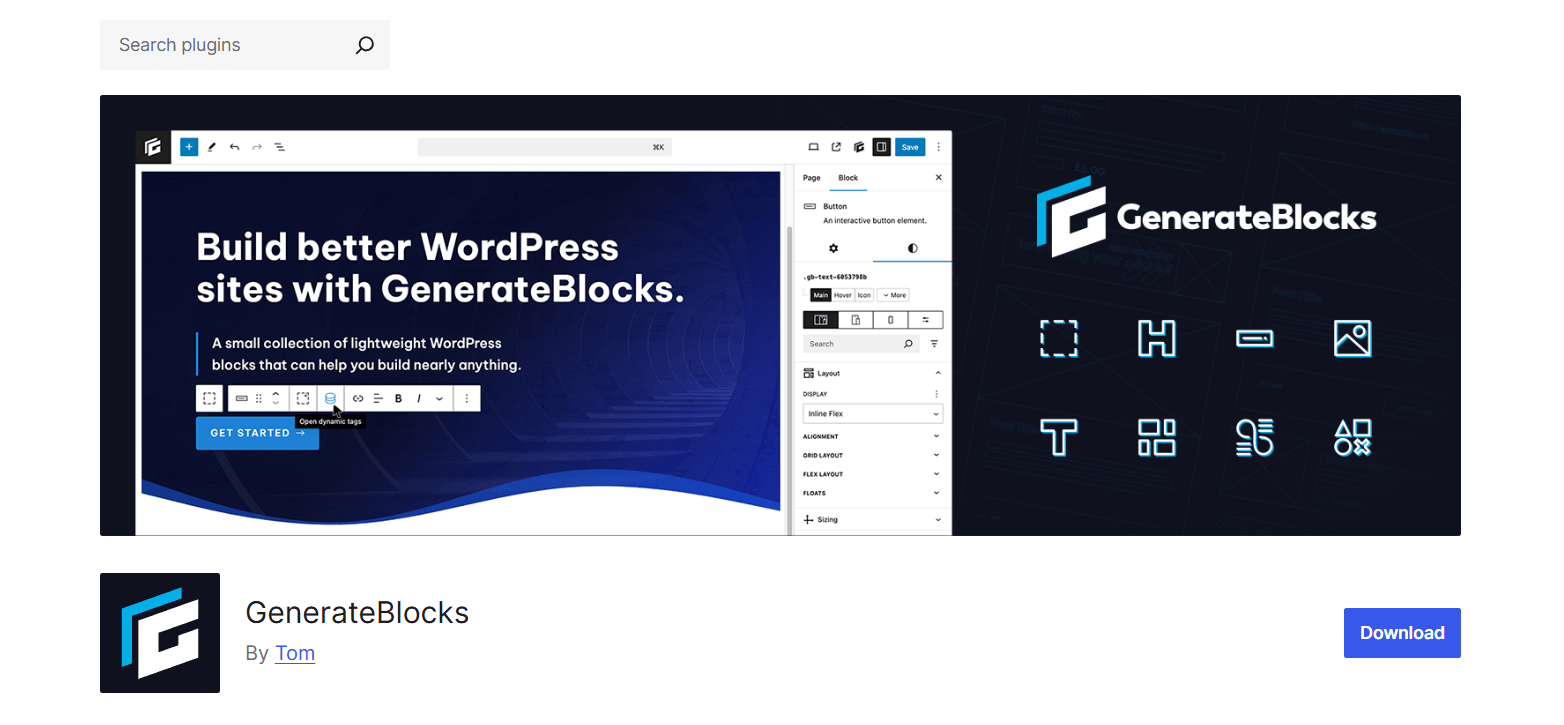
GenerateBlocks is a lean, powerful block plugin designed to bring maximum layout control to the Gutenberg editor with minimum bloat. It provides a small set of highly flexible blocks that can be combined and customized to build nearly any layout you can imagine.
Perfectly paired with GeneratePress but fully compatible with any WordPress theme, GenerateBlocks is ideal for users who want to build fast, responsive, and professional-looking websites using clean, performance-first code.
If you’re looking for even more design freedom, GenerateBlocks Pro adds advanced features like custom breakpoints, dynamic data, effects, and templates.
Key Features
- Query Loop Block – Build custom post grids or listings with advanced query parameters. Filter by post type, taxonomies, custom fields, and more.
- Dynamic Data Support – Use powerful dynamic tags to pull in post titles, dates, excerpts, author info, featured images, term lists, archive titles, site data, and user meta.
- Custom Media Queries – Create breakpoints beyond the standard ones, allowing you to achieve full responsiveness across all devices.
- Template Library – Access a growing library of pre-built templates for landing pages, headers, pricing sections, and more.
- Minimal Code Output – Clean HTML and minimal CSS are generated only for the blocks you use, keeping your site lightning-fast.
- Accessibility and Coding Standards – Built to WordPress best practices with security, stability, and performance in mind.
Verdict
GenerateBlocks offers a refreshing take on block-based design: fewer blocks, more power. Instead of relying on dozens of pre-styled elements, it empowers users to deeply learn and reuse a core set of layout tools.
This makes it a favorite among developers, performance-focused creators, and anyone who wants full design flexibility without the weight of traditional page builders.
7. Stackable
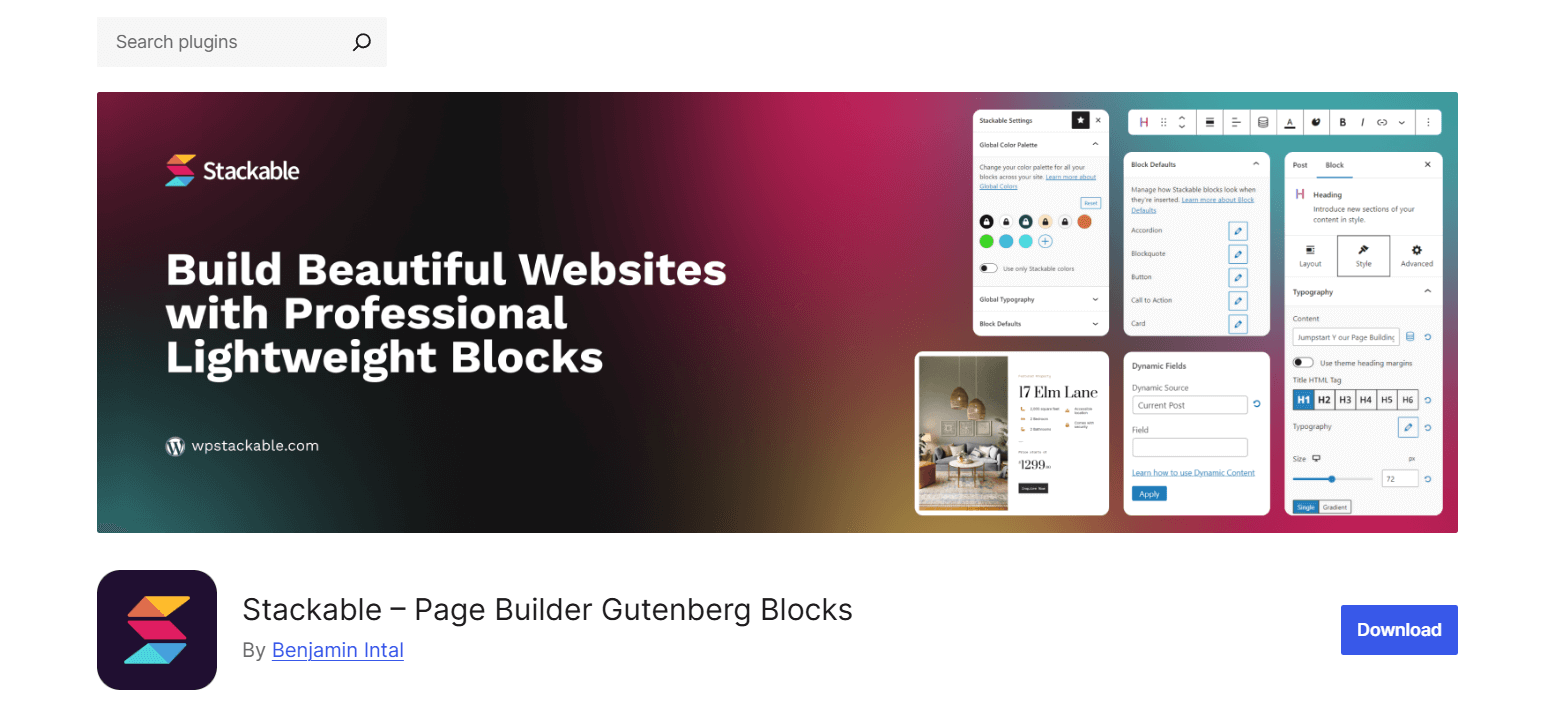
Stackable transforms the WordPress Block Editor into a full-fledged page builder without compromising speed or simplicity.
Designed as the ultimate companion for Gutenberg, Stackable empowers creators with 40+ powerful custom blocks, global design controls, responsive editing, and hundreds of ready-made layouts and UI kits.
Whether you’re building a blog, eCommerce store, portfolio, or business website, Stackable makes it easy to craft stunning and high-performance pages. Its modular design means you can enable only the blocks you need, keeping your site fast and lean.
Key Features
- 40+ Feature-Rich Blocks – Includes essentials like Advanced Columns, Buttons, and Headings, plus unique blocks like Carousel, Countdown, Table of Contents, Progress Circle, Testimonials, and more.
- Premade Designs – Access hundreds of ready-to-use block designs, UI Kits, templates, and wireframes to build beautiful sites in no time.
- Page Builder Controls – Advanced design options including global typography/colors, gradients, flexbox layout, hover styles, image lightbox, and more.
- Dynamic Content – Display content conditionally using custom fields, dynamic tags, and query loops. Perfect for personalized or data-driven sites.
- Motion Effects – Add entrance animations, scroll effects, and transitions to enhance visual engagement.
- Third-Party Integrations – Seamless compatibility with WPML, Toolset, ACF, Metabox, JetEngine, Font Awesome, Google Fonts, and more.
Verdict
Stackable is one of the most comprehensive Gutenberg blocks plugins available. It combines an intuitive user experience with powerful customization options that rival traditional page builders, all while keeping things fast and performance-friendly.
If you’re looking for a page builder-like experience within the native block editor, without adding bloat, Stackable is a top-tier choice.
8. Essential Blocks
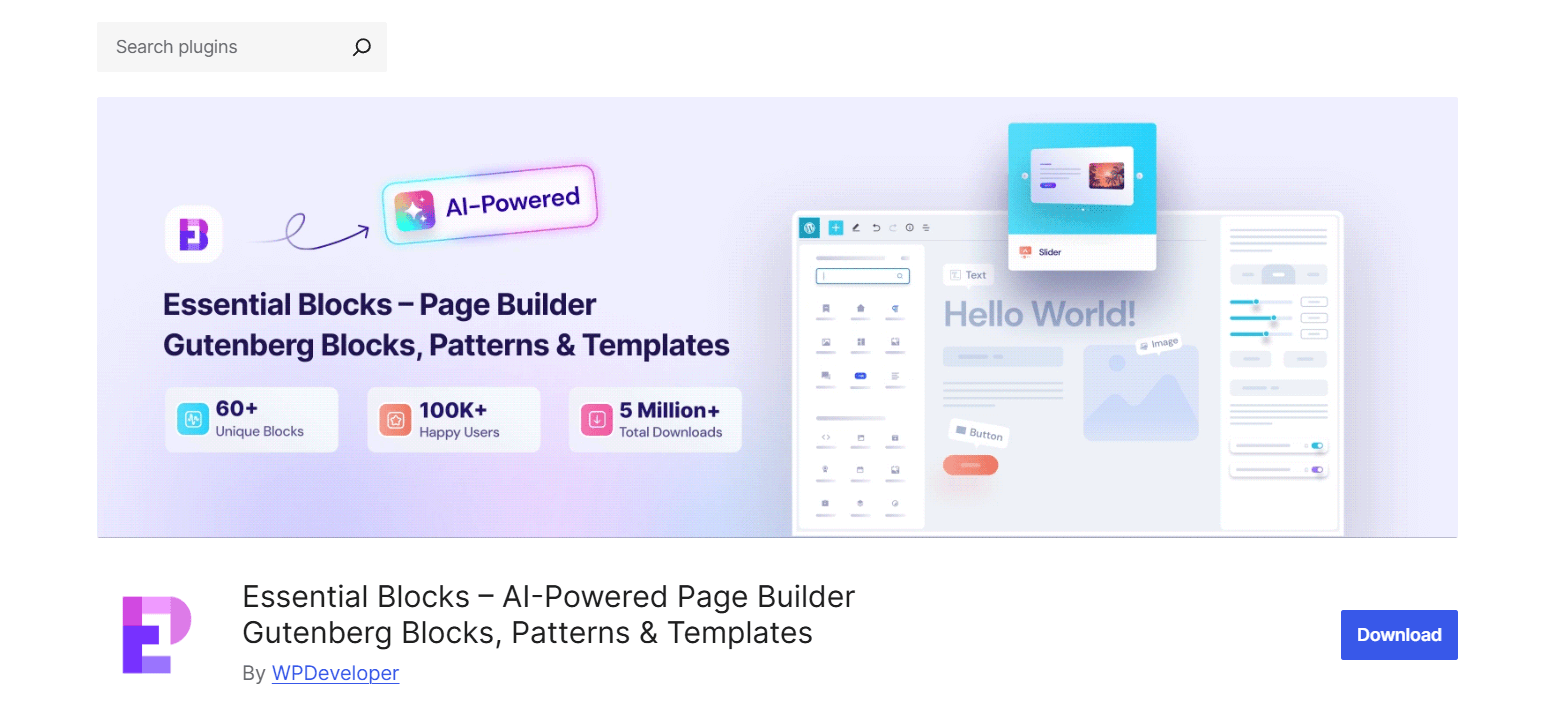
Essential Blocks for Gutenberg is a powerful and versatile block library. It supercharges the default WordPress Block Editor with 60+ unique, customizable blocks plus an AI-powered content generator to speed up page creation.
Designed to make WordPress page and post design easier, faster, and more beautiful, this plugin is perfect for users who want full creative control without complexity.
From responsive layouts and global styling controls to dynamic visibility rules and advanced animations, Essential Blocks is built to empower everyone from bloggers to developers. Its lightweight, modular approach ensures your site stays fast and efficient.
Key Features
- Write With AI — Generate rich, high-quality content instantly using AI-powered text creation by entering just a few keywords.
- Dynamic Visibility — Set conditional display rules based on date/time, user role, browser, query strings, and more.
- Advanced Animations with GSAP — Add scroll animations, transitions, and entrance effects to captivate visitors.
- Integration with Google Fonts & WPML — Access 1,000+ Google Fonts and translate blocks easily for multilingual sites.
- Ready-Made Gutenberg Patterns & Templates — Choose from thousands of pre-built block patterns and templates across niches like eCommerce, blogs, portfolios, education, and more via Templately.
- WooCommerce Blocks — Showcase product grids, carousels, pricing, ratings, and add-to-cart buttons with advanced styling.
Verdict
Essential Blocks is a highly comprehensive Gutenberg block library that stands out for its blend of flexibility, ease of use, and powerful features like AI content generation and dynamic display logic.
It’s perfect for users seeking to elevate their Gutenberg experience with beautifully designed blocks and advanced customization while maintaining fast performance.
9. Ultimate Blocks
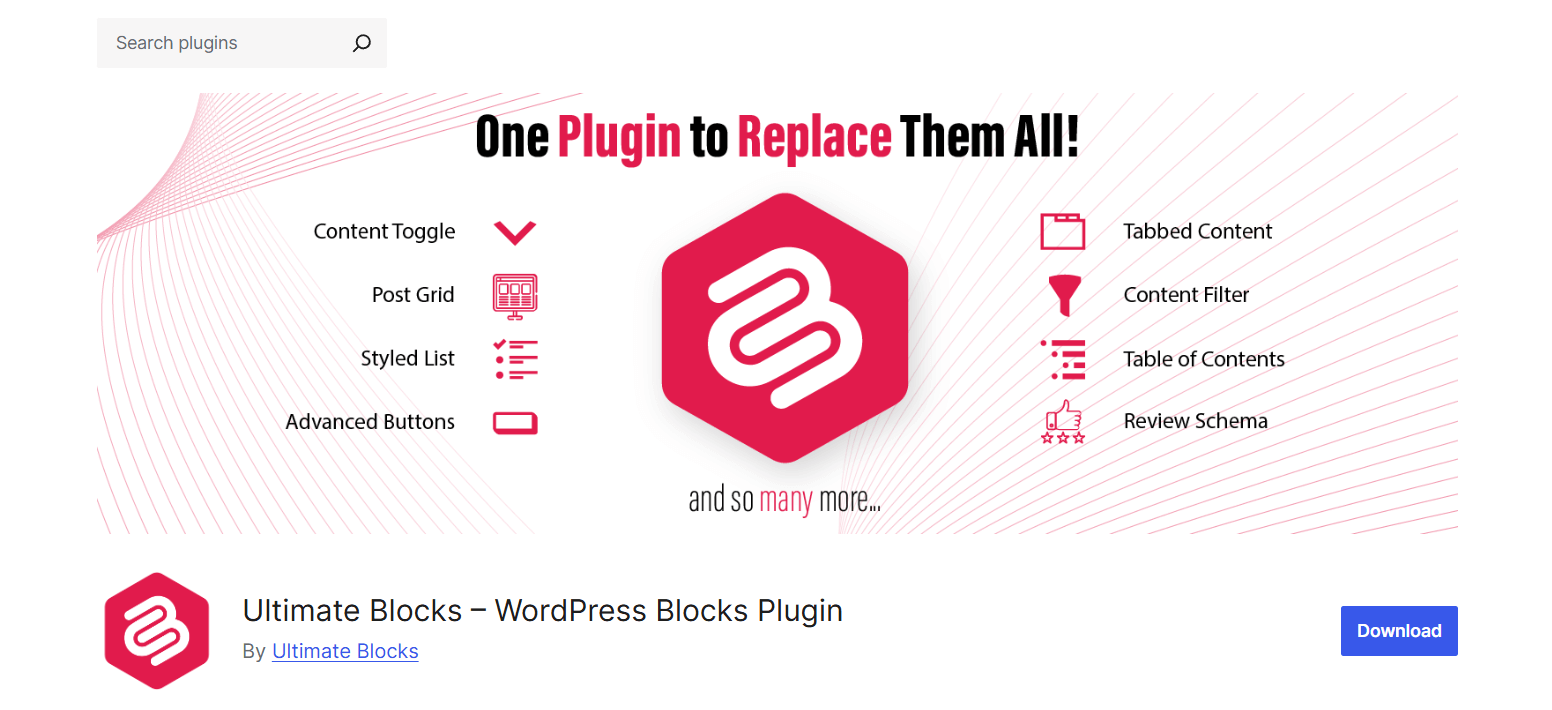
Ultimate Blocks is a free, feature-rich toolkit built specifically for bloggers and content marketers using WordPress. More than just a plugin, it offers an arsenal of content-focused blocks designed to boost user engagement, simplify content creation, and enhance the visual appeal of any website.
With Ultimate Blocks, every element is crafted to help you create memorable experiences that keep visitors coming back.
This plugin helps you turn ordinary posts and pages into interactive, easy-to-navigate content hubs, perfect for blog posts, tutorials, reviews, and marketing campaigns.
Key Features
- Content Filter Block — Let users filter posts or content by categories or tags, improving site navigation and user experience.
- Review Block with Schema Markup — Add rich, SEO-friendly product reviews with star ratings, summaries, and call-to-action buttons.
- HowTo Schema Block — Insert structured HowTo guides with valid schema data to boost search visibility.
- Table of Contents Block — Automatically generate a TOC from post/page headings for better content structure and navigation.
- Tabbed Content Block — Organize content into tabs with drag-and-drop reordering for neat layouts.
- Call to Action Block — Create compelling CTAs with customizable buttons to increase conversions.
- Content Toggle (Accordion) Block — Add expandable sections to keep long content concise and user-friendly.
- Styled Box & Styled List Blocks — Highlight important info or lists with stylish designs and icon customization.
- Expand Block — Hide/show additional content with a “Show More” toggle.
- Testimonial Block — Showcase customer or user testimonials with images and roles.
- Click to Tweet Block — Insert tweetable quotes or highlights easily.
- Social Share Block — Add customizable social sharing buttons to encourage content sharing.
- Countdown & Progress Bar Blocks — Boost urgency and highlight progress with visual timers and bars.
- Post Grid Block — Display posts in attractive grid or list formats with flexible filtering and sorting.
- Star Rating Block — Add star ratings with customizable colors and sizes.
- Image Slider Block — Lightweight slider for image galleries with simple controls.
- Button & Divider Blocks — Stylish buttons and dividers with extensive customization options.
- Pro Blocks Available: Coupon, Timeline, and more advanced blocks are available in the premium version.
Verdict
Ultimate Blocks is an essential toolkit for bloggers and marketers looking to enrich their WordPress content with interactive and user-friendly features. It shines in usability and engagement, especially for content-heavy sites focused on readability, interactivity, and conversions.
Its focus on SEO-friendly elements like schema markup and content filtering, combined with easy-to-use styling blocks, makes it a strong free option with the potential to grow via premium features.
10. Getwid
Getwid is a versatile and performance-optimized collection of 40+ Gutenberg blocks plus 35+ pre-designed block templates that greatly extend the core WordPress block editor. Created by MotoPress, it empowers developers and site owners to build custom layouts, interactive content, and visually rich pages without extra plugins or coding.
With blocks designed for everything from advanced headings and Google Maps to accordions, sliders, testimonials, and pricing tables, Getwid covers all common website needs.
It also supports dynamic content filtering using custom fields, making it ideal for WooCommerce shops, portfolios, and business sites.
Key Features
- Post Grid, Post Slider, Post Carousel & Custom Post Type Blocks — Display posts and custom content with powerful filters and layouts.
- Image Hotspot Block — Unique interactive images with animated markers and customizable tooltips.
- AI Assistant Block — Generate high-quality content directly inside the Gutenberg editor to save time.
- Mailchimp Block — Integrate email signup forms seamlessly with Mailchimp API support.
- 35+ Pre-designed Block Templates — Quickly build hero banners, portfolios, team sections, FAQs, and more with ready-made layouts.
- Supports Custom Field Filters & Meta Queries — Perfect for WooCommerce, ACF, Events Calendar integration for dynamic content.
Verdict
Getwid is an excellent all-around Gutenberg blocks plugin for anyone wanting extensive design control, dynamic content features, and fast performance. It’s especially valuable for developers and business sites that need powerful filters, custom layouts, and a broad library of content blocks, all in one free package.
The AI content generation and rich template library make it a future-ready choice for modern WordPress sites.
Bonus: How to Choose the Right Block Plugin for You
With so many Gutenberg blocks plugins available, picking the right one can feel overwhelming.
Here’s what to prioritize:
Speed and Performance
Performance is critical. A block plugin should be lightweight and optimized, ensuring the WordPress editor runs smoothly and pages load quickly. Plugins like B Blocks and GenerateBlocks are designed to deliver powerful features without bloating your site.
Block Variety and Customization
A great block plugin offers a diverse set of blocks—everything from layout containers to advanced content elements. Customization options like spacing, colors, fonts, and visibility settings allow you to create unique, brand-aligned designs with ease.
Responsive Controls
Your site needs to look good on all devices. The best plugins offer responsive editing tools, allowing you to fine-tune how content appears on mobile, tablet, and desktop.
Regular Updates
Active development ensures compatibility with the latest WordPress versions and access to new features. Plugins that receive regular updates are also more secure and stable over time.
Good Support
Even experienced users run into challenges. Quality documentation, responsive support, and helpful tutorials can save you time and frustration, especially when using premium features.
Ease of Use for Beginners
For users with limited technical skills, a clean and intuitive interface is a must. Plugins like Otter Blocks and Ultimate Blocks are easy to learn and streamline the block editing experience for beginners.
Design Flexibility
If visual design is important to your site, choose a plugin that provides pre-made templates, layout controls, and design presets. B Blocks and Stackable are excellent for users who want professional designs without touching code.
Advanced Control for Developers
For advanced use cases, plugins like Kadence Blocks and GenerateBlocks offer detailed layout control, custom breakpoints, and fine-tuned design settings ideal for developers and power users.
Theme Compatibility
Most Gutenberg plugins are built to work with popular themes, but pairing them with block-optimized themes like Astra, Kadence, or Blocksy ensures smoother styling and layout consistency.
Check out: Utmost block collection plugin of WordPress.
Gutenberg Blocks Plugins: Frequently Asked Questions
Got questions about using Gutenberg blocks plugins? Below are answers to some of the most common queries to help you choose the right tools, avoid performance issues, and make the most of your block-based WordPress site.
What is the best Gutenberg blocks plugin?
B Blocks stands out as the best Gutenberg blocks plugin thanks to its perfect balance of performance, design flexibility, and user experience. It offers a powerful set of blocks without slowing down your site, making it ideal for agencies, bloggers, and marketers alike.
Is Gutenberg better than Elementor?
It depends on your needs. Gutenberg is a lightweight, native WordPress editor that’s great for performance and long-term stability. Elementor, on the other hand, offers more visual controls but can slow down your site. If you prefer speed, native integration, and simplicity, Gutenberg is the better choice.
Are Gutenberg blocks plugins safe to use?
Yes—when downloaded from the official WordPress plugin repository or trusted developers. These plugins are reviewed for code quality and security. Always ensure the plugin is regularly updated and compatible with your WordPress version.
Can I use multiple Gutenberg plugins together?
You can, but with caution. Most Gutenberg blocks plugins are built to coexist, but using too many can lead to bloated code, conflicting styles, or slower editor performance. Choose one primary plugin and only supplement with others if necessary.
Will using too many block plugins slow down my website?
Potentially, yes. Each plugin adds its own CSS and JavaScript, which can affect load times. That’s why lightweight plugins like B Blocks are ideal—they’re performance-optimized and include everything most users need without requiring multiple tools.
Do Gutenberg blocks plugins work with all WordPress themes?
Yes, most are designed to work with any modern WordPress theme. However, using a Gutenberg-optimized theme (like Blocksy, Astra, or Kadence) ensures the best design consistency and performance.
Are Gutenberg blocks plugins free or paid?
Most block plugins use a freemium model—they offer a free version with core blocks and a premium version with advanced features, templates, and support.
How do I uninstall a Gutenberg blocks plugin safely?
To uninstall:
- Deactivate the plugin from your WordPress dashboard.
- Delete it from the Plugins page.
- Check your pages/posts for blocks from that plugin and replace them to avoid missing content.
- Some plugins may leave behind CSS or settings—use a cleanup plugin if needed.
Can I build a full website using just Gutenberg blocks?
Absolutely. With a powerful block plugin like B Blocks, you can build fully responsive, high-performance websites without relying on traditional page builders. Modern Gutenberg plugins offer everything from layout tools to design components and advanced features.
Final Thoughts
Enhancing the default Block Editor with the right plugins opens many doors. You get more design freedom and useful features that keep visitors engaged.
These plugins help your site stand out, look professional, and work smoothly.
Among them, B Blocks shines in 2025. It offers a great balance of power and ease of use, perfect for beginners and pros alike.
You can start with the free version and upgrade to Pro for even more options. Give B Blocks a try today and transform your WordPress experience.

 Save 90%