
 My Social Feeds
 Table of Contents
From Add Block
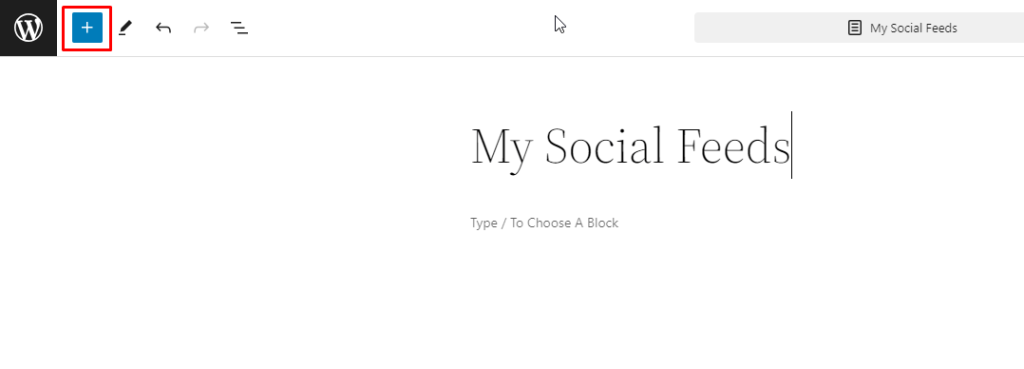
Go to your Gutenberg Editor.
Click on the Plus button from the top left corner.
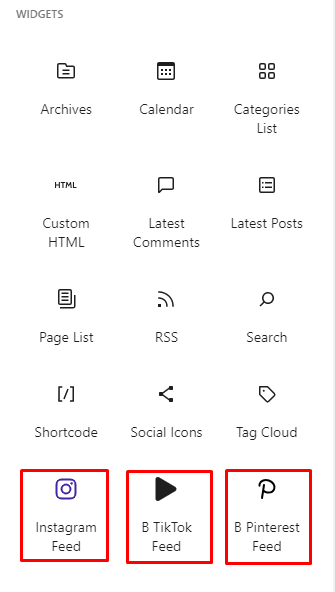
You will find three My Social Feed blocks under the Widgets section,
From here, you can insert the blocks.
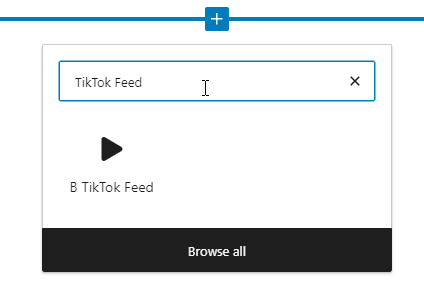
You can also add a My Social Feeds block from the editor by clicking the plus icon and searching for “TikTok Feed.”
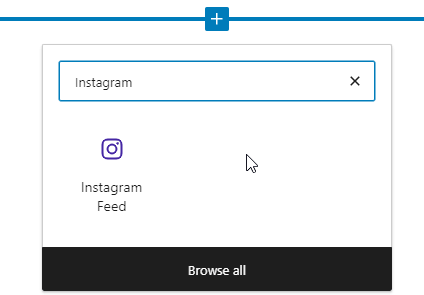
You can also add a My Social Feeds block from the editor by clicking the plus icon and searching for “Instagram Feed”
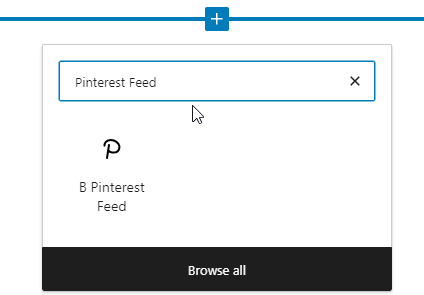
You can also add a My Social Feeds block from the editor by clicking the plus icon and searching for “Pinterest Feed.”
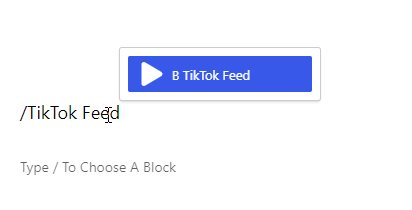
In your Gutenberg editor, type ‘/‘ and write TikTok Feed.
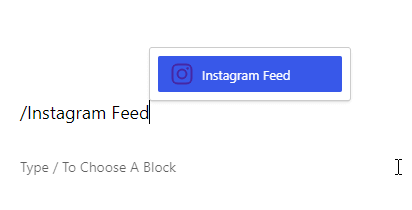
In your Gutenberg editor, type ‘/‘ and write Instagram Feed.
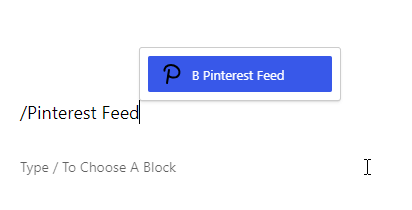
In your Gutenberg editor, type ‘/‘ and write Pinterest Feed.
 Save 90%