
Carousel Block
B Carousel Block transforms static images into responsive, interactive carousels within the Gutenberg Block Editor. Create professional image sliders that enhance engagement and beautifully showcase your content on all devices. Add carousels instantly with full customization functionality.

Trusted by more than 5,000+
active users across the world
Customers


Why Choose B Carousel Block?
Static image galleries often lead to lower engagement. Visitors simply scroll through dull image grids without pausing. B Carousel Block turns your images into dynamic, interactive carousels that capture attention and keep users engaged longer.
The Problem with Static Image Displays
- Image grids look outdated and unprofessional
- Visitors skip past static content without engaging
- Mobile users struggle with cramped image layouts
- No way to highlight key images or call-to-actions
- Poor visual impact hurts conversion rates and brand perception
A Better Way to Showcase Images in WordPress
B Carousel Block helps you:
- Create stunning, responsive carousels in minutes using Gutenberg
- Showcase images dynamically with smooth transitions and effects
- Keep visitors engaged with interactive, swipeable galleries
- Add clickable links and captions to drive conversions
- Deliver perfect viewing experiences on phones, tablets, and desktops
- Control autoplay, speed, and navigation to match your brand
Build Beautiful Carousels Instantly
No Coding Skills Needed
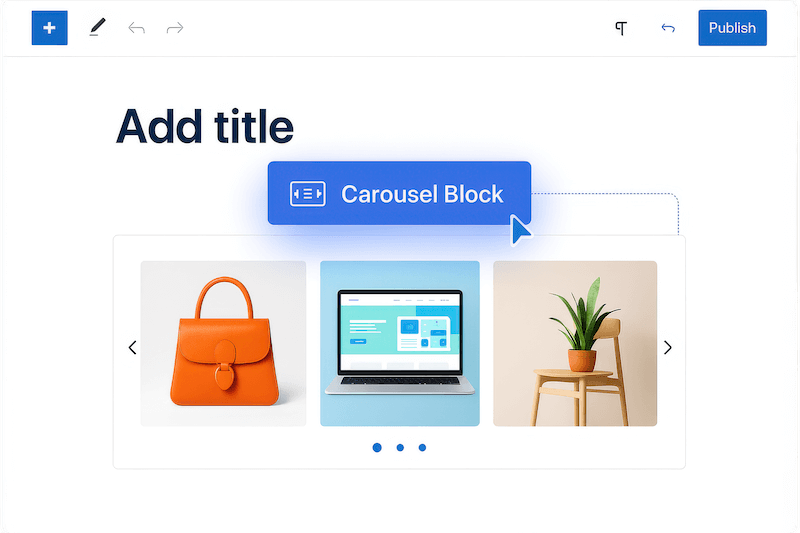
Create stunning image carousels directly in Gutenberg with simple drag-and-drop. Add images, customize settings, and publish immediately. No technical knowledge required. Your carousels work perfectly with any WordPress theme while giving visitors a smooth browsing experience.
Engage Visitors with Interactive
and Touch-Friendly Carousels
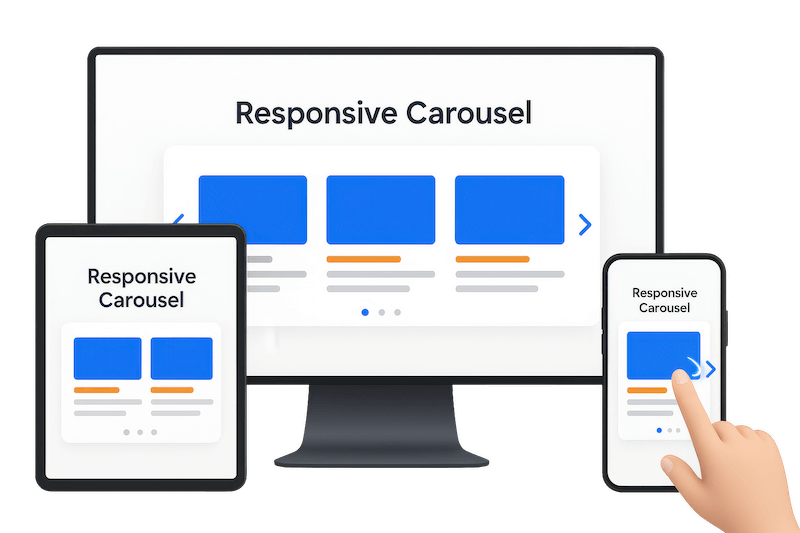
Transform boring image galleries into dynamic, swipeable experiences. Visitors can navigate effortlessly using touch gestures, navigation arrows, or automatic transitions. Perfect responsive design ensures your carousels look stunning and function flawlessly on every device and screen size.
Drive Conversions with Clickable
Images and Custom Captions
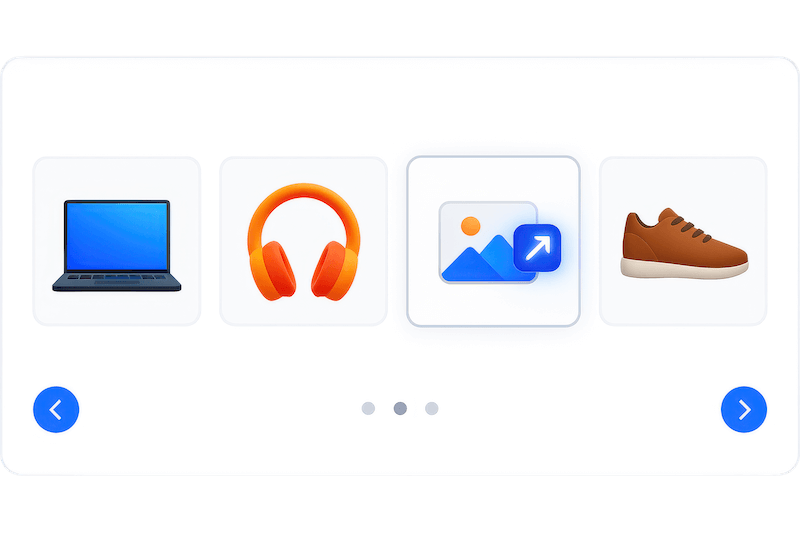
Turn carousel images into powerful conversion tools. Add clickable links that open in new tabs or the same window. Include compelling captions with custom styling to guide visitor actions. Perfect for showcasing products, portfolios, testimonials, or any content that needs to drive results.
Customize Every Detail to Match
Your Brand Perfectly
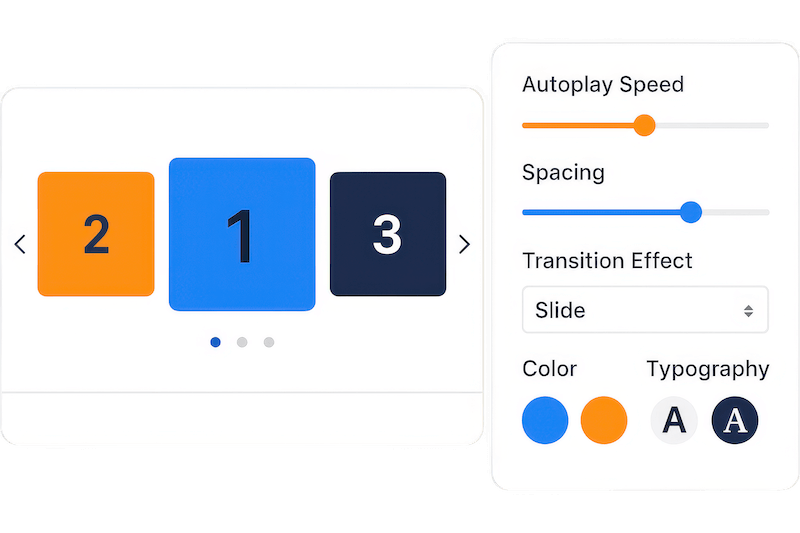
Control autoplay speed, transition effects, and navigation styles to create the exact experience you want. Choose from multiple effects like slide, fade, and creative transitions. Set custom colors, spacing, and typography to ensure your carousels align perfectly with your brand identity.
Essential Features for Designing Interactive Carousels
Drag-and-Drop Reordering
Rearrange carousel slides instantly without deleting and recreating them. Save time and maintain your workflow with intuitive slide management directly in Gutenberg.
Responsive Column Control
Set different column numbers for desktop, tablet, and mobile devices. Ensure your carousels look perfect on every screen size with automatic responsive adjustments.
Custom Caption Styling
Style captions with custom typography, colors, backgrounds, and positioning. Create compelling text overlays that guide visitor actions and enhance your visual storytelling.
Flexible Link Options
Make slides clickable with custom links that open in the same tab or new window. Perfect for driving traffic to product pages, portfolios, or external sites.
Autoplay and Speed Control
Set custom autoplay timing and transition speeds to create the perfect browsing rhythm. Give visitors time to engage while maintaining dynamic visual interest.
Navigation and Pagination
Add arrow navigation and dot pagination that visitors can use to browse slides manually. Customize appearance and choose which devices display these controls.
Multiple Transition Effects
Choose from slide, fade, and creative transition effects to match your content style. Create smooth, professional animations that enhance user experience without distraction.
Shortcode Flexibility
Display carousels anywhere on your site using generated shortcodes. Perfect for adding galleries to sidebars, footers, or any location outside post content.
Gutenberg Block Integration
Build carousels directly in the Gutenberg editor with native block functionality. No separate interfaces or complex settings—everything works within your familiar editing environment.
Loop and Direction Options
Set carousels to loop continuously or stop at the last slide. Control direction and create the exact browsing behavior that fits your content strategy.
Lightbox Image Viewing
Open carousel images in clean, distraction-free lightbox popups. Give visitors a detailed view without leaving your page layout or losing their browsing context.
Advanced Touch Controls
Enable precise touch and swipe controls for mobile users. Add mousewheel scrolling and free-mode dragging for desktop visitors who prefer alternative navigation methods.
Smart Autoplay Options
Pause autoplay when visitors hover over slides, reverse direction automatically, or disable interaction after user engagement. Create intelligent, user-focused carousel behavior.
Premium Visual Effects
Access advanced effects like cube, coverflow, flip, and card transitions. Create stunning 3D-style carousels that wow visitors and set your site apart from competitors.
Device-Specific Controls
Show or hide navigation arrows and pagination dots on specific devices. Optimize the interface for each screen size while maintaining clean, professional appearance everywhere.
Testimonials
What Our Customers Say to Us


Explore the Interface,
Settings & Preview Screens


Learning Materials
Looking for some learning materials. You will better understand how to use B Carousel Block.

FAQs

 Save 90%