
 Click To Copy
 General
In your sidebar settings, you will see the General tab is selected. if not, select the General tab. Then you will see bellow options.
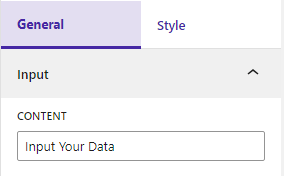
Input
Input your content
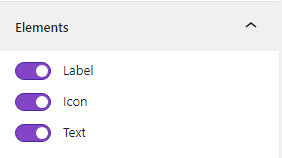
Elements
Show/Hide Elements
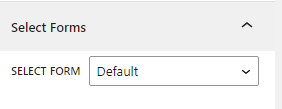
You can change the forms. There are four options available: Default, Form-1, Form-2, and Form-3
Style
Select the Style tab. Then you will see the options
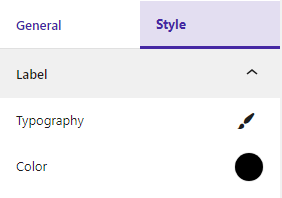
Label
You can change the label typography and color
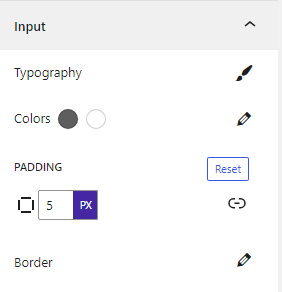
Input
You can change the input field typography, colors, padding, and border
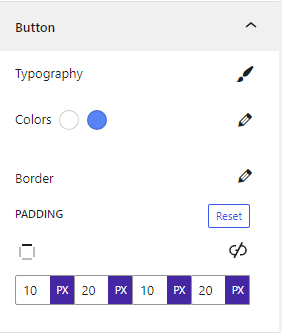
Button
From here, set the typography, colors, border, and padding of the button
 Save 90%