
Button Block
Button Block is the ultimate Gutenberg plugin for creating custom, interactive buttons that drive results. Build download buttons, CTAs, buy now buttons, and popups without coding. Add animations, icons, tooltips, and advanced behaviors with just a few clicks. Make every button count with responsive designs that convert visitors into customers.
Trusted by more than 5,000+
active users across the world
Customers


Why Choose Button Block?
Default WordPress buttons are boring and limited. Button Block transforms your site with powerful, conversion-focused buttons that grab attention and drive action.
The Problem with the Default WordPress Button Block
- Plain, generic designs that blend into backgrounds
- No download functionality for files or resources
- Limited customization options and boring styles
- No animations, icons, or interactive features
- Can’t create popups or advanced click actions
- Poor mobile experience hurts conversions
A Better Way to Design Engaging Buttons
Button Block helps you:
- Create stunning buttons with animations and 3D effects
- Add download functionality for PDFs, files, and resources
- Trigger popup modals with rich content and media
- Design responsive buttons that work on all devices
- Add icons, tooltips, and hover effects instantly
- Control visibility based on user login or device type
- Convert more visitors with professional, eye-catching designs
Build Any Button Type
No Coding Required
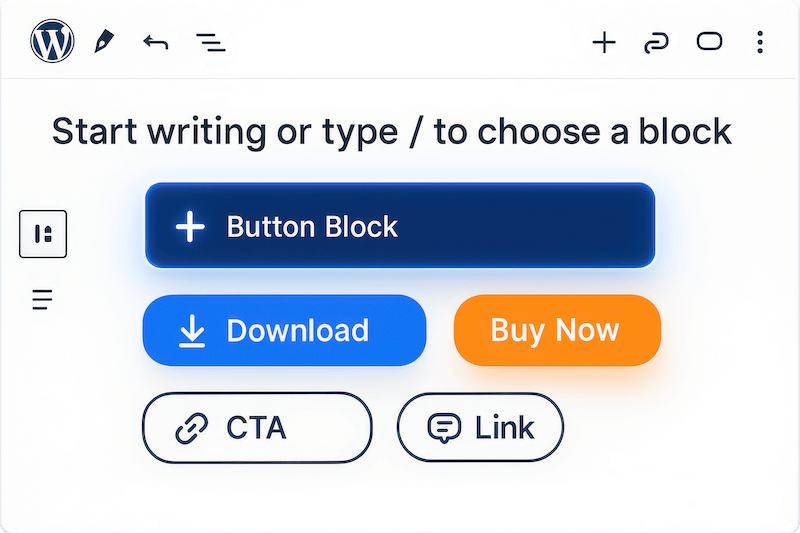
Create download buttons, CTAs, buy now buttons, and link buttons instantly using Gutenberg blocks. Add animations, 3D effects, icons, and tooltips with simple toggles. Choose from multiple sizes and styles to match your brand perfectly while delivering a professional button experience in seconds.
Boost Downloads
with Smart File Buttons
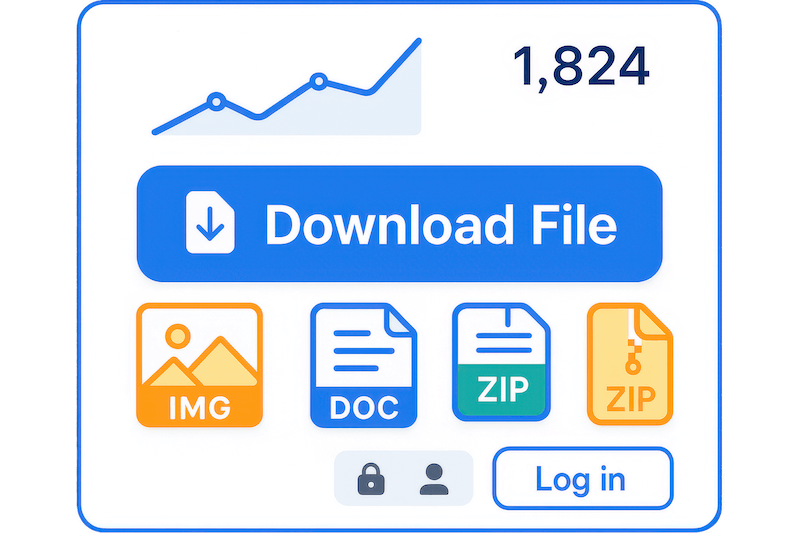
Turn any button into a powerful download tool for PDFs, images, documents, or digital products. Set custom filenames, control access with login requirements, and track engagement effortlessly. Perfect for lead magnets, resources, or selling digital content directly from your site.
Trigger Engaging Popup
with a Single Click
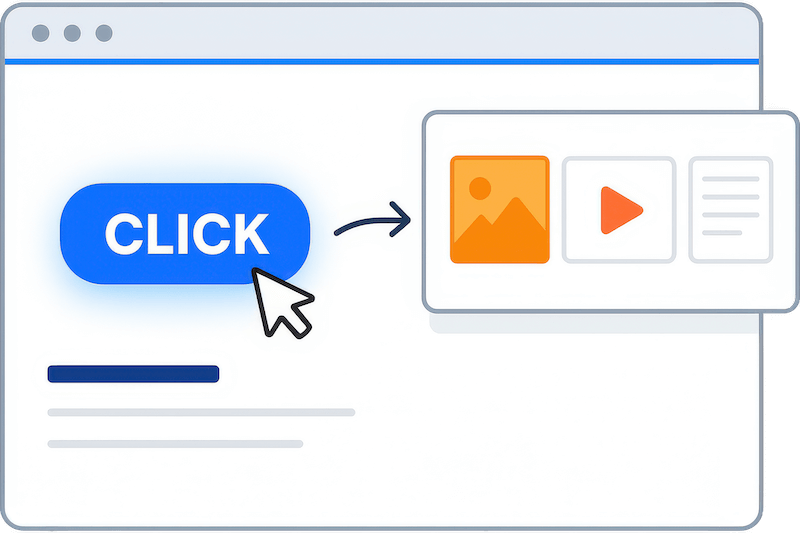
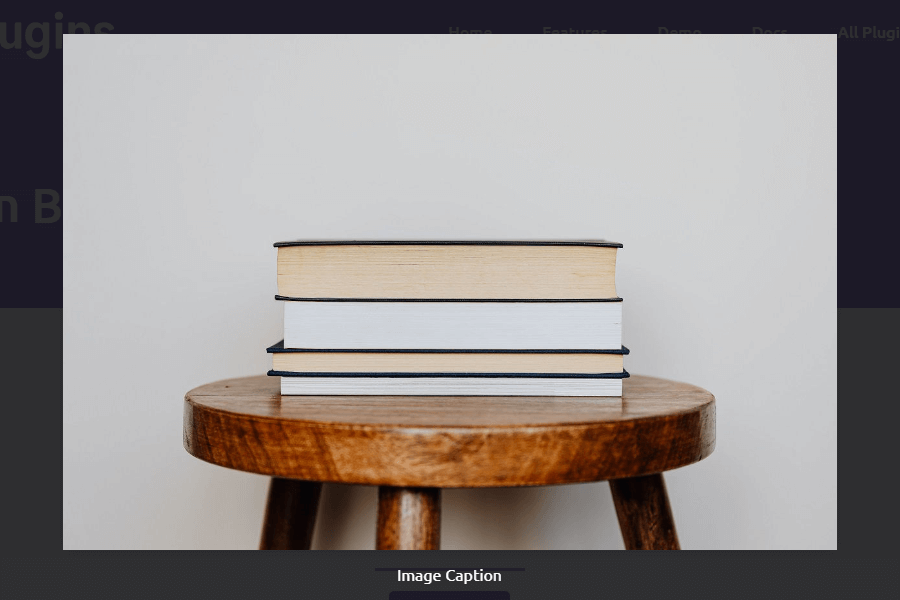
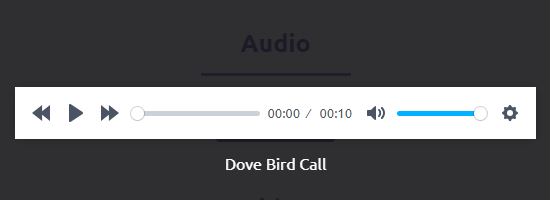
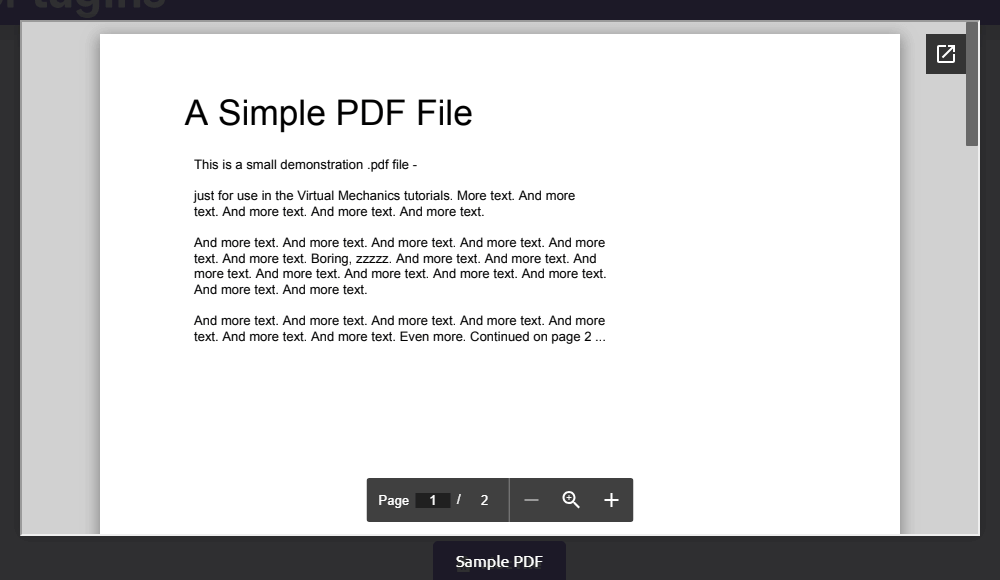
Trigger popups containing images, videos, documents, or custom content with a single click. Display product galleries, video testimonials, or detailed information without leaving the page. Keep visitors engaged while delivering rich, interactive experiences that convert.
Convert More
with Smart Targeting
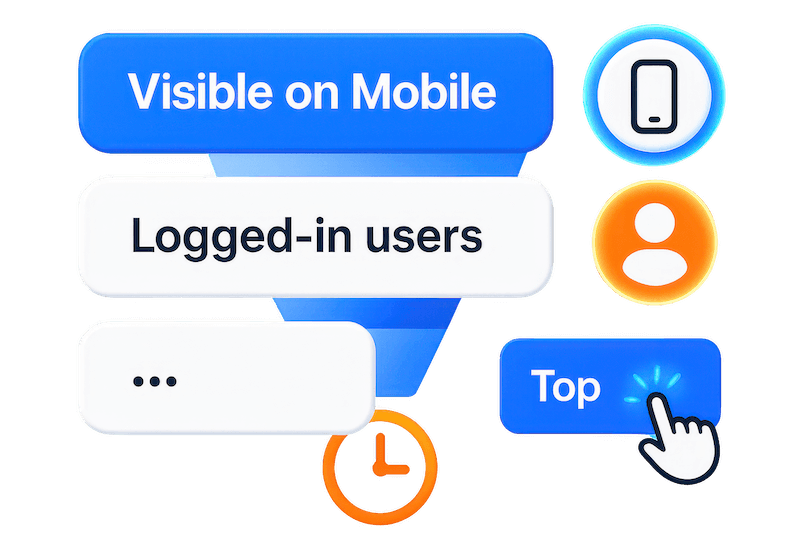
Show or hide buttons based on device type, user login status, or specific conditions. Add urgency with animations, guide users with tooltips, and optimize for mobile conversions. Advanced targeting ensures the right message reaches the right visitor at the perfect moment.
Powerful Features You Need to Build Converting Buttons
Download Functionality
Create buttons that instantly download files when clicked. Perfect for PDFs, resources, digital products, or lead magnets that capture emails and drive conversions.
Icon Support
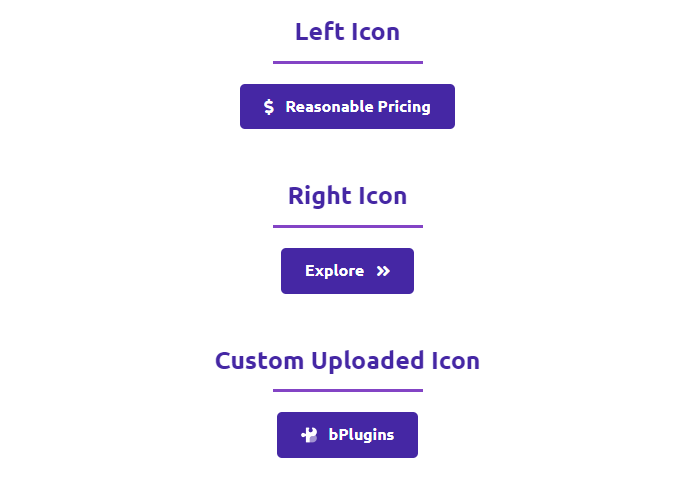
Add eye-catching icons before or after button text. Choose from thousands of icons to improve visual clarity and guide user actions with recognizable symbols.
Hover Tooltips
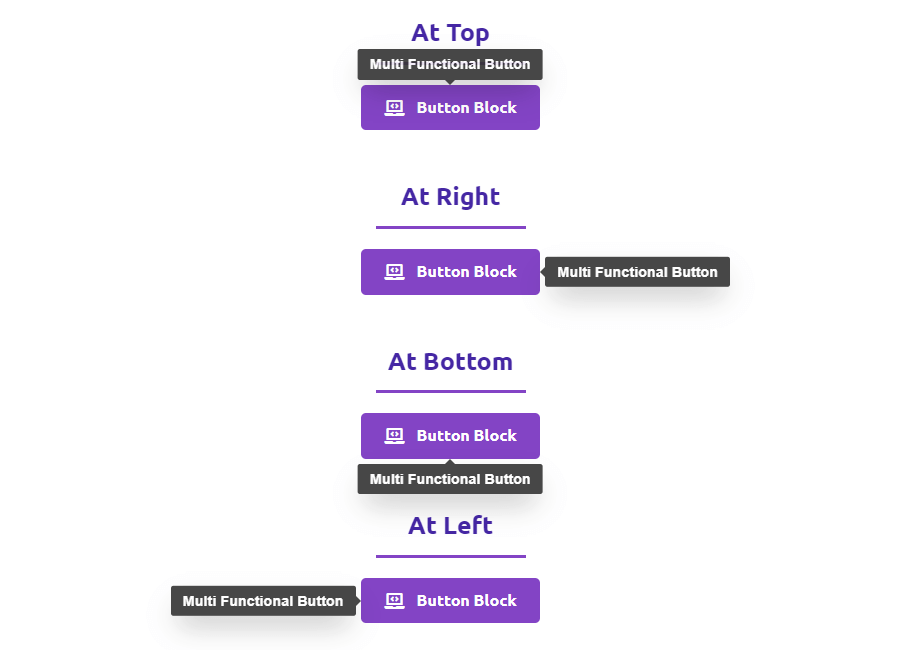
Display helpful context when users hover over buttons. Add brief instructions, benefits, or calls-to-action without cluttering your page layout.
Responsive Sizing
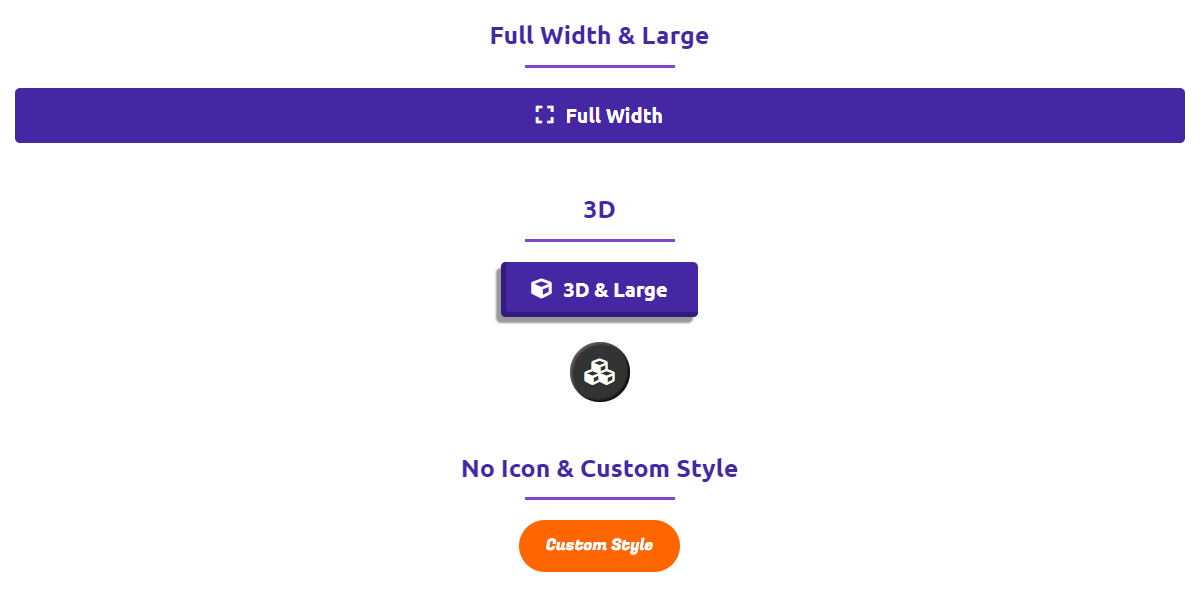
Choose from Small, Medium, Large, Extra-Large, or Full Width button sizes. Every button adapts perfectly to any screen size and layout requirement.
3D Button Effects
Make buttons pop with instant depth and elevation effects. Apply professional 3D styling with a single toggle to grab attention and boost clicks.
Smooth Animations
Add entrance animations like fade, bounce, slide, or zoom. Control timing and duration to create engaging experiences that draw attention on scroll.
Advanced Click Actions
Send users to internal pages, external sites, or trigger popup modals. Control link behavior with custom rel attributes and referrer policies for SEO optimization.
Custom Download Names
Set branded or user-friendly filenames for downloaded content. Ensure professional delivery instead of generic system-generated file names.
Flexible Icon Positioning
Place icons on the left or right of button text. Adapt to different reading directions and design aesthetics for global audiences.
Smart Tooltip Positioning
Position tooltips on top, bottom, left, or right of buttons. Adjust placement based on layout constraints and user experience needs.
Device Visibility Controls
Show or hide buttons on desktop, tablet, or mobile devices. Create targeted experiences and optimize conversions for specific screen sizes.
Trigger Popup Content
Use buttons to trigger popups containing rich content images, videos, audio files, embedded blocks, documents (PDF, DOC, XLS), or iframe-based content.
Access Control Security
Require user login, password, or email input to access button content. Perfect for gated resources, member content, or lead capture campaigns.
Clean Admin Interface
Hide Button Block admin menus when not needed. Keep your WordPress backend organized and clutter-free for better workflow management.
Gutenberg Integration
Built specifically for the modern WordPress editor. Add buttons directly in Gutenberg with full visual control and real-time preview capabilities.
Testimonials
What Our Customers Say to Us


Explore the Interface,
Settings & Preview Screens




Learning Materials
Looking for some learning materials. You will better understand how to use Button Block.
FAQs

 Save 90%