
 Advanced Post Block
 Select the Style tab. Then you will see bellow options.
Content
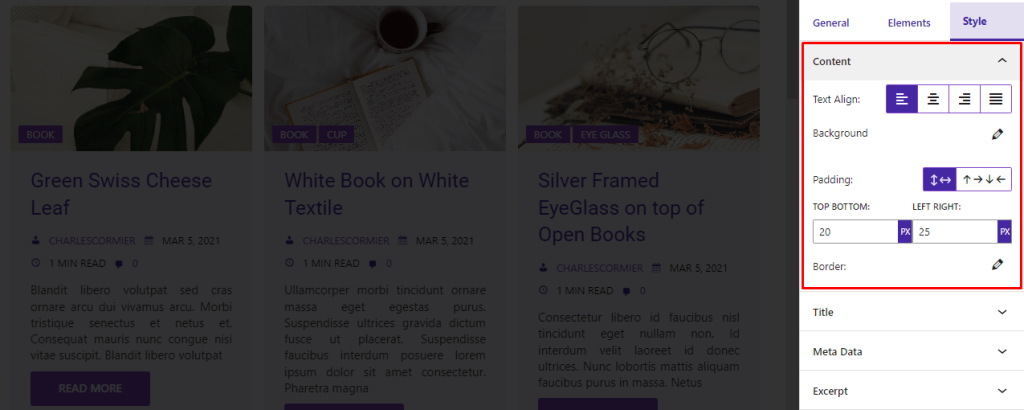
For Content, set Text Align, Background, Padding, and Border.
Title
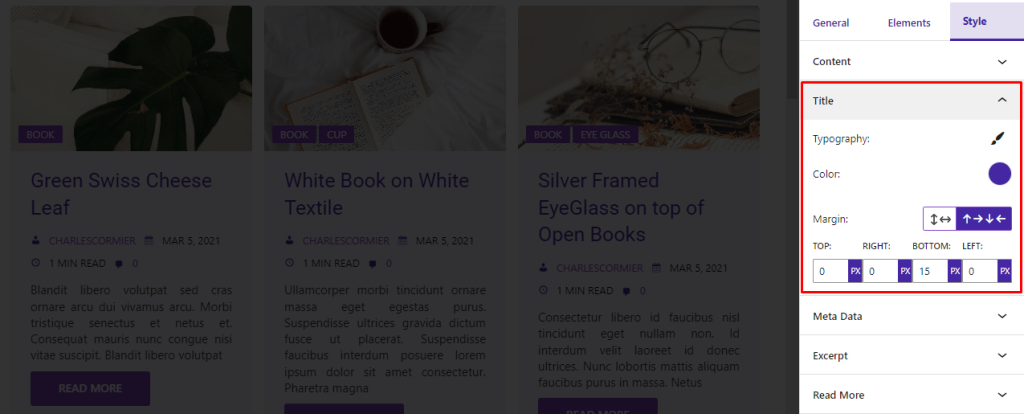
From here, set the Typography, Color, and Margin of the Title.
Metadata
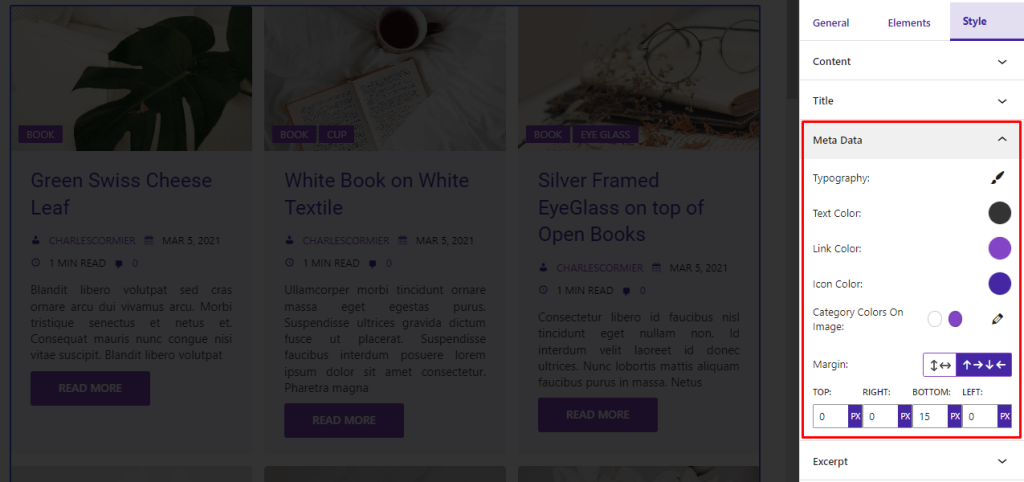
From here, set Typography, Text Color, Link Color, Icon Color, Category Colors On Image, and Margin
Excerpt
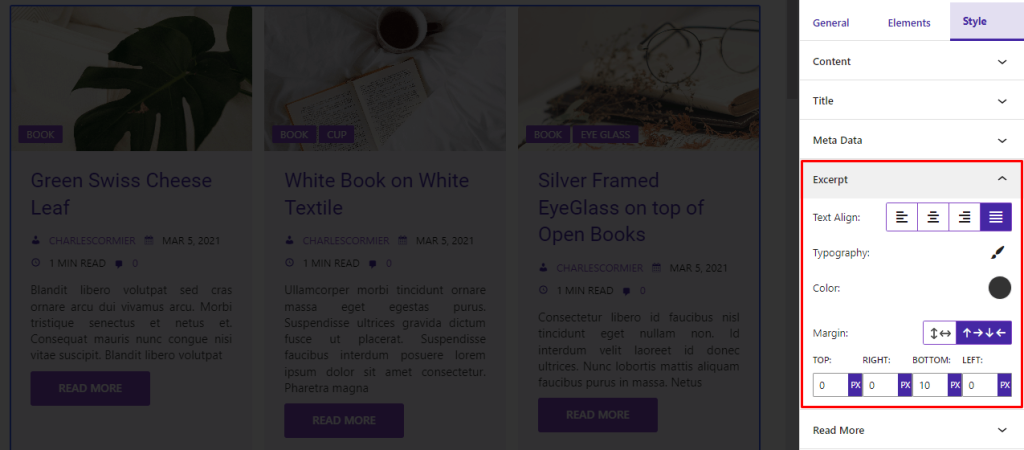
Set Text Align, Typography, Color, and Margin.
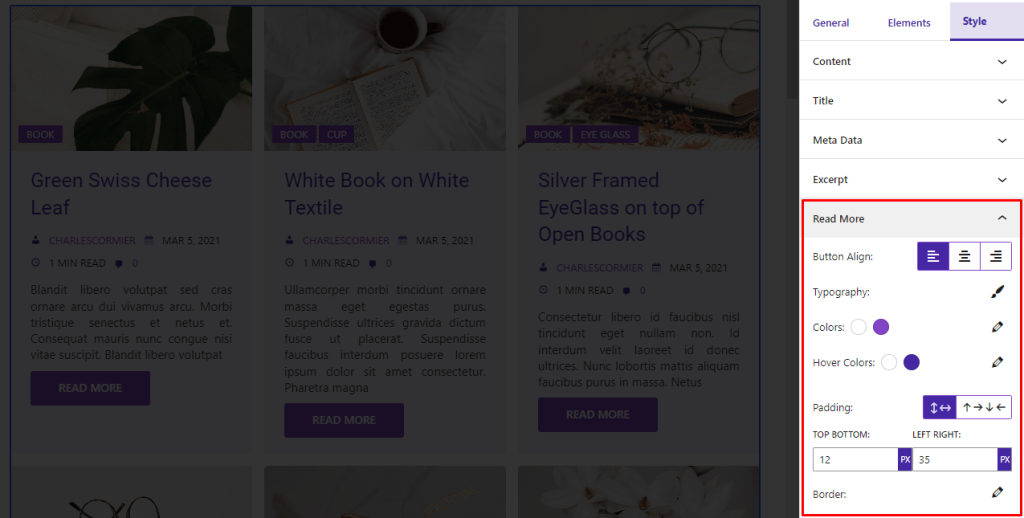
Read More
For Read More, set Button Align, Typography, Colors, Hover Colors, Padding, and Border.
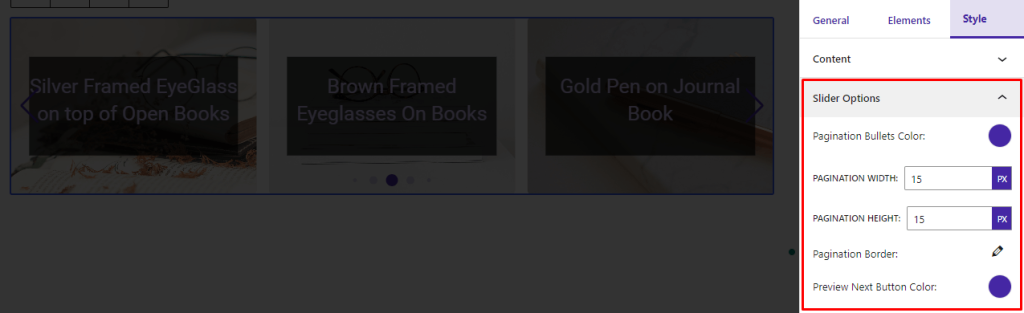
Slider Options
You will see the Slider Options if you select Slider Layout. Set Pagination Bullets Color, Pagination Width, Hight, and Border. Also, set Preview Next Button Color.
Elements
Select the Elements tab. Then you will see bellow options.
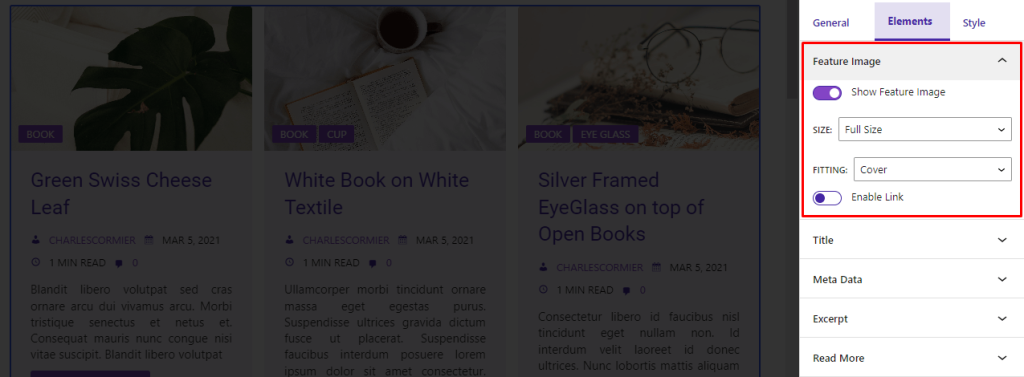
Feature Image
For feature image show/hide Feature Image, set Size, Fitting, and enable/disable Link.
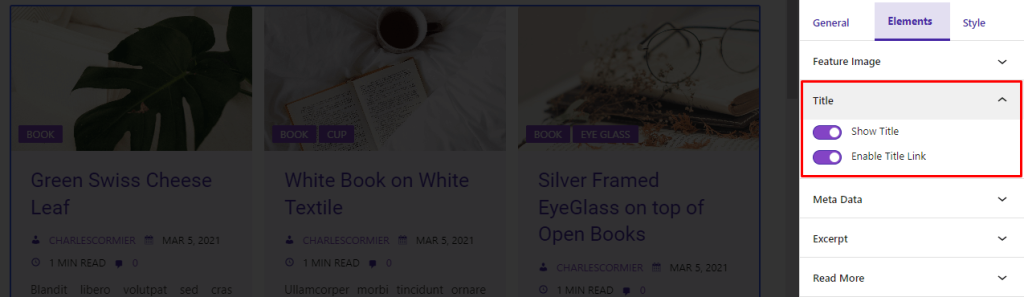
Title
Show/Hide Title and enable/disable Link for title element.
Metadata
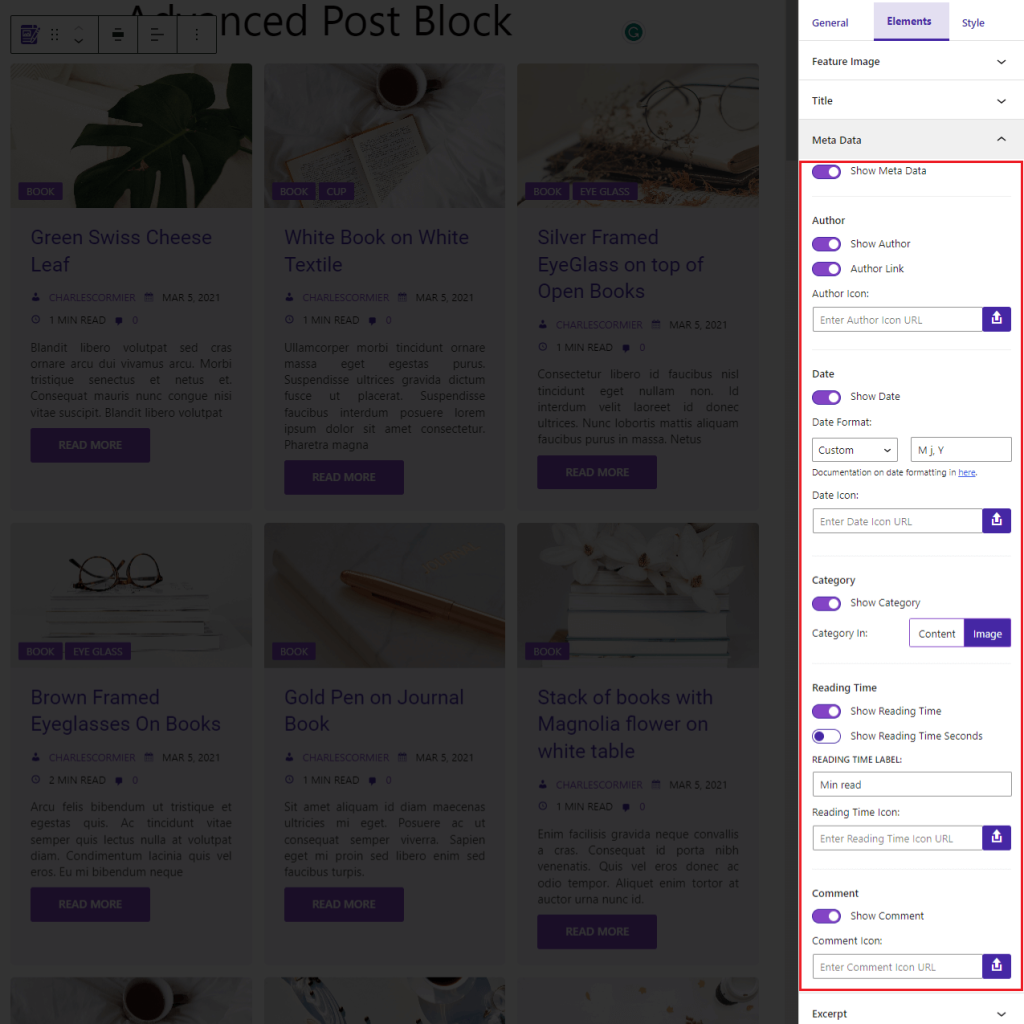
From here, show/hide Metadata. And change the options for metadata.
Author
Show/Hide Author metadata, enable/disable Link, and set Icon.
Date
Show/Hide Date metadata, and set Formate and Icon.
Category
Show/Hide Category metadata, set Position, if the position is in the content set Icon.
Reading Time
Show/Hide Reding Time metadata, and Reading Time in Seconds. Also, set Label and Icon.
Comment
Show/Hide Comment metadata, and set Icon.
Excerpt
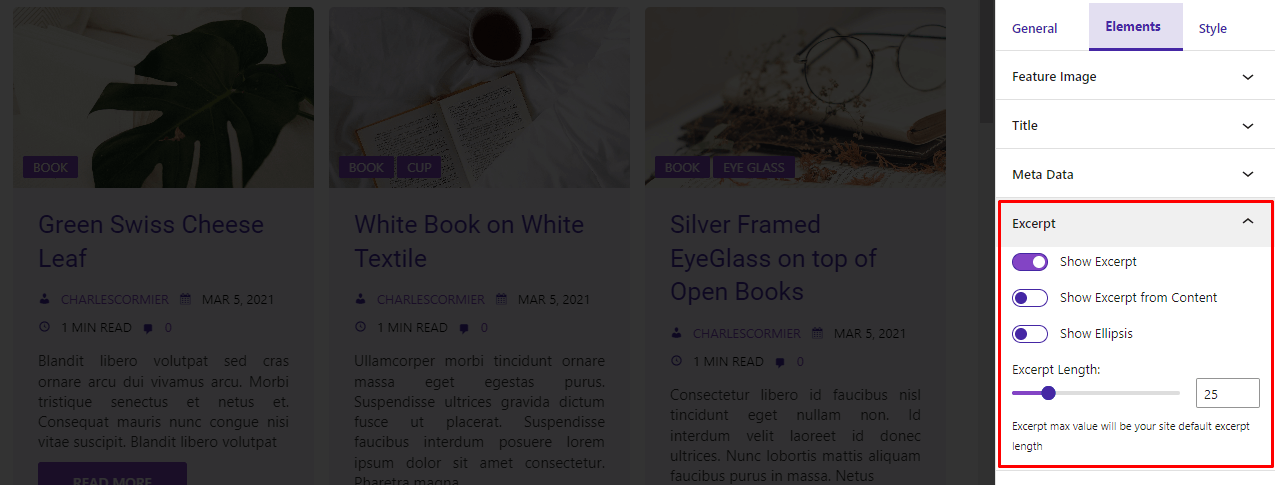
From here, show/hide Excerpt, enable Excerpt from Content to show the excerpt from the content, and enable Show Ellipsis to add … at the end of the excerpt.
Also, set the Excerpt Length.
Read More
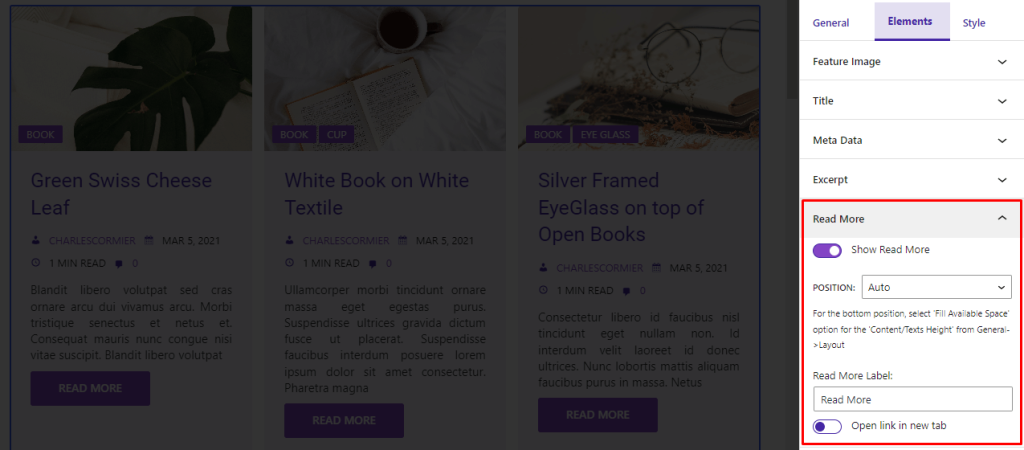
Show/Hide Read More button. Set Position, and Label. Enable/Disable Open link in new tab.
Advanced
Custom Query
You can configure the query outside of the available option using the apb_query filter.
Just add this filter anywhere and you will get the query as a parameter of the callback function. modify the query and return it.
Ex:
add_filter( 'apb_query', apbQuery() );
function apbQuery( $query ) {
    $query['lang'] = 'en';

    return $query;
} Save 90%