
 Gutenberg Block
 Table of Contents
From Block Library
In your Gutenberg editor click on the plus icon from the top left corner.
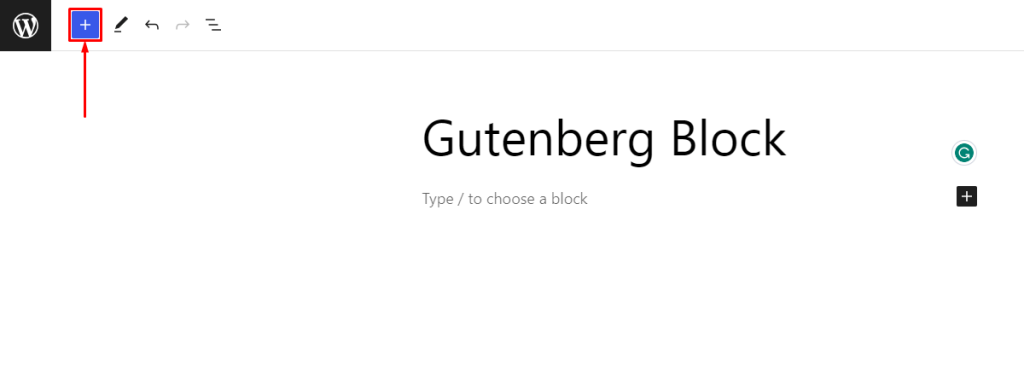
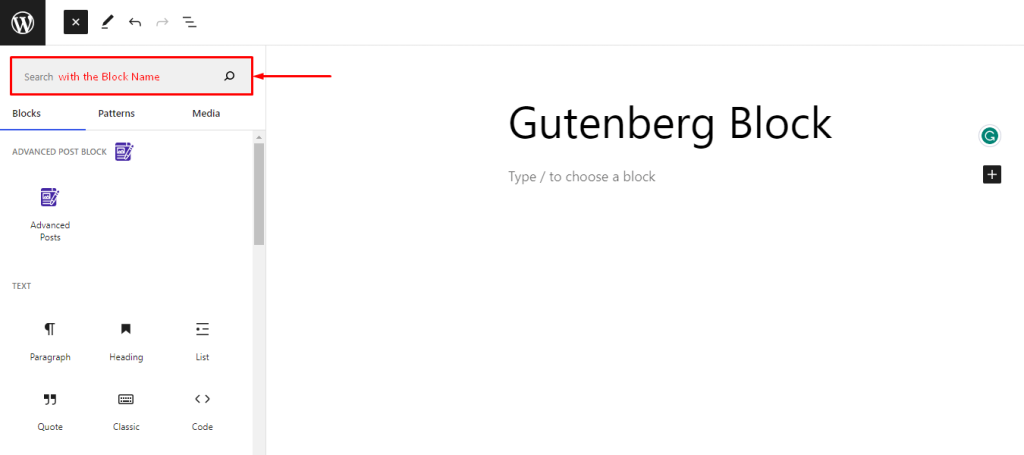
Then, find the block and insert it. This will add the block in your editor.
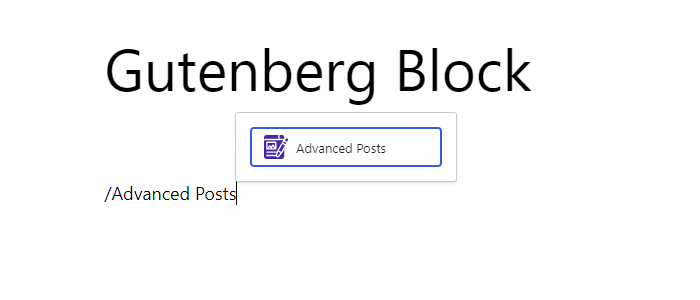
From Inline Listbox
In your Gutenberg editor enter ‘/‘ and start typing the block name. A popup will appear with the list of the blocks. Select your block from there.
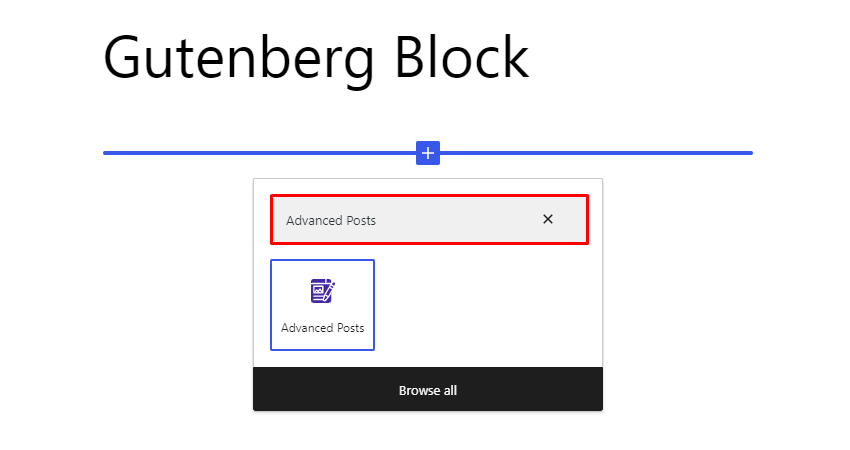
From Quick Listbox
In your Gutenberg editor click on the plus icon from your content area. It will popup with a search bar and block lists. Search your block and insert it.
 Save 90%