
 Super Video Player
 Table of Contents
Introduction
Start using the plugin in a few quick steps. Add your block, choose your settings, and see the changes instantly. It works seamlessly with any layout, allowing you to create clean, engaging content with minimal effort. Just set it up once and start creating.
Requirement
What are the required things for activating Super Video Player?
Necessary Things You Need to Consider Before Installing Our Plugin,
- Download: Super Video Player
- WordPress Version: 5.2 or higher
- PHP Version: 7.1 or higher
Installation
Like any other WordPress plugin, you can easily install and activate Super Video Player directly from the WordPress Plugin Directory.
Go to your WordPress Dashboard and navigate to Plugins > Add New.
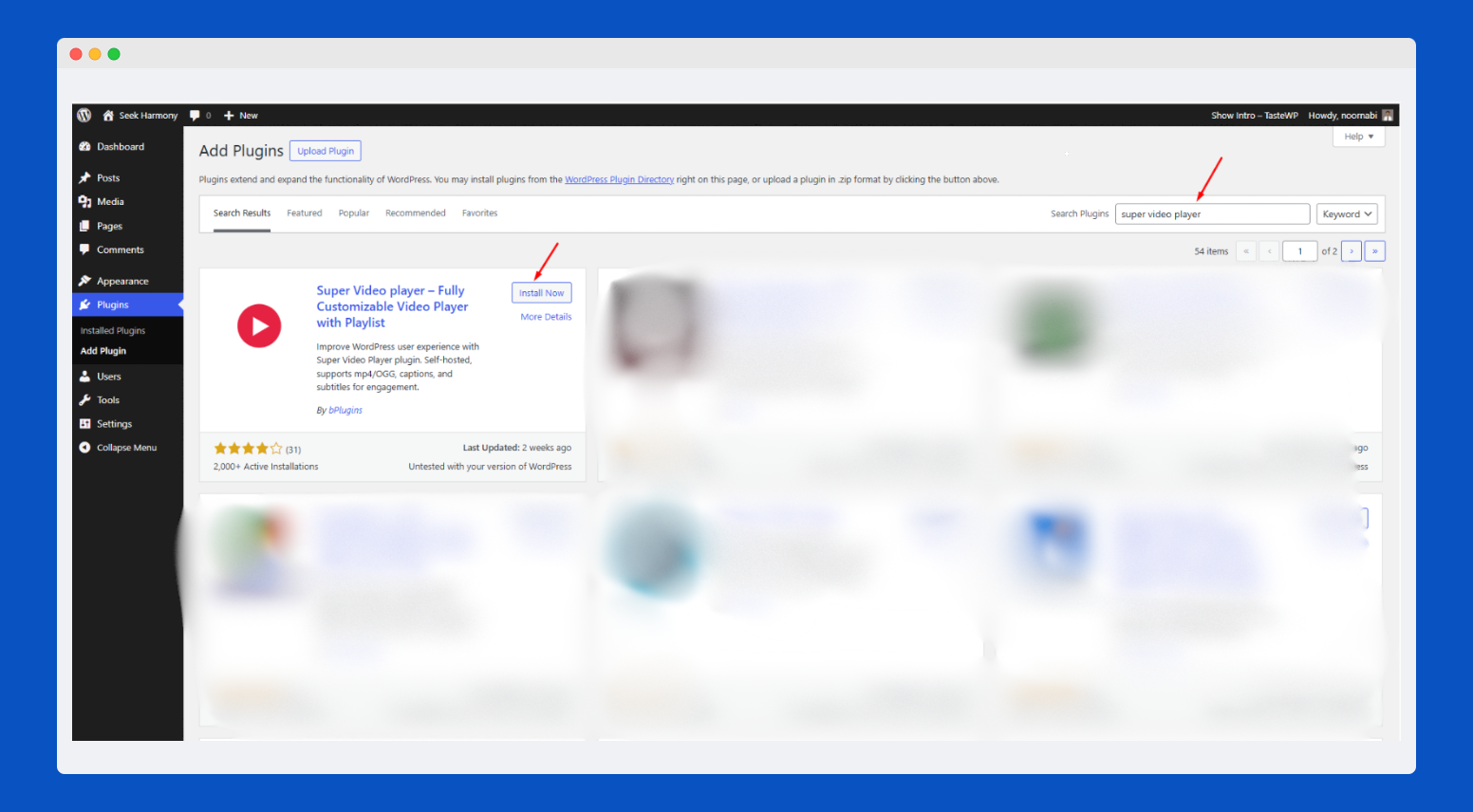
In the search bar, type “Super Video Player”, then click the Install Now button when the plugin appears in the results.
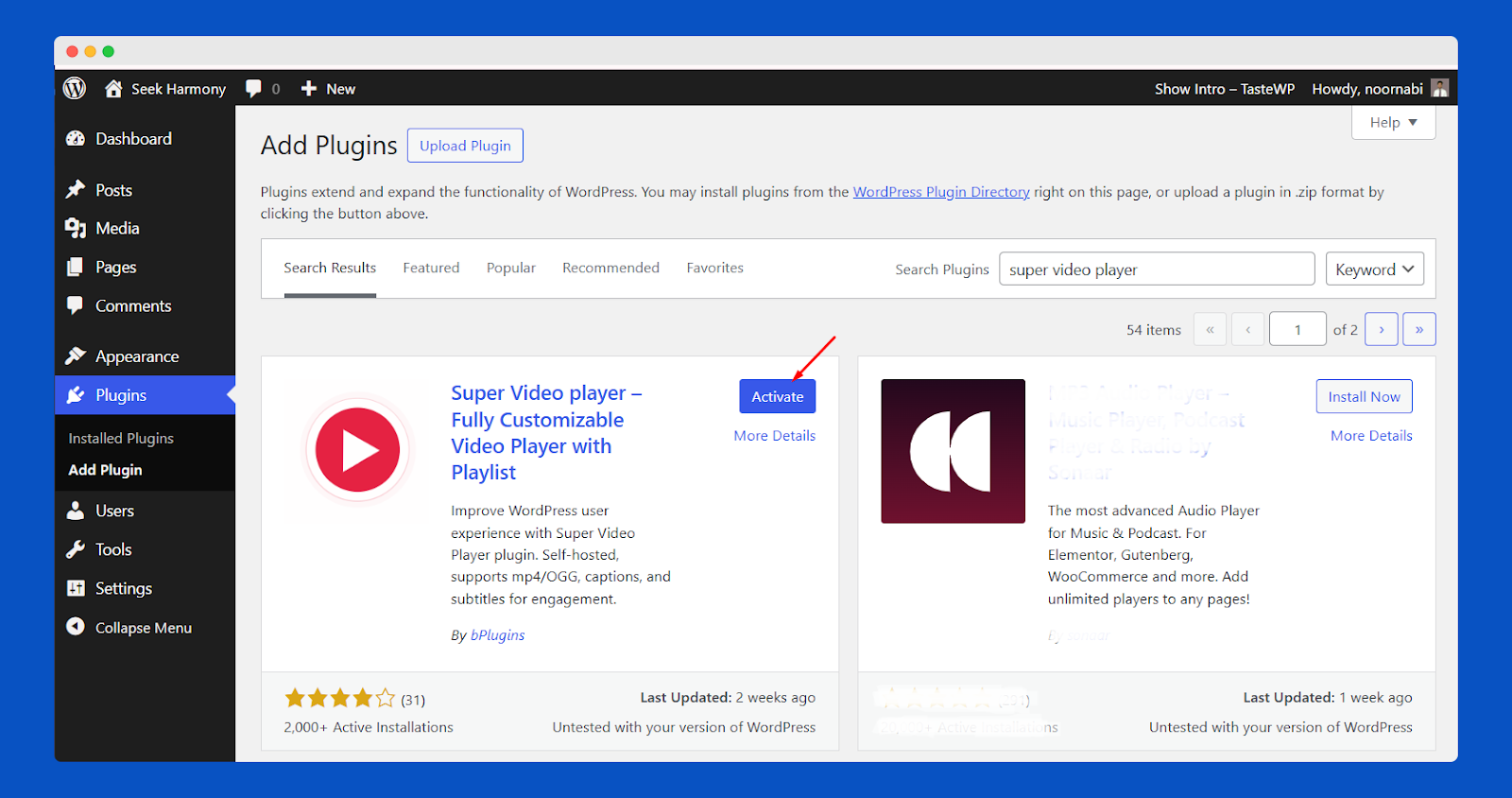
After the installation is complete, click the Activate button to enable Super Video Player on your website.
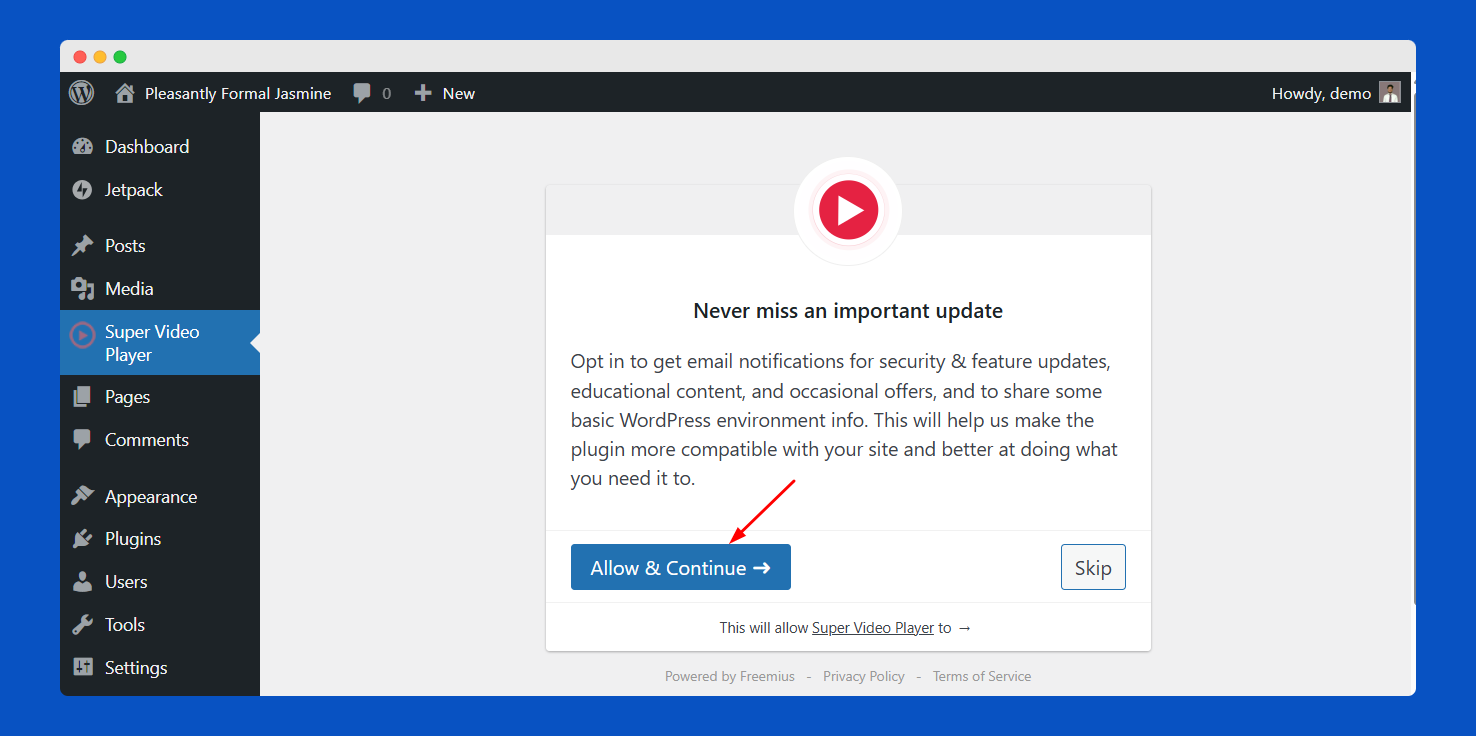
Once you activate the plugin, you will be redirected to the Super Video Player plugin dashboard. While Super Video Player is already fast and lightweight, the setup dashboard provides the option to optimize it for even better performance.
Click the Allow & Continue button to subscribe to our newsletter and receive the latest updates and news about our plugin.
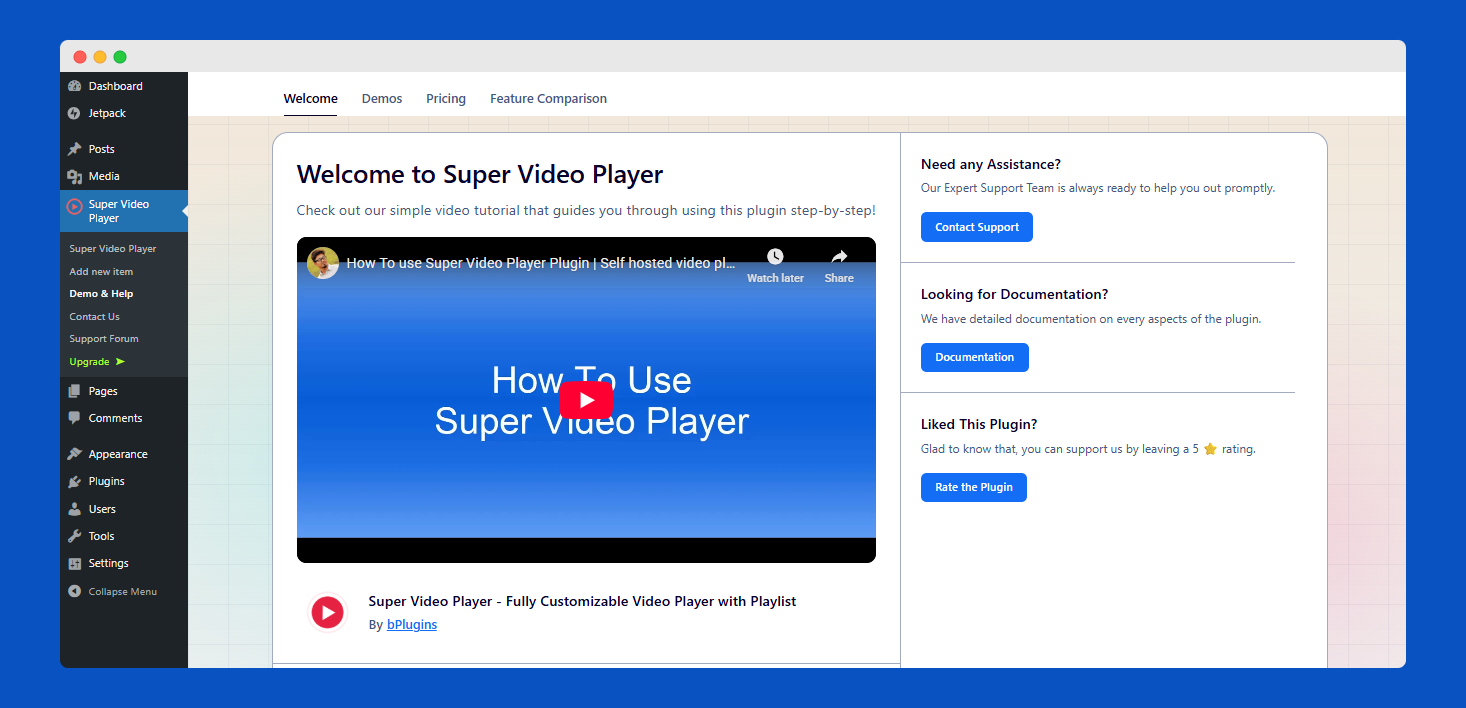
After that, the system will redirect you to the plugin dashboard.
That’s it!
Purchase Process
With a few simple steps, you can easily purchase Super Video Player Pro and enjoy its rich features.
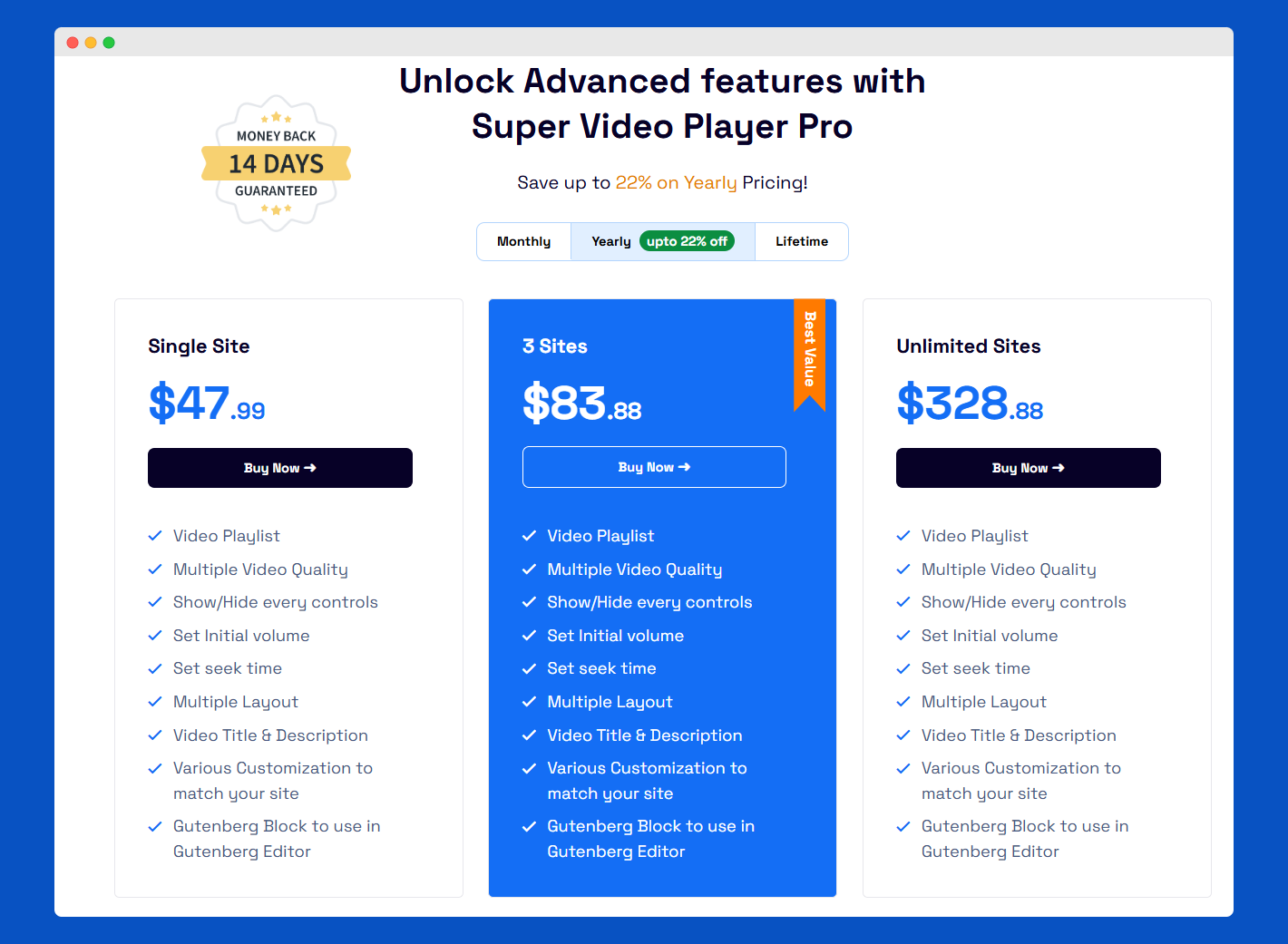
Go to the Super Video Player Pro and choose your preferred package. Then click on Buy Now.
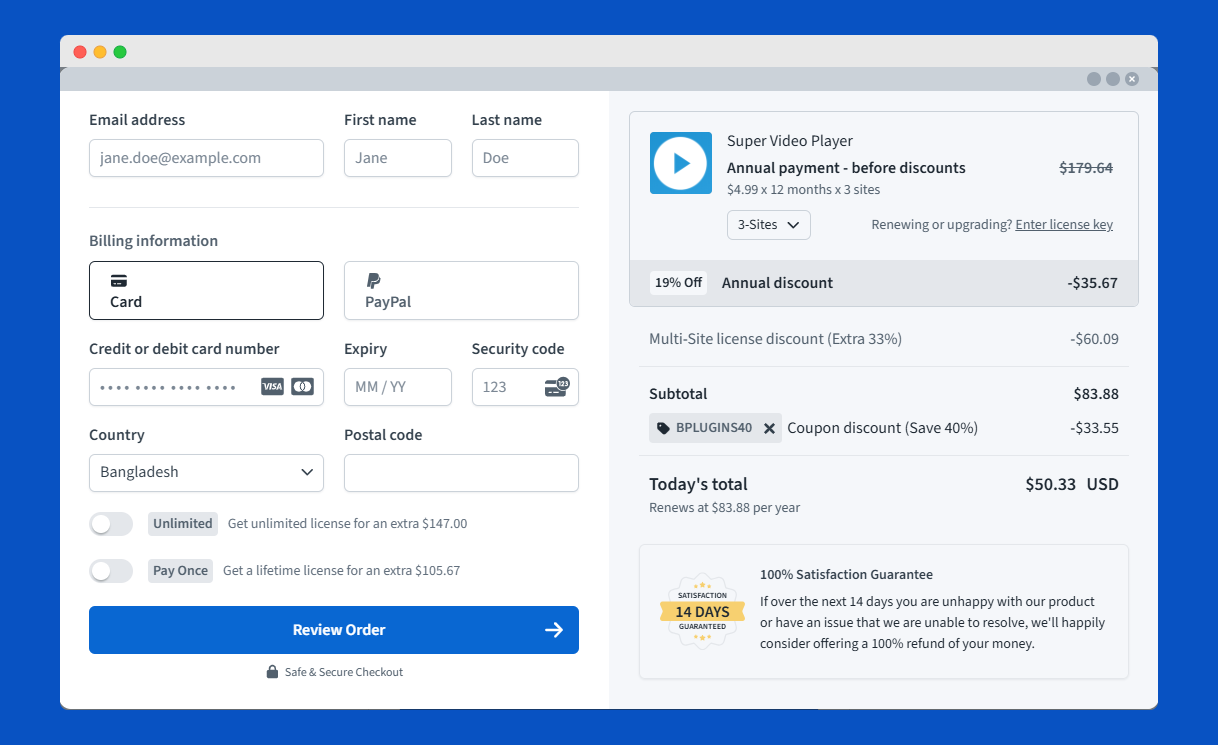
You will get a pop-up window here. You can choose here to renew or upgrade the sites.
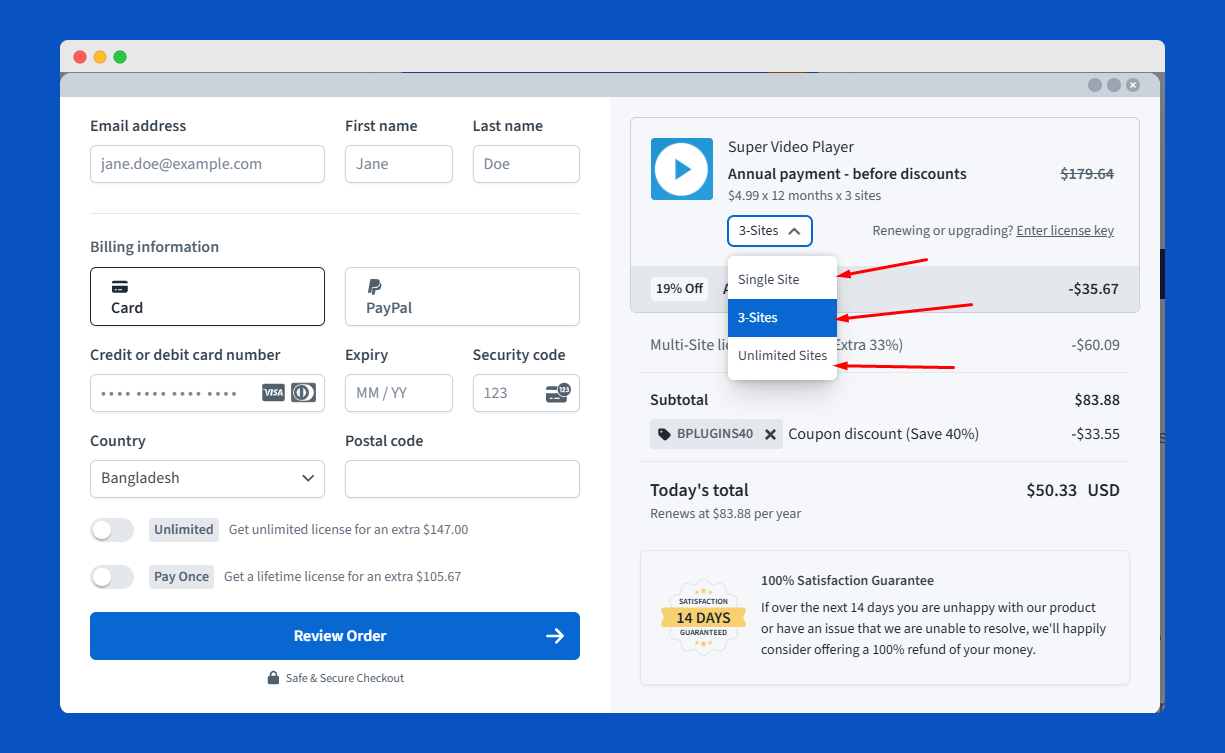
You can choose here to renew or upgrade the sites.
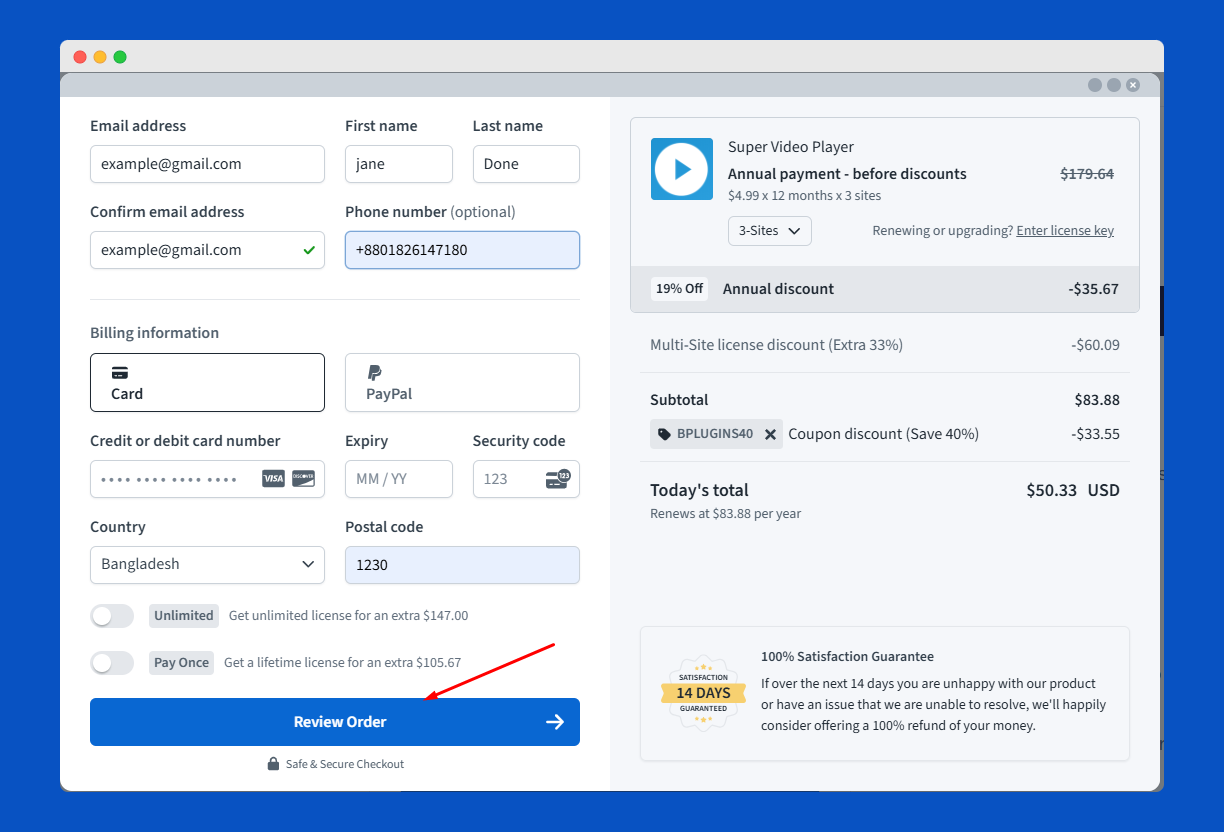
Here you need to put your last and first name, credit card credentials. Then, click on the “Review Order” button and confirm it.
Then, you will see a thank-you page where you will receive a message confirming your purchase.
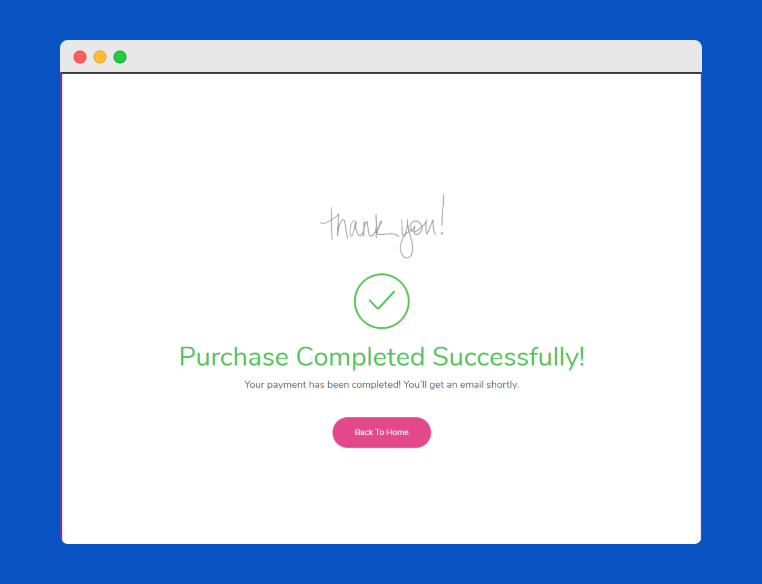
Congratulations!
License Activation
Without the license key, you cannot use any of the Premium features. So you must acquire the license key to activate all the features of Super Video Player Pro.
Go to your dashboard plugin and click “Activate License.”
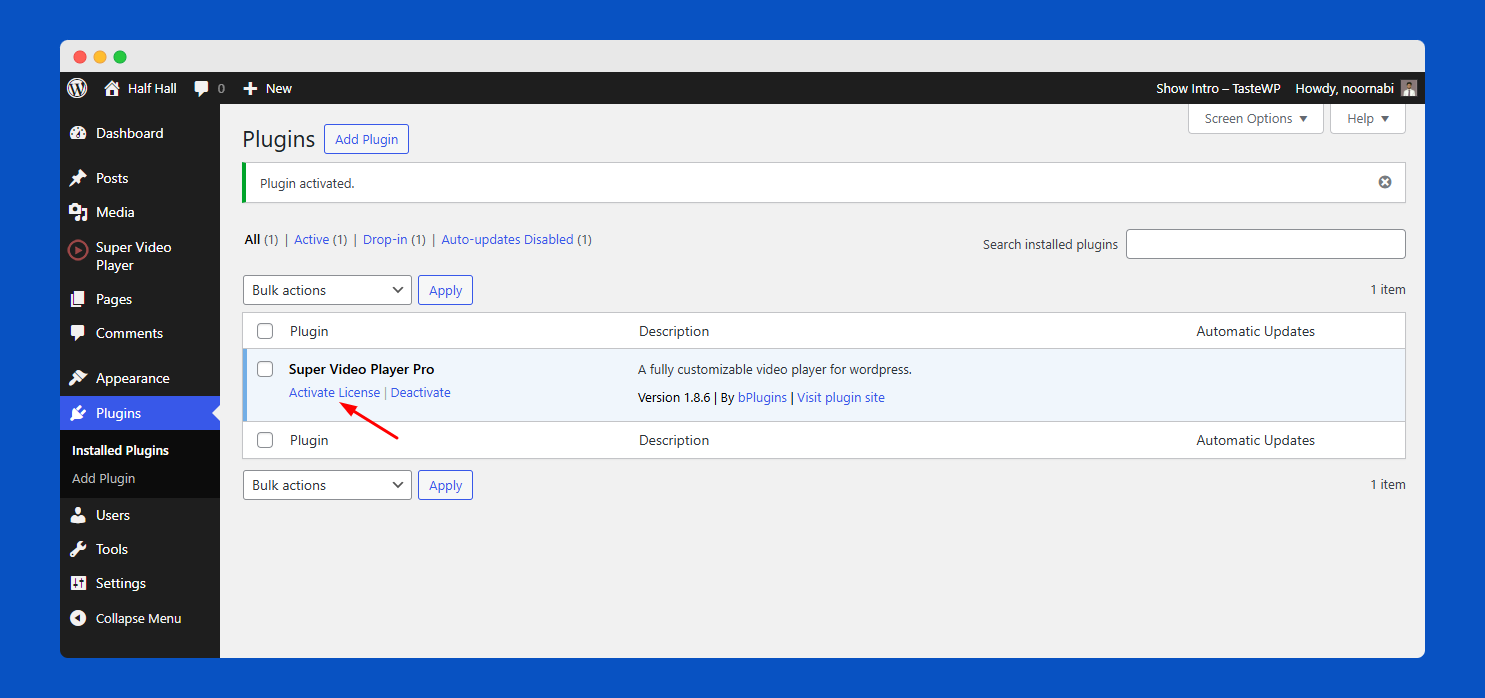
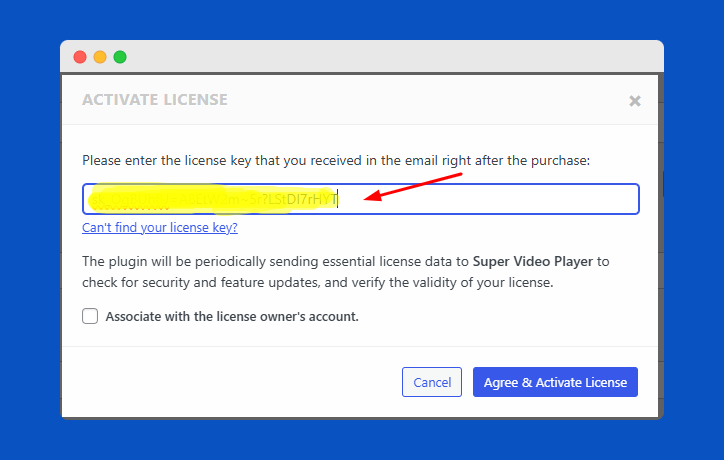
You get a pop-up for insert license key, Submit your license
Now, click the Agree & Activate License
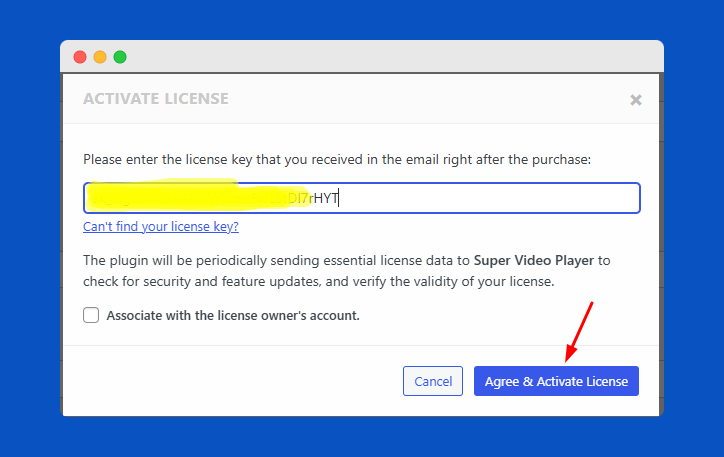
That’s it!
Hurry! All premium features are now available for your website design.
 Save 90%