
Lottie Player
Lottie Player brings your WordPress website to life with stunning, fast-loading animations that engage visitors and boost conversions. Add interactive motion graphics, animated icons, and eye-catching effects using simple Gutenberg blocks or shortcodes. No coding required—just upload, embed, and watch your content come alive.
Trusted by more than 5,000+
active users across the world
Customers


Why Choose Lottie Player?
Static websites lose visitors in seconds. Lottie Player helps you create engaging, interactive experiences that keep users on your site longer and drive more conversions through professional animations that load instantly.
The Problem with Static WordPress Sites
- Boring, lifeless content that fails to grab attention
- High bounce rates from unengaging user experiences
- Complex animation plugins that require coding knowledge
- Heavy video files that slow down your site speed
- Limited customization options that don’t match your brand
- Visitors leave before seeing your best content
A Better Way to Add Animations to WordPress
Lottie Player helps you:
- Embed stunning animations directly into posts, pages, and widgets
- Use lightweight files that load 10x faster than videos
- Create interactive hover effects and click animations
- Customize every detail without touching code
- Boost engagement and reduce bounce rates instantly
- Keep visitors focused with smooth, professional motion
Add Stunning Animations in Seconds
Zero Coding Required
Drop animations anywhere on your WordPress site using our intuitive Gutenberg block or simple shortcode. Upload JSON or Lottie files, paste LottieFiles URLs, or choose from thousands of free animations. Your content transforms from static to spectacular in under 30 seconds.
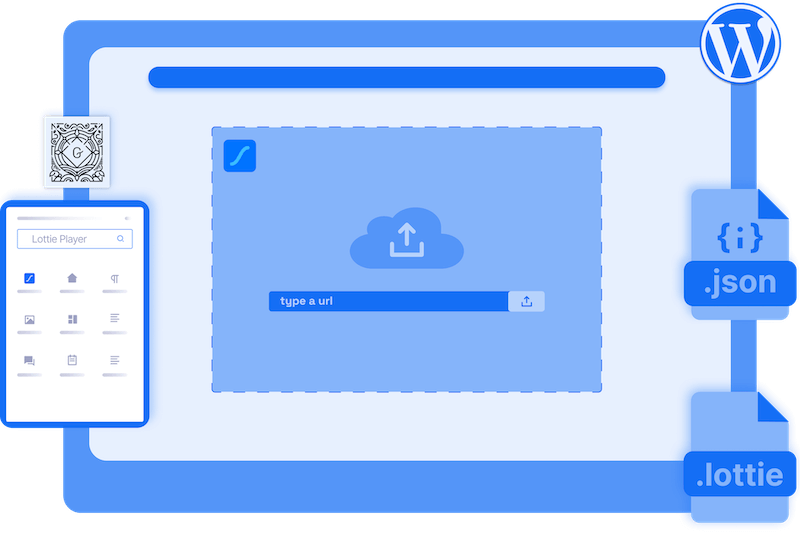

Create Interactive Media Experiences
That Convert Visitors
Turn animations into powerful conversion tools with click-to-play, hover effects, and scroll-based triggers. Add clickable links to animations, control playback speed, and create engaging user journeys that guide visitors toward your goals while keeping them captivated.
Boost Your Website Performance
with Fast Loading Animations
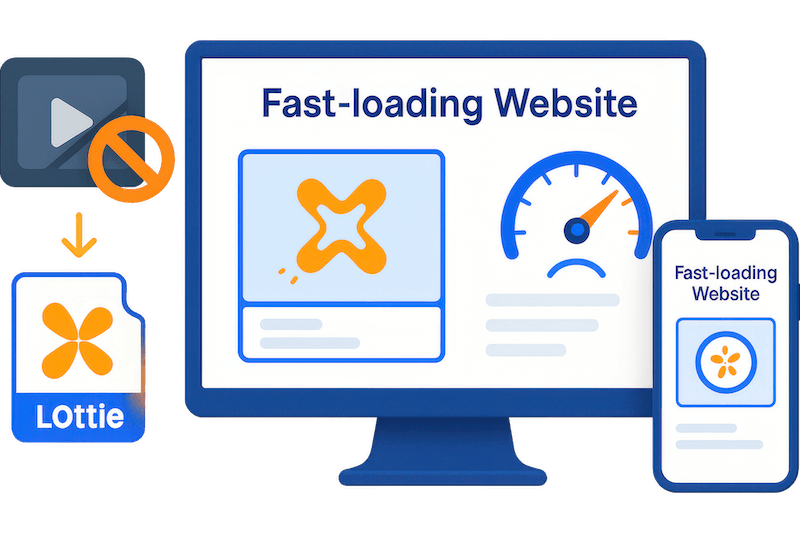
Lottie animations are vector-based and load instantly—up to 600% smaller than video files. Your site stays fast, your visitors stay happy, and search engines reward your speed. Perfect performance on mobile, tablet, and desktop without compromising quality.
Complete Player Control Over
Every Animation Detail
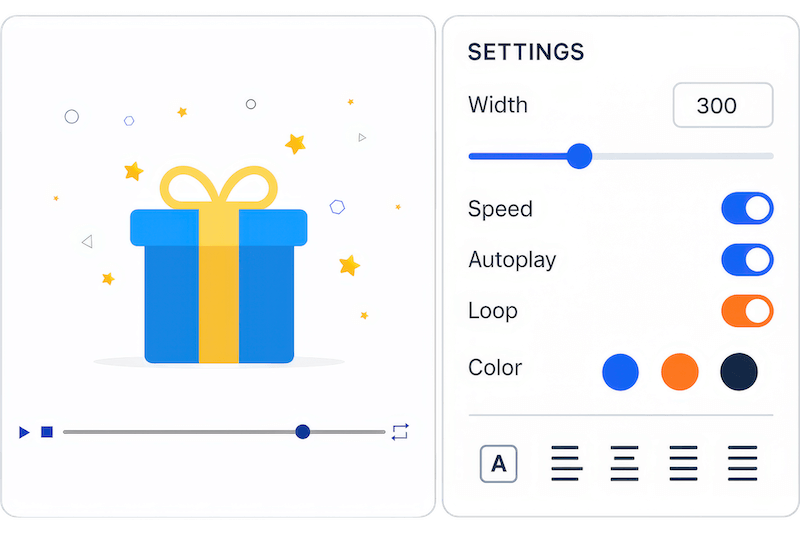
Customize colors, sizing, alignment, and playback options to match your brand perfectly. Set autoplay, looping, and timing controls. Enable or disable player controls, add captions, and fine-tune every aspect until your animations look exactly how you envisioned.
Everything You Need to Create Engaging Animated Experiences
Gutenberg Block Integration
Add animations instantly using our native Gutenberg block. No shortcodes, no complexity—just drag, drop, and configure. Perfect for content creators who want professional results without technical hassles.
JSON & Lottie File Support
Use any animation format exported from After Effects, LottieFiles, or other tools. Upload files directly or paste URLs from animation libraries for unlimited creative possibilities.
Click-to-Play Animations
Transform static elements into interactive experiences. Visitors click your animations to trigger actions, navigate pages, or reveal content—perfect for CTAs and engaging storytelling.
Hover Effect Triggers
Create sophisticated microinteractions that respond to user behavior. Animations play when visitors hover over them, adding polish and interactivity that feels premium and modern.
Scroll-Based Animation Control
Sync animations with scroll position for captivating storytelling effects. Elements animate as users scroll, creating immersive experiences that keep visitors engaged throughout your content.
Autoplay & Loop Settings
Set animations to play automatically when pages load, or configure custom loop counts and intervals. Perfect for attention-grabbing headers, loading animations, and ambient effects.
Speed & Direction Control
Fine-tune animation timing with custom playback speeds, reverse direction, and alternating patterns. Create exactly the pacing and flow that matches your content strategy and brand personality.
Custom Player Styling
Match animations perfectly to your brand with customizable player controls, colors, backgrounds, and sizing options. Every element adapts to your design system seamlessly.
Mobile-Responsive Design
Animations look perfect and perform flawlessly across all devices. Automatic responsive scaling ensures your motion graphics maintain quality and impact on phones, tablets, and desktops.
Link Integration
Turn animations into powerful navigation tools by adding destination URLs. Create animated buttons, interactive menus, and clickable graphics that guide users through your site.
Shortcode Flexibility
Embed animations anywhere using our simple shortcode system. Add motion graphics to sidebars, footers, custom post types, and any theme location with complete control.
Caption & Accessibility Support
Add descriptive captions and alt text to improve accessibility and SEO. Your animations become more discoverable while ensuring all users can understand and interact with your content.
Advanced Interactivity
Unlock cursor-based animations, visibility triggers, container-relative scrolling, and advanced user interaction controls for sophisticated, app-like experiences that impress visitors.
Direct File Upload
Upload animation files directly to your WordPress media library instead of relying on external hosting. Better security, faster loading, and complete control over your animation assets.
Advanced Timing Controls
Set precise play counts, intervals between loops, scroll offsets, and complex trigger conditions. Create professional-grade interactive experiences with frame-perfect control.
Testimonials
What Our Customers Say to Us


Explore the Interface,
Settings & Preview Screens

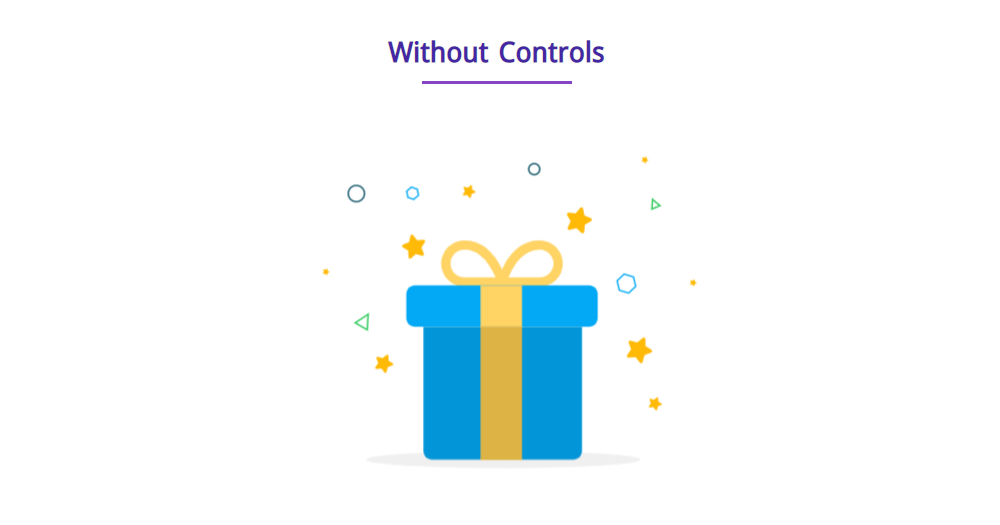
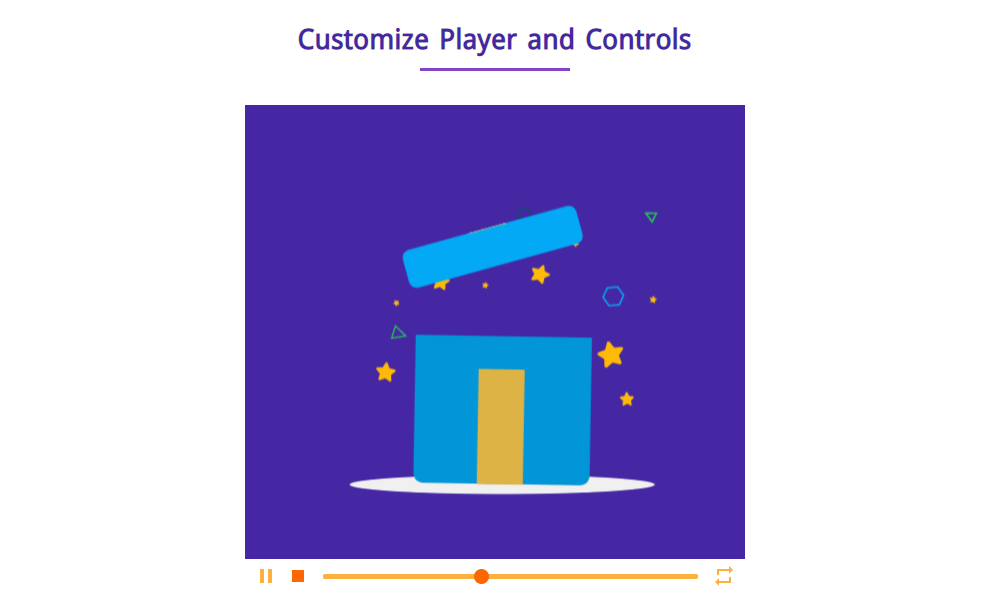
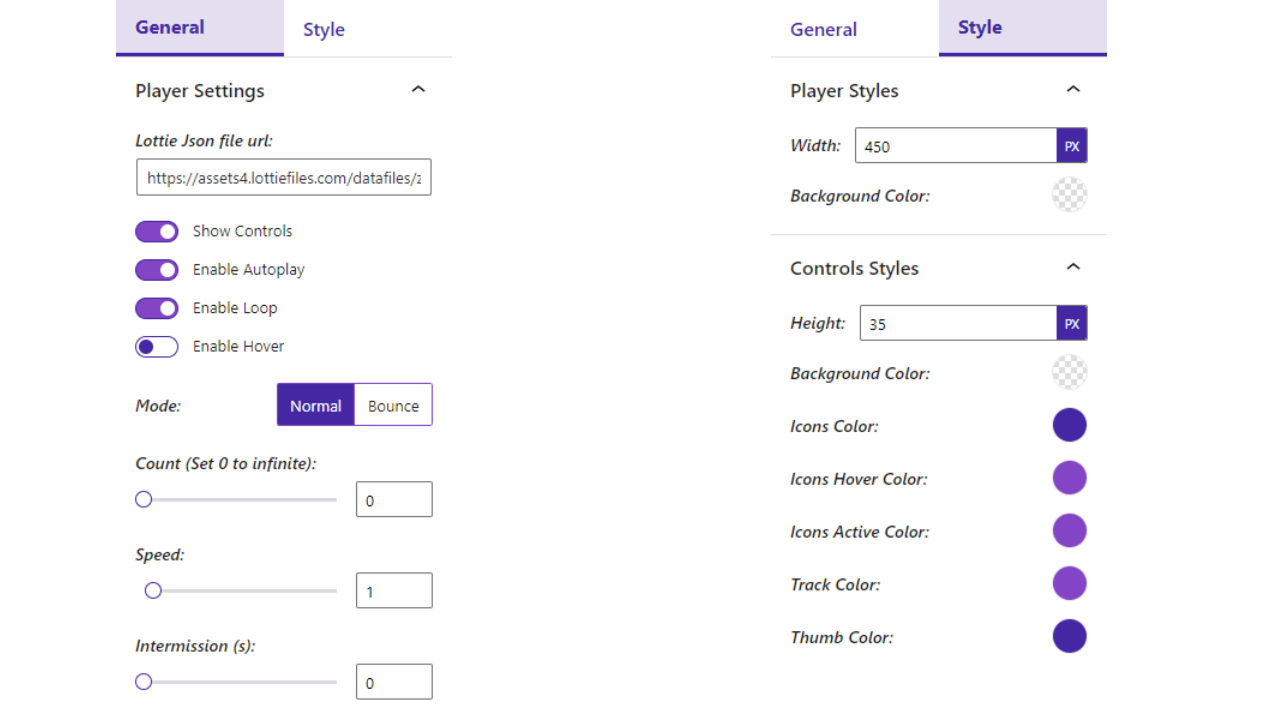
Learning Materials
Looking for some learning materials. You will better understand how to use Lottie Player.
FAQs

 Save 90%