
Content Slider Block
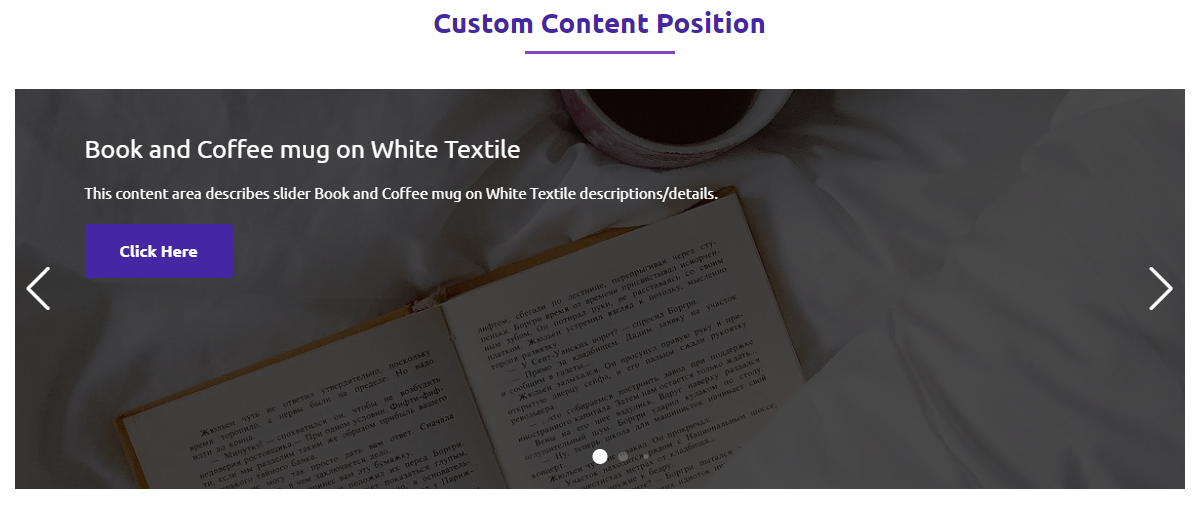
Showcase your content slider in a professional way. Content Slider Block adds a new block in the Block Editor by which you can create a professional-looking content slider!

Trusted by more than 3,000+
active users across the world
Customers


Why Choose Content Slider Block?
Responsive
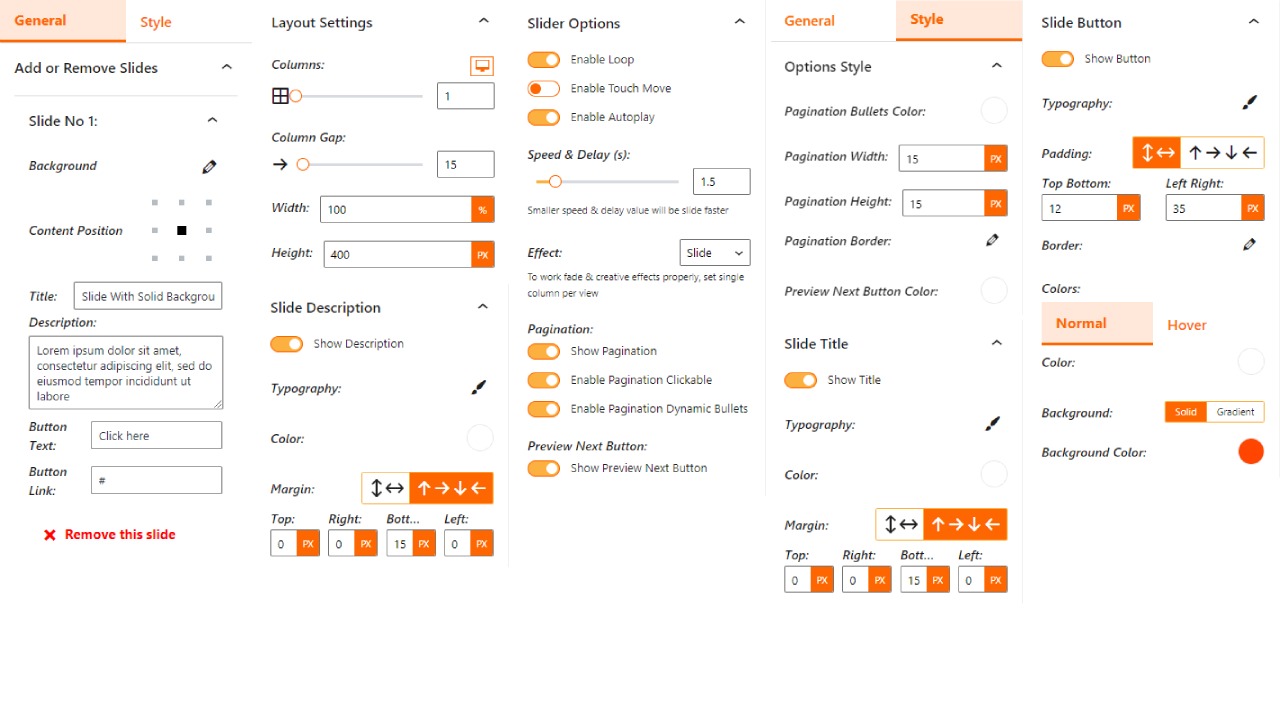
Set slide column number in different devices. Also you can show/hide navigation and patination in tablet and mobile.
Effects
Apply many effects such as Slide, Fade, Creative, Cube, Coverflow, Flip, and Cards to make your slider standout.
ShortCode Powered
This plugin creates ShortCode for Each slider. So that you can show slider anywhere.
Premium Features of Content Slider Block
Sortable
Sort the slides to rearrange your slider without deleting the slides.
Autoplay Options
Delay time, Disable on Interaction, Reverse Direction, Pause on Mouse Enter, and Stop on Last Slide options fo autoplay
Free Mode
Free Mode option on drag slide, and Sticky option in Free Mode
Effects
Explore more effects such as Cube, Coverflow, Flip, and Cards.
Keyboard Control
Control the slider with the Keyboard arrow keys.
Mouse Control
Slide on the Mousewheel.
Pagination
Show/Hide pagination in different devices(tablet and mobile).
Navigation
Show/Hide navigation in different devices(tablet and mobile).
Styles
Border for each slider. And Background and Padding for the wrapper.
ShortCode Powered
Display the slider anywhere using ShortCode
Testimonials
What Our Customers Say to Us


Explore the Interface,
Settings & Preview Screens


Learning Materials
Looking for some learning materials. You will better understand how to use Content Slider Block.

FAQs

 Save 90%