
Document Viewer
Document Viewer is the fastest WordPress plugin for embedding Microsoft Office files. Show Word, Excel, and PowerPoint documents directly on your site without forcing downloads. Visitors read files instantly using Google Doc Viewer or Microsoft Online Viewer, keeping them engaged while boosting your site’s professional credibility.

Trusted by more than 2,000+
active users across the world
Customers


Why Choose Document Viewer?
Visitors leave websites when they can’t preview documents. Document Viewer allows you to embed Office files directly in WordPress, providing readers with instant access without the need for downloads or third-party apps.
The Problem with Traditional Document Sharing
- Users must download files just to preview content
- Office files won’t display in browsers without plugins
- Mobile users struggle with document accessibility
- Downloads create friction and reduce engagement
- Files get lost in the user’s download folders
- Poor user experience hurts SEO rankings
A Better Way to Share Office Documents
Document Viewer helps you:
- Embed Word, Excel, and PowerPoint files instantly
- Use simple shortcodes or Gutenberg blocks
- Keep documents fully responsive on all devices
- Choose between Google Docs or Microsoft Online viewers
- Customize width, height, and display settings
- Maintain control over downloads and user access
Embed Office Files Instantly
No Coding Required
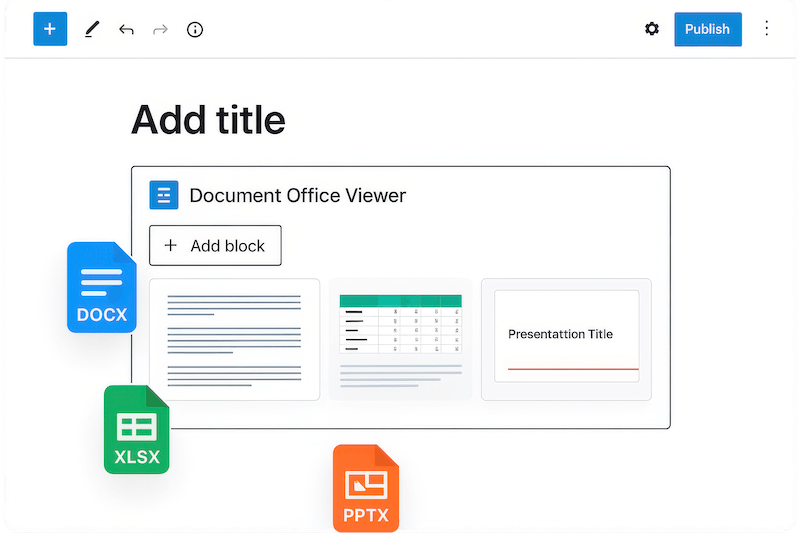
Embed Microsoft Office documents in WordPress using shortcodes or blocks. No technical setup needed. Just upload your Word, Excel, or PowerPoint file and publish. Visitors view documents directly on your site with zero friction, creating a smooth professional experience that keeps readers engaged.
View Documents Seamlessly
on Any Device
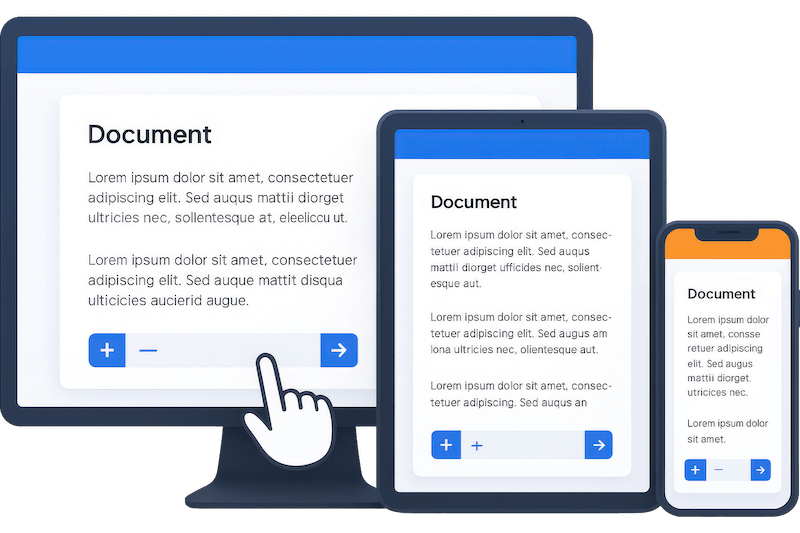
Deliver flawless document viewing across phones, tablets, and desktops. The responsive design adapts automatically to any screen size. Readers can scroll, zoom, and navigate effortlessly through your content without downloading apps or switching between browsers.
Choose Your Preferred
Document Viewer
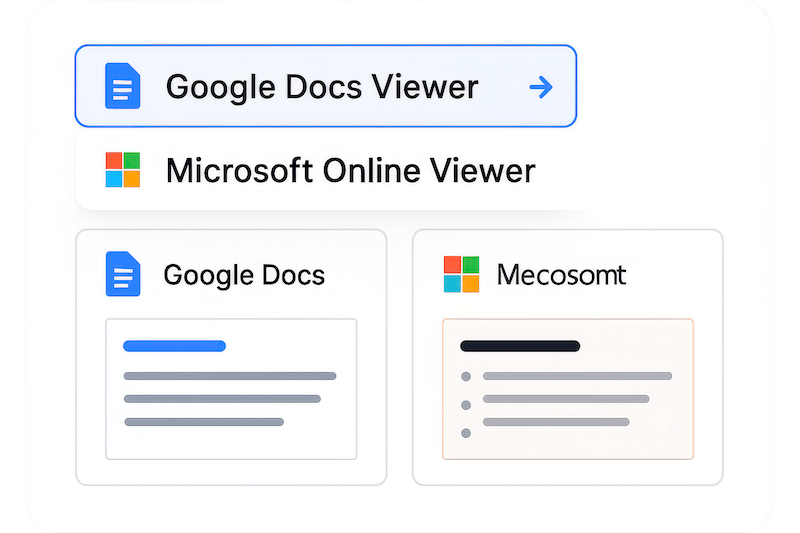
Select between Google Doc Viewer and Microsoft Online Viewer based on your needs. Each viewer offers unique advantages for different document types and audiences. Switch between viewers easily to find what works best for your specific content and user preferences.
Access Cloud Files Directly
From Your Site
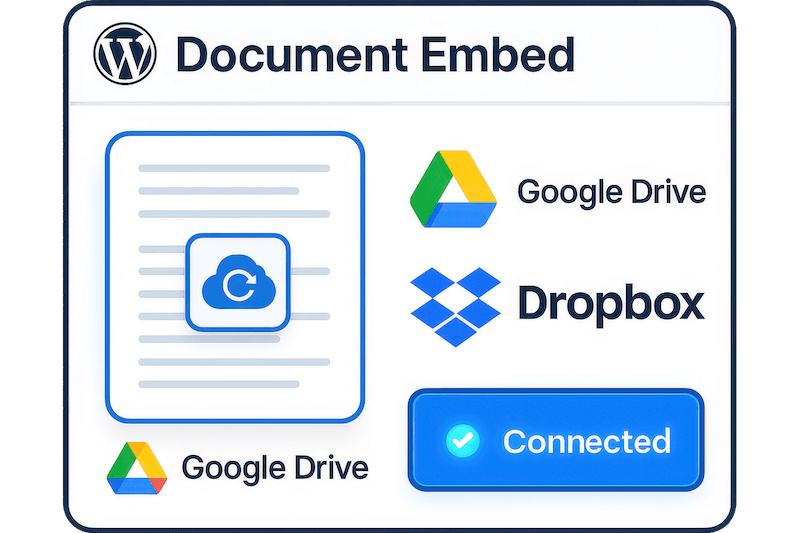
Connect your Google Drive, OneDrive, or Dropbox accounts to embed documents directly from cloud storage. No need to upload files twice or manage local copies. Your documents stay synchronized while visitors access the latest versions instantly through your WordPress site.
Essential Features for Smooth WordPress Document Embedding
Google Doc Viewer Integration
Use Google’s reliable document viewer for fast, accurate rendering of Office files. Perfect for public documents and general website content with broad compatibility.
Microsoft Online Viewer
Display documents using Microsoft’s native viewer for optimal formatting and layout preservation. Ideal for business documents requiring precise formatting.
Cloud Storage Integration
Connect Google Drive, OneDrive, and Dropbox accounts to embed documents directly from cloud storage without uploading files to WordPress media library.
Custom Width and Height
Adjust document display dimensions to match your site design perfectly. Set exact pixel sizes or use responsive percentages for different layouts.
Download Control
Choose whether visitors can download your documents or view them online only. Perfect for protecting sensitive content while maintaining accessibility.
Pop-out Viewer Options
Enable full-screen document viewing for detailed reading. Users can expand documents to focus without distractions while staying on your site.
File Name Display
Show or hide document titles at the top of the viewer. Control branding and presentation to match your site’s professional appearance.
Right-Click Protection
Disable right-click functionality to prevent unauthorized downloading or copying. Add an extra layer of content security for premium documents.
Mobile-Responsive Design
Documents automatically adapt to mobile screens with touch-friendly navigation. Readers can pinch, zoom, and scroll naturally on any device.
Shortcode Flexibility
Use simple shortcodes to embed documents anywhere on your site. Perfect for posts, pages, widgets, or custom content areas without coding.
Gutenberg Block Support
Add documents directly in the WordPress block editor with visual controls. Streamline your workflow with drag-and-drop document embedding.
Multiple File Format Support
Display Word (.docx), Excel (.xlsx), PowerPoint (.pptx), and PDF files seamlessly. Handle all major Office formats with one unified solution.
Checkout this
Plugin Pics!
Testimonials
What Our Customers Say to Us


Explore the Interface,
Settings & Preview Screens


Learning Materials
Looking for some learning materials. You will better understand how to use Document Viewer.

FAQs

 Save 90%