
Your WordPress site needs fresh content. Social media feeds deliver exactly that while building trust with visitors who see real-time activity from your accounts.
Social feed WordPress plugins pull content directly from platforms like Instagram, X (Twitter), Facebook, and TikTok into your website. These plugins don’t just add share buttons. They display real posts that show your activity and build trust with your audience.
This guide helps you find the best social feed plugins for WordPress in 2025. You’ll see what features matter most, which plugins perform well, and how to keep your site fast while showing dynamic social content.
Let’s dive in!
How to Choose the Right Social Feed Plugin
Before scrolling through options, know what you actually need.
Network Support: Does the plugin work with your platforms? Most cover Instagram, Facebook, and Twitter. Fewer support TikTok, YouTube, LinkedIn, or emerging networks. If you’re active on multiple platforms, find a multi-platform social feed plugin for WordPress that handles them all.
Layout Options: Grids work for most sites. Carousels save space. Masonry layouts look modern but need careful styling. Check if you can filter by hashtag, user, or post type. The more control, the better.
Performance Matters: Feed plugins hit APIs, load JavaScript, and render content. Poor plugins tank your page speed. Look for caching, lazy loading, and efficient API calls. Your Core Web Vitals depend on it.
Ease of Use: WordPress block editor support makes setup simple. Shortcodes offer flexibility. Widgets fit sidebars perfectly. Pick what matches your skill level. You shouldn’t need a developer for basic setup.
Mobile Experience: Over 60% of traffic comes from phones. Your responsive social feed WordPress plugin must look sharp on small screens, load fast on cellular connections, and respond smoothly to touch.
Pricing Structure: Free versions work for basic needs. Premium unlocks features like multiple accounts, advanced styling, and priority support. Know your budget and requirements before committing.
Future-Proofing: Social networks change APIs constantly. Active development means updates when platforms shift. Check the last update date and support forum activity.
Support Quality: Stuck at 2 AM with a broken feed? Good documentation and responsive support save hours. Read recent reviews about the support experience.
Your Use Case: Bloggers need different features than e-commerce sites. User-generated content campaigns require moderation tools. Match the plugin to your goals.
Top 5 Social Feed Plugins for WordPress
We tested dozens of options. These five stand out for reliability, features, and performance.
1. Easy Twitter Feeds
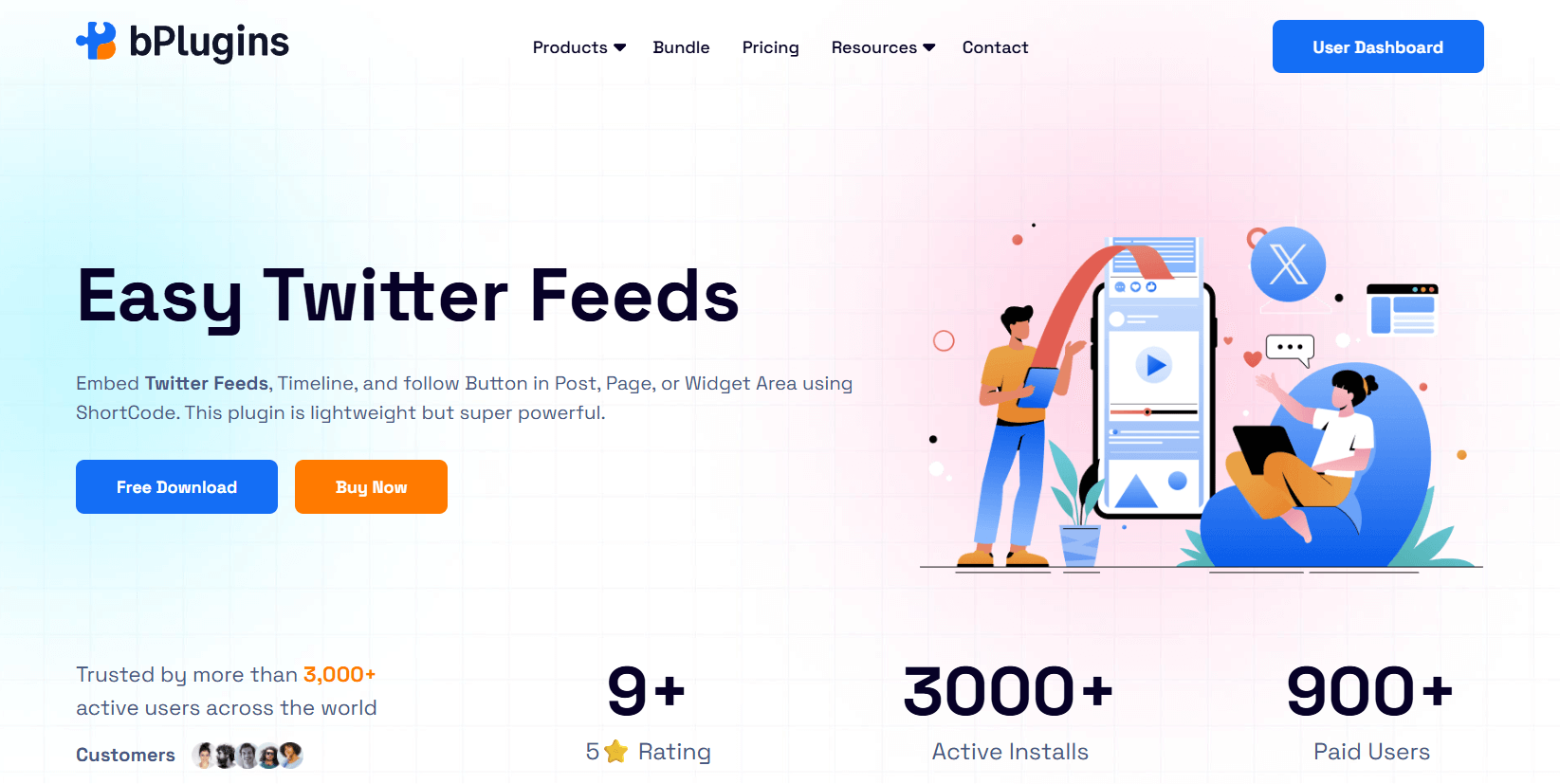
Easy Twitter Feeds has earned its reputation as the go-to solution for WordPress users who want to display Twitter feeds without complications. The plugin focuses exclusively on Twitter integration, which allows the developers to fine-tune every aspect of the experience.
You get a clean, straightforward interface that mirrors Twitter’s native design while giving you complete control over what appears on your site. Whether you’re displaying your company’s latest tweets, curating hashtag conversations, or following industry trends, this plugin handles it smoothly.
The developers stay on top of Twitter API changes, which means you won’t wake up to a broken feed when the platform updates its requirements.
Supported Networks: Twitter/X
Standout Features:
- Hashtag feed support lets you pull in any public conversation happening on Twitter, perfect for event coverage or trending topic discussions
- Smart filtering options allow you to exclude retweets and replies, keeping your feed focused on original content that matters most
- Customizable card layouts give you multiple display styles that seamlessly match Twitter’s familiar aesthetic while fitting your site design
- Block editor integration means you can add and configure feeds directly in Gutenberg without touching shortcodes or widgets
- Built-in caching system stores feed data locally and reduces API calls, protecting your rate limits while keeping content fresh
- Lightning-fast setup gets your feed running in under 5 minutes with straightforward configuration and minimal settings to adjust
- Minimal performance impact ensures your page speed stays healthy with optimized code that doesn’t bloat your site
Cons:
- Limited to Twitter only
- Advanced styling requires the premium version
- No story or Space embedding
Pricing: Free version covers basic feeds. Premium starts around $29.99 for multiple accounts and advanced customization.
Ideal For: Sites building Twitter presence, news blogs following hashtags, event coverage, or anyone prioritizing Twitter over other platforms.
2. WPZOOM Social Feed Widgets & Block
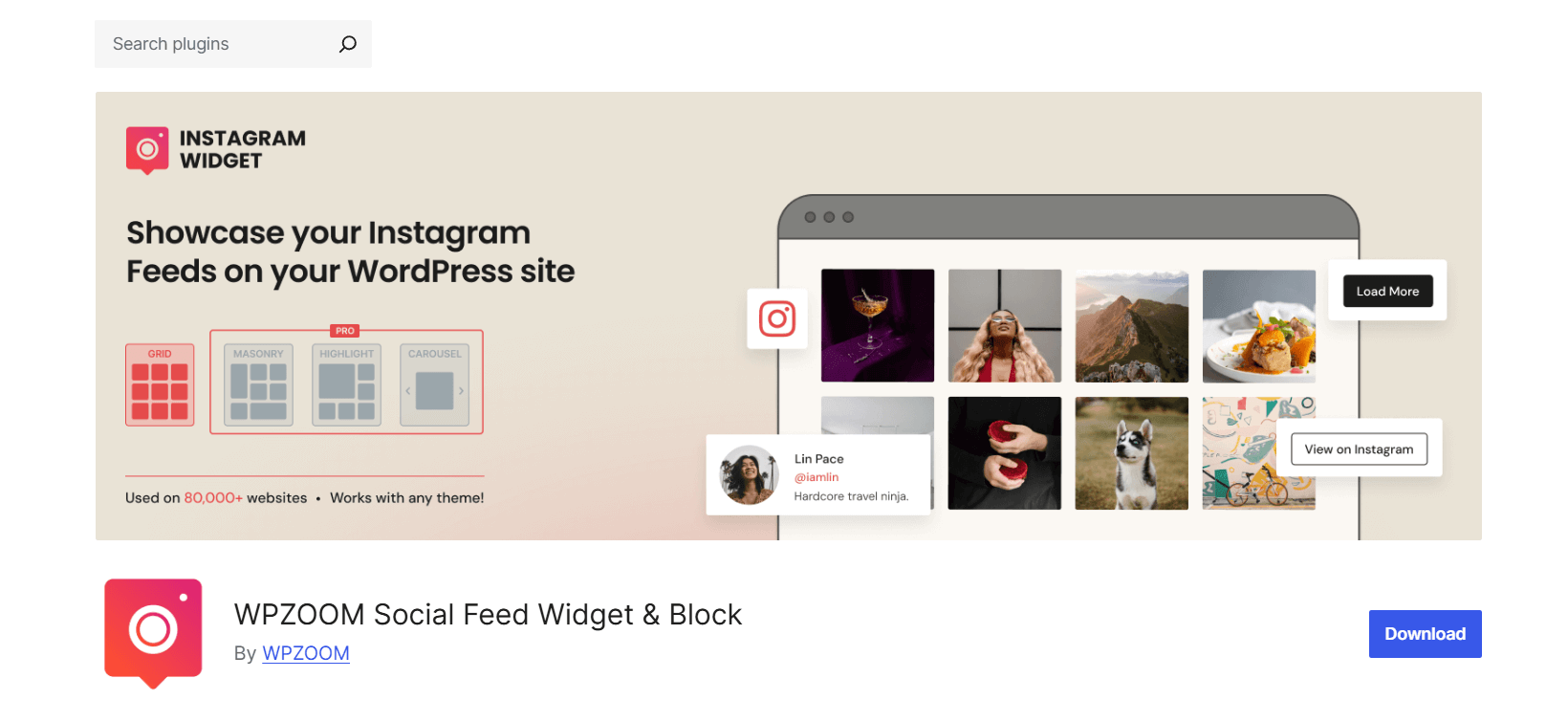
WPZOOM Social Feed Widget & Block emerged as an Instagram specialist and has maintained that strength while expanding to support multiple social networks. The plugin shines when displaying Instagram feeds in WordPress, offering features that competing plugins often miss entirely.
You get automatic story imports, Reels integration, and even shoppable feed capabilities that turn your social presence into a sales channel. The interface balances power with accessibility, making it easy enough for beginners while offering the depth that experienced users demand.
Regular updates keep pace with Instagram’s frequent changes, and the mobile optimization ensures your feeds look stunning on every device. WPZOOM understands that Instagram is a visual platform, so they’ve invested heavily in layout options that make your content pop.
Supported Networks: Instagram, Facebook, Twitter, YouTube
Standout Features:
- Instagram Stories and Reels automatically pull in your ephemeral content, keeping your website fresh with the latest stories and short-form videos
- Shoppable Instagram feeds enable product tagging that links directly to your store, turning social proof into immediate purchase opportunities
- Multiple layout templates provide professionally designed options ranging from clean grids to dynamic masonries that showcase your visual content beautifully
- User-generated content moderation gives you approval controls before customer posts appear, protecting your brand while leveraging authentic content
- Automatic update scheduling refreshes your feeds every few hours without manual intervention, ensuring visitors always see current content
- Mobile-optimized by default ensures your Instagram feeds look stunning on phones and tablets without any additional configuration
- Beautiful layouts out of the box deliver professional results immediately, with thoughtful design choices that make your content shine
Cons:
- Instagram’s focus means other networks get less attention
- Free version limited to one account
- Some layouts need CSS tweaking
Pricing: Free for basic Instagram feeds. The Pro version at $99/year adds multiple accounts and premium templates.
Ideal For: Visual brands, fashion/lifestyle blogs, Instagram-heavy marketing strategies, and businesses showcasing products through social proof.
3. Spotlight Social Feeds
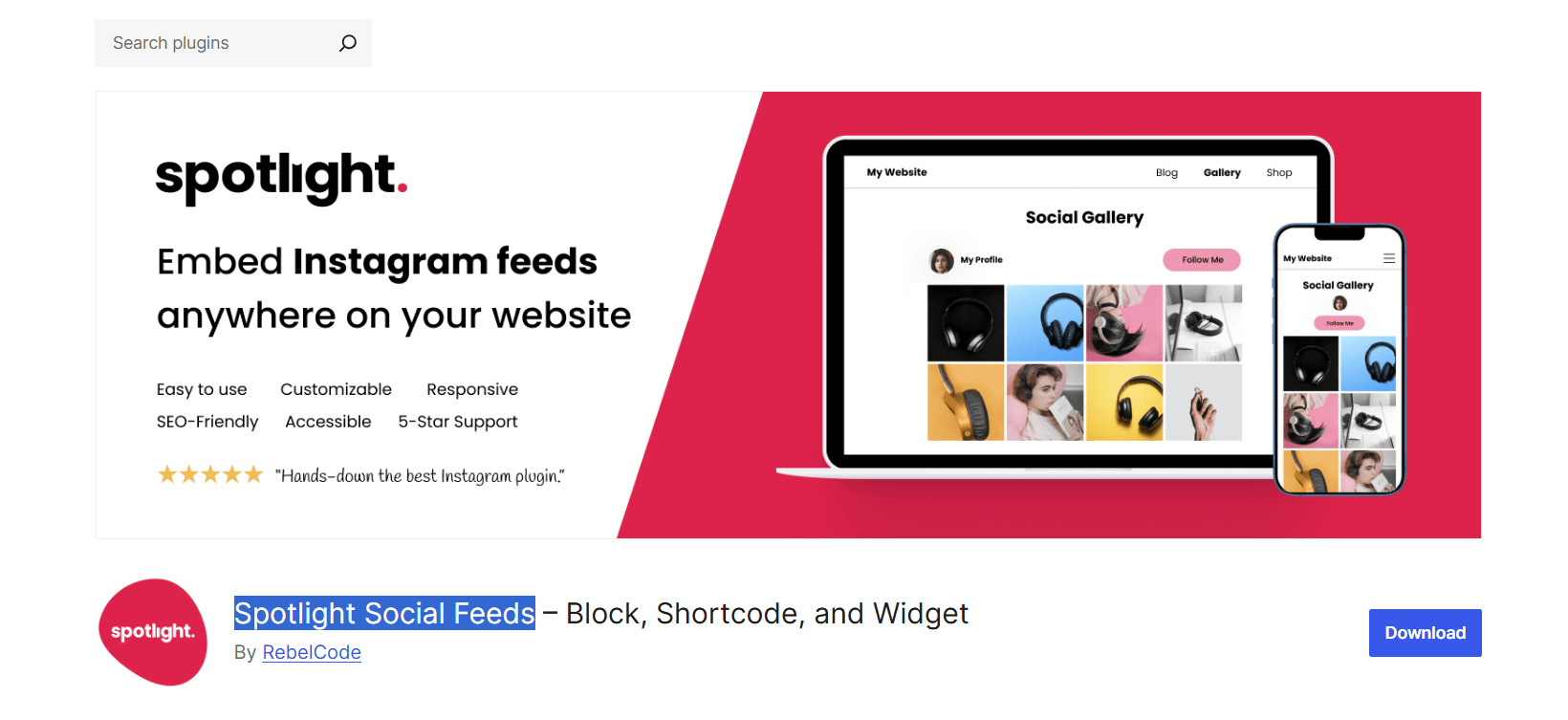
Spotlight Social Feeds takes a decidedly different approach by treating your social content as a premium visual experience rather than just embedded posts. The plugin excels at creating gallery-style presentations that feel more like a curated portfolio than a simple feed.
When visitors click posts, they open in a gorgeous lightbox that showcases the content without leaving your site. This attention to presentation makes Spotlight particularly popular with creative agencies, photographers, and brands where aesthetics matter as much as functionality.
The plugin’s ability to combine multiple social networks into unified feeds sets it apart, letting you tell a cohesive story across platforms. Behind the attractive interface sit robust filtering and moderation tools, giving you precise control over what appears.
Supported Networks: Instagram, Facebook, Twitter, TikTok, YouTube
Standout Features:
- Stunning popup lightbox displays posts in an immersive overlay with smooth animations, keeping users engaged without navigating away from your site
- Multi-network feed mixing combines posts from different platforms into one cohesive display, perfect for telling a unified brand story
- Advanced filtering and moderation lets you set rules for what appears, from keyword filtering to manual approval workflows for sensitive brands
- Custom CSS editor built directly into the interface enables design tweaks without editing theme files, giving designers pixel-perfect control
- SEO-friendly image optimization automatically compresses and serves images efficiently, helping your feeds load fast without sacrificing visual quality
Pros:
- Professional gallery layouts
- Combines multiple platforms seamlessly
- Strong customization options
- Good performance with caching
- Active development and support
Cons:
- Steeper learning curve
- Premium required for most features
- TikTok support is still maturing
Pricing: Free version shows Instagram only. Premium plans from $59/year unlock all networks and features.
Ideal For: Agencies managing client sites, brands running multi-platform campaigns, portfolio sites, and anyone wanting magazine-quality social displays.
4. Easy Social Feed
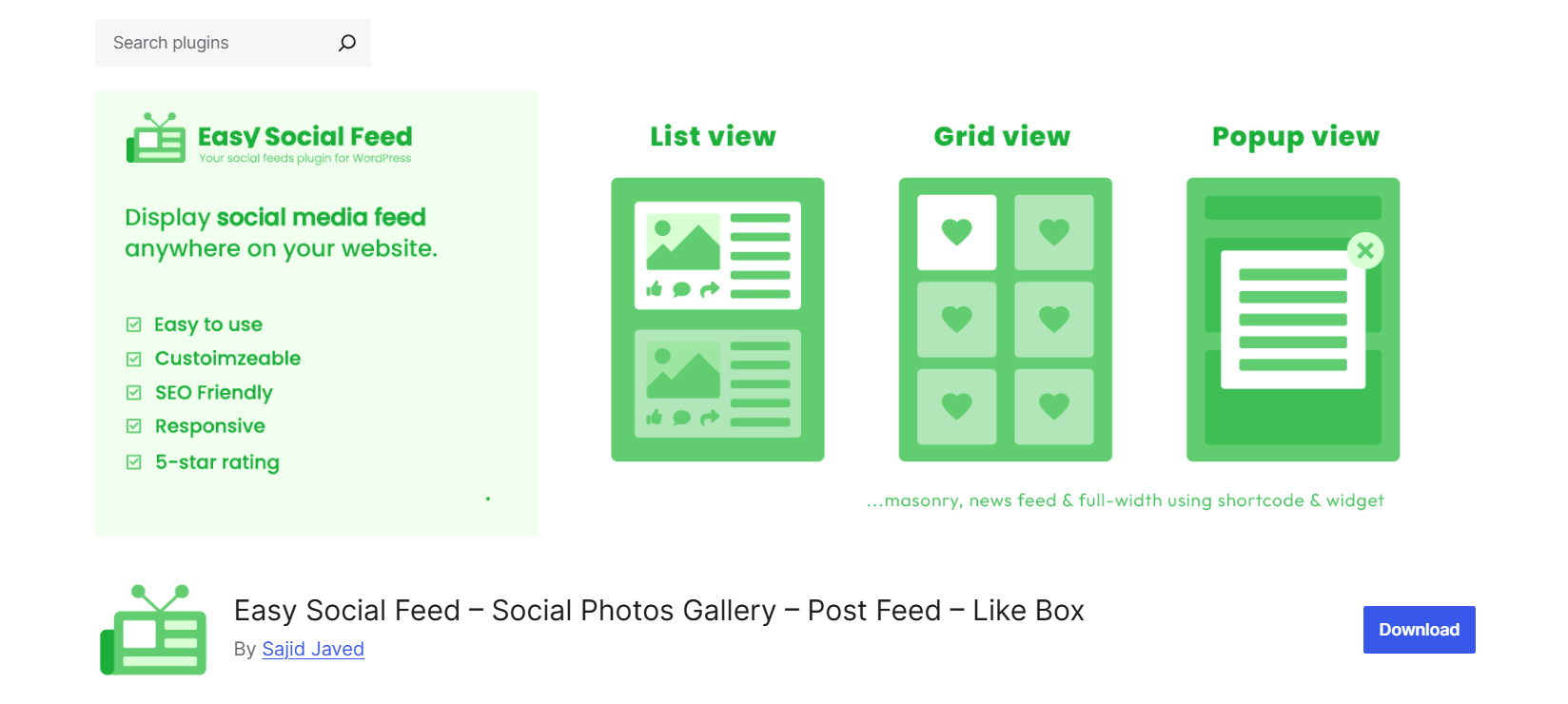
Easy Social Feed built its foundation on comprehensive Facebook feed integration and remains the strongest option for sites heavily invested in Facebook’s ecosystem. While the name suggests broad social coverage, the plugin truly excels when working with Facebook Pages, Groups, and business features.
You can display customer reviews, upcoming events, photo albums, and standard posts all through one unified interface. The plugin has evolved to support other major platforms, but Facebook remains where it shines brightest.
If your business relies on Facebook for customer interaction, event promotion, or review collection, this plugin gives you tools that competitors overlook. The interface may not win design awards, but the functionality runs deep, especially for local businesses and community organizations.
Supported Networks: Facebook, Instagram, Twitter, YouTube, Pinterest
Standout Features:
- Facebook Page and Group feeds pull content from both public pages and private groups you manage, great for community sites, building engagement
- Reviews and ratings display showcases your Facebook page reviews directly on your website, building credibility without sending visitors away
- Event listings from Facebook automatically show your upcoming events with dates, locations, and RSVP options, perfect for venues and organizations
- Pinterest board embedding brings your visual bookmarks onto your site with proper attribution and click-through to full pins
- Timeline and grid layout options give you flexibility in how chronological content displays, from traditional feeds to organized grids
Pros:
- Comprehensive Facebook coverage
- Page reviews boost credibility
- Good documentation
- Regular security updates
Cons:
- Interface feels dated
- Mobile responsiveness needs manual adjustment
- Limited block editor integration
Pricing: Free for basic Facebook feeds. Premium at $40.67/year for multiple pages and advanced features.
Ideal For: Local businesses showcasing Facebook reviews, community sites with active Facebook Groups, event promotion, and Pinterest-focused brands.
5. Feed Them Social
Feed Them Social positions itself as the Swiss Army knife of social media aggregator WordPress plugins, supporting more networks than any competitor while offering deep customization for developers. The plugin doesn’t pick favorites among platforms, instead providing solid functionality across the board.
This makes it ideal for organizations maintaining active presences on multiple networks that need one unified solution. The trade-off for this versatility is complexity. You get extensive shortcode options, developer hooks, and granular controls that can overwhelm newcomers.
However, for sites with technical resources or specific requirements that other plugins can’t meet, Feed Them Social delivers the flexibility needed. The modular pricing structure lets you pay only for the networks you actually use, though this can add up quickly.
Supported Networks: Facebook, Instagram, Twitter, YouTube, Pinterest, LinkedIn
Standout Features:
- Widest network support in the market includes LinkedIn integration, rarely found in competing plugins, essential for B2B companies and professional services
- Combine multiple account types in a single feed, mixing personal profiles with business pages or different content types from the same platform
- Integrated share buttons work alongside feed displays, encouraging visitors to engage with your social content and share it with their networks
- Extensive shortcode options provide over 50 parameters for customization, letting developers fine-tune every aspect of feed display and behavior
- Developer-friendly hooks and filters throughout the codebase enable custom functionality for agencies building unique solutions for clients
Pros:
- Most versatile network coverage
- Powerful for complex setups
- LinkedIn support is rare among competitors
- Good documentation
Cons:
- Can feel overwhelming for beginners
- Performance varies by configuration
- Premium needed for best features
Pricing: Free version includes basic feeds from most networks. Premium Extensions strat with $50/y for singe site.
Ideal For: Large organizations needing multiple networks, B2B sites using LinkedIn, developers wanting customization control, and sites with complex feed requirements.
Performance and Speed Considerations
Feed plugins can slow your site. Here’s why and how to prevent it.
Why Feeds Impact Speed
- API requests to social platforms add server processing time
- JavaScript libraries render feeds and handle interactions
- Images load from external servers
- Real-time updates require frequent checks
Best Practices
Enable Caching: Most good plugins cache feed data. Turn this on and set reasonable refresh intervals. Hourly updates work for most sites.
Lazy Load Everything: Load feeds only when users scroll to them. This keeps the initial page load fast.
Limit Feed Items: Showing 50 posts looks impressive, but it affects performance. Start with 6-12 posts. Users can click through for more.
Choose Lightweight Plugins: Test before committing. Install on a staging site and run speed tests.
Optimize Images: Some plugins automatically compress social images. Enable this feature.
Monitor API Limits: Platforms limit API calls. Exceed them, and your feed breaks. Caching prevents this.
Testing Your Impact
Run these tests before and after installing a feed plugin:
- Google PageSpeed Insights for Core Web Vitals
- GTmetrix for detailed performance metrics
- Pingdom for load time from different locations
Aim for under 0.5-second increase in load time. Anything more suggests optimization is needed.
Quick Safety Checklist
✓ Caching enabled with 1+ hour refresh
✓ Lazy loading activated
✓ Feed limited to 12 items or fewer
✓ Images optimized or compressed
✓ Plugin updated to the latest version
✓ Speed test shows minimal impact
Implementation and Layout Ideas
Setup takes minutes with the right approach.
Block Editor vs. Shortcode vs. Widget
The block editor offers the easiest path. Drop in a feed block, configure settings visually, and preview instantly. Perfect for page builders and non-coders.
Shortcodes provide maximum flexibility. Place feeds anywhere, including within content. Great for mixing feeds with text or products.
Widgets still work for sidebars and footers. Traditional but reliable for consistent placement across pages.
Strategic Placement
Homepage: Feature your best feed above the fold for social proof. Grid layouts work well here.
Sidebar: Narrow carousel or vertical feed keeps visitors engaged while reading. Stick to 4-6 posts.
Footer: Wide grid spanning multiple columns showcases breadth. Low-priority loading keeps performance good.
Blog Posts: Embed social media feed within articles to extend content and boost engagement.
Landing Pages: User-generated content feeds build trust with new visitors. Show real customers using your products.
Layout Selection
Grid: Clean, organized, works everywhere. Best for most use cases.
Carousel: Saves vertical space, encourages interaction. Great for sidebars and mobile.
Masonry: Visual appeal for image-heavy brands. Needs careful mobile optimization.
Timeline: Perfect for event coverage and news updates. Shows chronology clearly.
Customization Tips
Match your theme colors using custom CSS or built-in options. Consistency matters more than fancy effects.
Test mobile thoroughly. Preview on actual phones, not just browser resize.
Filter strategically. Exclude retweets on Twitter, hide certain hashtags, or show only posts with images.
Future-Proofing Your Social Feeds
Social platforms change fast. Your plugin choice determines how well you adapt.
API Changes
Twitter became X and revamped its API in 2023. Instagram regularly tightens access. Facebook shifts requirements annually. Pick plugins with active development. Check when the last update dropped. Recent means responsive developers.
Emerging Platforms
TikTok support is growing but inconsistent. Threads from Meta launched without an API. New networks appear constantly. Choose plugins with track records of adding new platforms quickly.
Data Privacy and GDPR
Embedding a social media feed in WordPress can trigger cookie requirements. Some plugins offer consent management. Others need separate cookie plugins. European visitors especially require clear privacy controls.
Make sure your implementation includes:
- Clear privacy policy mentioning social embeds
- Cookie consent before loading feeds (if required)
- Option to disable feeds for users who decline
Mobile Evolution
AMP support matters less now, but progressive web apps (PWAs) keep growing. Your feed plugin needs compatibility with modern WordPress performance features like lazy loading and responsive images.
WordPress Core Updates
Block editor keeps improving. Plugins must keep pace. Legacy plugins using old widget systems will eventually break. Bet on plugins embracing modern WordPress development.
Backup Plan
Despite best efforts, platforms sometimes kill access. Have alternatives ready:
- Screenshot important social proof and host locally
- Build email lists instead of relying purely on social traffic
- Diversify across multiple platforms
- Keep feeds as an enhancement, not core site functionality
If your plugin fails, you should remove it cleanly without breaking your design. Test this scenario.
FAQs on Social Feed Plugins for WordPress
Can I embed multiple social networks in one feed?
Yes, plugins like Spotlight Social Feeds and Feed Them Social let you combine Instagram, Twitter, and Facebook posts in a single unified feed. This creates a comprehensive social hub on your site.
Does using a feed plugin slow down my site?
It can, but doesn’t have to. Plugins with proper caching and lazy loading add minimal overhead. Poor plugins without optimization can increase page load time by 2-3 seconds. Always test performance after installation.
Are there free options, or do I need to pay?
All five plugins we covered offer free versions. Basic features work fine for single-account, simple layouts. Premium versions typically cost $39-79/year and unlock multiple accounts, advanced customization, and priority support.
Do I need coding knowledge to customize feeds?
Not for basic setup and styling. Modern plugins offer visual customization through the WordPress interface. Advanced customization, like complex filtering or unique layouts, might need CSS knowledge, but nothing complicated.
What happens if a social network changes its API?
Good plugins update within days or weeks. Check the plugin’s update history and support forum. Actively maintained plugins adapt quickly. Abandoned plugins break permanently. This is why choosing well-supported plugins matters.
Can I moderate what posts appear in the feed?
Most premium versions include moderation. You can filter by hashtag, exclude specific posts, hide retweets, require images, and manually approve posts before display. Essential for brand protection and user-generated content campaigns.
Conclusion
The best social feed plugin for your WordPress site depends on what you want to achieve.
If X (Twitter) drives your communication, use Easy Twitter Feed. It keeps your content live without slowing down your pages. For Instagram-focused brands, choose WPZOOM for its clean design and support for Stories and shoppable feeds. Agencies or brands that handle multiple accounts will get strong results with Spotlight. Use Easy Social Feed if Facebook is your main channel, and Feed Them Social when you want LinkedIn and other networks together.
Each plugin adds real social content that shows your activity and builds trust. Start with the network that matters most to your visitors, test how it looks, and adjust the layout to fit your design.
A good social feed makes your website feel active and connected. Pick the right plugin, keep it updated, and turn your site into a place where visitors see your brand’s real story unfold.

 Save 90%