

Your latest breaking news video may have just cost you 10,000 visitors, and not because the content was bad. It wasn’t your reporting, your credibility, or the headline. It was the five seconds your page took to load.
In those five seconds, almost half your audience clicked away. They didn’t wait or think twice. They went to another site, most likely your competitor’s, the one that loads instantly.
Here’s the hard truth: video drives engagement more than any other format, but it can also destroy your traffic faster than anything else. One unoptimized video file can slow down your site, hurt your rankings, and send your bounce rate through the roof.
The good news is that you don’t have to sacrifice video quality to keep your site fast. With the right optimization strategies, you can have both.
This guide shows how major news organizations like BBC and CNN deliver high-quality video without slowing down their platforms. You’ll also learn how to apply the same tactics on your own WordPress news site starting today.
Whether you publish five videos a week or fifty, these methods can change your performance. Your videos will load instantly. Visitors will stay longer. Your rankings won’t suffer.
Let’s fix the problem now.
Why Video Performance Matters
Large Files Slow Everything Down
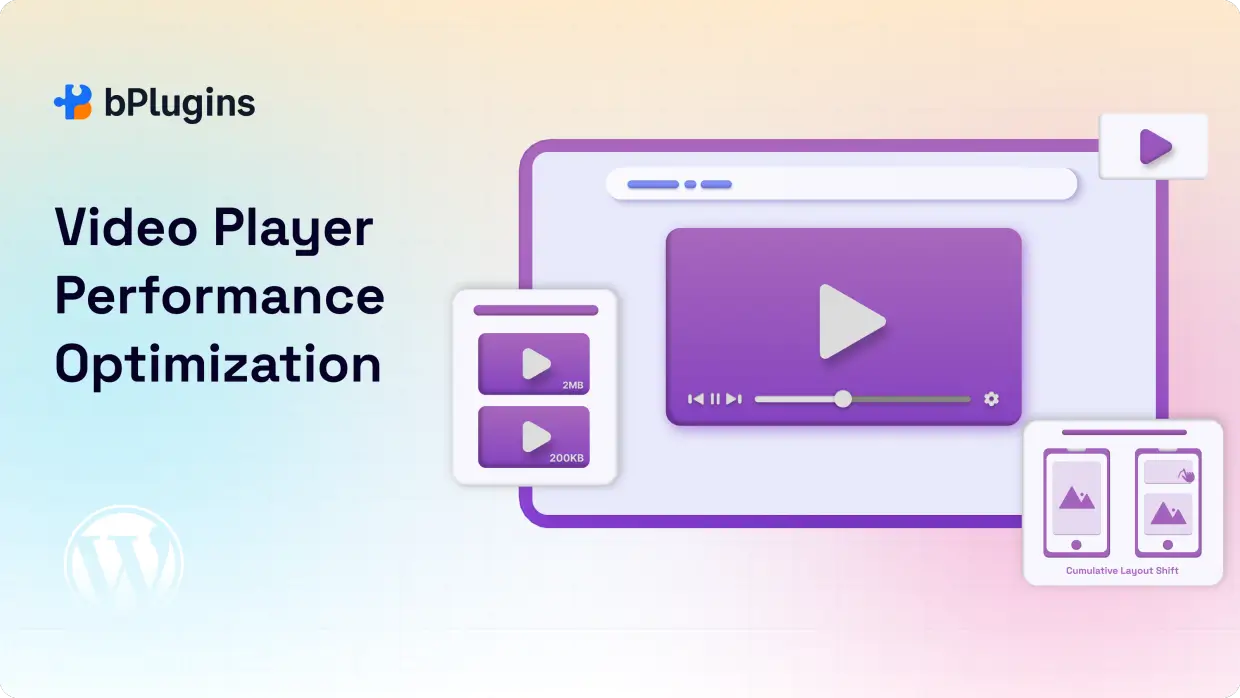
Unoptimized videos are performance killers. A single video file can balloon from 50MB to several gigabytes, dragging down your entire page.
The good news? Tools like HandBrake can compress your videos by up to 80% without losing quality. Just adjust the bitrate and choose efficient codecs.
Slow Videos Hurt Your SEO
Google’s Core Web Vitals track loading speed as a ranking factor. When videos load slowly, people bounce faster and spend less time on your site. This sends negative signals to search engines.
The numbers tell the story. News sites with fast-loading videos see 65% higher engagement and 45% longer session times compared to slower sites.
Mobile Users Need Special Attention
Over 60% of people consume news on mobile devices. These users deal with spotty connections and smaller screens. If your videos don’t adapt to different conditions, you’re losing more than half your audience.
Responsive video players that adjust to screen size and connection speed keep everyone happy, regardless of their device.
Check Video Player Performance Optimization: Speed Up Your WordPress Site.
Self-Hosting vs. Third-Party Video Hosting
The Self-Hosting Challenge
Hosting videos on your own server gives you complete control. You can customize everything and avoid third-party branding. But this freedom comes at a steep price.
Your server must handle all the bandwidth, storage, and processing. For busy news sites, these costs add up fast. You’ll need robust infrastructure and technical expertise to make it work.
Third-Party Platforms Make Life Easier
Platforms like YouTube, Vimeo, and Jetpack VideoPress handle the heavy lifting for you. They provide automatic compression, multiple quality options, and global delivery networks.
YouTube offers massive reach and excellent SEO benefits. The recommendation algorithm helps new viewers discover your content, though you get less control over the experience.
Vimeo delivers professional hosting with customizable players and zero ads. Perfect for news organizations that want a polished, distraction-free experience.
Jetpack VideoPress integrates seamlessly with WordPress. You get native functionality and optimized delivery without leaving your familiar environment.
Spotlightr and Vidyard provide enterprise solutions with advanced analytics and lead generation tools for larger organizations.
Video Optimization Techniques That Work
Compress Your Videos
Compression is your foundation for fast loading. HandBrake makes this easy. Focus on three key settings:
- Bitrate: Lower it based on your content type
- Resolution: Match the typical viewing size
- Frame rate: News content rarely needs more than 30fps
Modern codecs like VP9 and H.265 cut file sizes by 50% while maintaining the same quality as older formats.
Enable Lazy Loading
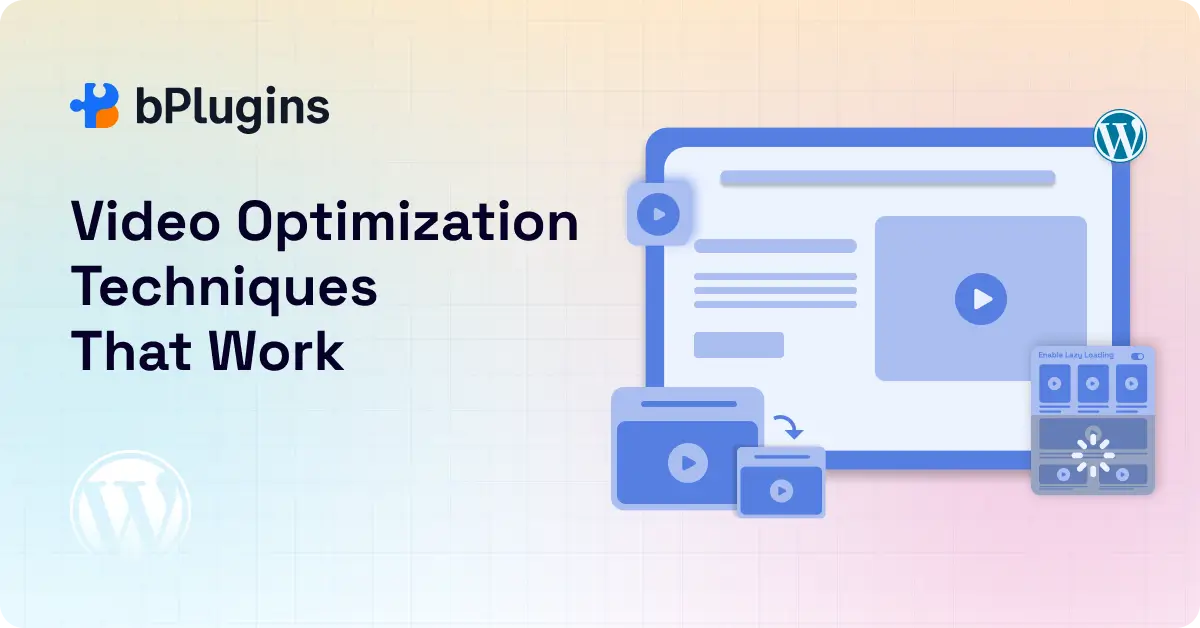
Lazy loading only loads videos when they’re about to appear on screen. This dramatically speeds up initial page loads, especially on pages with multiple videos.
WordPress plugins can automate this process, reducing bandwidth use and improving your Core Web Vitals scores.
Use Adaptive Bitrate Streaming
This technology automatically adjusts video quality based on each viewer’s connection speed. Fast connections get high quality. Slow connections get smooth playback without buffering.
For news sites serving diverse audiences, adaptive streaming is essential.
Try the HTML5 Video Player Plugin
HTML5 Video Player plugin turns video optimization from a technical headache into a simple process. It automates the heavy lifting while still letting you fine-tune settings when needed.
Why It Works Well for News Sites
Multiple format support: You upload a video once, and the plugin serves the best format for each browser. Safari users get MP4 with H.264. Chrome users can get WebM with VP9 for better compression. You don’t have to worry about compatibility.
Built-in lazy loading: Activate lazy loading with a checkbox. The plugin loads videos only when they come into view. You don’t need a separate lazy loading plugin, and everything stays compatible with your player.
Responsive playback: Videos adjust to any screen automatically. The plugin detects the device and optimizes dimensions and quality. Mobile visitors get lighter versions, while desktop users see full quality.
Compression controls: Use advanced compression without dealing with command-line tools. Adjust bitrate, quality, and resolution through a clean interface. Preset profiles handle interviews, action clips, and screencasts.
Adaptive bitrate streaming: The plugin supports HLS and DASH for self-hosted videos. Upload multiple quality versions, and viewers get the best option based on their connection speed. No server setup required.
SEO features: The plugin generates video schema markup automatically. Search engines can understand your videos better, which increases your chances of showing up in search and rich results.
Branding options: Add a logo watermark, match the player colors to your site, and control the interface. You keep a consistent visual style without slowing things down.
Bandwidth management: Set limits to avoid high hosting costs. The plugin can lower quality during busy periods to control data usage.
One-click optimization for existing videos: If you already have a large library, the plugin can optimize everything in bulk. It converts formats and creates multiple versions automatically.
Easy setup: Install the plugin, pick your settings, and upload videos through the WordPress media library. Your editorial team can stick to their normal workflow.
The strength of this plugin is that it brings all core optimization features into one system. Instead of juggling separate tools for compression, lazy loading, and responsive delivery, you get one solution built to work smoothly from the start.
Read also Video Player Security in WordPress: Protecting Your Content from Theft.
Content Delivery Networks (CDNs) Speed Things Up
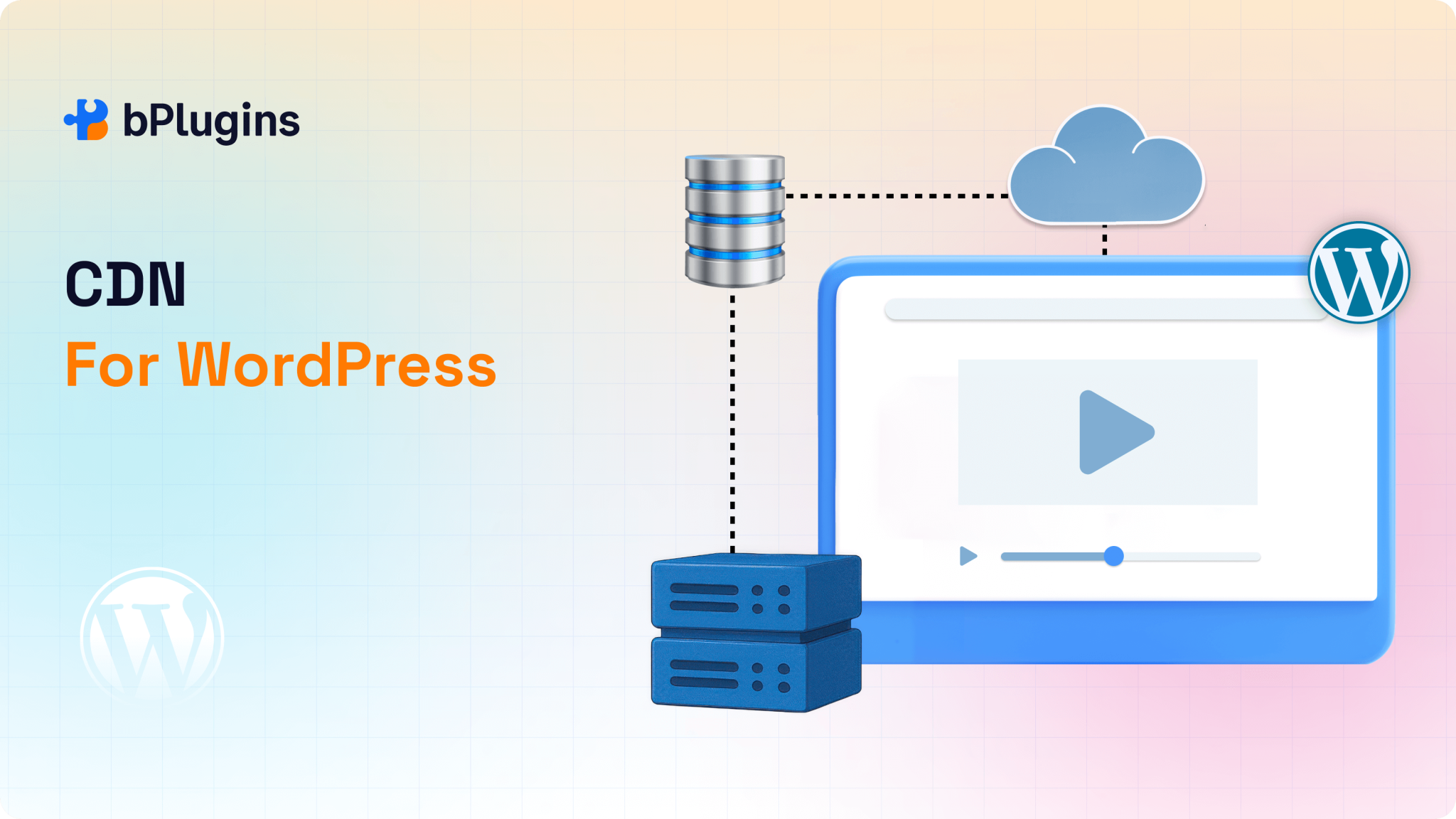
A CDN stores your videos on servers around the world. When someone presses play, the file loads from the server closest to them. This reduces delays and takes pressure off your main hosting.
For news sites with a global audience, CDNs aren’t optional. Without one, a viewer in Australia trying to load a video from a US-based server deals with long data routes and slow start times. With a CDN, that same video loads from a nearby location, cutting latency from over 200 milliseconds to under 20. That difference directly affects buffering and viewer drop-off.
Modern CDNs do far more than store copies of your videos. They can:
- Keep your site online if a server goes down by routing traffic through other locations.
- Absorb sudden traffic spikes during breaking news.
- Reduce bandwidth usage by caching your videos.
- Compress and convert video formats based on the viewer’s device.
Recommended CDN Options for WordPress
Cloudflare
A strong choice for sites with international traffic. It offers automatic compression, caching, and format conversion. Cloudflare Stream handles encoding, storage, and delivery in one system. Argo Smart Routing can reduce latency even further. The free plan covers basic CDN needs, while paid plans unlock video features.
Jetpack CDN
Ideal for WordPress users who want a simple, no-configuration setup. Once activated, images and videos load through the CDN automatically. VideoPress handles hosting, compression, adaptive streaming, and thumbnail generation.
Amazon CloudFront
A flexible pay-as-you-go option. It integrates with AWS services like S3, supports real-time logs, custom SSL, geographic restrictions, and field-level encryption. Costs scale with usage, making it suitable for both small and large publishers.
BunnyCDN
Budget-friendly and built with video delivery in mind. It offers HLS conversion, thumbnail generation, and a global network across six continents. Pricing is transparent and affordable, even with high traffic.
Also learn about CDN for WordPress: Optimizing Media Player Performance.
Smart CDN Setup Tips
- Use more than one CDN if you serve a large audience. This creates backups and lets you route traffic based on performance.
- Choose CDNs with strong coverage in your main regions. If most of your traffic comes from Europe, make sure your provider has strong European servers.
- Cache videos based on how recent they are:
- Live or breaking clips: 5 minutes
- Recent uploads: 1 hour
- Older content: up to 30 days
- Use origin shield features when available. This adds another caching layer and reduces strain on your server.
- Set long cache durations for static video files to speed up repeat visits.
- Protect premium content with signed URLs.
- Purge files individually when you update a video instead of clearing everything.
- Monitor performance using tools like Pingdom or GTmetrix.
- Add proper CORS headers so browsers don’t block video playback.
Managing CDN Costs
Traffic spikes can raise your bill quickly, especially during viral news. You can control spending by:
- Setting bandwidth alerts
- Lowering max video quality during peak times
- Caching popular content longer
- Moving older videos to cheaper storage
- Asking for volume discounts if usage is high
Boost Your Video SEO
Help Search Engines Understand Your Videos
Add schema markup to your video content. Create video sitemaps with metadata like duration, description, and thumbnails.
Write descriptive titles, detailed descriptions, and relevant tags to help people find your videos in search results.
Create Eye-Catching Thumbnails
Your thumbnail makes or breaks the click. Design custom thumbnails that represent your content accurately while looking visually appealing.
Optimize thumbnail files for fast loading but keep them sharp enough to look good on any device.
Track Your Performance
Use analytics to monitor engagement, completion rates, and loading times. This data reveals what’s working and what needs improvement.
Watch for metrics like buffering events and quality adjustments to spot performance issues early.
The HTML5 Video Player plugin includes built-in SEO features and responsive embedding that boost your search rankings while maintaining performance.
Real-World Success Stories
Major outlets like BBC and CNN have cut page load times by 40% and increased engagement by 25% through comprehensive video optimization. They combine adaptive streaming, CDN integration, and mobile-first design.
Regional news sites see similar results. These techniques work regardless of your organization’s size.
The lesson? Don’t rely on just one solution. Combine multiple optimization techniques for the best results. Keep monitoring and adjusting as technology and user behavior evolve.
FAQs on Video Solutions for WordPress News Sites
How can I make videos load faster on my WordPress news site?
Combine video compression, lazy loading, CDN integration, and smart hosting choices. The HTML5 Video Player plugin handles many optimizations automatically. Third-party platforms like YouTube and Vimeo also handle technical optimization for you.
Should I self-host videos or use third-party platforms?
Most news sites benefit more from third-party platforms. YouTube, Vimeo, and Jetpack VideoPress provide professional infrastructure and automatic optimization without requiring technical expertise or high costs.
What’s the best format and codec for web videos?
MP4 with H.264 encoding works across all devices and browsers. For better compression on modern browsers, use WebM with VP9 or MP4 with H.265.
How do videos affect SEO?
Videos boost SEO through increased engagement and longer sessions. Search engines favor rich media content. However, slow-loading videos hurt your rankings by increasing bounce rates and damaging Core Web Vitals scores.
Do responsive video players help with mobile performance?
Yes. Responsive players automatically adjust to different screen sizes and connection speeds. This is critical for mobile users who face varying network conditions and device capabilities.
Take Action Now
Optimizing video performance requires multiple strategies working together. Start with compression, lazy loading, and CDN integration. These three changes deliver immediate results and set you up for advanced optimizations later.
Consider the HTML5 Video Player plugin for comprehensive optimization in one package. Your audience expects instant access to video content. Give them the fast, smooth experience they deserve.
Don’t try to do everything at once. Pick your biggest performance bottleneck and fix it first. Then move to the next issue. Steady progress beats overwhelming yourself with too many changes.
Remember: fast videos keep viewers engaged, boost your SEO, and make your site feel professional. The effort you put into optimization pays dividends in audience growth and retention.

 Save 90%