
A Timeline Block Plugin in WordPress lets you showcase events, milestones, or historical content in a clean, structured way. Instead of long paragraphs, a timeline creates a step-by-step flow that’s easier to follow and more engaging for visitors.
Timelines are perfect for a variety of uses, including displaying company history, project milestones, product launches, or upcoming events. They help readers quickly understand the sequence of events while highlighting key moments in a visually appealing format.
In this listicle, we’ll explore the top Timeline Block Plugins for WordPress, highlight their key features, and show how each can enhance storytelling on your site. You’ll also find comparisons, FAQs, and tips to help you choose the right plugin for your needs.
Why Use a Timeline Block in WordPress?
Adding a timeline block in WordPress benefits both creators and readers. Here’s why:
Better Content Presentation
A timeline organizes information in a clear, linear structure. It turns complex histories or project details into an easy-to-scan format. Visitors no longer have to scroll through large blocks of text—they can quickly see milestones, stories, or events at a glance.
Improved Storytelling
Timelines are excellent for storytelling. Whether you want to share your company’s journey, document a product launch, or present an event schedule, a WordPress timeline plugin helps you tell the story step by step. This keeps visitors engaged and makes key moments stand out.
Visual Engagement in Gutenberg
Timelines fit seamlessly into the Gutenberg editor. With vertical or horizontal layouts, responsive design, and interactive elements, you can create professional-looking timelines that adapt to any device. This enhances visual storytelling in WordPress and encourages visitors to stay on your site longer.
Check also Best WordPress Document Viewer Plugins: Easy Documents Embed.
Top Timeline Block Plugins for WordPress
If you want to add dynamic, visually engaging timelines to your WordPress site, several plugins stand out. Each one offers unique layouts, features, and customization options.
| Plugin | Styling Flexibility | Ease of Use | Mobile Responsiveness | Performance | Page Builder Compatibility | Animation & Multimedia |
| Timeline Block | High – colors, fonts, icons, layouts | Easy to use in Gutenberg | Fully responsive | Lightweight | Gutenberg native | Basic animation, Pro adds icons & enhanced styling |
| B Timeline | Moderate –horizontal/vertical layouts, icons | Very easy for beginners | Fully responsive | Lightweight | Gutenberg native | Simple timelines, blogs, and project milestones |
| Cool Timeline | High – vertical/horizontal, colors, fonts, icons | Moderate | Fully responsive | Medium | Gutenberg, WPBakery, Elementor, Divi | Company history, product launches, events, storytelling |
| Timeline Blocks for Gutenberg | Moderate – templates, colors, image styles | Very easy | Fully responsive | Lightweight | Gutenberg native | Basic animation, responsive design |
Let’s look at the best timeline block plugins and what makes them useful.
1. Timeline Block
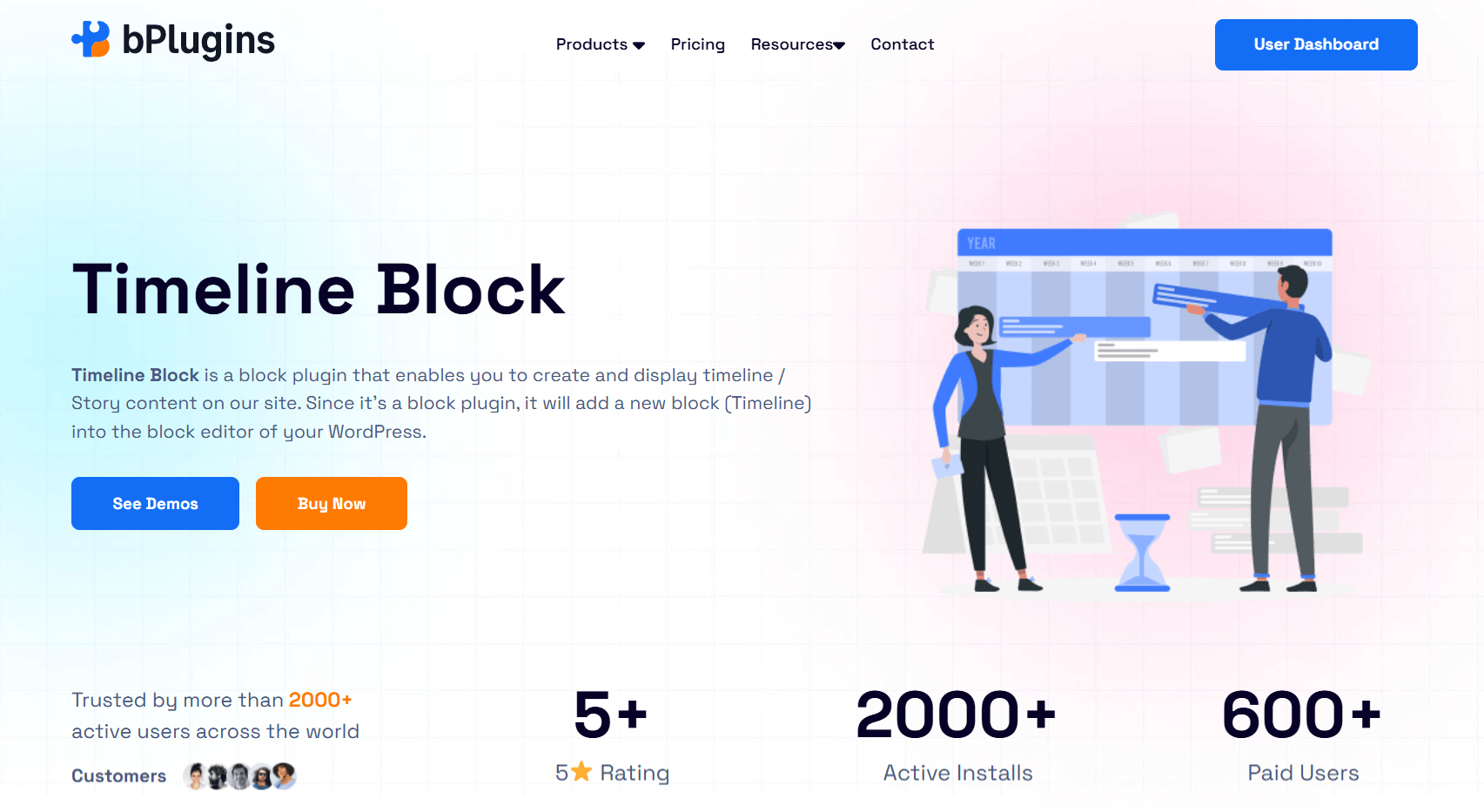
Timeline Block WordPress plugin is a flexible option for creating professional, customizable timelines. It supports both vertical and horizontal layouts, with six extra themes to match different website styles. You can easily use it to showcase company history, project milestones, events, or personal stories. Best of all, it works seamlessly inside the Gutenberg editor—no coding required.
Key Features
- Theme Customization: Adjust the default theme to match your site’s branding and design.
- Timeline Type: Switch between vertical and horizontal layouts for versatile presentations.
- Start Index Control: Choose whether items start on the left or right in both layout types.
- Display Item Setting: Control how many items appear in horizontal timelines for a cleaner view.
- Custom HTML Titles: Insert HTML into timeline titles for advanced styling options.
- Shortcode Support: Place timelines anywhere on your site using shortcode functionality.
- Extra Themes: Access six additional professionally designed themes, with support for both layouts.
- Classic Editor Integration: Use the Classic Editor to format timeline descriptions with more control.
- Customizable Icons: Add and style icons to make timeline events stand out.
- Advanced Customization: Fine-tune fonts, colors, and styles for complete design flexibility.
Best Use Case
Perfect for websites that need highly flexible timelines such as project roadmaps, company histories, or storytelling pages. Its responsive timeline block WordPress design ensures smooth performance on desktops and mobiles.
2. B Timeline
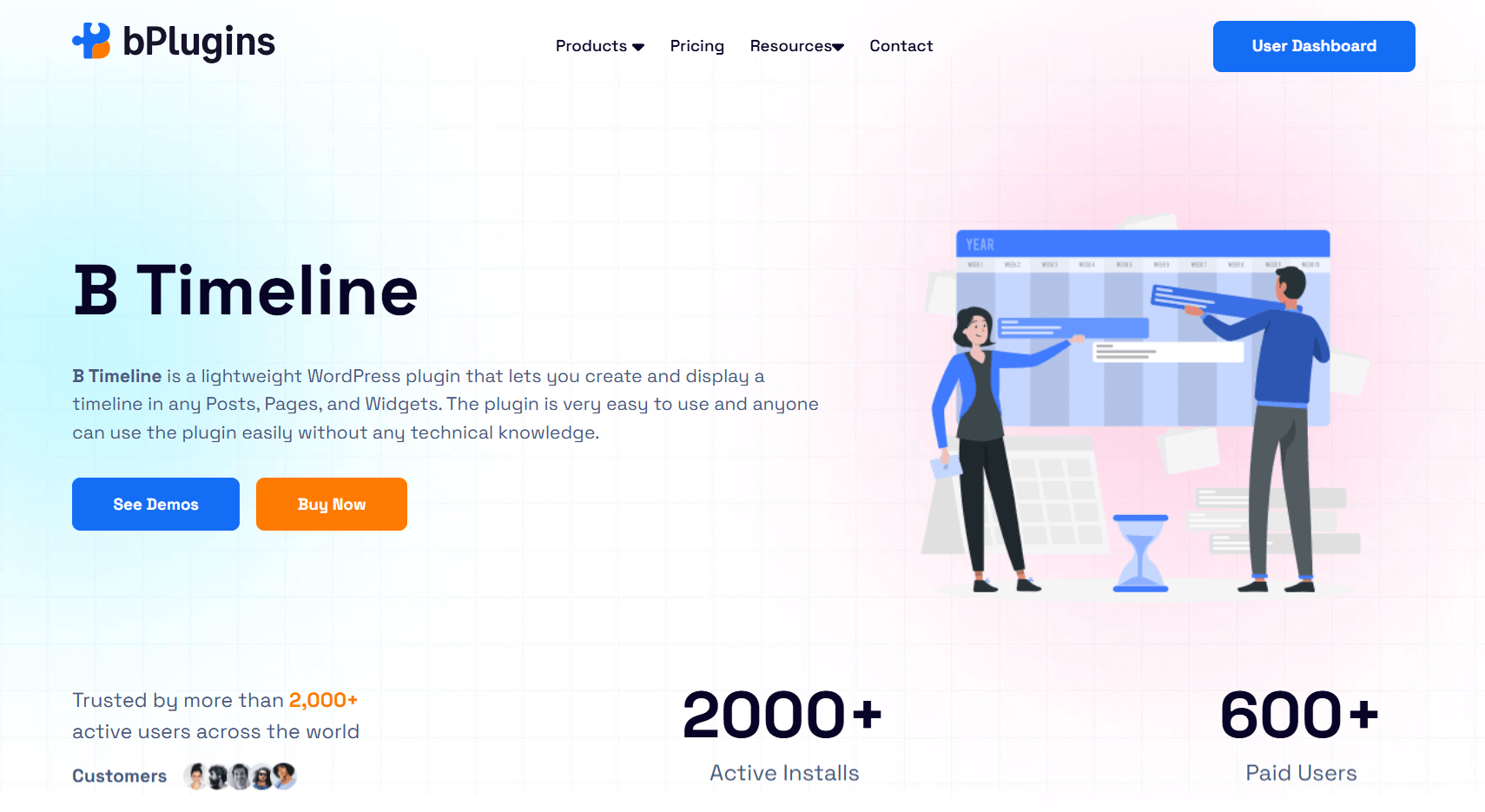
B Timeline is a lightweight, beginner-friendly WordPress timeline plugin. It allows you to add vertical or horizontal timelines to posts, pages, or widgets with minimal effort. While simple, it still offers enough customization to create professional results.
Key Features
- Timeline Type: Easily switch between vertical and horizontal layouts to fit your content.
- Start Index Control: Decide whether timeline items start from the left or right side.
- Display Item Setting: Set how many items appear in horizontal mode for a balanced design.
- Custom HTML Titles: Add HTML to timeline titles for creative styling.
- Powerful Gutenberg Block: Use the built-in block with multiple customization options.
- Extra Themes: Choose from six ready-made designs for different use cases.
- Classic Editor Support: Format descriptions with advanced editing features in Classic Editor.
- Customizable Icons: Insert icons into timeline entries to improve readability and style.
- Branding Control: Adjust fonts, colors, and layouts to match your site’s look.
Best Use Case
Great for bloggers, freelancers, and businesses who want a Gutenberg timeline block that is simple yet effective. Its responsive design makes it reliable for project milestones, event schedules, or visual storytelling.
3. Cool Timeline
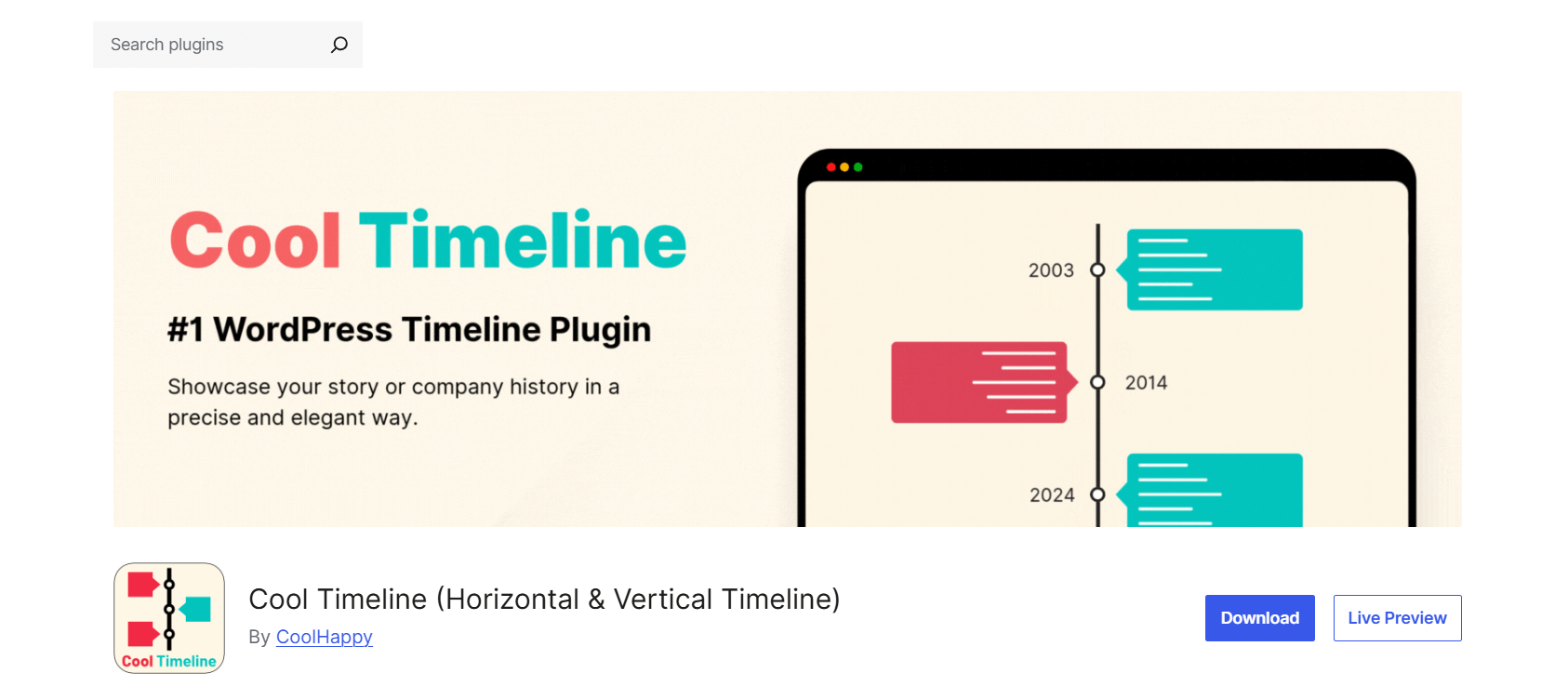
Cool Timeline is one of the most popular and feature-rich timeline plugins. It’s built for interactive timelines in both vertical and horizontal formats. The plugin works with Gutenberg, Classic Editor, and even page builders like Elementor and Divi.
Key Features
- Timeline Slider: Showcase your stories in vertical or horizontal slider layouts.
- Editor Compatibility: Works seamlessly with Gutenberg, Classic Editor, and major page builders.
- Shortcode Generator: Quickly insert timelines anywhere with an easy-to-use generator.
- Sorting Options: Arrange stories in ascending or descending order to control narrative flow.
- Custom Descriptions: Show either full content or short summaries for each event.
- Flexible Date Labels: Choose from multiple date formats or add custom labels.
- Style Customization: Modify colors, fonts, and icons to match your branding.
- Animation Effects: Add motion effects to bring your timeline to life.
- Multiple Timelines: Manage more than one timeline on the same website.
- Content Loading: Use pagination or Ajax load more for long timelines.
Best Use Case
Best for sites that need interactive timelines with advanced options, such as product roadmaps, event planning, or company histories. Multimedia support makes it one of the most versatile timeline plugins available.
4. Timeline Blocks for Gutenberg
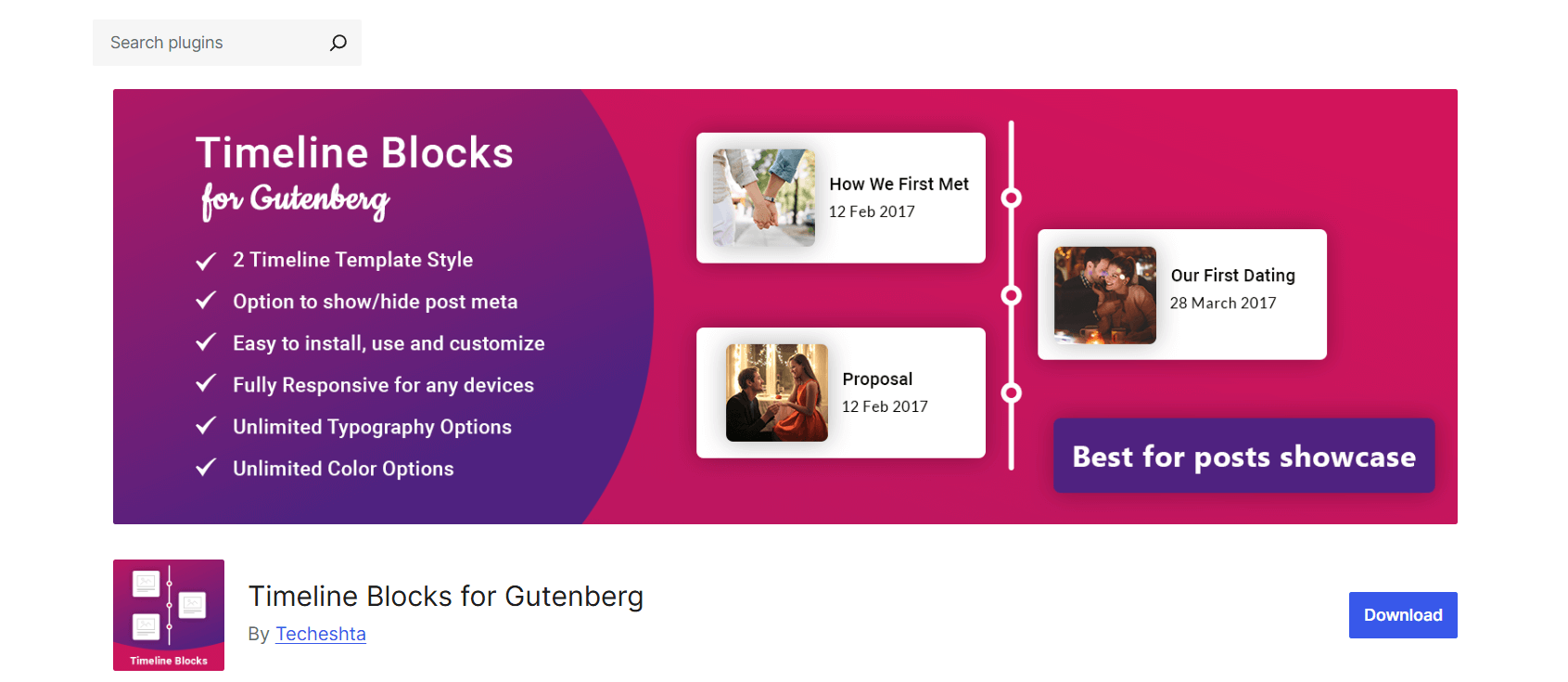
Timeline Blocks for Gutenberg is a lightweight Gutenberg add-on designed for modern WordPress sites. It lets you build clean, responsive vertical timelines without needing extra tools. With pre-made templates, it’s quick to set up and beginner-friendly.
Key Features
- Pre-Designed Templates: Start with two ready-made timeline layouts for quick setup.
- Post Meta Control: Show or hide post meta information like dates or categories.
- Simple Customization: Configure timeline blocks directly in Gutenberg without coding.
- Lightweight Code: Optimized for speed and compatibility with most WordPress themes.
- Responsive Layout: Works smoothly on desktops, tablets, and mobile devices.
- Sorting Options: Sort posts by newest, oldest, or even alphabetically.
- Featured Image Styles: Choose between landscape or square image formats.
- Post Showcase Flexibility: Use timelines for company growth, tutorials, job achievements, or events.
Best Use Case
Ideal for users seeking a Gutenberg-first timeline plugin. Great for showcasing posts, tutorials, or project milestones in a vertical timeline format with a modern, clean design.
Learn about the Best WordPress Lottie Animation Plugins for Smooth UX.
How to Choose the Right Timeline Block Plugin
Picking the right Timeline Block WordPress plugin depends on your goals, design needs, and editing style. Here are a few things to consider:
1. Design Needs
- Simple timelines: If you just need a clean way to show project milestones or blog posts, lightweight plugins like B Timeline or Timeline Blocks for Gutenberg work best.
- Advanced timelines: For complex designs with multiple layouts, animations, or multimedia, go with Cool Timeline or Timeline Block Pro.
2. Gutenberg-First vs. Standalone Plugins
- Gutenberg-first: Plugins like Timeline Block and Timeline Blocks for Gutenberg are built to work directly in the block editor. They offer a smooth, native editing experience.
- Standalone plugins: Tools like Cool Timeline also support shortcodes and popular page builders. They give you more flexibility but can be a bit more complex to set up.
3. Free vs. Premium
- Free versions: Great for basic vertical or horizontal timelines and responsive layouts.
- Pro versions: Unlock advanced themes, extra layouts, animations, multimedia support, and professional customization options.
4. Other Factors
- Page builder compatibility: If you use Elementor, Divi, or WPBakery, make sure your chosen plugin supports them.
- Performance: Lightweight plugins usually load faster and improve Core Web Vitals.
- Multimedia & animation: If you want storytelling with videos, images, or effects, choose a plugin that supports these features.
Read also PDF vs Document Viewer: Which Works Best for SEO and UX.
FAQs on Timeline Block Plugins for WordPress
1: Can I use multiple timeline plugins on the same site?
Yes, you can install more than one WordPress timeline plugin. However, avoid using two different plugins on the same page to prevent conflicts. Always test your site after activating new plugins.
2: Do timeline blocks work with all WordPress themes?
Most modern themes support timeline blocks, especially Gutenberg-based plugins like Timeline Block or Timeline Blocks for Gutenberg. Some plugins, such as Cool Timeline, may need small CSS tweaks to blend perfectly with your theme.
3: Are timeline plugins SEO-friendly?
Yes. Well-coded plugins are SEO-friendly because they keep content structured and readable. Plugins that allow custom HTML, headings, and semantic markup, like Timeline Block WordPress, can also improve search visibility.
4: Free vs. Pro: Do I really need to upgrade?
It depends on your needs. Free plugins cover simple timelines and basic customization. If you need advanced layouts, multimedia, animations, or extra themes, upgrading to Pro is worth it—especially for professional projects or company timelines.
Check out 10 Unique Content Types You Can Embed in WordPress Besides Videos.
Conclusion
Timelines are a powerful way to organize and present content in WordPress. Using Timeline Block Plugins makes it easy to turn regular posts and pages into interactive, visually engaging experiences that highlight events, milestones, or stories.
When selecting a plugin, consider your goals, design preferences, and customization needs. Simple timelines are perfect for straightforward storytelling, while plugins with advanced layouts, animations, and multimedia support are ideal for projects that require more visual impact.
The right Timeline Block Plugin can improve readability, add structure, and make your WordPress site more dynamic and engaging for visitors.

 Save 90%