
Media is the core of the modern WordPress website experience. Whether it’s images, videos, podcasts, or animations, visitors expect fast loading and smooth playback. But behind the scenes, media handling in WordPress can be tricky.
Traditionally, WordPress media processing happens on the server. When you upload a large video or a high-resolution image, the server must resize, compress, or convert it before publishing. On shared hosting or busy sites, this can slow things down. Uploads may time out. Formats like HEIC or big GIFs might not convert correctly. And all of it puts extra load on your server.
This is where WebAssembly in WordPress comes in.
WebAssembly (Wasm) is a type of code that runs in your browser at near-native speed. It can handle heavy tasks—like video conversion, image resizing, or client-side image compression—right on the user’s device. That means no need to send the file to the server first.
Shifting from server-side to WebAssembly media optimization in the browser can make WordPress media processing faster, lighter, and more reliable. It also opens the door to next-gen features like AI captioning, HEIC to WebP conversion, and GIF to MP4 conversion directly in the browser.
In this post, we’ll look at what WebAssembly is, how it connects to the WordPress Media Experiments initiative, and why it could shape the future of WordPress media.
Let’s get started.
What Is WebAssembly (Wasm) and Why It Matters for WordPress
WebAssembly (Wasm) is a low-level code format that runs in the browser alongside JavaScript—only much faster, close to native speed. It’s ideal for heavy tasks like video processing, image conversion, or running tools such as FFmpeg and libvips directly in the browser.
Traditionally, media tasks like resizing or converting files happen on the server, causing longer uploads, higher CPU load, and potential errors with large files.
Wasm moves these jobs to the client side, allowing videos to be compressed, poster images generated, or formats converted before they even reach the server—resulting in smaller uploads, faster workflows, and less hosting strain.
WordPress Media Experiments is exploring this with wasm-vips and ffmpeg.wasm, enabling client-side image compression, HEIC-to-WebP conversion, and GIF-to-MP4—all in the browser. Content creators benefit from instant previews and reduced waiting times.
In short, WebAssembly in WordPress delivers speed, efficiency, and better media handling. As browser support grows, its role in optimizing WordPress media will only expand.
Also learn Video Formats for WordPress Explained: MP4, WebM, OGV Compatibility Guide.
Modern Media Processing Use Cases Powered by Wasm
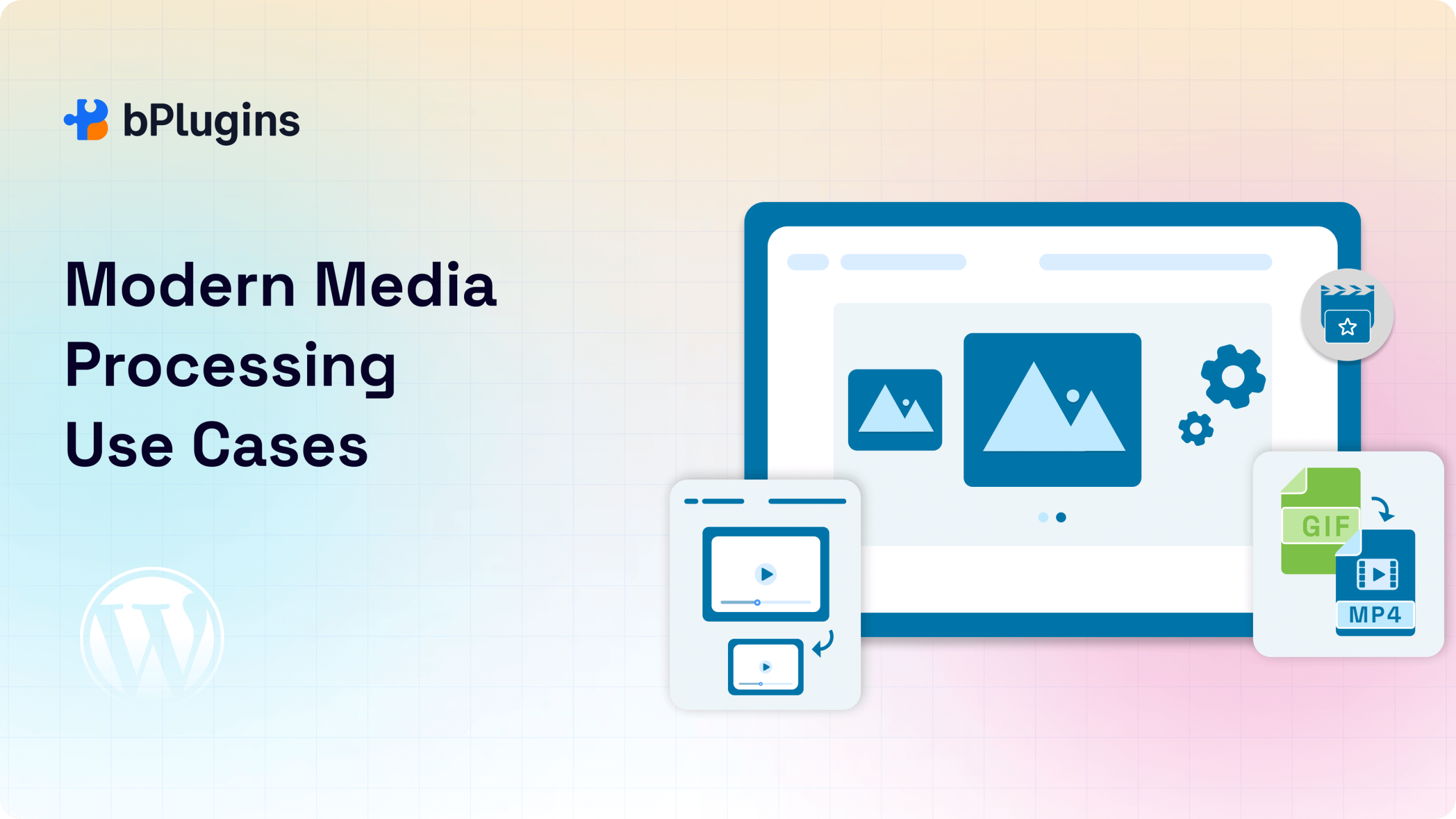
WebAssembly in WordPress unlocks media features that were once too slow or too dependent on server resources. By moving media processing into the browser, creators get a faster, more flexible experience with fewer upload errors.
Image Optimization
Modern devices often produce images in formats like HEIC, which many browsers don’t fully support. With Wasm-powered tools like wasm-vips, WordPress can convert HEIC to WebP or JPEG before the file is even uploaded. This reduces file sizes, improves compatibility, and keeps quality high.
Smart cropping also benefits from Wasm. Instead of sending large images to the server and waiting for scripts to crop them, users can make adjustments client-side for faster results and more control.
GIF to Video Conversion
Animated GIFs are popular but inefficient—they’re large and slow to load. Using ffmpeg.wasm, WordPress can convert GIFs to MP4 or WebM directly in the browser. This means smaller files, smoother playback, and better mobile performance.
Video and Audio Compression
Large video and audio uploads can be a headache. With WebAssembly media optimization, compression happens before the file reaches the server. This speeds up uploads, reduces bandwidth usage, and makes life easier for creators on slow connections or mobile data.
AI-driven Features
Wasm can even power lightweight AI tools in the browser. This opens the door to features like automatic caption generation or alt text creation—improving accessibility without relying on external services.
Format Conversion
WebAssembly can detect unsupported formats and convert them to more common ones before upload. For example, it can change OGG to MP3 or AVI to MP4 without needing third-party tools.
How Plugins Benefit
Plugins like HTML5 Video Player and HTML5 Audio Player can deliver faster load times, smoother playback, and better format fallback by using browser-side compression and conversion. This reduces reliance on external CDNs or media optimization services while keeping all processing under your control.
Performance & UX Benefits
Speed and responsiveness are critical in today’s content workflows. WebAssembly media optimization is both by moving processing closer to the user.
No More Upload Bottlenecks
Large files can cause server timeouts during upload or conversion. With Wasm, the heavy lifting happens in the browser, reducing the risk of failed uploads and cutting wait times.
Less Server Strain
Compressing and converting media takes significant processing power. Offloading these tasks to the client side lightens the load on your server, reduces crashes, improves site speed, and can even lower hosting costs.
Better Experience in the Block Editor
Because Wasm enables near-instant previews and background processing, media feels faster and more responsive. You can see how a cropped image or a converted video will look without waiting for server-side processing.
Mobile-friendly Editing
For creators working from phones or tablets, Wasm speeds up uploads and processes files locally. This is a huge advantage for vloggers, podcasters, and reporters who need to publish from the field.
Improved Playback with Media Plugins
Smaller, optimized files mean faster buffering and smoother playback in plugins like HTML5 Video Player and HTML5 Audio Player. Users get a better experience without depending on YouTube, SoundCloud, or third-party encoders.
Learn about Video Player Security in WordPress: Protecting Your Content from Theft.
Challenges and Technical Considerations
While WebAssembly in WordPress brings impressive speed and flexibility, it’s not without limits. Like any emerging technology, it comes with technical considerations that developers and site owners need to keep in mind.
SharedArrayBuffer and Cross-origin Isolation
To get the best performance from Wasm—especially for features like threading and memory sharing—browsers require SharedArrayBuffer support. For security reasons, this only works if your site uses cross-origin isolation headers. Many WordPress sites don’t have these enabled by default, so developers may need to add extra configuration to unlock full capabilities.
Memory Limits and Mobile Performance
Because Wasm runs in the browser, it shares resources with everything else on the device. On mobile or older hardware, available memory is limited.
Complex tasks like video encoding or high-resolution format conversion can push those limits, sometimes causing crashes or slowdowns. Lightweight processing works well, but heavy workloads may need fallback options.
Licensing and Open-source Compatibility
Some popular formats, such as HEIC or H.265, have licensing restrictions. This makes it tricky to include certain decoders in open-source WordPress plugins. Developers need to choose Wasm libraries that comply with WordPress’s licensing rules to avoid legal or distribution issues.
Browser Support and Fallback
Most modern browsers support WebAssembly, but there are exceptions. Older devices, certain enterprise setups, or restricted environments may lack full support. Plugins and themes using Wasm should provide fallback methods to keep the site functional for all users.
Despite these hurdles, the outlook is positive. Browser support is improving, and projects like WordPress Playground Wasm show just how far browser-based WordPress can go when WebAssembly is integrated effectively.
The Road Ahead: WebAssembly’s Long-Term Role in WordPress
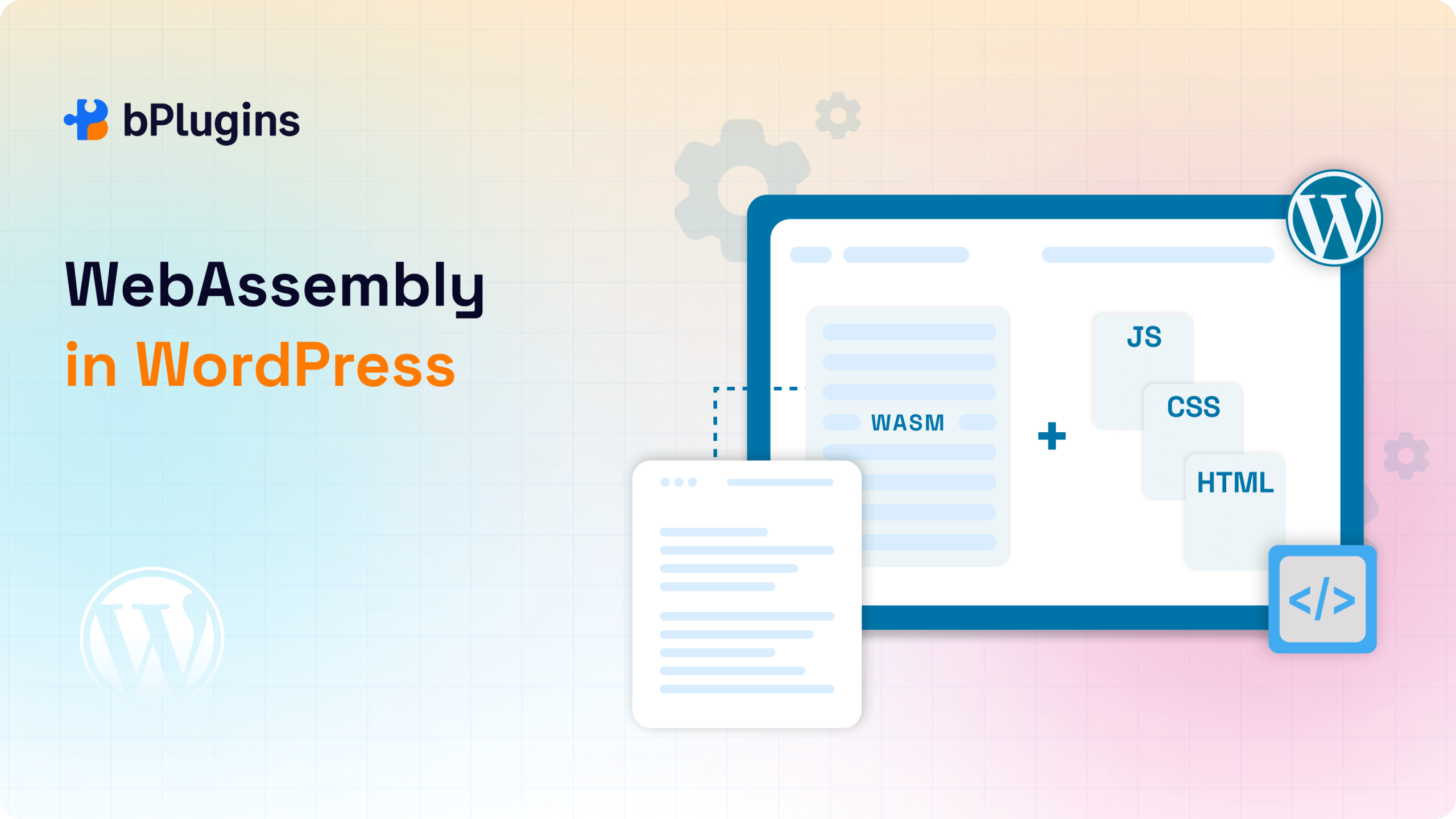
WebAssembly media optimization is already part of experimental WordPress features, but its potential goes much further.
Deeper Gutenberg Integration
Right now, Wasm powers early WordPress Media Experiments in the Gutenberg editor. In the future, it could be built directly into core features—powering live video previews, AI-assisted image optimization, and real-time format conversion. This would make next-gen media tools available without needing extra plugins.
Beyond the Editor: Media Library and Front-end
WebAssembly could improve how media works across the entire site. Imagine a media library that batch-converts, compresses, or transcodes files in the background. Or a front-end where users interact with video and audio instantly, without waiting for large downloads. These capabilities are well within reach.
Wasm + Edge Computing
Combining Wasm with WordPress edge computing platforms like Cloudflare Workers or Vercel Edge Functions could push performance even further. Instead of relying on one server, Wasm code could run at the network edge—closer to the user—for near-instant results. This would be a huge boost for global, media-heavy sites.
A New Type of Plugin Architecture
We may see hybrid plugins that combine PHP, JavaScript, and Wasm. These could ship with portable Wasm components for features like AI captioning in WordPress, waveform rendering, or real-time format fallback.
For plugins like HTML5 Video Player and HTML5 Audio Player, this could mean richer features delivered entirely in the browser.
Offline Editing with WordPress Playground
With WordPress Playground Wasm, users can run WordPress fully in the browser—no server needed. In the future, this could support offline editing, local media handling, and even publishing workflows. It’s a step toward a truly portable WordPress environment that works anywhere.
FAQs on WebAssembly in WordPress
Is WebAssembly supported by all browsers?
Most modern browsers support core WebAssembly features. However, advanced capabilities—like threading with SharedArrayBuffer support—require cross-origin isolation. Many WordPress sites don’t have this enabled yet, so some Wasm-powered media processing features may be limited.
Will client-side processing work on mobile devices?
Yes, for basic tasks like image compression or format conversion. But heavy operations, such as video encoding, can hit memory limits or slow down on older or lower-end devices.
How does licensing affect browser-based media conversion?
Some formats, like HEIC, rely on proprietary codecs. Open-source decoders such as libheif use LGPL 3.0, which isn’t fully compatible with WordPress’s GPL license. This can limit which conversions are possible entirely in the browser.
Can users without WebAssembly still view optimized media?
Absolutely. Most plugins provide fallback options, such as server-side compression or standard format delivery, so media remains accessible even without Wasm support.
What is WordPress Playground, and how does it relate to Wasm?
WordPress Playground Wasm is a browser-based sandbox that runs WordPress—complete with PHP and SQLite—entirely in the browser using WebAssembly. It’s a proof of concept for what’s possible with client-side processing, including the potential for offline WordPress editing and media handling.
Why should developers pay attention to WordPress Media Experiments?
Because they show what’s already possible: client-side image optimization, GIF to MP4 conversion in WordPress, AI-generated captions, and more. Many of these features could make their way into WordPress core in the future.
Conclusion: Future-Proofing WordPress Media
WebAssembly in WordPress isn’t just a speed boost—it’s a shift in how media is handled. By moving many processing tasks from the server to the browser, Wasm speeds up workflows, cuts hosting costs, and gives creators more control.
The WordPress Media Experiments project is testing client-side compression, AI captioning, and more. As this develops, expect faster uploads, smoother editing, and richer features.
Future plugins like HTML5 Video Player and HTML5 Audio Player will likely mix PHP, JavaScript, and Wasm for smarter playback, better format handling, and optimized performance, even on slow networks.
With expanding SharedArrayBuffer support and WordPress edge computing, WebAssembly media optimization will only get more powerful—delivering a faster, smarter, and more flexible WordPress media experience.

 Save 90%