
Creating video content takes time, effort, and often money. If you run a WordPress site with online courses, tutorials, product demos, or client work, protecting your videos should be a key focus.
WordPress makes it easy to upload and embed videos using plugins and page builders. But with that convenience comes risk.
Some users can download your videos using browser extensions. Others might copy your embed code and post the video on their own site. Screen recording is also a concern, and it’s one of the hardest problems to solve.
This guide is for anyone using WordPress who wants to improve video player security. We’ll look at common threats, review secure video hosting options, and explore tools that help keep your content safe. If your videos are private or paid, you’ll learn how to limit access and reduce the chance of leaks.
Let’s start by exploring the risks to watch for.
Understanding WordPress Video Player Security Risks
Before we get into how to protect your videos, it’s important to understand how people can steal or misuse your content. Many WordPress site owners don’t realize how easy it is for someone to download or share a video without permission.
Unauthorized Downloading
This is one of the most common risks. People often use browser extensions or download manager tools that can grab media files directly from a web page. If your video is served as a standard MP4 file, it’s vulnerable—even if you’ve hidden player controls or disabled right-click.
Direct File Access
Anyone who opens the browser’s developer tools can usually find the direct video URL. Once they have that link, they can download or share the video without visiting your site again. This is a big concern if you’re self-hosting videos without proper access controls.
Hotlinking and Unauthorized Embedding
Hotlinking happens when someone copies your video URL and embeds it on their own site. This not only exposes your content to an unintended audience but also uses your server’s bandwidth. Too much of this can slow down your WordPress site.
Screen Recording
Screen recording is hard to stop. A user can simply record what’s playing using built-in screen capture tools or third-party apps. While you can’t block this completely, you can discourage it with techniques like watermarking or limiting video quality for viewers who aren’t logged in.
Leaked Access (Password Sharing or Public Links)
If you run a membership site or sell access to video content, users might share their login details or direct video links. Once a link gets shared, anyone who has it could access your video—unless you’ve added restrictions like expiring URLs or domain locking.
Video Hosting Options and Their Security Levels
Where you host your videos has a big impact on how easy—or hard—they are to protect. Each option comes with different strengths and trade-offs, especially when it comes to control and security.
Self-Hosting
Self-hosting means uploading video files to your WordPress media library or storing them on your own server. You get full control, but that control comes with responsibility.
This method avoids third-party branding and gives you flexibility. But it’s also the least secure option. Anyone can view the page source, find the video URL, and download it. There’s no built-in protection.
Self-hosting also puts a heavy load on your server. If many users try to watch at once, your site may slow down or the video may buffer. For high-traffic or premium content, it’s not ideal unless you add extra protection.
YouTube or Vimeo (Free Plans)
YouTube and Vimeo are popular because they’re easy to use. Just upload your video, copy the embed code, and you’re done.
But when it comes to privacy, these platforms fall short. Even if you change visibility settings, your video can still be shared or embedded elsewhere. YouTube is designed for exposure, not security.
Vimeo offers slightly more control, like domain-level restrictions. But on free or basic plans, these features are limited. If you need real protection for paid or private videos, these plans likely won’t be enough.
Private or Commercial Hosting Platforms
If protecting your content is a priority, platforms like Wistia, Bunny.net, and Vimeo Pro are worth considering. They offer advanced security features built for professional use.
Some key features include:
- Signed URLs: Create links that expire after a certain time or are tied to specific users.
- Domain restriction: Only allow playback on approved websites.
- Encrypted streaming: Makes it much harder for download tools to capture the full video.
- Watermarking: Adds a visible overlay to discourage sharing or piracy.
These platforms integrate smoothly with WordPress using video player plugins or shortcodes. If you offer paid courses, membership content, or client work, this is a strong option.
Best WordPress Plugin for Securing Videos
Protecting your videos on WordPress starts with the right plugin. A good video player plugin should do more than just play videos—it should help control access, support watermarking, and integrate with secure video hosting.
HTML5 Video Player
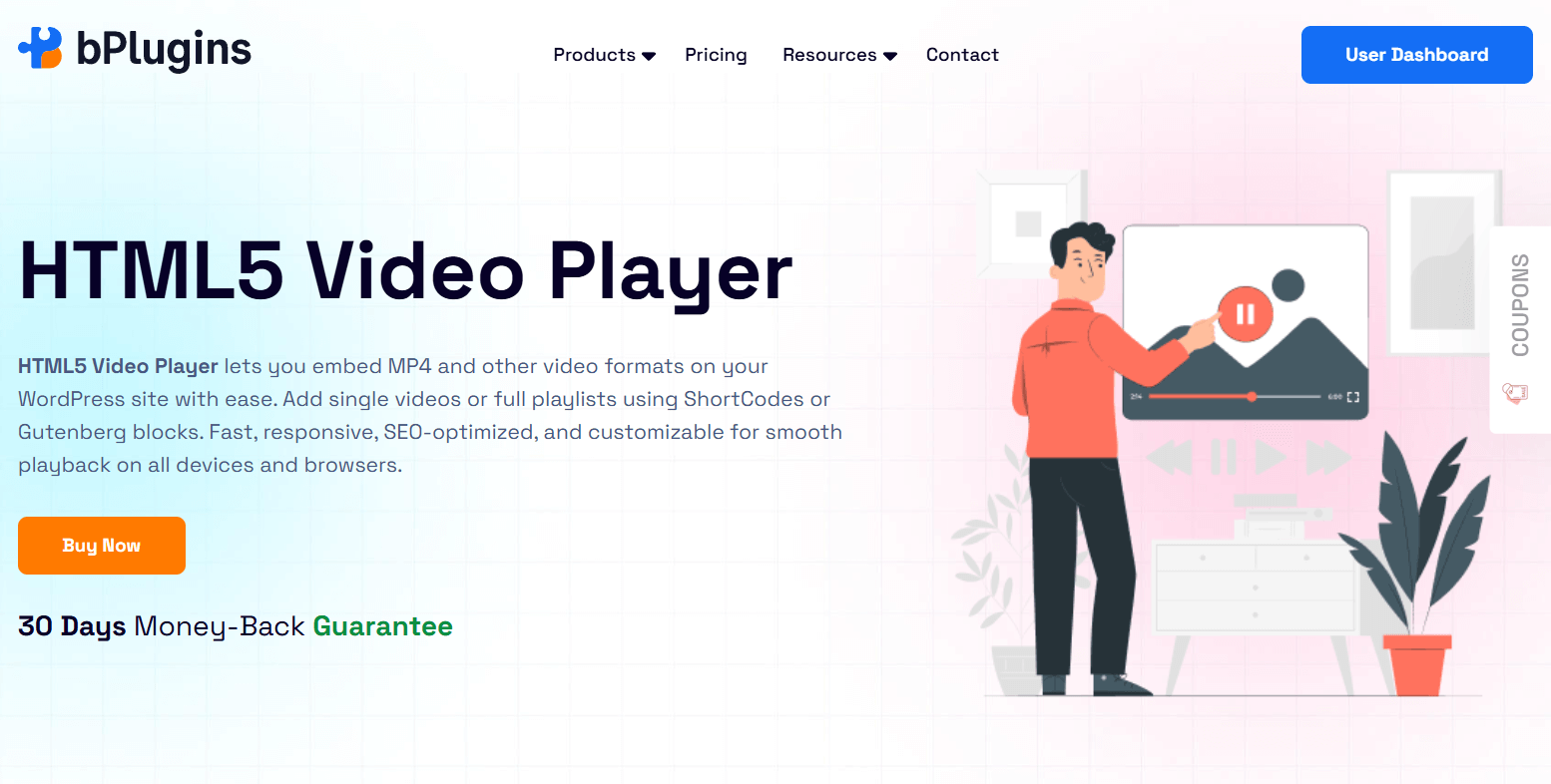
HTML5 Video Player is built with security in mind. It gives you more control over who can watch your videos while still offering a smooth, mobile-friendly experience. It works with MP4 files, streaming services, and self-hosted video sources, so it’s flexible for different use cases.
Here are some key security features the HTML5 Video Player offers:
- Signed URL Support: Generate expiring links to limit access to your video files. Once the link expires, it can’t be reused or shared.
- Domain Lock: Restrict playback to your own domain. This stops others from embedding your videos on their sites.
- Watermarking (Static & Dynamic): Add a watermark to discourage screen recording. Dynamic watermarks (like the viewer’s email) can help track leaks if your content is shared.
- Right-Click Disable: Turn off right-click on your video player. It won’t block advanced tools but adds a basic level of protection.
- Multiple Player Skins & Layouts: Match the player to your site’s design without compromising security.
- Shortcode Support: Embed secure videos anywhere—posts, pages, or custom layouts.
- Responsive & Mobile-Ready: Works smoothly on all screen sizes without sacrificing performance or protection.
If you manage premium content, online courses, or a membership site, HTML5 Video Player gives you the tools to keep your videos secure. It also integrates with Bunny.net, AWS, and other secure platforms, so you can use signed URLs and stream with confidence—without a complex setup.
Key Video Player Security Features
Where you host your video is just one part of the security puzzle. The video player you use also plays a big role. Here are the essential features to look for when choosing a secure video player:
Domain Restriction
This limits playback to specific domains, such as your website. If someone tries to embed your video elsewhere, it won’t play. It’s one of the easiest ways to block unauthorized sharing.
Encrypted Streaming (HLS, DASH)
Instead of serving the video as one downloadable file, encrypted streaming breaks it into secure chunks. This makes it much harder for download tools to grab the whole video. HLS (HTTP Live Streaming) and DASH are the most commonly used formats.
Signed URLs / Expiring Links
Signed URLs are time-sensitive or user-specific links. For example, you can generate a link that only works for an hour or for logged-in users. Once it expires, the video becomes inaccessible. This is one of the most effective ways to control access.
Disabling Right Click / Context Menu
This feature removes the right-click option from your video player. It may stop casual users from trying to download the video, but it won’t block more advanced tools. Think of it as a light deterrent—not a real security measure.
Watermarking (Static & Dynamic)
Watermarks add a visible overlay to your video, such as a logo or user email. Static watermarks stay in one place, while dynamic ones can move or display user-specific data. This helps discourage screen recording and unauthorized sharing.
Obfuscating Video URLs
Some video players can hide the direct video file link. This makes it harder to access or share outside your site. While it won’t stop determined users, it does help prevent casual downloads.
Playback Restrictions (IP, Geo, User Role)
Advanced players offer detailed access control:
- IP address: Limit access to certain networks or block specific IPs.
- Geolocation: Allow or block viewers based on their country or region.
- User role: Show videos only to logged-in users with the right permissions, like paid members or course students.
Best Practices for Protecting Video Content
There’s no one-size-fits-all solution for video security. The best protection comes from using multiple layers. Here are some smart, practical steps—especially useful for WordPress site owners.
Combine Multiple Security Features
Don’t depend on just one method like hiding the URL or disabling right-click. Use a combination of domain restrictions, signed URLs, encrypted streaming, and plugin-level settings. Each layer adds extra friction for anyone trying to steal your videos.
Watermark All Paid Content
If you’re selling videos or courses, always add a watermark. Even a static logo helps. A dynamic watermark (like the user’s email or username) makes screen recording less appealing and easier to trace.
Use Expiring Links for Sensitive Videos
Platforms like Bunny.net, Vimeo Pro, and AWS let you generate links that expire after a certain time or session. These links are much harder to share or abuse.
Avoid Hosting Premium Content on Public Platforms
Free services like YouTube or Vimeo aren’t made for secure video delivery. If you’re sharing private or paid content, use a commercial video host that supports access control and encrypted streaming.
Educate Your Users
Sometimes users don’t realize the harm in sharing passwords or links. Add a simple reminder in your welcome emails or member dashboards asking users not to share access. A little education goes a long way.
Also read: Video Formats for WordPress Explained: MP4, WebM, OGV Compatibility Guide.
Limitations and Realistic Expectations
Even with the best tools and settings, no system is 100% secure. It’s important to have realistic expectations when protecting video content.
You can’t fully prevent screen recording
Anyone can record their screen using built-in tools or third-party apps. There’s no guaranteed way to stop it. The goal is to make it less attractive by adding watermarks and controlling access.
Internal leaks are always a risk
Sometimes, the biggest threat isn’t a stranger—it’s someone who paid for access. A member might share their login or download your content. While you can’t fully stop this, using dynamic watermarks and tracking can help discourage it and identify the source of leaks.
Focus on deterrence, not perfection
Video security isn’t about making your content impossible to copy. It’s about making it difficult enough that most people won’t try. Think of it like locking your door. It won’t stop every intruder, but it keeps most people out.
Balance security with user experience
Too many restrictions can frustrate your viewers. Your videos should still load quickly, play smoothly, and work on all devices. The best security protects your content without getting in the way of your audience.
Check also PDF Security in WordPress: Protecting Documents from Download.
FAQs on Video Player Security
What is DRM, and why does it matter for video security?
DRM (Digital Rights Management) encrypts video streams and controls access with license keys. Only approved devices or users can view the content. It’s the most advanced way to stop copying or downloading.
How does HTML5 Video Player help secure WordPress videos?
It offers signed URLs, domain restriction, HLS encryption, and watermarking. These features work together to control access and discourage unauthorized sharing or downloads.
Can screen recording be stopped with watermarking?
Not entirely. Watermarking can’t block screen recording, but it discourages it. Dynamic watermarks that include user info (like an email address) can help you trace the leak.
What’s the difference between HLS encryption and DRM?
HLS encryption breaks your video into secure chunks, which blocks most download tools. DRM goes a step further by using license-based decryption, offering stronger protection for high-value content.
What is a signed (expiring) URL, and why should I use it?
A signed URL is a video link that only works for a limited time or under certain conditions—like when a user is logged in. This limits link sharing and helps protect your content.
Can someone leak my video by sharing their login or access links?
Yes. That’s why it’s important to use signed URLs, IP or role-based restrictions, and watermarking. These tools help reduce leaks and trace where they came from.
Should I host paid video content on YouTube or Vimeo?
No, not on free or basic plans. YouTube and free Vimeo accounts don’t offer the level of control needed for secure content. For better protection, use services like Vimeo Pro, Bunny.net, or Wistia that support domain restriction and encrypted streaming.
Conclusion
Protecting your video content in WordPress isn’t just about locking things down—it’s about keeping your hard work safe while still giving your audience a smooth experience. Whether you’re sharing courses, private training, or member-only content, a little security goes a long way.
Sure, there’s no magic fix that blocks every threat. But when you layer tools like signed URLs, domain restrictions, watermarking, and encrypted streaming, you make it much harder for people to misuse your videos.
If you’re looking for a plugin that does this well, HTML5 Video Player has you covered. It’s built for WordPress and gives you solid control over how your videos are shared and viewed.
At the end of the day, your goal isn’t to make your content uncopyable—it’s to make stealing it more trouble than it’s worth. With the right setup, you’ll keep your videos safe, your business protected, and your audience happy.

 Save 90%