
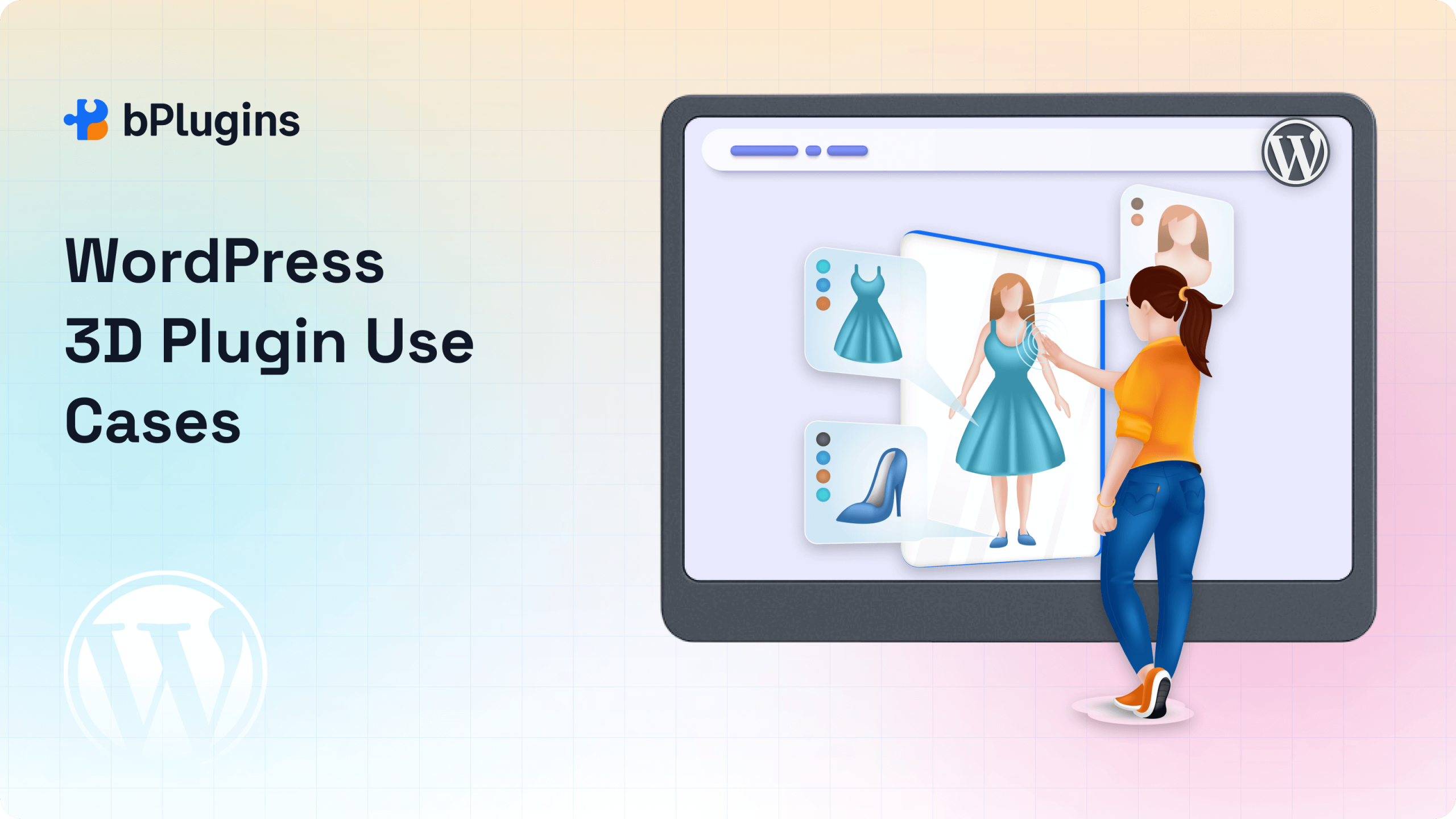
Interactive 3D content isn’t just for games or high-end design firms anymore. It’s quickly becoming a powerful way to create immersive, engaging experiences across a wide range of websites.
From online stores and portfolios to real estate listings and eLearning platforms, 3D elements can turn static pages into interactive, user-friendly environments.
Thanks to modern tools like the 3D Viewer plugin, adding 3D models to your WordPress site is now simple, even without coding skills. These plugins support common 3D formats and integrate directly with the WordPress editor, making it easy to embed models and customize their display.
In this post, we’ll share some of the most practical and creative WordPress 3D plugin use cases. Whether you’re aiming to boost product engagement, explain complex concepts, or showcase design work, these examples will help you make the most of interactive 3D content.
Let’s dive in.
Why Use a 3D Plugin in WordPress?
Using a 3D plugin in WordPress offers several benefits that go beyond just visual appeal:
- Interactive Visualization: Visitors can zoom, rotate, and explore 3D objects in real-time. This kind of interaction makes the content more engaging and informative.
- Better Product Understanding: Whether you’re showcasing a product, building, or technical component, 3D models help people understand what they’re looking at more clearly than static images.
- Increased Engagement and Conversions: Interactive content keeps users on your site longer, reduces bounce rates, and often leads to higher conversion rates.
- Simple Setup: Most 3D plugins work with Gutenberg blocks, shortcodes, or page builders. You can embed a model in just a few clicks, no coding required.
Popular formats like GLB, GLTF, and OBJ are widely supported and integrate well with modern WordPress themes.
If you want to showcase a product, prototype, or educational model, the 3D Viewer plugin is a great choice. It’s easy to use, responsive, lightweight, and supports major 3D file formats—making it simple to add interactive content to your WordPress site.
Top 5 WordPress 3D Plugin Use Cases
3D content isn’t just visually appealing—it’s practical. Whether you’re running an online store, showcasing creative work, or sharing technical designs, a 3D viewer helps bring your content to life. It lets visitors interact with your visuals in ways that static images can’t.
Here are five effective ways to use a WordPress 3D plugin on your website:
1. Showcasing 3D Product Models for eCommerce
Online shoppers often hesitate to buy items they can’t fully see. A 3D plugin solves this by letting you display interactive product models—like furniture, electronics, or accessories—right on your site.
Customers can rotate, zoom, and explore every detail. This creates an experience closer to shopping in a physical store. It builds trust, reduces product returns, and helps your store stand out in a competitive market.
Use Case Example: An online furniture store adds 3D models of sofas and chairs to product pages, allowing shoppers to view textures, dimensions, and angles before buying.
2. Architectural or Real Estate Model Previews
3D models are a game-changer for real estate and architecture websites. Instead of relying on floor plans or flat images, you can offer immersive previews of rooms, buildings, or layouts.
Visitors can take virtual walkthroughs or zoom in on details to better understand the space. This approach works well for both interior and exterior designs.
Use Case Example: A real estate agency embeds a 3D model of a new apartment, allowing potential buyers to explore the layout directly on the listing page.
3. Portfolio Display for 3D Artists and Designers
For 3D artists, animators, or digital sculptors, showing work in its true form is crucial. A WordPress 3D plugin lets you present your models interactively, right in the browser.
Instead of relying on screenshots or videos, visitors can examine your work from all angles. It’s a more immersive way to showcase your skill and attention to detail.
Use Case Example: A 3D modeler adds an interactive prop or character rig to their portfolio, letting clients explore the design up close.
4. Education and eLearning Materials
3D content can simplify complex ideas, making it a valuable tool for online education. Students can interact with anatomy models, science simulations, or historical artifacts right on the page.
This interactive learning helps deepen understanding, especially in subjects like biology, physics, or engineering.
Use Case Example: A science teacher embeds a 3D model of a human heart into a lesson, giving students the chance to rotate and inspect it during class.
5. Industrial or Engineering Prototypes
In manufacturing and engineering, visuals matter. Sharing 3D prototypes on your site can streamline feedback, client approvals, and internal collaboration.
Detailed 3D models help stakeholders explore components remotely without needing advanced software. Features like zoom and annotations add even more clarity.
Use Case Example: An engineering firm publishes a 3D model of a mechanical part, allowing clients to review the design and give feedback directly through the site.
Best Practices for Using a 3D Plugin
Adding 3D content to your WordPress site can boost engagement and create a more interactive experience. But to get the best results, it’s important to consider performance, accessibility, and usability.
Here are some key best practices to follow:
Optimize File Size for Faster Loading
Large 3D models can slow down your website, especially for users on mobile devices or slower networks.
To keep loading times short and performance smooth:
- Compress your 3D assets using tools like gltfpack or Blender’s export options.
- Use GLB files instead of GLTF when possible. They’re smaller and load faster.
- Limit polygon counts and texture sizes to what’s necessary for clear display.
- Host large files on a reliable CDN or enable lazy loading if your plugin supports it.
Smaller, optimized files load faster and improve the user experience.
Provide a Fallback for Mobile or Low-Power Devices
Not all users have devices that can render 3D content smoothly. To make your site more inclusive:
- Add a fallback image or video preview of the model.
- Include a notice or alternate content for browsers that don’t support WebGL.
- Use responsive design to ensure the 3D viewer adapts to all screen sizes.
This approach ensures all users can access your content, even if they can’t interact with the 3D model.
Use Annotations for Guided Exploration
Annotations help users understand what they’re looking at by adding context or labels to specific parts of a model. This is especially useful for educational or technical content.
- Highlight key features with text labels, markers, or hotspots.
- Add extra context, such as dimensions, materials, or functions.
- Use clickable tooltips or modals (if supported by your plugin) to guide users.
Well-placed annotations can turn a basic 3D model into a guided, informative experience.
Ensure Cross-Browser Compatibility
Most modern browsers support WebGL, but rendering can still vary. To make sure your 3D content looks consistent:
- Test your models on Chrome, Firefox, Safari, and Edge.
- Avoid using browser-specific features or experimental WebGL settings.
- Choose a plugin that follows open standards like glTF for broad compatibility.
This helps avoid broken models or display issues for some users.
Make Accessibility a Priority
3D content is visual by nature, but it’s still important to consider accessibility. Here’s how you can make your 3D models more inclusive:
- Provide alt text or captions for your models.
- Support keyboard navigation, especially for interactive features.
- Offer text-based summaries or downloadable files for users who can’t access 3D content.
Even small steps toward accessibility can expand your audience and improve your site’s overall usability.
FAQs About Using 3D Plugins in WordPress
1. What is the best way to use 3D models in WordPress?
The easiest and most effective way is to use a dedicated 3D viewer plugin that supports modern formats like GLB and GLTF. These plugins usually offer Gutenberg blocks, shortcodes, or widgets so you can embed models without writing code.
Look for one that supports responsive design, customization options, and fallback content for older devices.
2. Can I upload GLB or GLTF files to WordPress directly?
Yes, but not by default. WordPress blocks these file types for security reasons. You’ll need to either:
- Use a plugin that allows uploading GLB/GLTF files, or
- Upload them via FTP or a third-party service (like AWS S3 or Dropbox), then embed them using a 3D viewer plugin.
Make sure your hosting supports WebGL so the models display correctly.
3. Is it SEO-friendly to embed 3D models?
3D content isn’t directly crawlable by search engines, but it can still support SEO if you:
- Add alt text and descriptive captions
- Use semantic HTML around the viewer
- Provide text context or explanations near the model
- Keep file sizes small to avoid hurting page speed
Well-optimized 3D content can lower bounce rates and keep users engaged, both good for SEO.
4. Do 3D viewers slow down websites?
They can, especially if your models are large or not optimized. To maintain fast performance:
- Compress your 3D files before uploading
- Use lazy loading where possible
- Host large assets on a CDN or external server
- Choose plugins that offer performance settings or GPU acceleration
Following these steps will help your site stay fast while using rich, interactive content.
5. What industries benefit the most from 3D plugins in WordPress?
3D content is valuable wherever visuals and interactivity matter most. Common use cases include:
- E-commerce: Showcasing products from all angles
- Real Estate and Architecture: Property walkthroughs and building previews
- Education and eLearning: Interactive models for learning
- Manufacturing and Engineering: Displaying prototypes or machine parts
- Creative Portfolios: Letting 3D artists present their work interactively
These industries can use 3D plugins to boost clarity, engagement, and user trust.
6. Do I need coding knowledge to embed 3D models in WordPress?
Not at all. Most modern 3D viewer plugins are designed for non-developers. They come with user-friendly interfaces, Gutenberg block support, or shortcodes. You just upload your model and adjust the settings visually—no coding required.
Conclusion
Adding interactive 3D content through plugins opens up exciting possibilities for your WordPress site. Whether you’re presenting a product, illustrating a technical idea, or sharing creative work, 3D viewers offer a fresh and engaging way to connect with your audience.
Tools like 3D Viewer make it easy to implement these ideas—no custom development required. As visual content becomes more important across industries, now is a great time to explore the full potential of WordPress 3D plugin use cases.
Try embedding a model based on your goals. Experiment with different layouts, features, and annotations. With the right setup, even a single 3D model can turn a basic page into a standout experience that keeps visitors engaged.

 Save 90%