
Adding 360-degree content to your website is a great way to grab attention and keep visitors interested. Unlike regular images, panoramic views let people explore a scene from every angle. It feels more real, more engaging, and more memorable.
With the help of panorama viewer WordPress plugins, it’s easy to bring this experience to your site. These tools let you upload and display 360-degree photos, videos, or even full virtual tours—no special skills needed.
This kind of content is especially useful for industries like real estate, tourism, e-commerce, and education. It helps showcase spaces, products, or destinations in a more interactive and detailed way. Visitors can look around, zoom in, and get a feel for what you’re offering.
In this guide, you’ll find the best 360 panorama viewer WordPress plugins for 2025. We’ll break down what each plugin offers and help you decide which one fits your goals, whether you want something simple or a more advanced tour builder.
Top 360 Panorama Viewer WordPress Plugins
These five plugins help you add panoramic photos, videos, and interactive scenes to your WordPress site. You can choose a simple block for basic use or a full-featured plugin for creating virtual tours, depending on what you need to show, like real estate, products, or travel locations.
1. Panorama Viewer
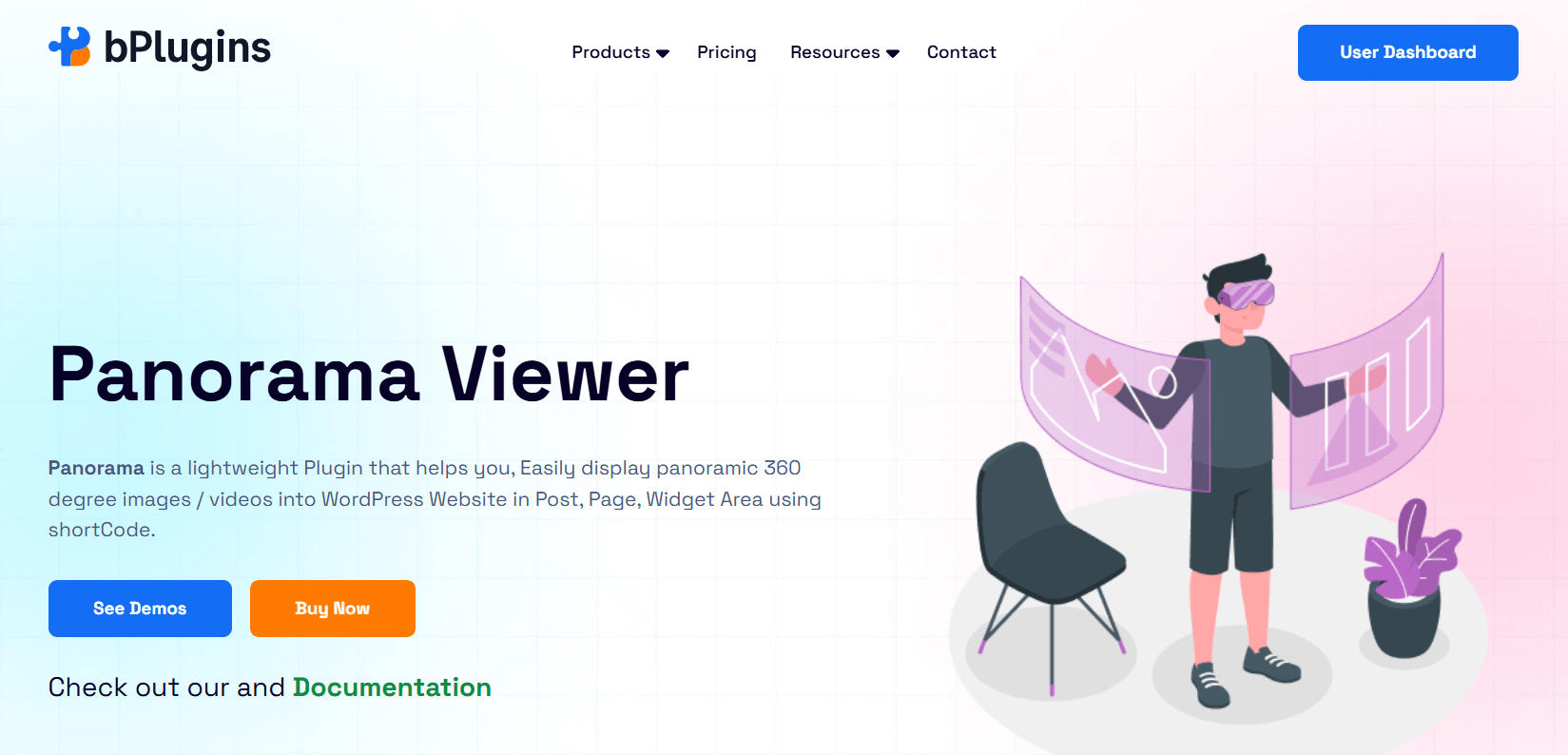
Panorama Viewer is an intuitive and lightweight WordPress plugin for displaying 360° images and videos. You can embed panoramas within posts, pages, widget areas, and WooCommerce product pages.
It’s fully customizable, allowing you to control rotation, drag behavior, compass visibility, and display settings for titles and authors.
Key Features
- Media Support: Embed 360° images, standard images, and panoramic videos from your media library or external URLs.
- Auto-Rotation and Initial View: Set auto-rotation speed and define the starting angle for enhanced engagement.
- Custom Controls: Enable or disable fullscreen mode, compass, mouse drag, zoom, and keyboard navigation for tailored interaction.
- 360° Gallery and Tour Support: Create interactive galleries and virtual tours with hotspot navigation and sortable media layout (Pro).
- Google Street View Integration: Display Street View scenes using Panorama ID with interactive controls (Pro).
- Responsive and Lightweight: Optimized for fast loading and seamless performance across all devices.
- Elementor Compatibility: Easily embed content using shortcodes within Elementor or any page builder.
- Mobile and Touch Support: Smooth user interaction on smartphones and tablets.
Verdict
Panorama Viewer is a solid all-around option for adding panoramic media to WordPress sites. With a user-friendly setup and versatile feature set, it’s ideal for real estate agents, educators, travel agencies, museums, and online stores.
The Pro upgrade unlocks advanced viewing capabilities for users looking to build more immersive, interactive content.
2. WP VR
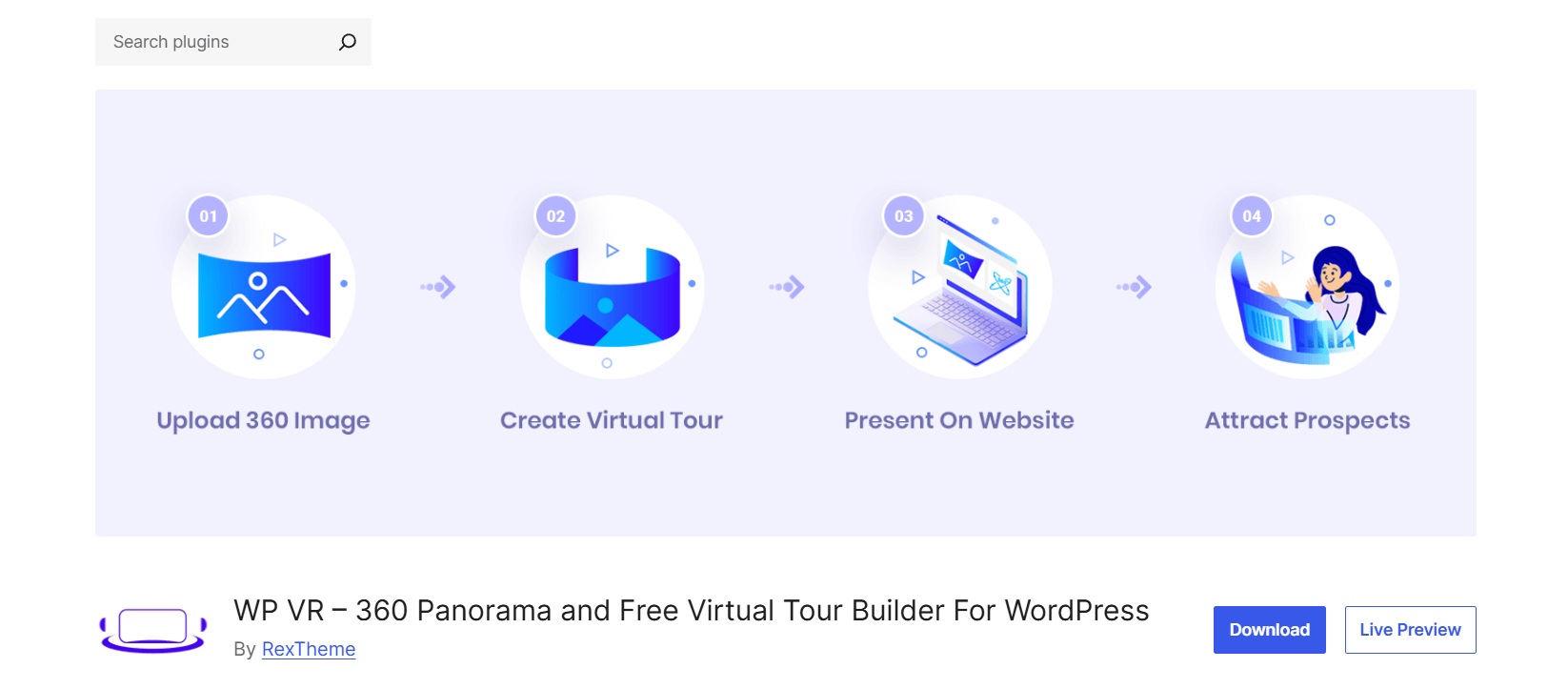
WP VR is a powerful and user-friendly plugin for building interactive virtual tours using 360° panoramic images and videos. Designed with a mobile-first and no-code approach, it allows real estate agents, educators, retailers, and more to showcase locations with immersive VR-style walkthroughs.
Visitors can explore multiple scenes, interact with hotspots, and even use VR headsets for a truly engaging experience.
Key Features
- Panorama Tour Builder: Create virtual tours using multiple 360° images with scene-to-scene navigation and info hotspots.
- Media Support: Embed 360° images, self-hosted or external 360° videos (including YouTube/Vimeo), and use high-res files over 3000px.
- Interactive Hotspots: Add text, images, GIFs, videos, links, or buttons with customizable icons and hover/click actions.
- Floor Plan Integration (Pro): Add clickable floor maps to help users navigate virtual spaces.
- VR & Cardboard Support (Pro): Enable VR mode with support for headsets like Google Cardboard for immersive experiences.
- Mobile-Optimized Viewing: Auto-resize media, set mobile-specific tour height, and show notices for smartphone users.
- Password Protection: Create private tours restricted to selected users—ideal for premium clients or internal showcases.
- Analytics Dashboard (Pro): Track your views, hotspot interactions, and performance by date range.
Verdict
WP VR stands out as a comprehensive virtual tour builder with unmatched flexibility across use cases and platforms. With deep integrations for Elementor, Gutenberg, Divi, Oxygen, and Visual Composer, plus a generous free version, it’s ideal for businesses looking to offer immersive site experiences.
The Pro version adds enterprise-level tools like analytics, VR headset support, and branded sharing options—perfect for real estate, tourism, education, and more.
3. Algori 360 Image
Algori 360 Image is a lightweight Gutenberg block plugin that lets you add a single interactive 360° image to your WordPress pages or posts.
Ideal for quick visual enhancements, it supports various panoramic image formats and VR headsets, making it a simple yet effective tool for immersive visual storytelling.
Key Features
- Gutenberg Block Support: Easily insert a 360° image into your content using a dedicated block in the block editor.
- Media Support: Add spherical, panoramic, equirectangular, or full-sphere 3D images in JPG format.
- Device & Input Compatibility: Works with mouse, touch gestures, and supports zoom via pinch gestures on mobile.
- VR Headset Integration: Compatible with popular VR headsets including Vive, Oculus Rift, Daydream, GearVR, and Google Cardboard.
- Modern Browser Support: Works seamlessly on Chrome, Firefox, Safari, and Edge without requiring Flash.
- Performance Note: Limited to displaying one 360° image per page—best for simple, focused use cases.
Verdict
Algori 360 Image is best suited for WordPress users seeking a no-frills solution to display a single 360° image per page.
Its ease of use and VR headset compatibility make it great for 360 product showcases, travel blogs, or event previews where one immersive visual is enough to tell the story.
4. iPanorama 360
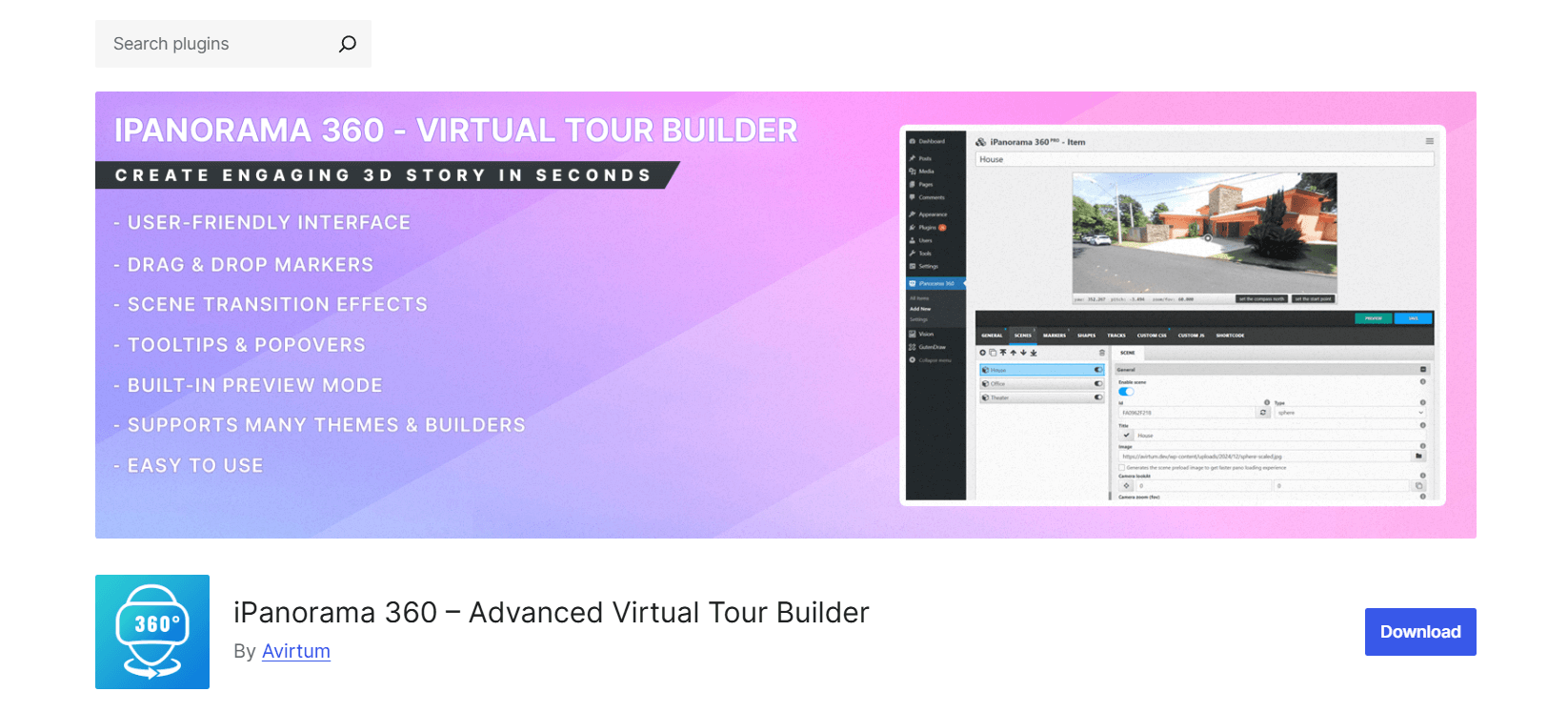
iPanorama 360 is a comprehensive virtual tour builder plugin for WordPress that enables users to create multi-scene, interactive tours directly within the admin interface.
With built-in support for markers, tooltips, popovers, and scene transitions, it’s designed for users who need more than a single panoramic view—ideal for real estate, museums, schools, and other location-based presentations.
Key Features
- Gutenberg Block + Shortcode Support: Easily insert tours via a dedicated block or use the [ipano id=”123″] shortcode for classic editor compatibility.
- Virtual Tour Builder Interface: Create, preview, and customize tours using a drag-and-drop scene builder.
- Multi-Scene Support: Connect multiple panoramic scenes (Flat, Sphere, Cube, Little Planet, Google Street View) via interactive markers and scene transitions (fade, zoom, twist, etc.).
- Rich Marker Content: Add text, images, videos, or external media via tooltips and popovers (inbox/lightbox styles), with over 50 animation options.
- Embed Options: Use iframe embed to share tours on third-party websites or external platforms.
- User Role Permissions: Fine-grained access controls for authors, editors, and administrators to manage who can create, edit, or view tours.
Verdict
iPanorama 360 is a robust solution for creating immersive, multi-scene virtual tours in WordPress. Its advanced features make it well-suited for commercial applications like real estate listings, galleries, educational campuses, or product showrooms where interactive navigation and visual storytelling are essential.
5. Panorama Block
Panorama Block is a lightweight Gutenberg plugin that allows you to embed 360° panoramic images or videos directly into your WordPress content. It’s very easy to use and supports common panoramic formats like .png, .jpeg, and .mp4, making it ideal for users who want quick results without any technical setup.
Key Features
- Gutenberg Block Integration: Seamlessly add 360° images or videos using a dedicated block in the WordPress editor.
- Media Support: Compatible with standard panoramic formats including .jpeg, .png, and .mp4.
- Ease of Use: No coding skills required—upload your media, adjust settings, and publish.
- Customizable Settings: Offers basic display options to tailor the viewer’s look and behavior to fit your layout.
Verdict
Panorama Block is best suited for users who want a simple, no-frills way to display panoramic content in WordPress. It’s especially useful for bloggers, portfolio sites, or small businesses looking to add immersive visuals without needing a full virtual tour builder.
Essential Criteria for Picking the Right Panorama Viewer Plugin
Choosing the best panorama plugin for your WordPress site depends on several key factors. These criteria help ensure the plugin not only meets your visual needs but also performs reliably across different devices and environments:
Compatibility with WordPress Versions and Themes
A good panorama plugin should work seamlessly with the latest version of WordPress and be compatible with most popular themes. Poor compatibility can cause layout issues or prevent features from working as intended.
Ease of Use and Integration
Look for plugins that integrate smoothly into your workflow, especially if you use Gutenberg or page builders like Elementor. A dedicated panorama block or user-friendly settings panel can significantly reduce setup time and the learning curve.
Support for Various Media Types (Images, Videos)
Depending on your content needs, you may want a plugin that supports both 360° images and videos. This is especially useful for immersive virtual tours, product demos, or promotional experiences.
Customization Options and Responsiveness
Customization is crucial for matching the panorama viewer to your website’s design and user experience. Check for features like auto-rotation, zoom controls, hotspot markers, and responsive layouts that adapt to different screen sizes.
Performance and Loading Speed
Panoramic media files can be large, so performance matters. The plugin should optimize file loading and maintain fast rendering times, especially on mobile devices and slower connections. Lightweight plugins or those with lazy-loading capabilities are a plus.
Frequently Asked Questions about WordPress Panorama Plugins
If you’re considering adding 360-degree panoramic images or virtual tours to your WordPress site, you probably have some questions. Below are answers to the most common questions about using panorama plugins, compatibility, features, and ease of use.
Can I use these plugins with any WordPress theme?
Yes, these plugins are designed to work with most WordPress themes, especially those that support Gutenberg blocks.
Do these plugins support mobile devices?
Yes, all these plugins are mobile-friendly and support touch gestures for smooth interaction on smartphones and tablets.
Are there free options available for displaying 360-degree content?
Yes, most plugins offer free versions with basic features, while advanced options and additional features usually require a premium upgrade.
Can I add multiple 360° images on a single page?
Most plugins, like Algori 360 Image, support only one 360° image per page. For multiple scenes or images, consider plugins like Panorama Viewer, iPanorama 360 or WP VR.
Do these plugins support 360° videos?
Some plugins, such as Panorama Viewer and WP VR, support 360° videos, while others focus mainly on images.
Is VR headset compatibility common among these plugins?
Yes, many plugins support popular VR headsets like Oculus Rift, Vive, Google Cardboard, and others for immersive viewing.
Do I need any coding knowledge to use these plugins?
No coding is required. These plugins are user-friendly and built to work with WordPress editors like Gutenberg, making them accessible to users of all skill levels.
Conclusion
Each of these plugins brings something useful. Some are simple blocks for adding 360-degree images. Others help you build full virtual tours with interactive scenes and custom controls.
Think about what you need, how comfortable you are with the setup, and the kind of experience you want to create for your visitors.
If you’re looking for a reliable option that’s easy to use but still offers strong features, the Panorama Viewer plugin is a solid choice. It supports many media types, works well on all devices, and can grow with your site.
Whichever plugin you choose, adding 360-degree content is a smart way to grab attention, keep visitors engaged, and show your space or products in the best light.

 Save 90%